I was recently contracted to perform a roof survey of a property and as standard practice I gather images for an orthomosaic of the property in addition to other images. I have never had a problem producing an orthomosaic with ODM (other than my own user error) until today. The images look fine but the resulting ortho is unusable (see attached). My suspicion is that reflection from the solar panels on the roof resulted in the failure. The lighting was heavily overcast and not long before capturing the images it was foggy. Has anyone else experienced this issue? Any ideas on how to resolve the issue?
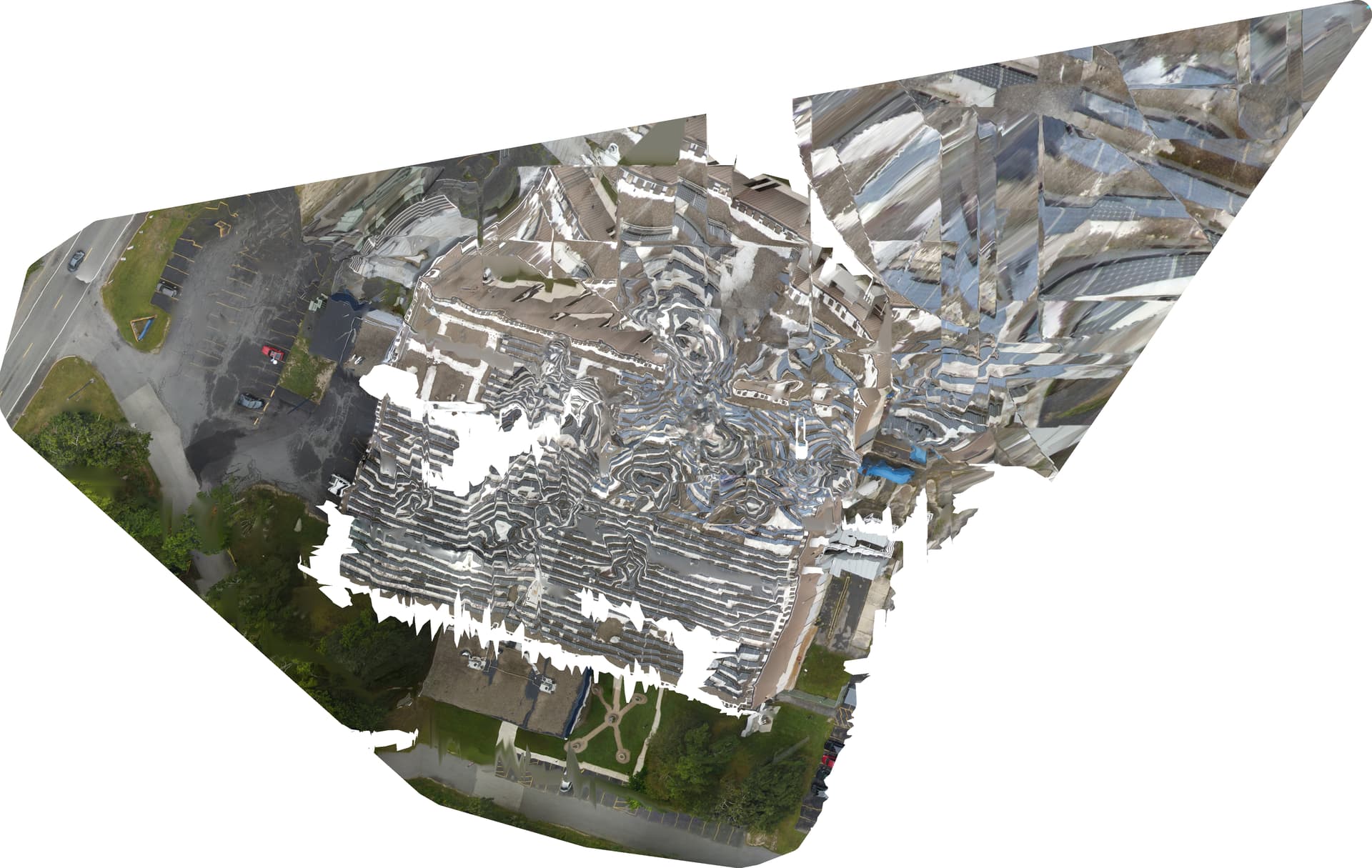
Forgot to include the command line:
run d:\DroneMap --max-concurrency 2 --skip-3dmodel --dtm --dsm --smrf-window 3 --smrf-threshold 3 --rolling-shutter --camera-lens brown
Welcome!
Can you tell us a bit more about the data itself?
What camera? What was your flight plan?
Can you upload the Report PDF and the Task log?
Yes, but I am now thinking it is a GPS issue. I am going to dump the GPS data from each image to ensure they are consistent with the track.
report.pdf (8.6 MB)
For the task log do you mean “log.json”? I am not able to upload .json or .zip files.
Yeah, that one is great. You can change the extension to txt or copy/paste it into a post between the code block tags of three starting and three ending grave marks.
Looking at the report, it looks like both overlap and sidelap might be insufficient.
I just extracted the GPS data and all looks pretty normal. I calculated the distance between each image and it was as expected (about eight meters).
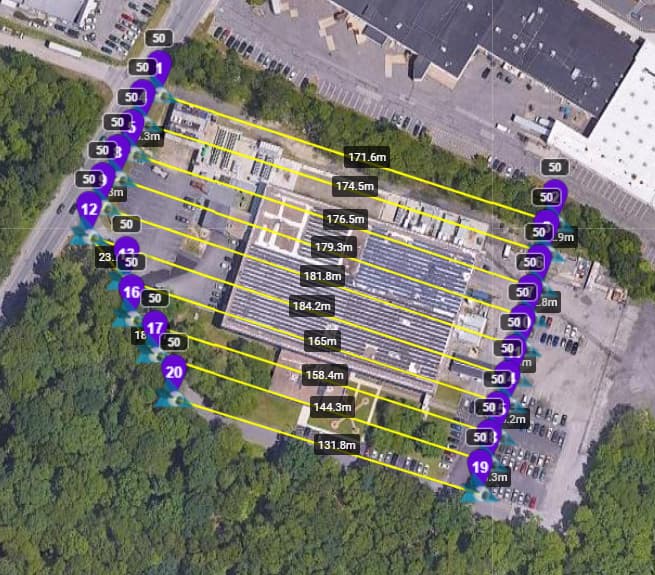
The images were captured at 50m (AGL), my parallel tracks were approximately 13m apart, and images were captured every 8m (verified by GPS extract). The camera has a 84 degree field of view. By my calculations for 50m height and 84fov, I get track offset of 14.4m, 10.8m for 80% overlap. I have used the same calculations before without issue. (I have a Powershell script which generates the metrics.)
There were two random images which got included and you can see them as outliers on the report. I removed them and tried running again with the same command line. As expected, the result was about the same as those two images had been excluded anyway.
What is really strange is why the resulted original tif has a large aberration on it to the upper right. The area of the track as you saw in the report does not cover that area. This is why I was thinking a GPS issue but at this point I am pretty sure it is not. The green box is the approximate area where the images were captured.

I tried changing the extension to .txt and it still would not permit me to upload. Here you go:
Can you re-try on a current release at Defaults and then re-share the results?
Happy to. I was thinking I was on the current release but thinking about it I cannot remember when I last updated. I will verify versions and proceed to run on the latest as suggested.
Thanks!
I am going to run the following: run d:\DroneMap --max-concurrency 2 --skip-3dmodel --rolling-shutter
I limit the threads for memory reasons and I have other stuff to do. Let me know if this is not OK.
max-concurrency and rolling-shutter are perfectly fine to include, I think.
I am a bit on the fence about skip-3dmodel, but its inclusion is consistent with your prior runs, right? So, you can keep it for this as well.
The run completed a short while ago and the result is better but still weird. Certainly not ready for a client.
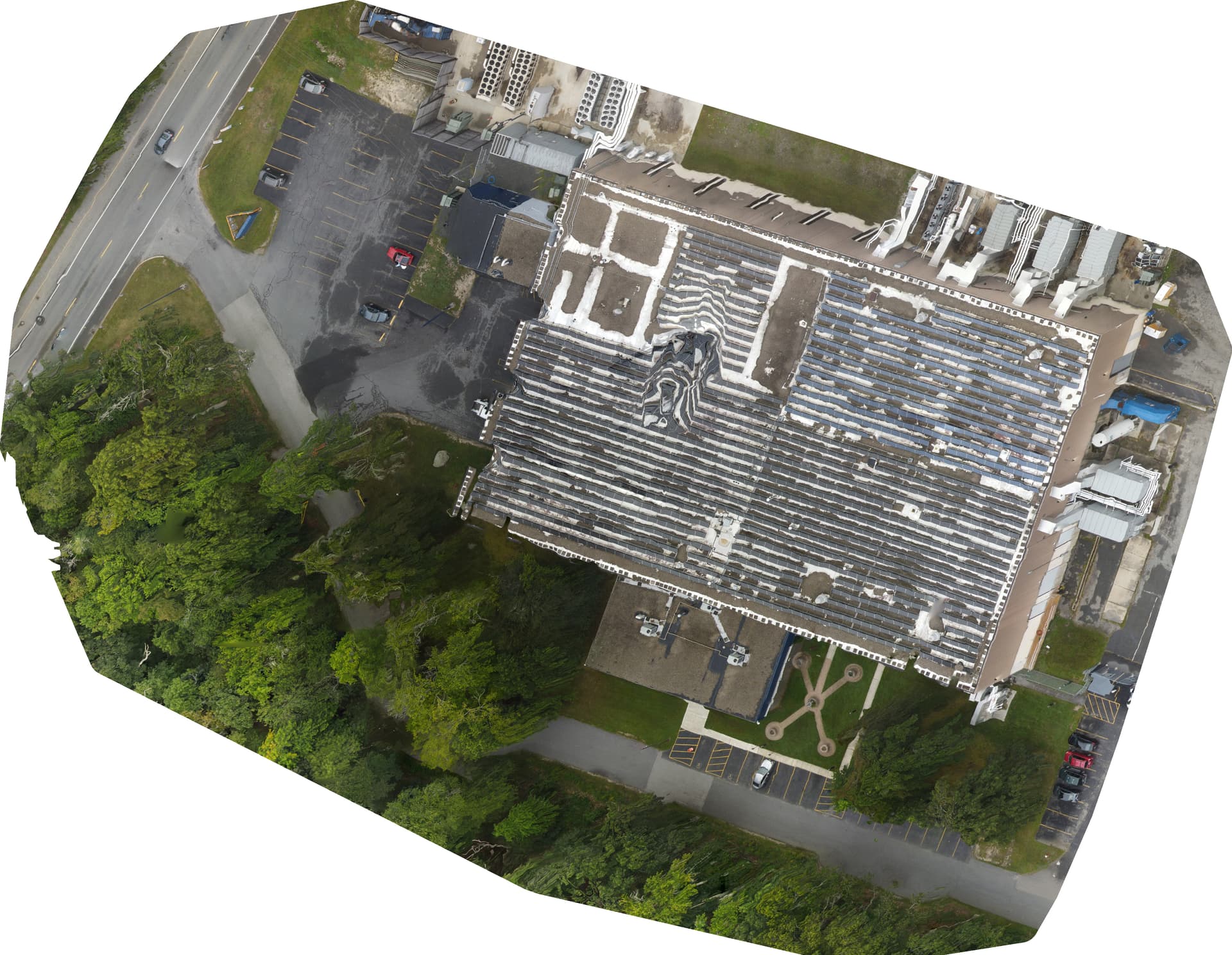
I am back to thinking the solar panels and lighting conditions (flat) may be part of the issue.
I will run without skip-3dmodel and rolling-shutter and report back later. It will take longer with the 3d model.
Flat/overcast lighting is actually ideal, so I don’t think that’s it.
I still think overlap/sidelap might be a bit low.
You can try forcing feature-quality to high/ultra, min-num-features up to something like 15k or 25k, and try again.
I agree on lighting (flat/overcast) for ortho stuff. The only differences between this site and others I have worked on is the large number of solar panels and foggy weather. I am not sure how the fog may impact things as well. It did clear a little before I flew the ortho track.
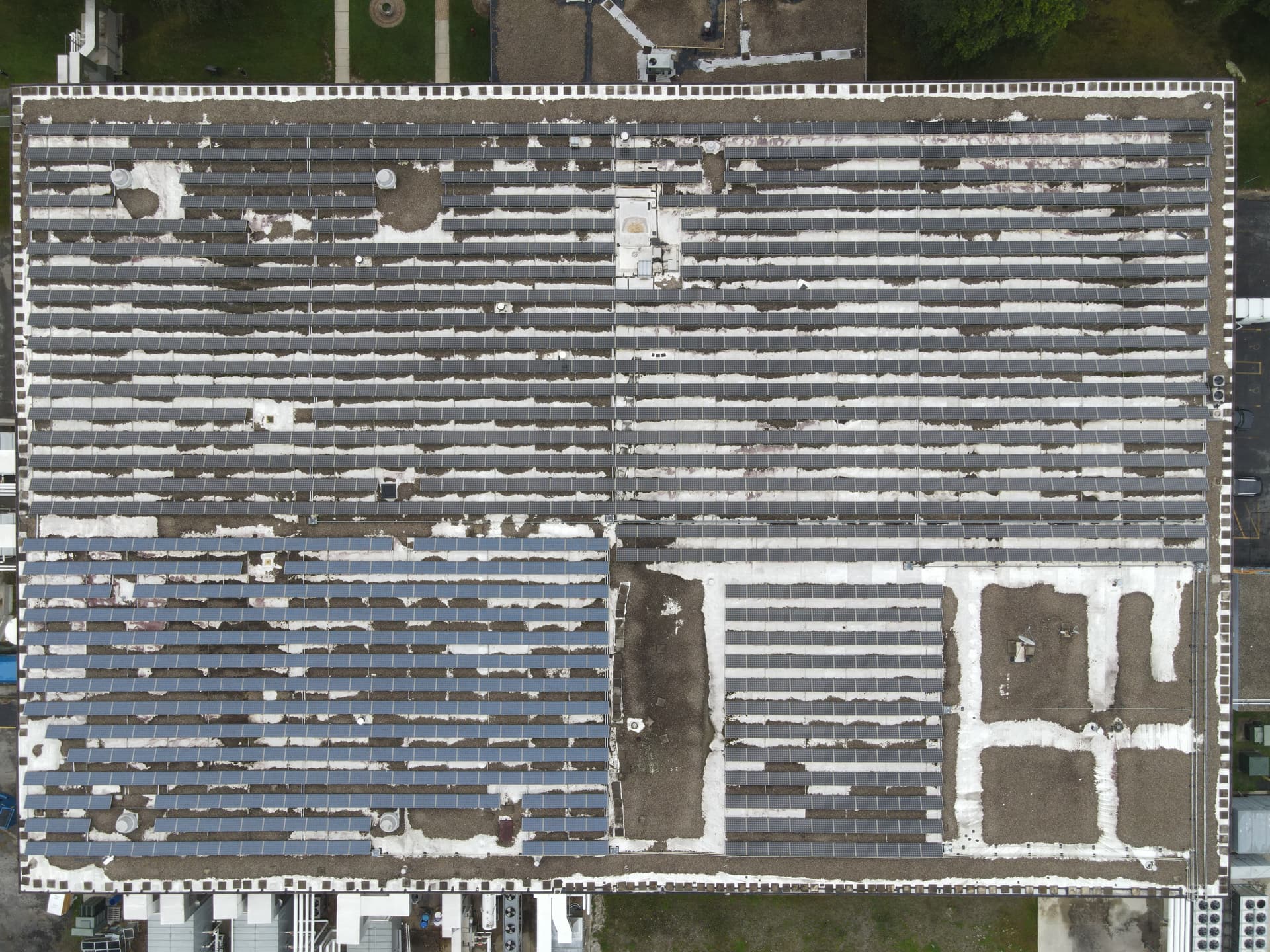
Taken from 81m AGL:
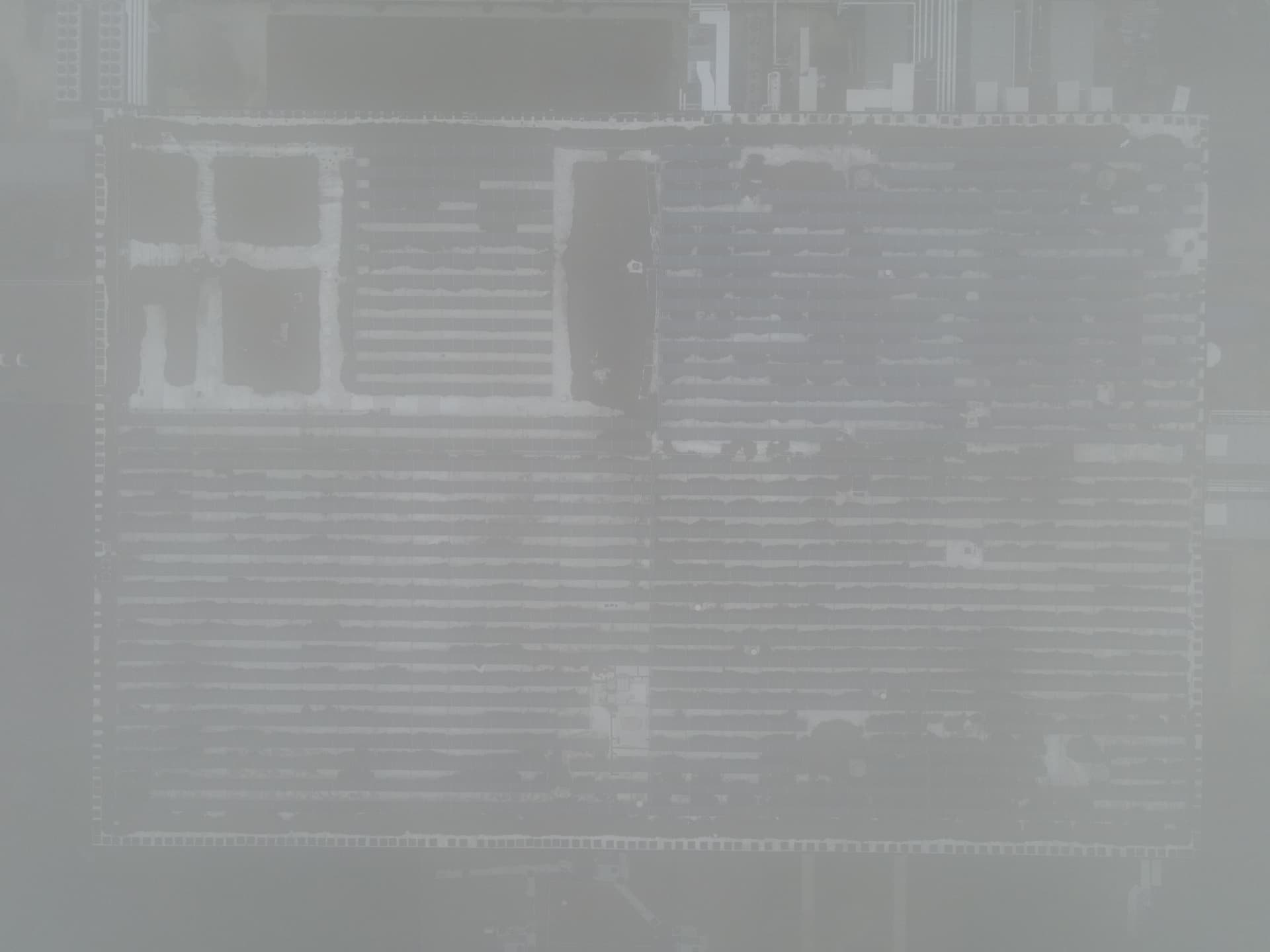
Perhaps if I am near the site again, I will regenerate the images with greater overlap (>80%) and see if that resolves the issue. I am curious and would hate to have this happen when I really need the output. In this case, the primary focus of my ariel imaging work was not an ortho, but I typically capture the images just in case someone wants it later.
I will give the suggested parameter changes a try as well. If I learn anything, I will post it up.
Yeah, wow, those images are very low feature.
I misunderstood you, I apologize. I thought you meant overcast at the cloud level, which is excellent. This is much more challenging 
You can try some light pre-processing to increase local contrast and global contrast, if the output isn’t calibrated.
The prior image was a single image of the roof and not a part of the ortho images.
I took the ortho images from 50m and it had cleared some. They are much cleaner as you can see, but still a little fuzzy but not too bad. An example:
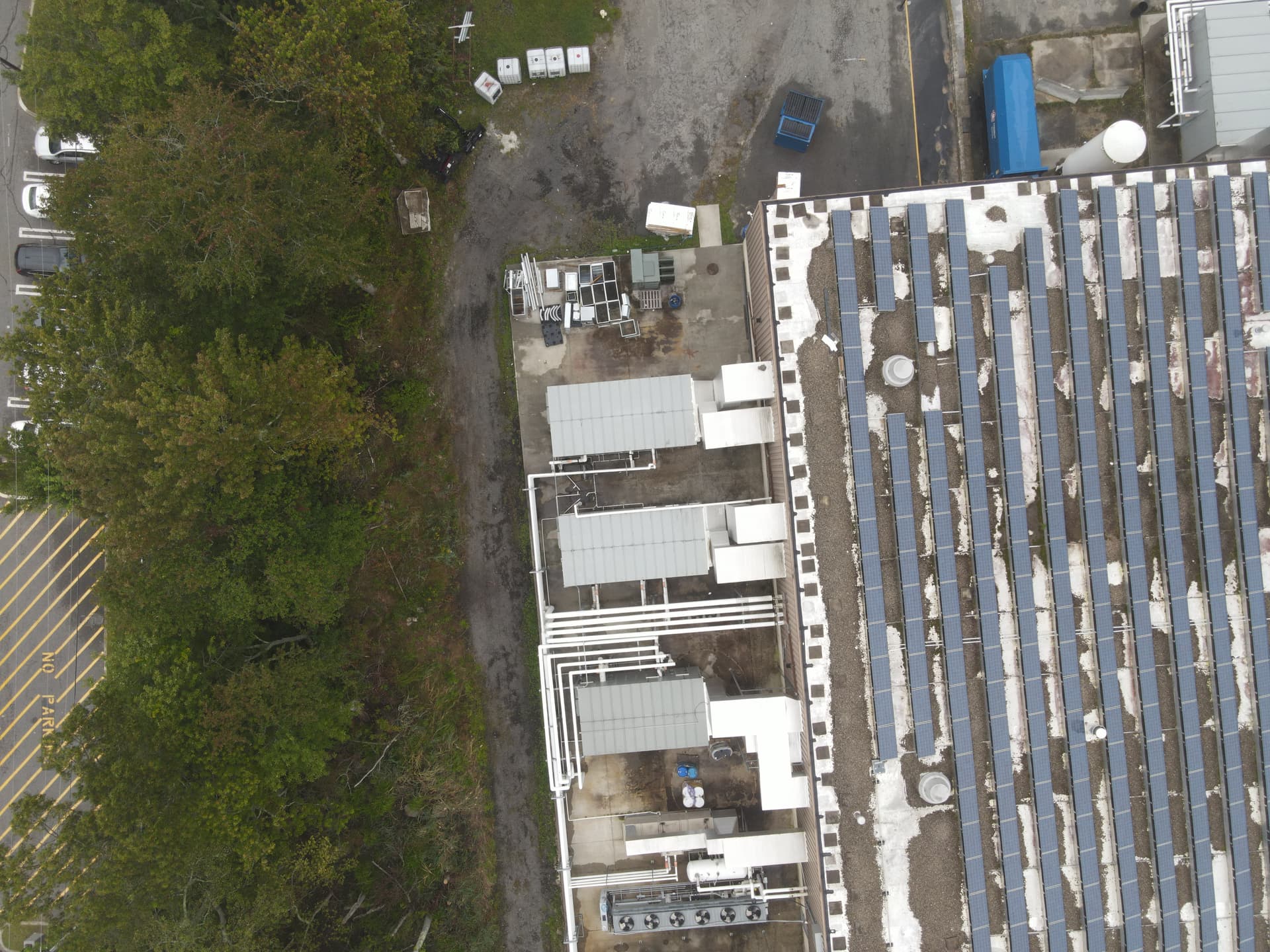
Preprocessing is an interesting idea but likely comes with other issues as well. In the end, greater overlap, as you suggest, would likely help.
Indeed, pre-processing can be tricky. I guess like most image processing, the lightest adjustments possible to achieve the desired change are best, but you can certainly make things worse.
It may be worth a shot just to test it with such data?
I find I like how XNConvert handles batch image modifications.
After a little image pre-processing I now have a better orthomosaic. It would seem the fog may have been more of an issue than I realized. The feature count still seems low despite the 80% overlap.
Run command line: run d:\DroneMap --max-concurrency 2 --skip-3dmodel --dtm --dsm --smrf-window 3 --smrf-threshold 3 --rolling-shutter --camera-lens brown
Thanks for all your help!!
Sweet! Care to show it off?