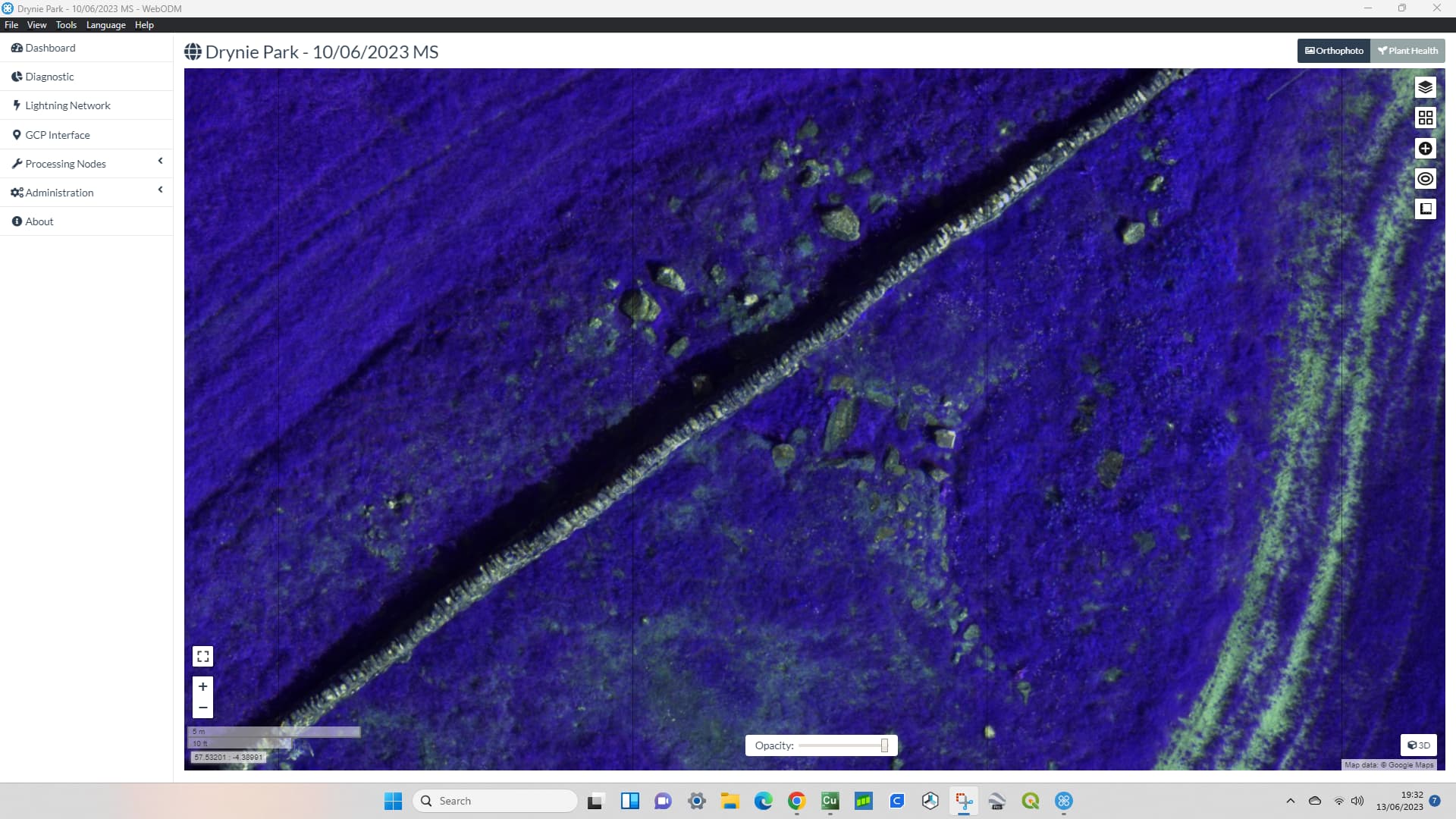
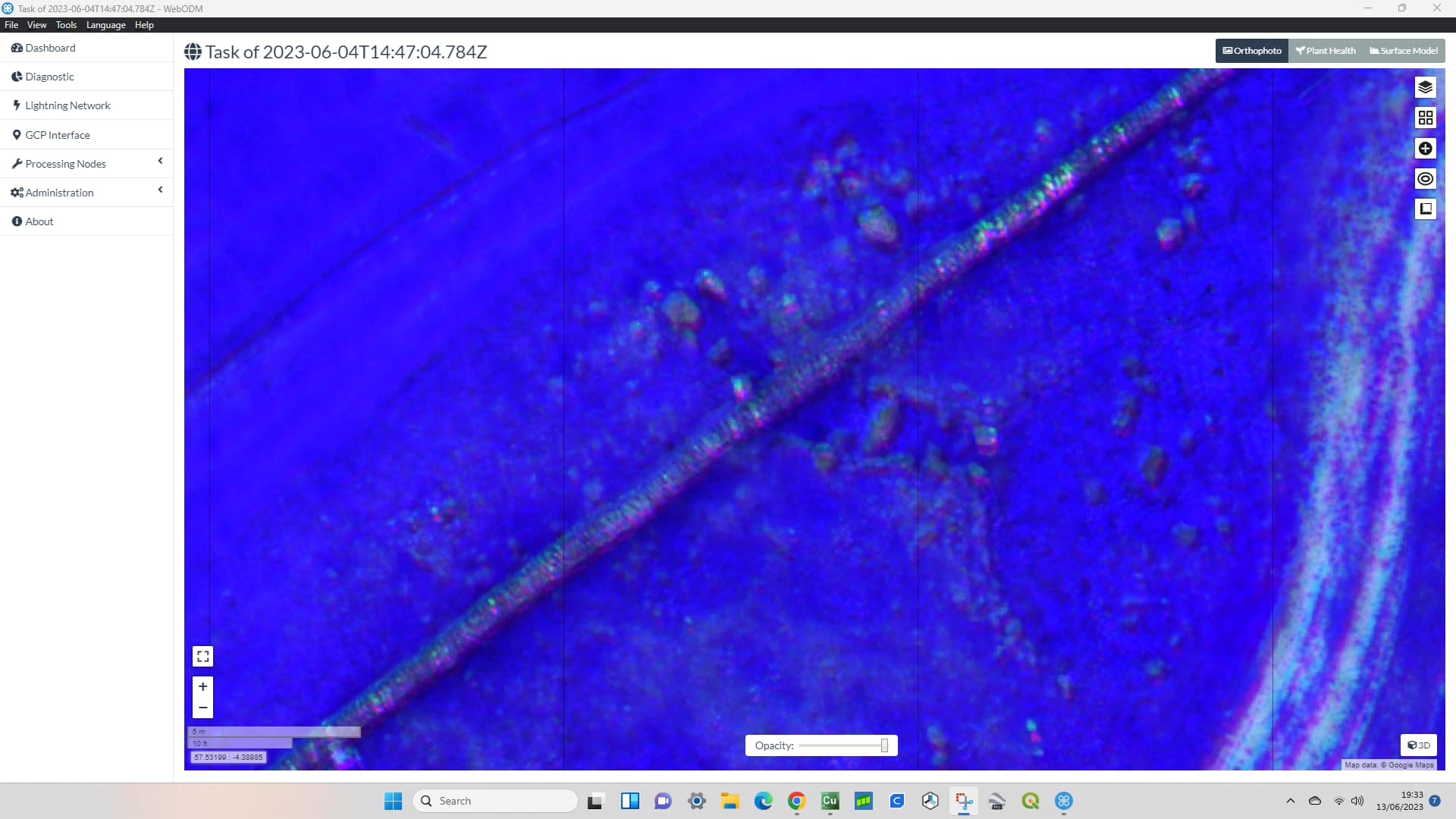
Hi. I have a DJI Mavic 3M.
I have recently used Mavic 3M to take images of a riverbed.
I created a multispectral image with WebODM and it came out fine, but I have a few questions.
First, the processing environment is as follows
Altitude: 37m (GSD of RGB is 1cm)
the number of pictures: 2420 (including RGB and MS photos)
native installed WebODM at Windows 10
option: dem-resolution: 2.0, dsm: true, dtm: true, feature-quality: ultra, feature-type: hahog, matcher-neighbors: 16, optimize-disk-space: true , orthophoto-resolution: 1.0, pc-quality: ultra, pc-sample: 0.01, pc-tile: true, rolling-shutter: true, radiometric-calibration: camera, sfm- algorithm: planar
You can download my orthophoto from following link odm_orthophoto.tif - Google Drive
and My questions are as follows
The output orthophoto has 6 bands (Red Edge, NIR, Red, Green, Blue, Band_6). what does Band_6 mean (it is dark when displaying this band)?
Red, Green are in both the RGB and MS images, which ones were used by orthophoto?
The RGB image is fine, but the MS (RE, NIR) image appears off. I believe this is due to the misalignment between the camera sensors of Maivc 3M. Is there any way to correct this misalignment, either through options or post-processing?
(a) This image is a RGB true coler image. this has no problem
(b) This image shows the NIR set to red. If you look at the shrub in the middle, only the red color appears to be shifted to the left.
(c) Another location in the same orthophoto. A car is in the picture.
(d) As in the image above, this is an image with NIR set to red. Cars and lanes are shifting to the left about the red color.
I referred to the properties from windows explorer and found that images with the same time had the same GPS coordinate data regardless of RGB or MS.
The misalignment has already occurred in the original image. Comparison with the original image shows that the image is misaligned due to differences in the bands in the same image.
I believe this is due to the physical misalignment between the sensors.
This image shows the NIR, R, and G bands merged as an RGB image for one original image (before the orthophoto was created). You can see that there is already a shift between the bands.
Note that unlike the phantom multispectral the M3M only has 4 multispec bands (red, green, nir, red edge) and doesn’t have a dedicated blue band (spec). This shouldn’t matter for things like NDVI that don’t use blue anyway, but I don’t know if ODM is doing anything on the back end that assume there is a blue band in the multispec images.
Probably not the cause of your alignment issue, but I thought I’d mention it since you pointed out that the ortho includes blue as a band.
Since I included RGB images as well as multispectral images in the processing, I believe that the output results include the blue band.
I understand that this blue band differs from the other bands in the original image in terms of angle of view and resolution.
At this time, I do not plan to use the blue band.
Interestingly, I have had an issue with “ghosting” in the MS data sets I have acquired myself from the M3M, and also using a colleagues data set, also from the M3M. One thing I have noticed - but I am uncertain as to whether this is the cause - is that the ghosting seems to appear worse the greater the mission altitude. I have not performed any tests on this, so this is anecdotal, but may provide a clue as to how to correct for it.
These were flown on different days, from 30m and 85m AGL, but show the differences I obtained.
How did you include the RGB with the MS data set? Did you convert the RGB to TIF, to match the MS? And how many channels on the output? In theory, if all channels are used, you should end up with 7 layers - RGB, then narrow-band R, narrow-band G, Red-edge and NIR.
I updated to the newst version (WebODM 2.0.3) and tried to process the images except for the RGB images.
Unfortunately, the results are still the same and there is a misalignment between the NIR and R bands in the image. https://1drv.ms/i/s!Asq06jLw22WFm7sJ9akwyltHFzh45g?e=lzZTvx
@AndyHix
I expect this problem is due to the physical misalignment of the multispectral cameras. Therefore, we would expect the absolute magnitude of the misalignment in the image to be smaller at lower flight altitudes if the same area is to be captured.
The RGB images were included as JPGs without any conversion. I don’t know the details of how they were integrated, but the output is 6 bands (Red Edge, NIR, Red, Green, Blue, Band_6), as noted above. I don’t think the introduction of the RGB image has anything to do with this image misalignment, as the result remains the same when the RGB image is excluded.
I am currently trying to address this issue by processing the original image.
If the misalignment is entirely due to physical misalignment between the multispectral cameras, then the degree of misalignment between bands should be common between images. I am trying to solve the problem by pre-calculating the degree of misalignment and then rotating or translating the original image according to that misalignment beforehand.
I think we might need to make a custom rig for this sensor to resolve the alignment issue.
Are you able to provide us with a few smallish datasets with images Straight-Out-Of-Camera (SOOC) for the entire sensor/bandset (20ish collects per test dataset would be fine).
I only have two datasets at two locations each (total four dataset) right now. If needed, I can take another one this week at another location (or same location as the previous one). I can provide these data sets if you like.
If you need more dataset, if you can wait until late July, I can get some dataset.
I have uploaded the four datasets I have now below.
Several people have told us they have had similar problems since I raised this issue.
The new custom rig will be very useful for Mavic 3M users. I would be happy to be of help.