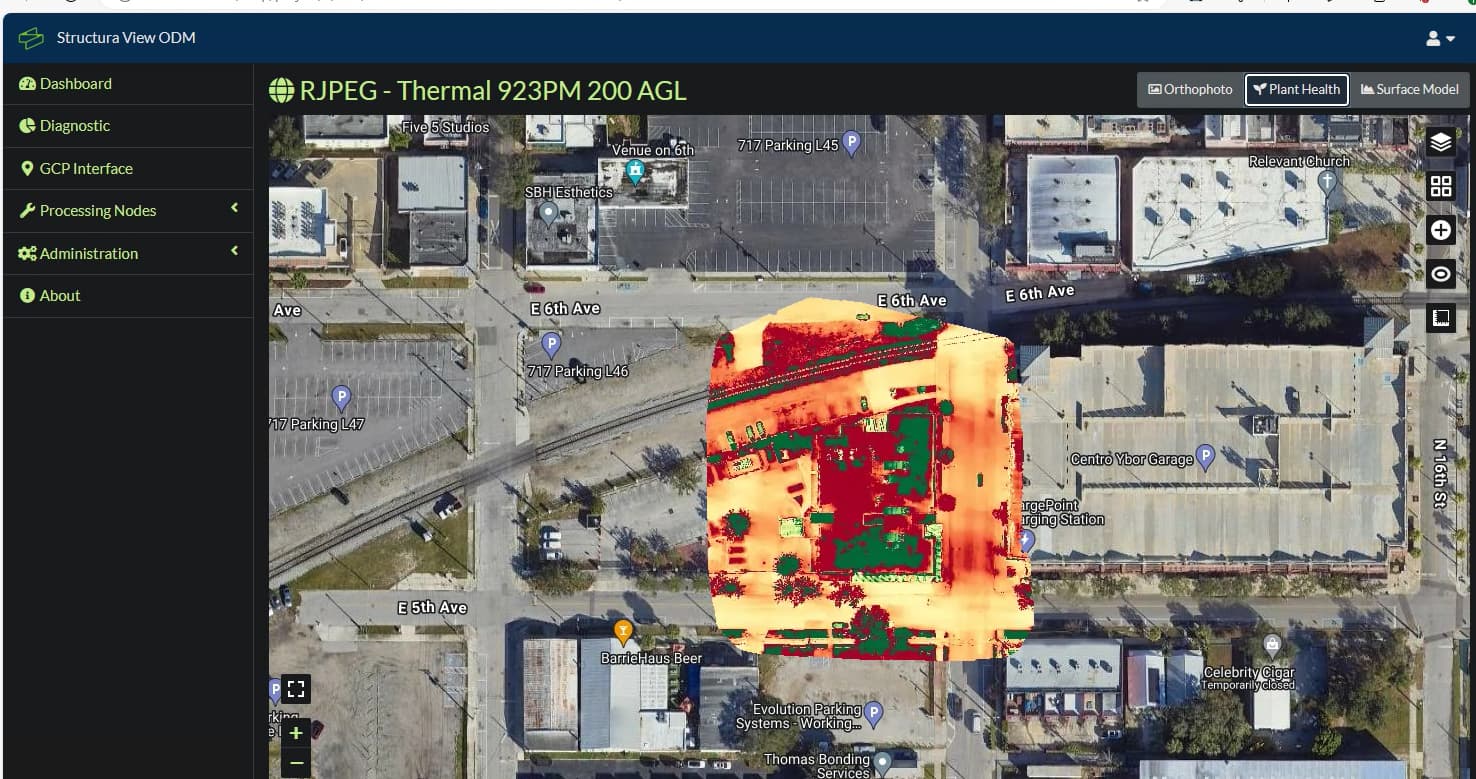
Hello, I am trying to process thermal photos with the radiometric data and using the plant health tab as always. I tried processiing the m30t thermal photos and it is not processing them as radiometric only jpeg. Ive double checked the settings and I get just the jpeg settings.
Just upload the original image set on a cloud provider of your choice and share the link. If you don’t want to share it to the public you can also DM it to me. I’ll take a look then.
Integrating the feature of converting the images to .tiff seems kinda hard to do right now, since the conversion is only possible using the proprietary DJI sdk, sadly. No clue how that would work with ODM since it’s open source. Maybe as a plugin? Not sure.
Hey there! What command line command are we talking about? In this thread there are only processing parameters posted which you can use in WebODM as task settings.
If we’re speaking about the image conversion, yes the python way I described the second topic here M30T Thermal IR Stitiching - #2 by noro should work just fine if you install all dependencies.
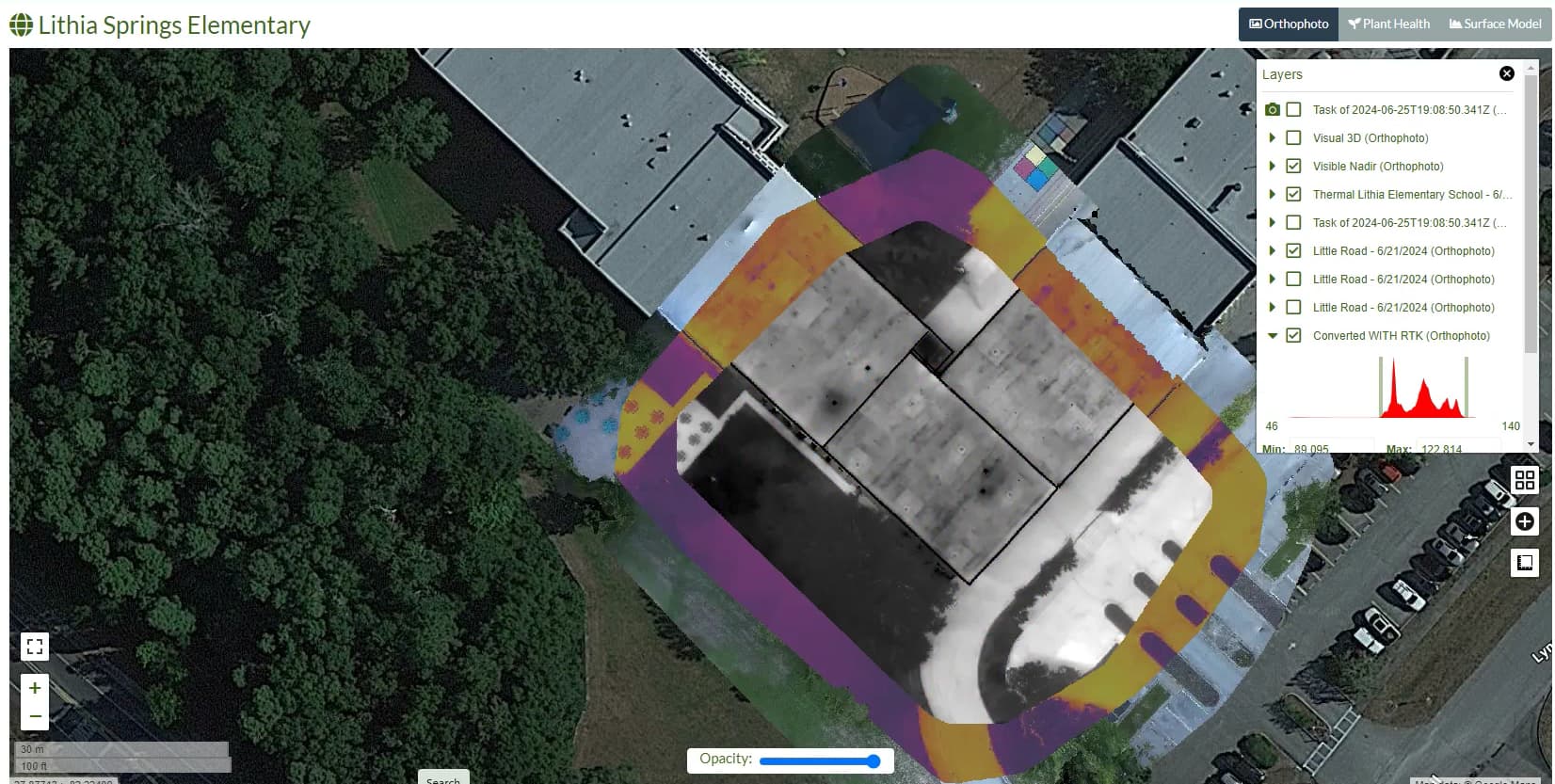
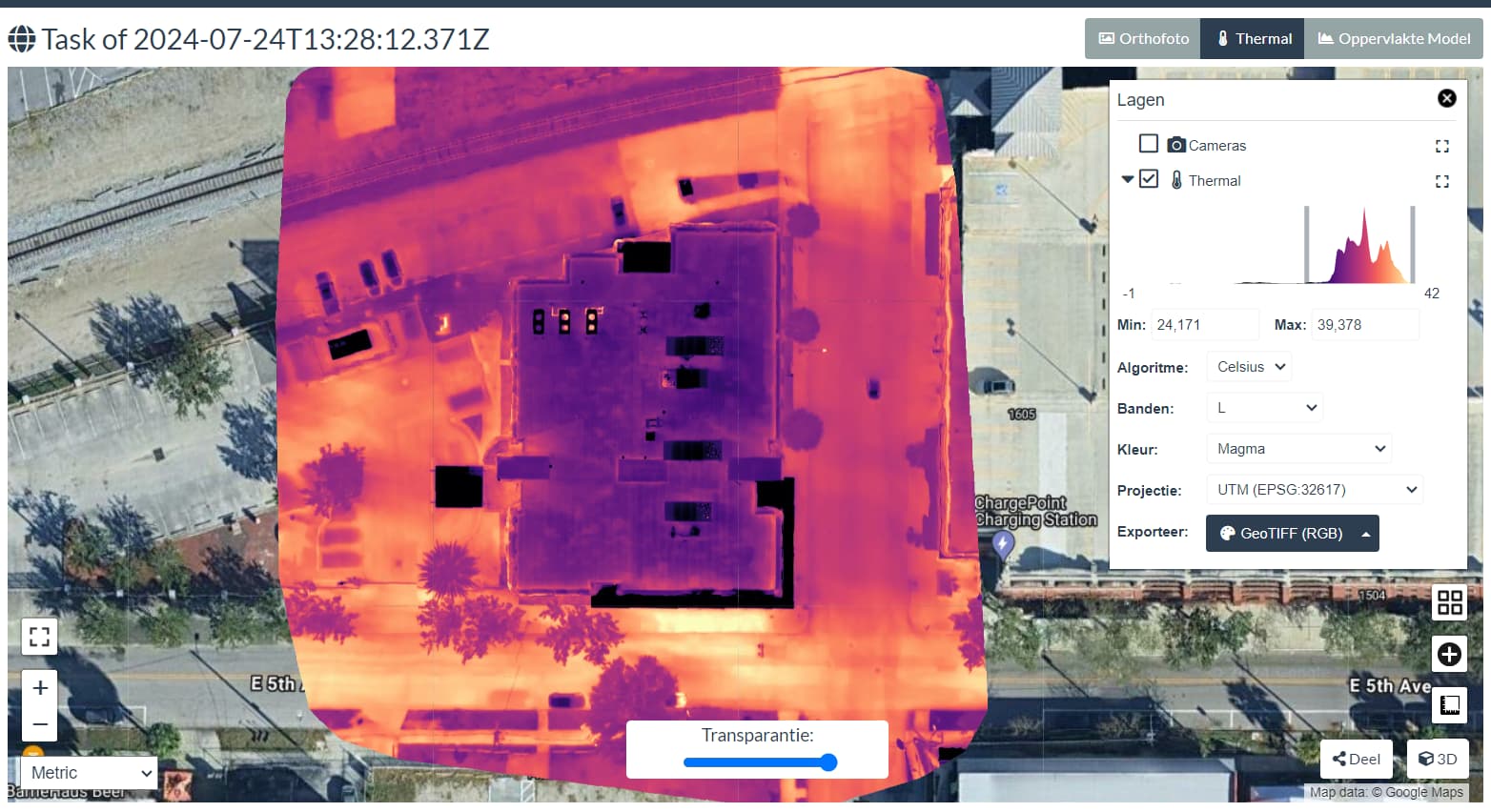
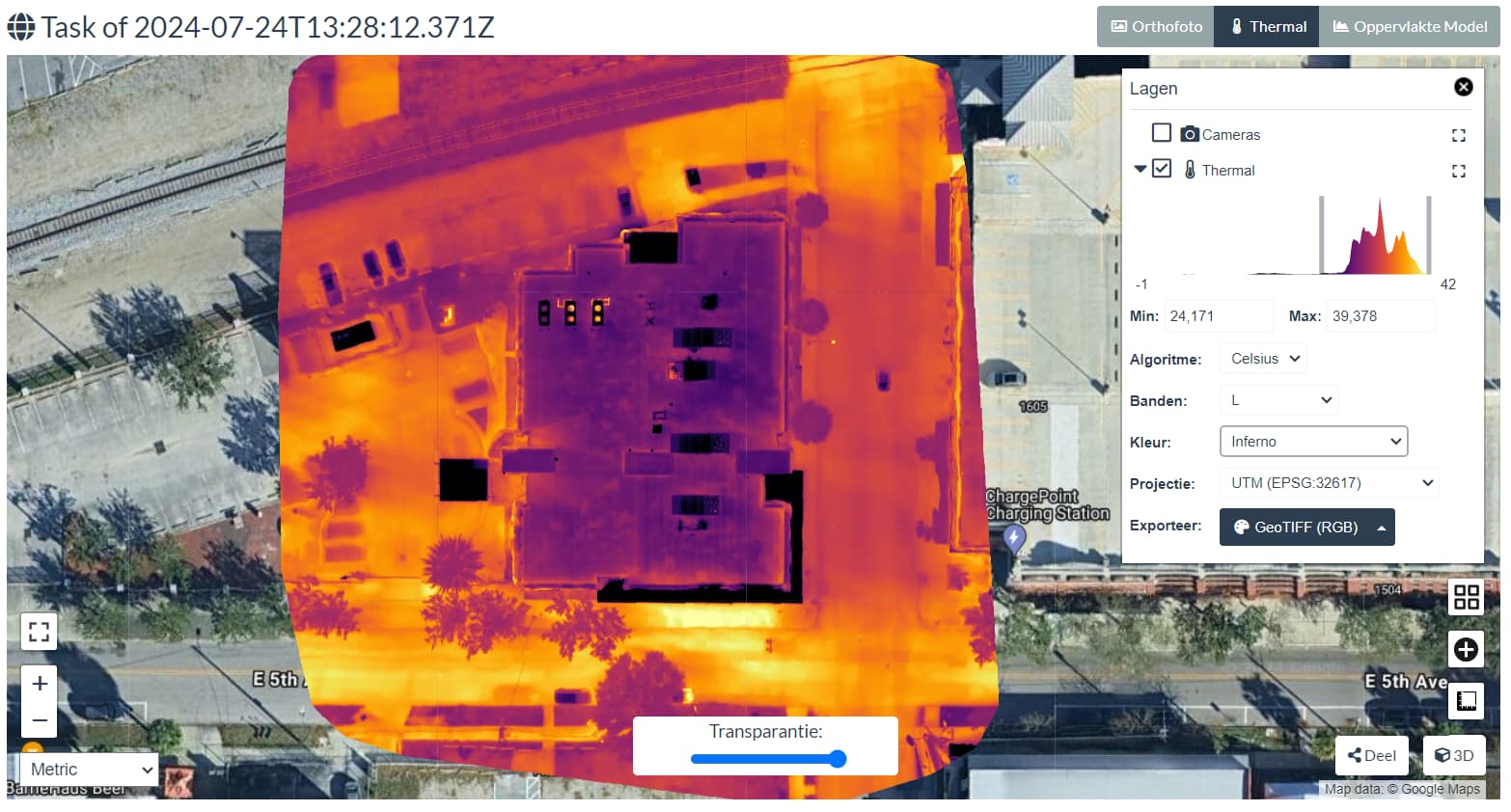
the visible map underneath is lined up perfect along with the raw thermal photos before its converted. the grayscale image is the converted dji rjpeg to the tiff format using the python code. as you can see its a bit off from the orginal photos for some reason. im not sure if its a setting in the program or maybe a projection/conversoin issue from the converstion. i think i can resize it in qgis in post processing but id prefer it display properly lol
as alwys great progress so far. ive also implemnted this pythons script on the back end of my server so if anyone wants to sign on and give me some feed back and test data for the converstion and all the new features im adding to it like aeb merging, raw editing, and odm processing feel free to register!. Veteran Droners
Check your camera calibration parameters ODM spits out in the report! Compare them. If they’re different try the parameters from the pseudo-color images on the radiometric ones!
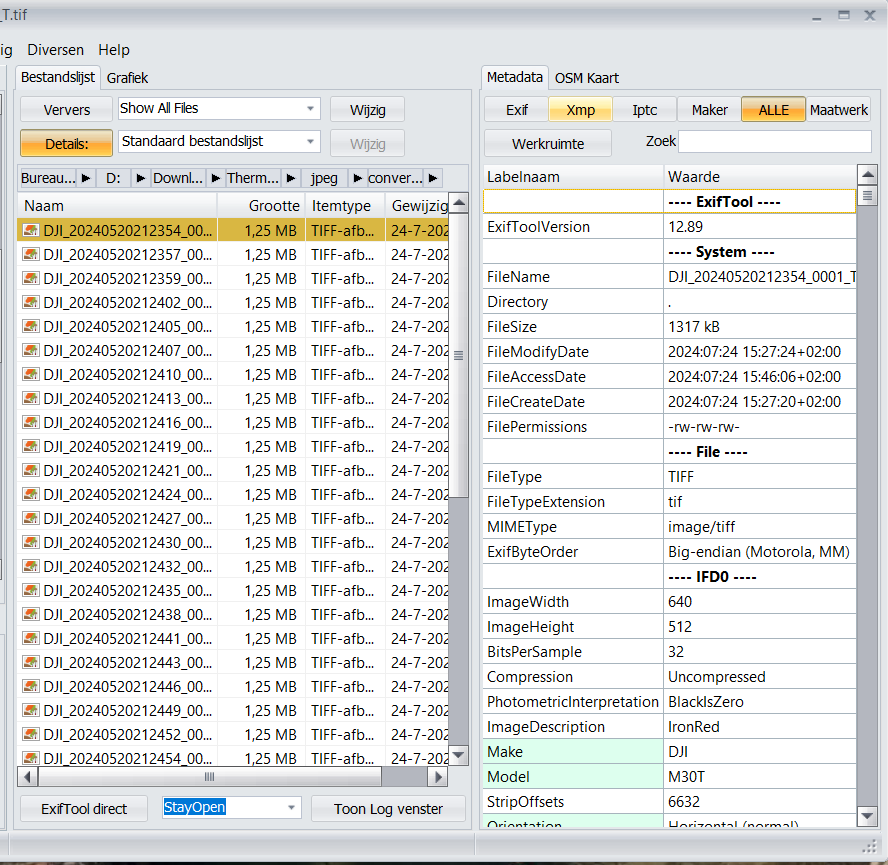
Edit: Are you copying the original EXIF-tags onto the .tiff images in the conversion? I guess so, since the tool from Piero also doesn’t resolve the issue. But I figured it’d be worth asking.
I processed the generated Tiffs in WebODM with the Default setting and that seems to be the trick (first try was as Multispectral that generated the error above).
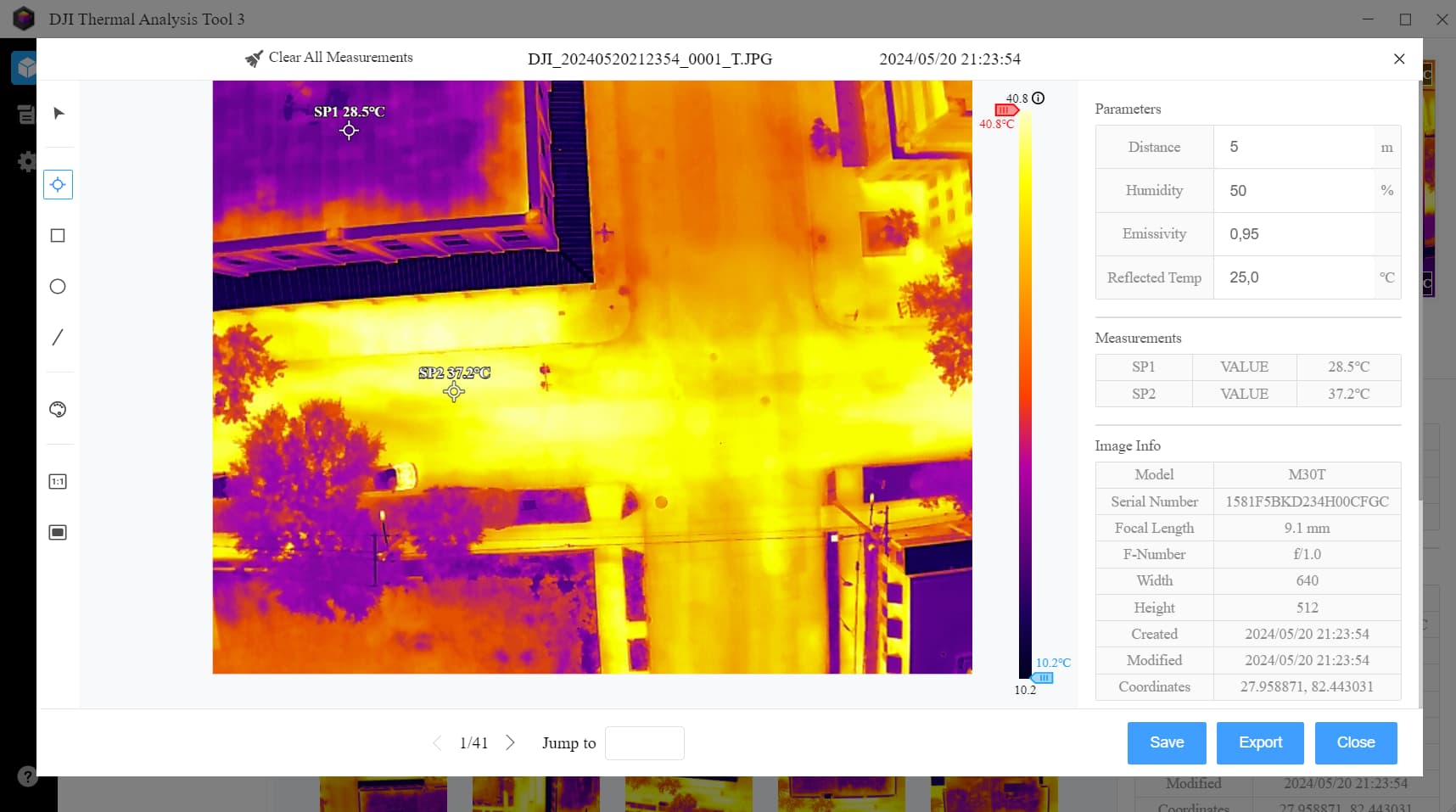
Temp range seems to be like the thermal range in DJI Thermal Analysis Tool
ya the github states that its already calibrated so you dont need to have multi or the camera radiometric calibration selected i the presets. its just processed as regular no radiometric and works . my issue is mostly just the correction of sizing between the rgb and ir images overlayed directly from odm to qgis or even on the potree viewer. its like its shrunk by 5 ish percent compared to the rgb or thermal photos processed in odm as regular jpeg photos.