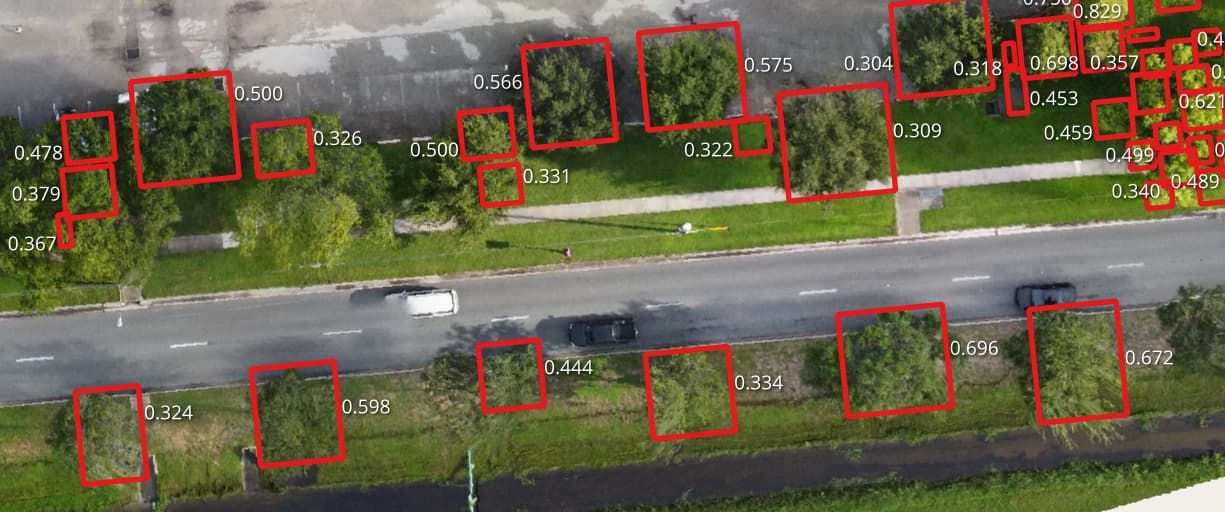
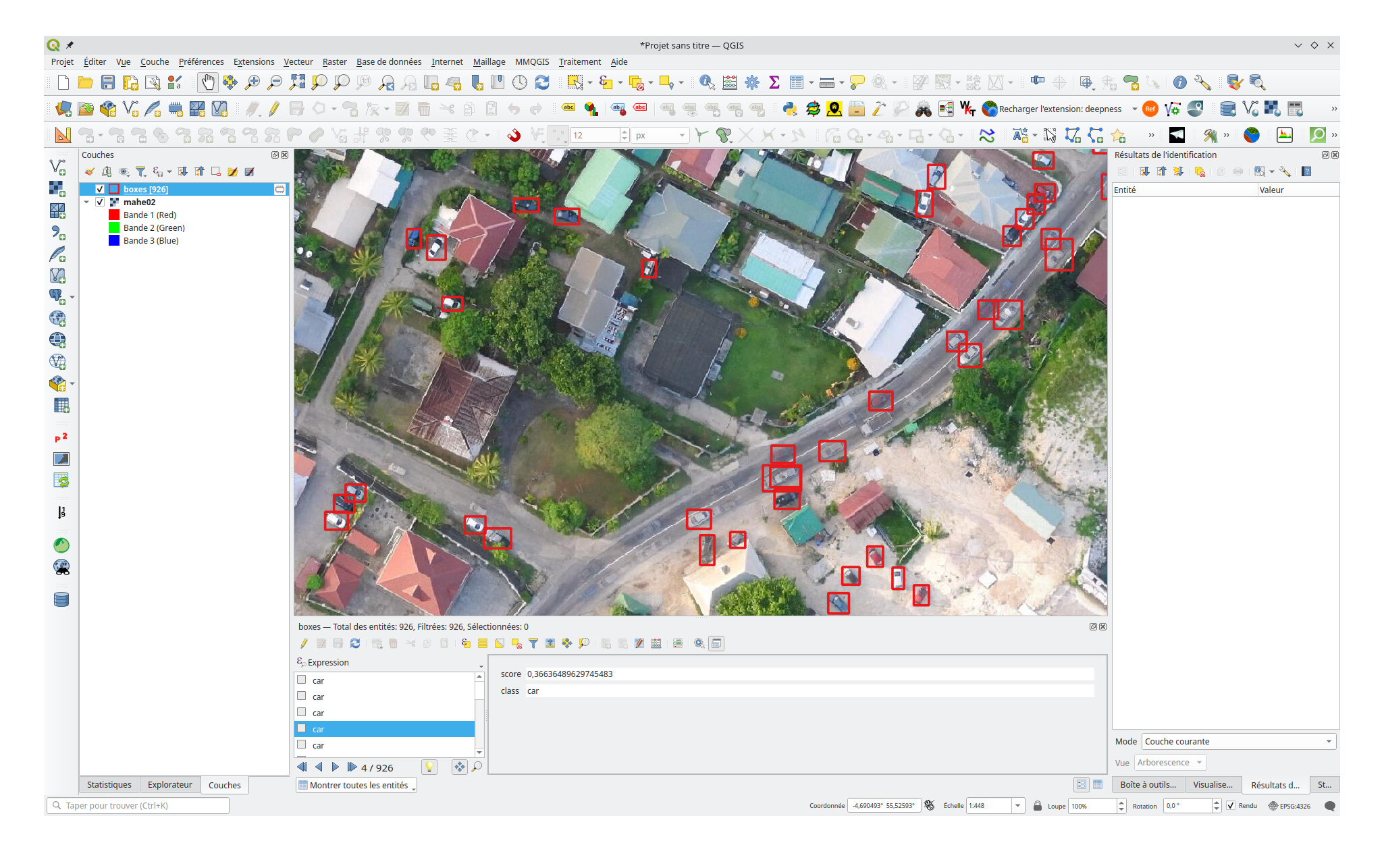
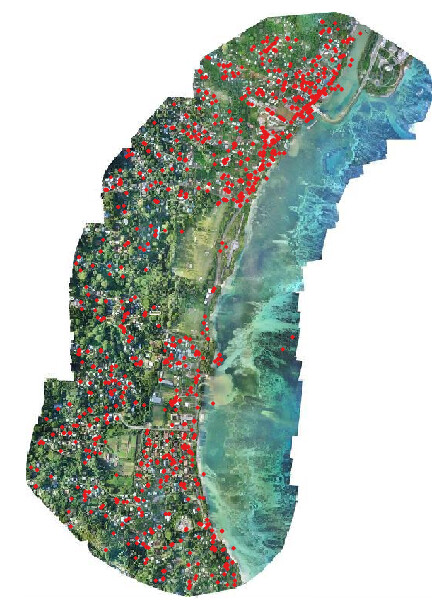
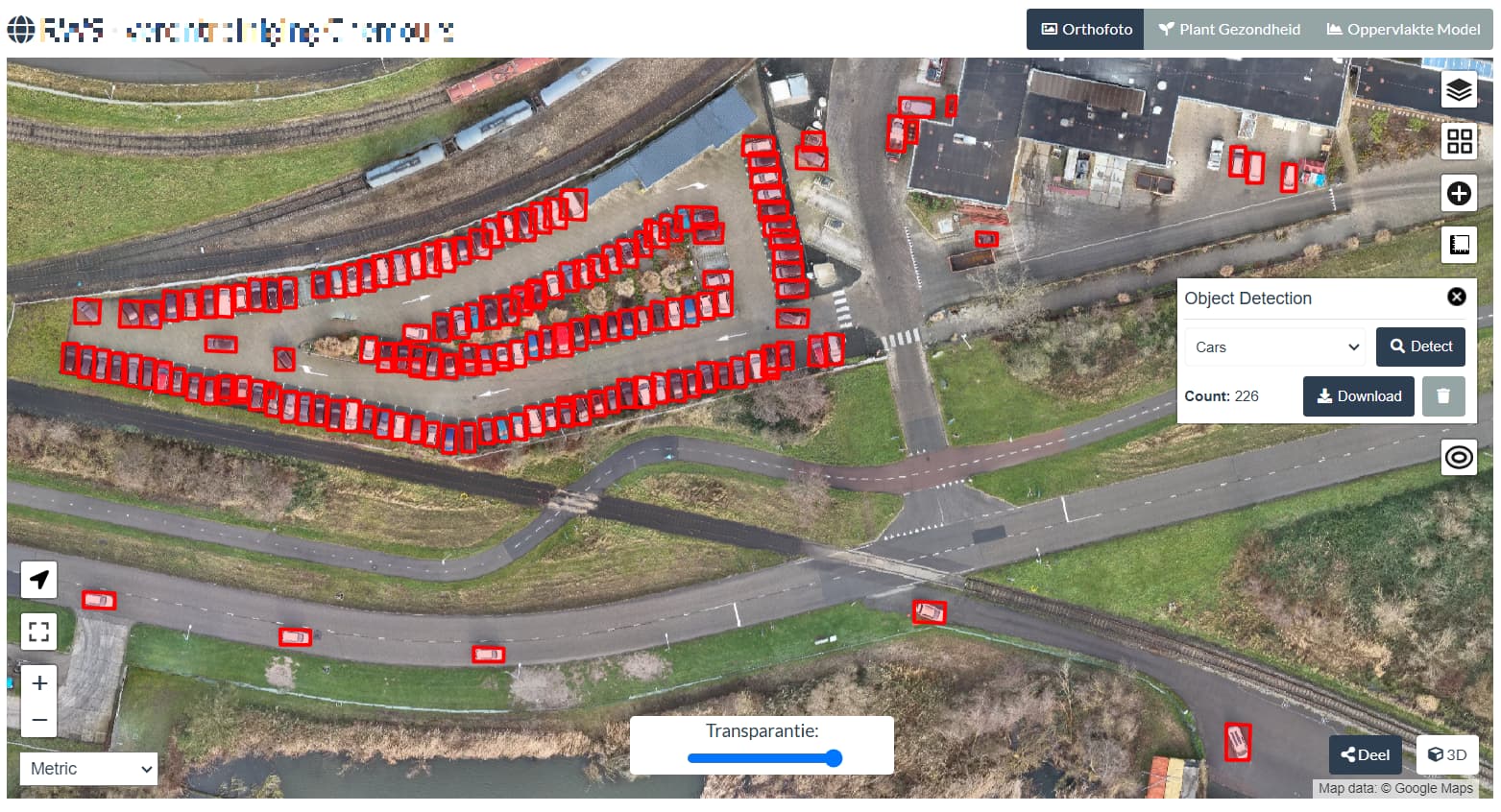
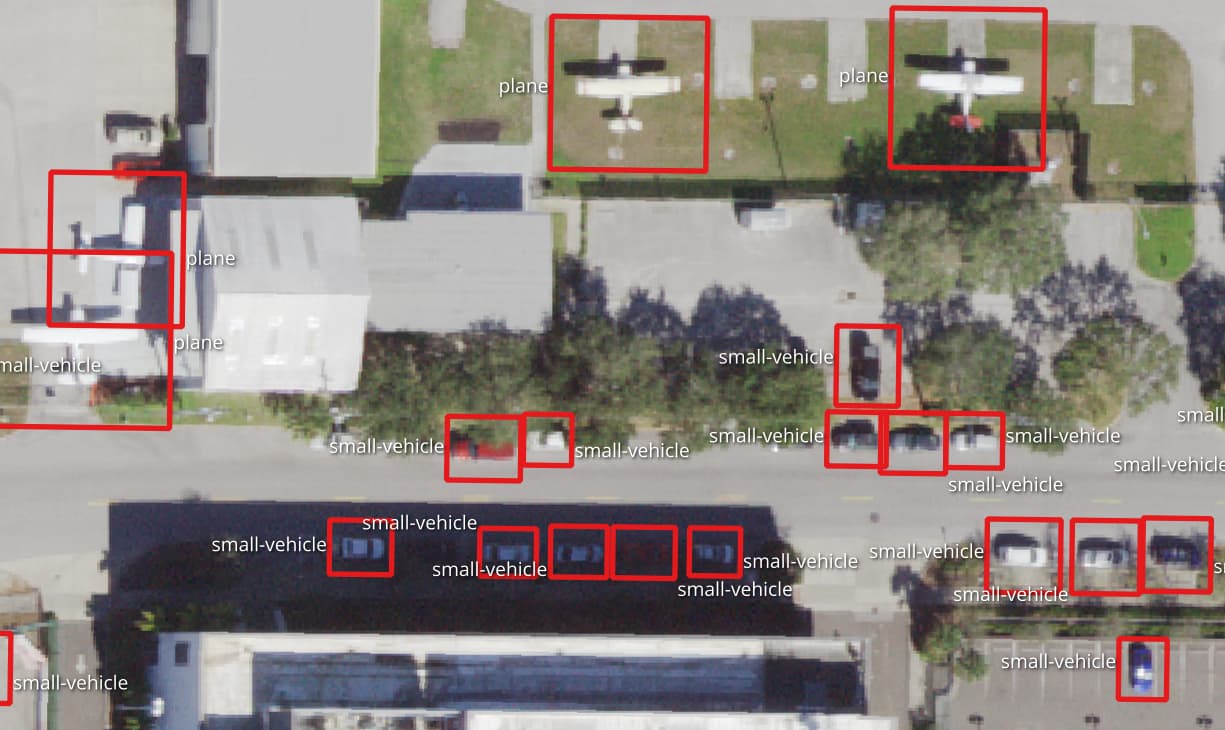
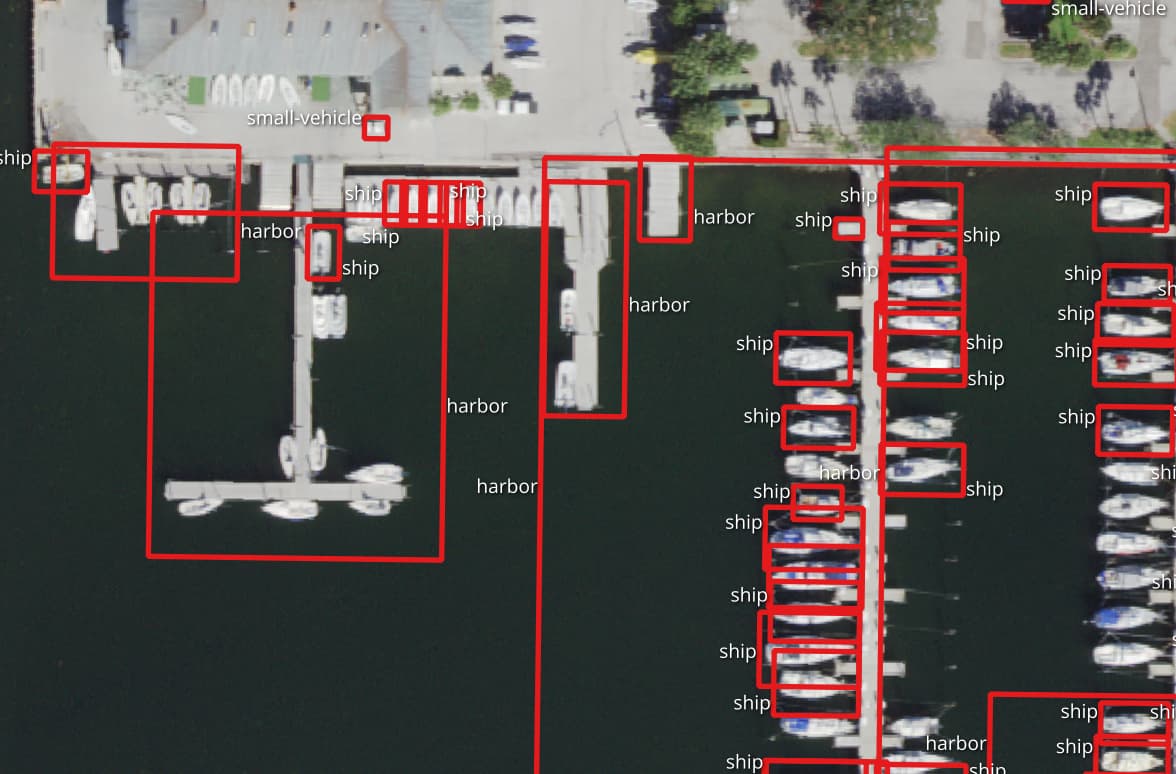
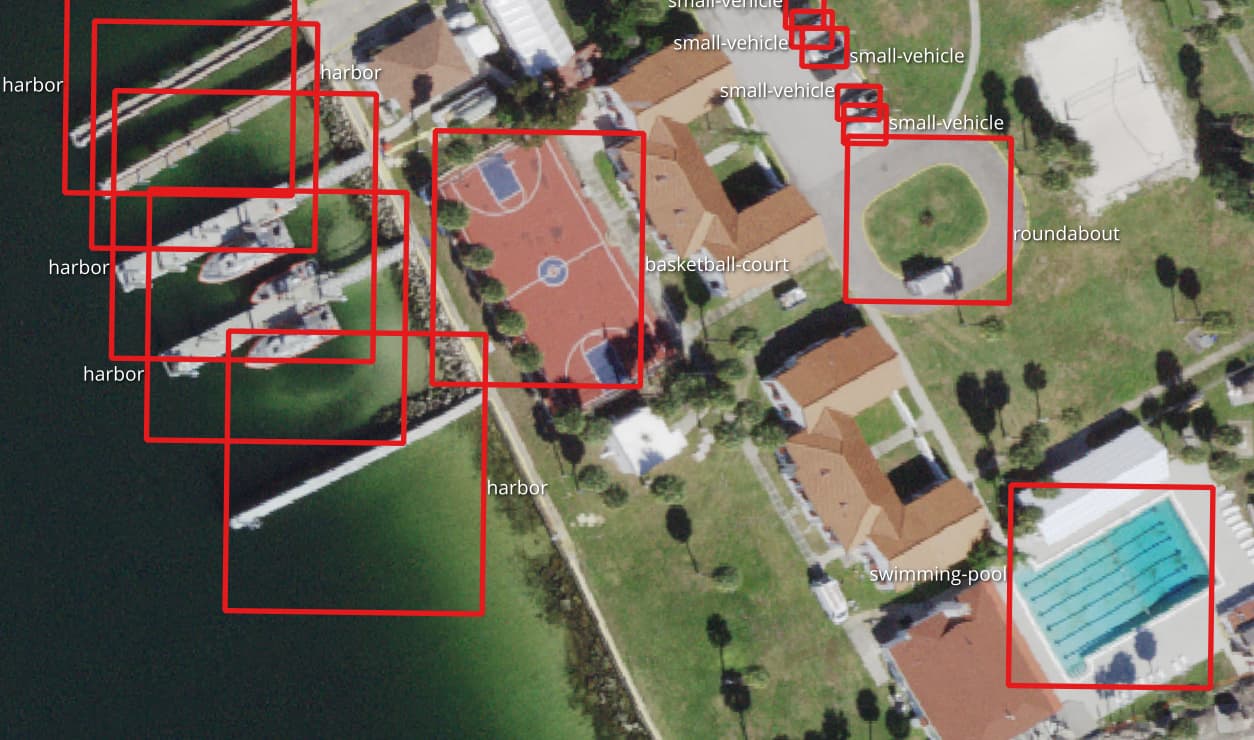
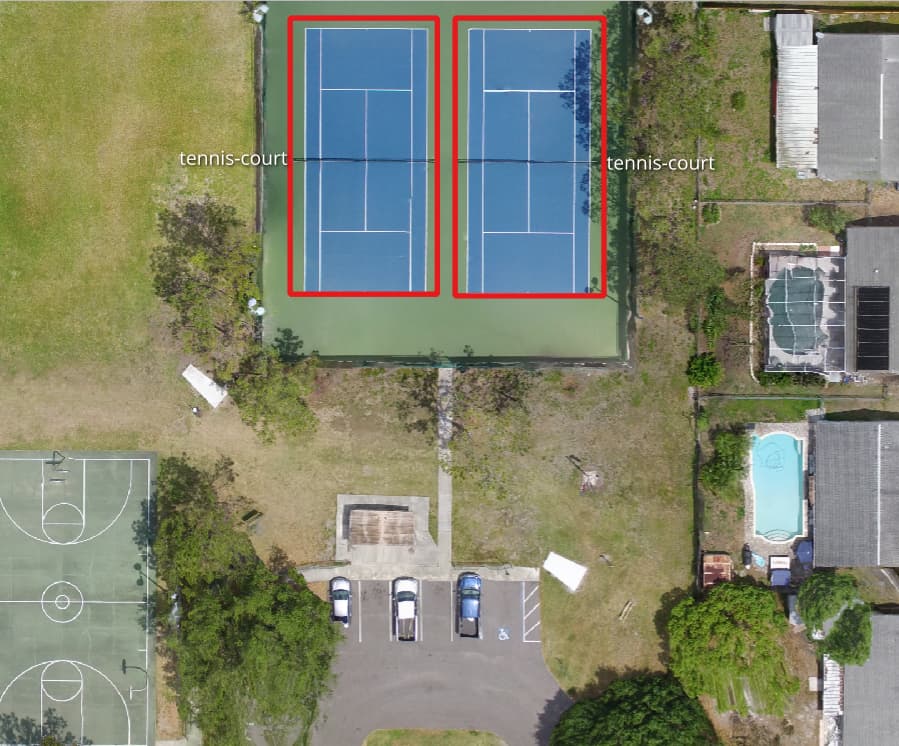
Great work!
I wonder if this functionality will be integrated directly into NodeODM? (Specifically, PyODM. I’ll create the appropriate PRs for the PyODM project to integrate the API requests if needed)
Also, do you have any list of new objects you plan to add in the future?
I am interested in detecting some military objects. For example, “trenches”, “armored vehicle”, “tank”, “armored car” and so on.
Even if you are not interested in training code with such detections, it would be nice to have such functionality at least in ODM
I’ll write instructions on training in the upcoming days.
As these kind of objects could be very well misused for offensive military operations, I will not consider adding them. Also while I cannot stop others from using the software for such uses, I would encourage others to think of the ethics and effects that AI software could have on people.
Thank you so much for highlighting the importance of this. I know a lot of people realize how powerful a lot of open source things ODM are, but never stop to think what limits they should impose on themselves.
Hi Pierotofy, this is some really neat work, thanks!
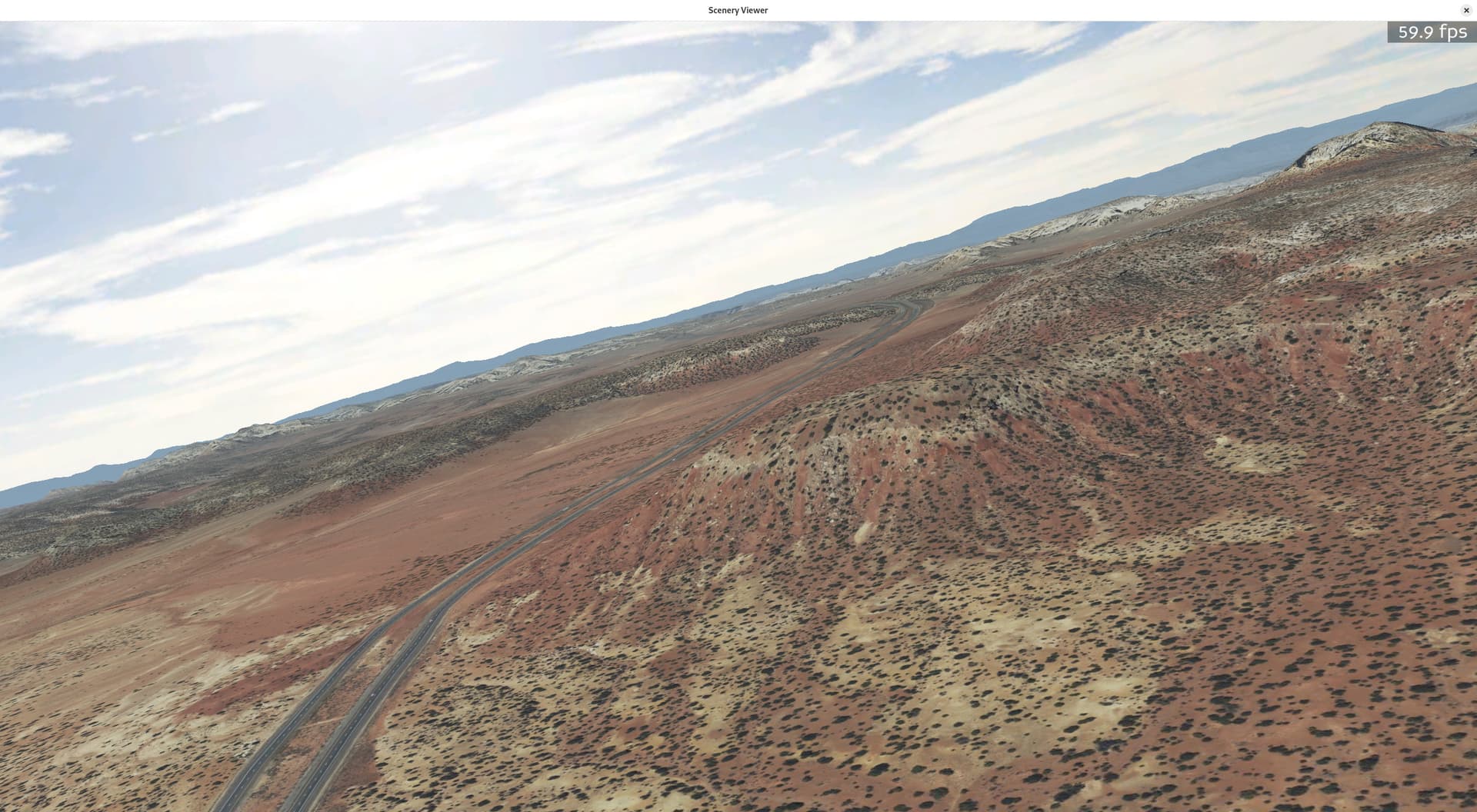
I have been fiddling around on this side with a python/panda3d/jsbsim flight simulator idea. I am fetching satellite tiles and terrain dem data, draping the image data over the top of the 3d mesh and the results come out looking rather nice. Kind of like google earth 10-15 years ago? But it’s python + open-source, and I’m writing it from scratch because it’s interesting and fun for me. Here’s an example screenshot out in utah somewhere:
For a while I have been thinking it would be cool to scan the sat images for trees and buildings to add some 3d object interest to the scene so it’s not just flat when you get down to low altitudes.
Question: is it possible to adjust the code to process plain jpg files and output pixel coordinates? (and then I can do the geo math after that.)
Also, if you are playing around with training up new models, I’d love to experiment with one that could detect houses or small building foot prints, but I’d be happy with just detecting trees for starters.
I probably could do the math up front to convert my jpgs to geotiff, but that seems like a whole lot of extra cpu/disk churning. But I don’t understand all the ins and outs of how you are doing all this, so maybe it’s not possible to process simple jpgs?
Cool project! You can certainly adapt GeoDeep to process normal images. You’d need to remove the part that reads the GeoTIFF tiles and call execute directly: GeoDeep/geodeep/geodeep.py at main · uav4geo/GeoDeep · GitHub, perhaps some other modifications, feel free to fork it.
 ,
,