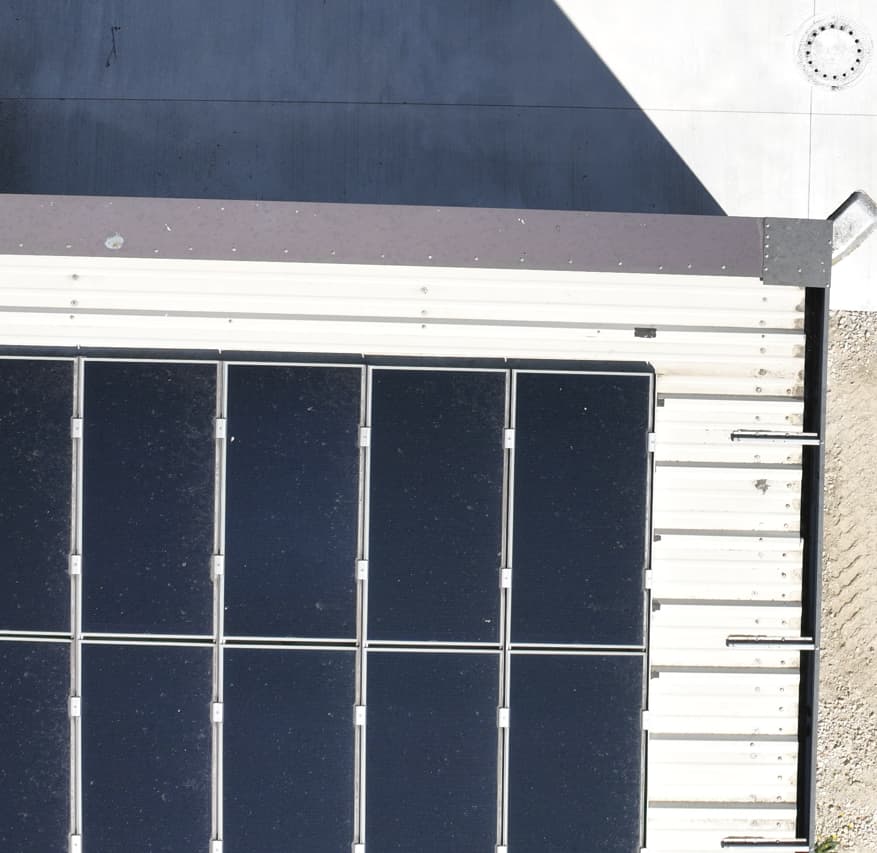
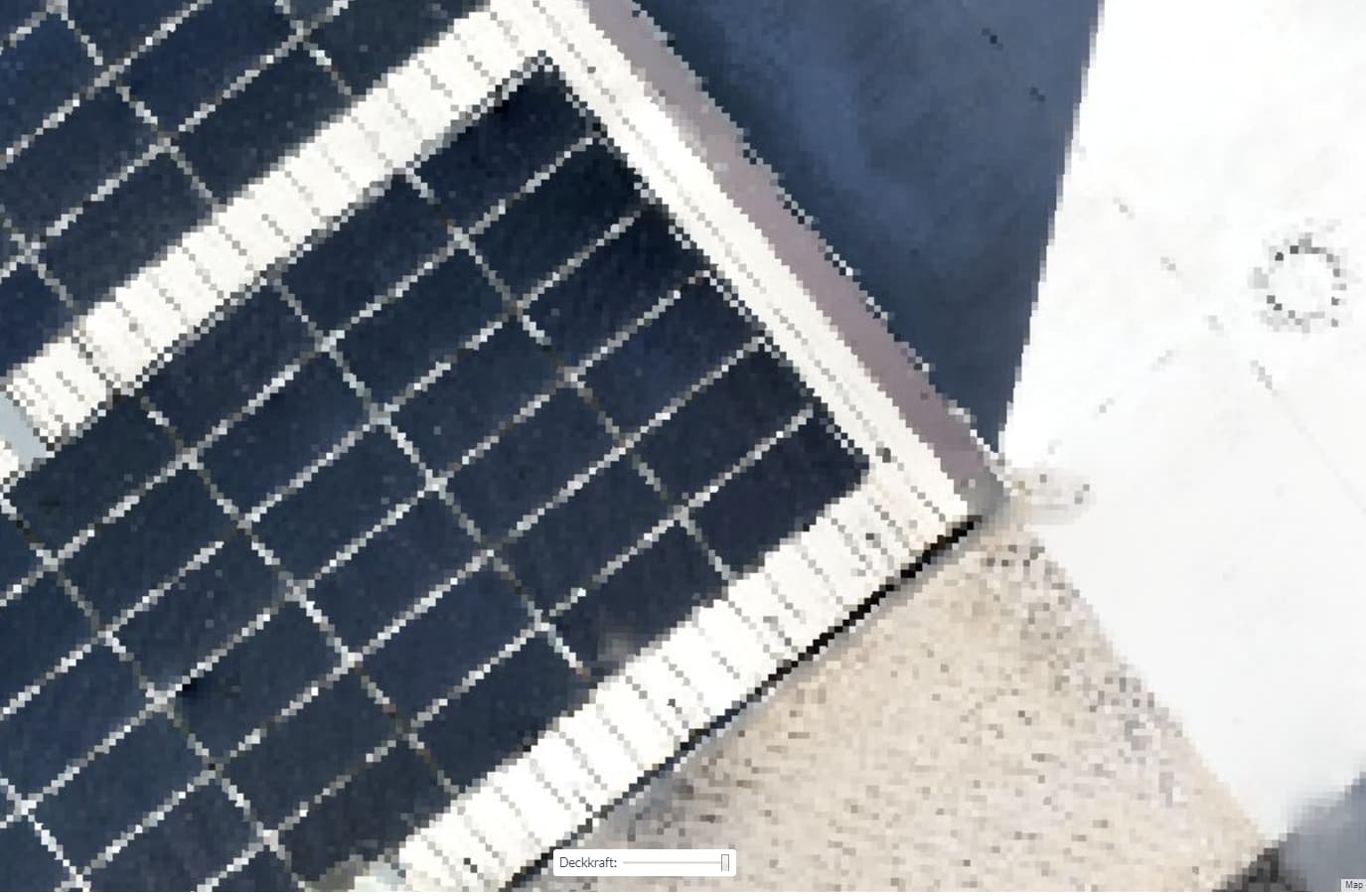
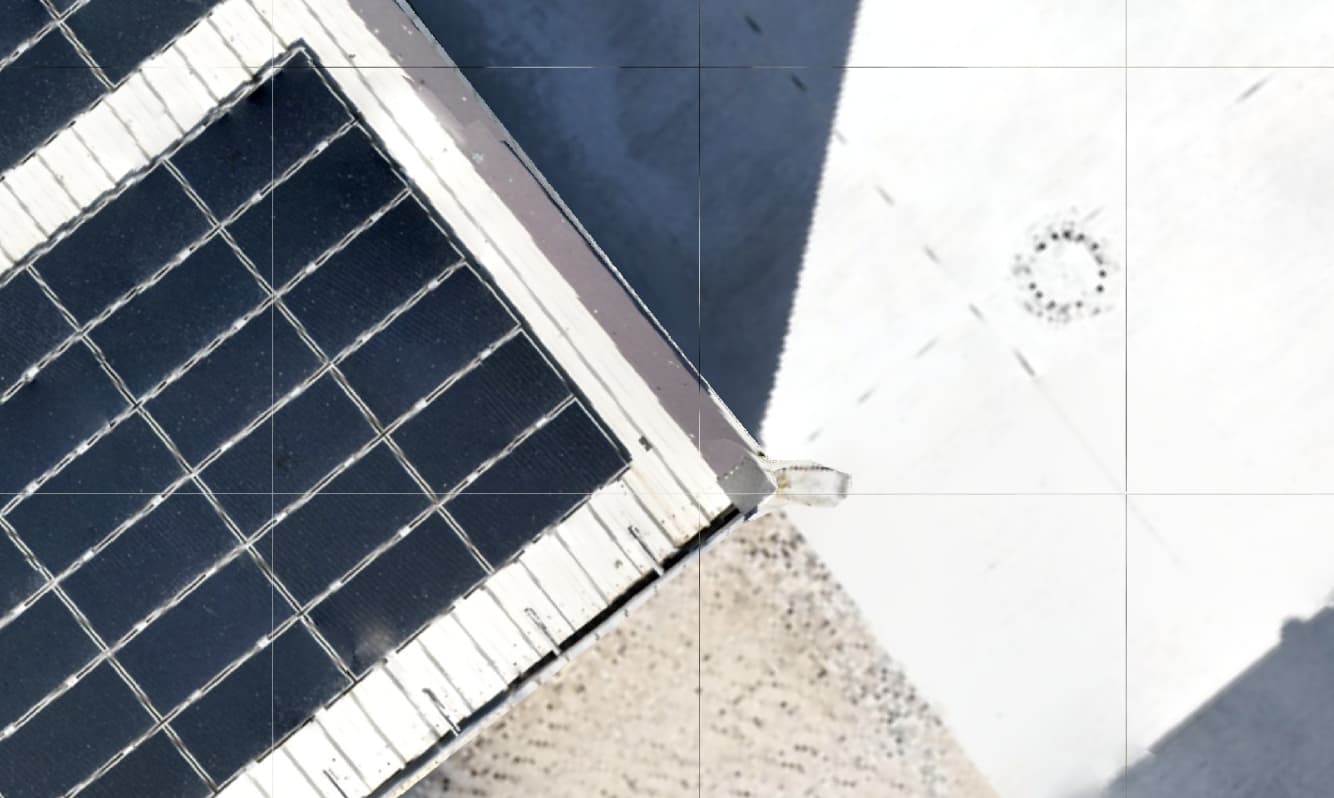
so i was doing some Solar Mapping in the last days. The thermal map comes out okay but the Ortho from the RGB cam looks so much worse than the actual Photo Quality.
here are 2 screenshots as an example of the smae corner of the buliding:
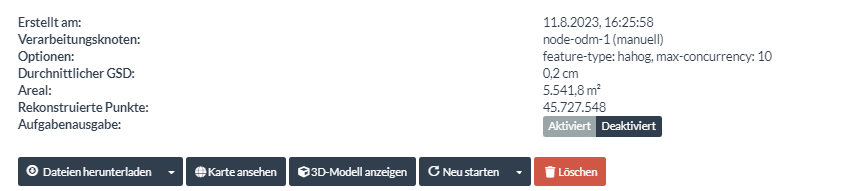
Alright, so i understood that it is happening but i don’t see Why. Did you understand why this is happening and i would likly have to set the GSD to 0.001 or 0.01 ? Even if the “real GSD” is at about 0.2 a setting of 0.01 will give me better results than a setting of 0.1 ? I don’t really understand this.
I don’t totally understand it technically, I agree I would think the ortho would use the available GSD. I always set mine to 0.01 and it comes out looking pretty good, but I haven’t tested it beyond that and I haven’t looked into what the actual output resolution of the ortho is under different scenarios. Just that setting that to 0.01 seems to fix the issue
We try hard to be inclusive of folks who show up with minimal machine specs. There’s nothing quite like showing up to use some software and you cannot get it to do anything.
So, we default to 5cm resolution (or estimated if that resolution is coarser than 5cm) unless the resolution is specified. So, if you’ve got plenty of RAM, re recommend setting your resolution to either your expected resolution, or better yet, a higher value since we won’t exceed the resolution we estimate your data at.
I’d like to change this in a way that still supports newcomers with limited RAM, but we’ll need to be thoughtful about how we do that.
May be I’m wrong but when decreasing to 1 it doesn’t help more …
For example from gsd.py: gsd = gsd * (1 - gsd_error_estimate) * gsd_scaling
where gsd = opensfm_reconstruction_average_gsd(reconstruction_json, use_all_shots=has_gcp or ignore_resolution)
So for me, a value 1.0 mean the maximum possible
I tried on several project to decrease below 1.0 and already have same warning in log output:
[WARNING] Maximum resolution set to 1.0 * (GSD - 10.0%) (0.12 cm / pixel, requested resolution was 0.00 cm / pixel)
Here I tried to set 0.01, So may be there is a a problem in log.ODM_WARNING but I never get better than a value of 1.0