I am a beginner at processing right now. I’m an archaeologist and recently talked myself into a thermal drone.
Web ODM is the cheapest I could manage on an academic budget, but it’s still very much a black box.
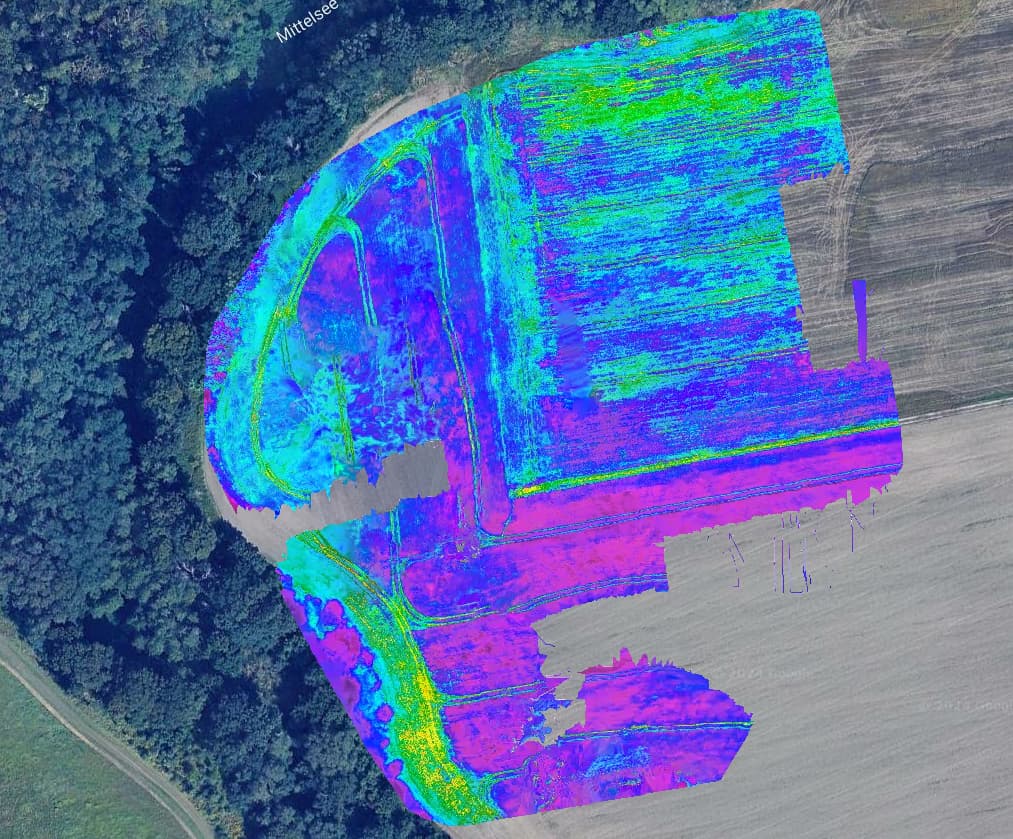
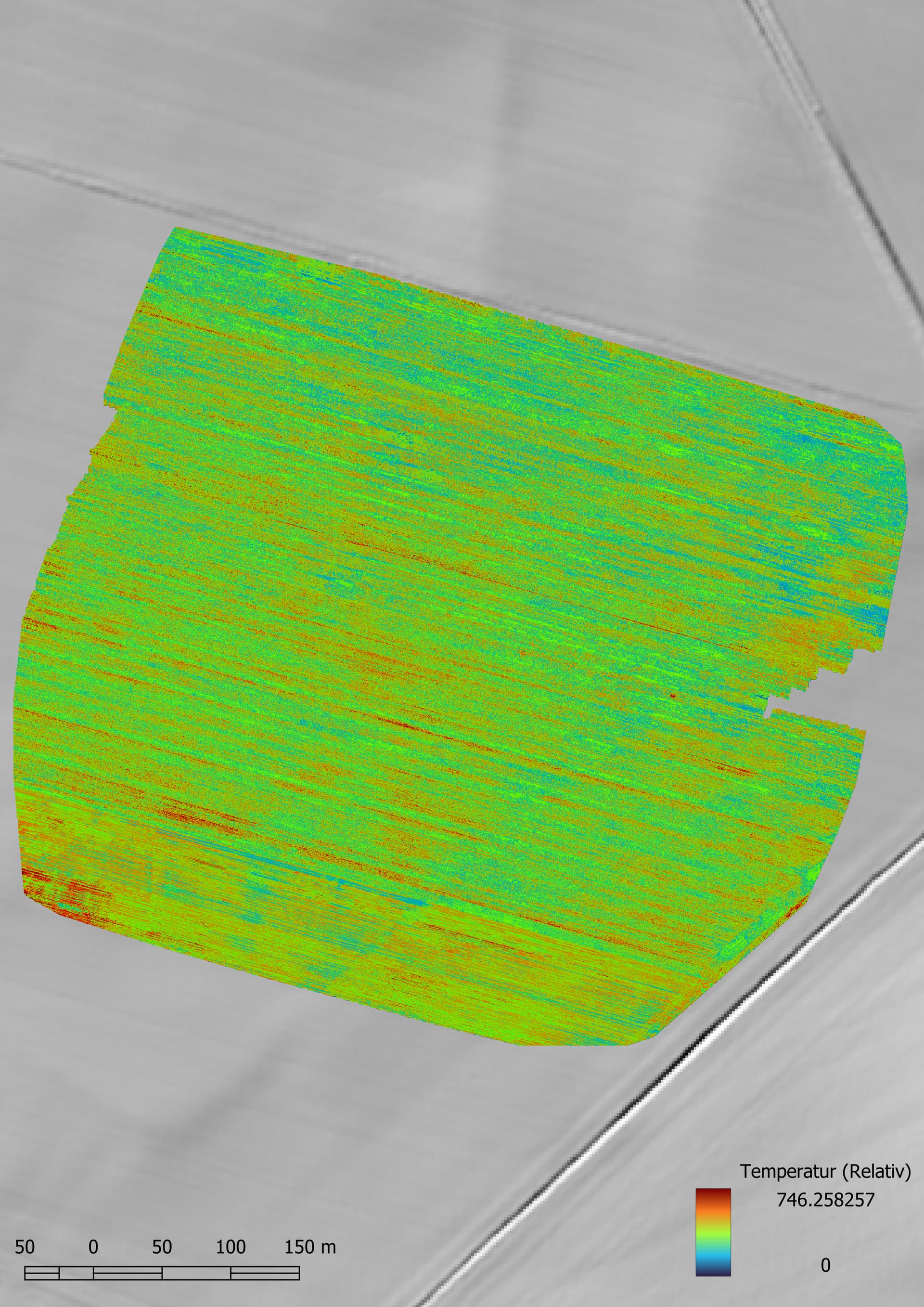
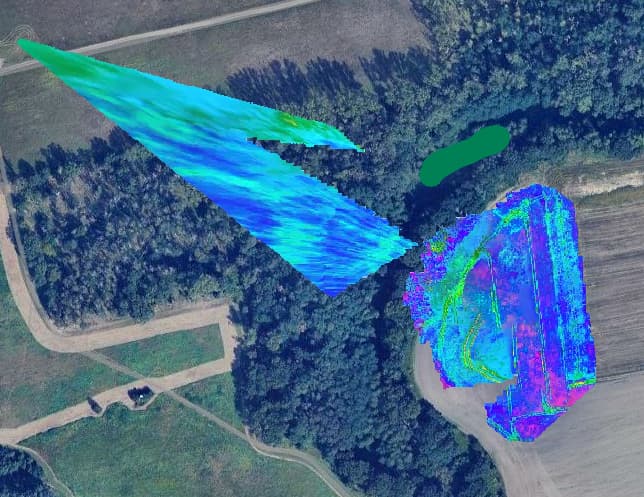
Can anyone explain to me what is happening with these thermal images? I’ve had this happen previously on the same site to a lesser extent, and on a different site. The only way I seem to be able to get thermal data processed is by using “Fast Orthophoto”
Collection was done with a Mavic 3T Enterprise with RTK paired to an Emlid Reach RS2.
The flights were done using the automated mapping function which flys transects with a 75/75 overlap with the camera at Nadir. It ends with a set of oblique photos to the middle point of the data set.
Typically the Thermal camera is of a much different resolution and focal length than the main visible camera, and the flight planning software does not always (in my experience it is never) take this into account, so your 75/75% on visible might be 60/60% or much lower on Thermal, which will put you on the very border of reliable reconstruction at best.
Further, the resolution is oftentimes quite low, so you may want to manually adjust the presets to --feature-quality ultra to eke out a bit more pixels.
For removing the obliques, I would just move them to a different subdirectory manually in your File Manager and not select them when creating the Task.
Aha! Well then, DJI uses some proprietary format for storing the thermal data in the photos which makes it impossible for ODM to use radiometric thermal data from them. In my experience the usage of pseudo color images for orthophotos makes interpretation challenging, radiometric calibrated photos allow you to change pseudo color schemes on the fly which is neat. You can however convert the images into a format which ODM can work with. Some interesting topics on that:
More thermal cam users means we can work together to find the best processing & flight planning
parameters so please keep us up to date here!
Yeah I’ve read all the threads, but have been avoiding the command line version of WebODM. Mainly my goal is to facilitate the use of the thermal drone by my colleagues who are quite technologically averse.If I create a process in the command line it’s unlikely to be repeatable by other members of my institute.
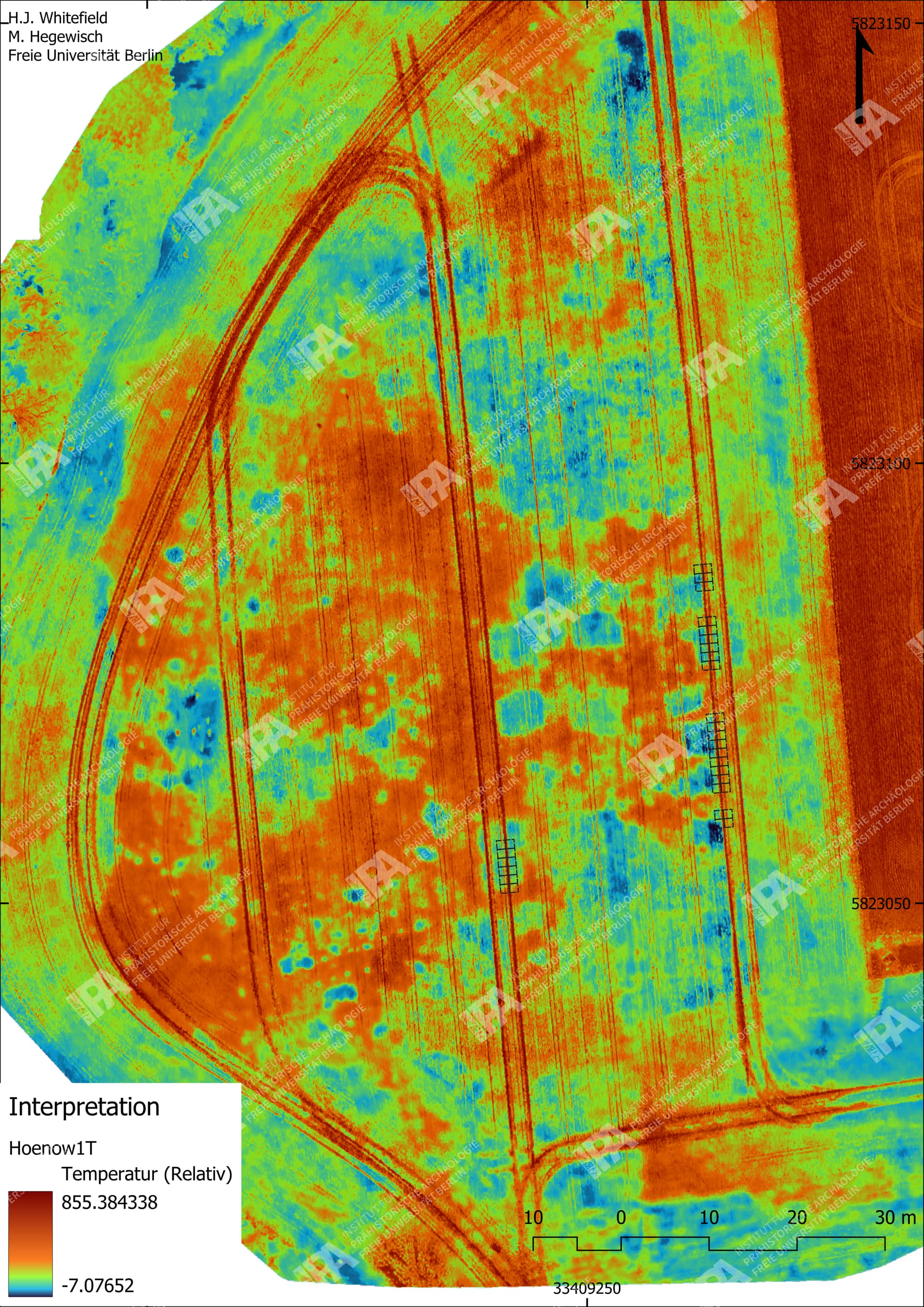
Here’s why this is confusing though; the process has been working fine. Both as Fast Orthophoto and Highresolution Orthophotos I have got good results.
This is an agriculture field, and I wonder now that the crop is ripening and no longer green if the thermal images don’t have enough contrast to align without the exif data.
Here’s the most recent run with
auto-boundary: true, dem-resolution: 2.0, feature-quality: ultra, force-gps: true, orthophoto-cutline: true, orthophoto-resolution: 2.0, pc-quality: high, radiometric-calibration: camera
Error on my part here, was too lazy to type out WebODM. WebODM can work just fine with the converted images. Just something you can try! Also for your colleagues maybe some sort of script could suffice? Dunno. There is a Windows desktop application which will convert the images too, as described in the first link I sent. Because right now WebODM can only use the 8-bit pixel information from your jpegs which sucks since the calibration data is baked in as an exif tag. So your “radiometric calibration: camera” does nothing right now. You can check the processing logs.
Scene and subject can heavily impact feature detection and matching, especially at the boundaries of reliable reconstruction (why I mentioned this in my prior reply).