This is really an extension of this topic but thought it should have it’s own for better tracking…
As discussed in that other thread, when processing a set of around 300 images using the “Feature quality” setting of “ultra”, the RAM (64gig) and the swap file of 90gig on my machine, were depleted in about 5-8 minutes… I could see the memory go down rapidly in the Task manager… iam running Ubuntu 20.04 with the latest updates of ODM… i had just refreshed the docker containers last week…
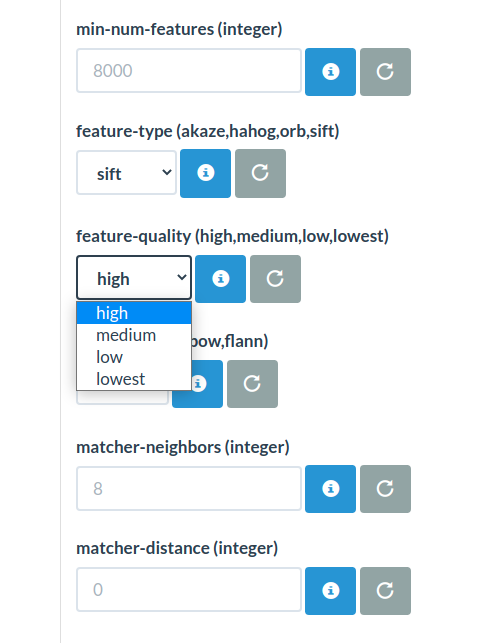
If I switch to “high” for the feature quality, the memory does not run out… and you can see the memory being allocated/deallocated as the run continues… When set to Ultra, it just continues to climb… and going through 64 gig or ram and 90gig of swap is a bit much…
However on the high setting, there was the issue of incorrect texturing… the branches of the tree next to the church were wrapped onto the church… and they are not shadows… I flew on a cloudy day to avoid shadows and you can see the texture of the branches on the building…
Is it possible there is a memory leak issue in this Ultra mode? ODM should be able to perform as good as job as Reality capture which doesn’t have an issue with this… I really want ODM to perform the same and hope that this can be investigated… the other settings mentioned did not change the outcome.
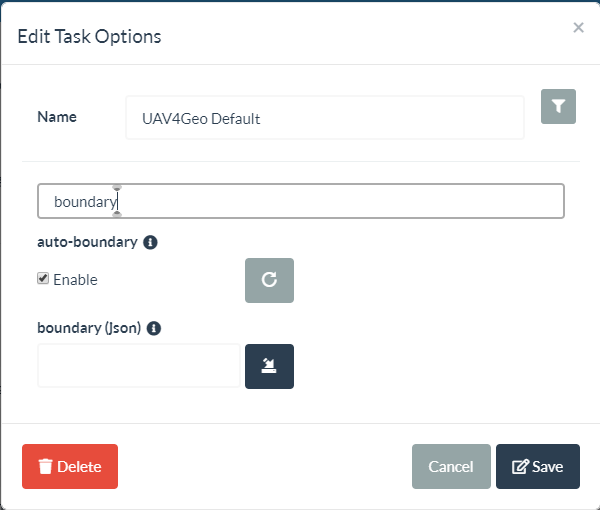
yes I 've been always using autoboundary since I learned about it about 2 months ago… that helped a lot to create a proper model with feature quality at high…
I also have been running it with the JSON boundary file since you mentioned that last week… I just ran it again with both of those to be sure along with pc-geometric checked off and the memory just ran away and used up all RAM and swap in about 8 minutes… total of 150 gig…
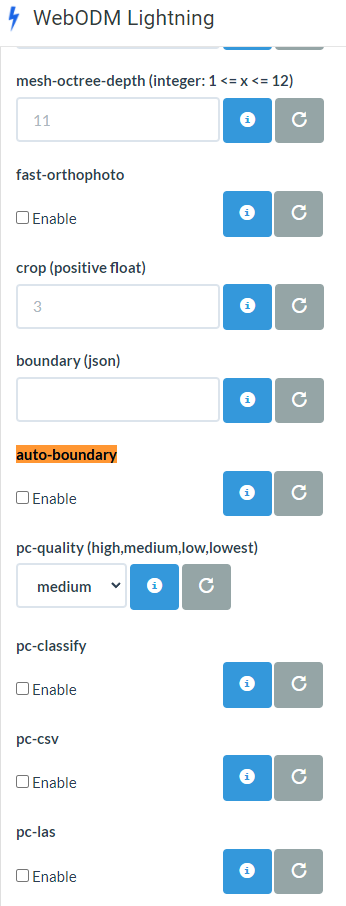
Is it possible I can make the images available on Dropbox for you to check out? I was going to try it on the lightening site too… but that does not seem to be up to date… no autoboundary setting…
I would love to work with you to get this working… It could help others out in a similiar situations if it occurs and might help fix a software issue… I know this is a real weird issue with the texture wrapped on the building… but there will be times where “ultra” is needed for other situations as well…
I see the Auto-boundary on webodm, but for the Feature-quality setting there is no “ultra” option and that’s the setting that’s making my local instance run out of memory… I would like to be able to test that on the server too…
There is a folder inside of this one called “ManualShots” which need to be included in the project too… I flew an automated double grid pattern then flew closer shots for more detail…