I’d be very interested in that. But…I’m not a developer anymore - the last commercial code I wrote was in 2000!
I’m trying to get to a place where I can:
Overlay panos on top of each other to show progress (exists today)
Place markers for 360 photos, regular photos and video on to the map so that they can be clicked on and opened.
I have these in another system, and it works pretty well. But…I’d like an alternative that is open.
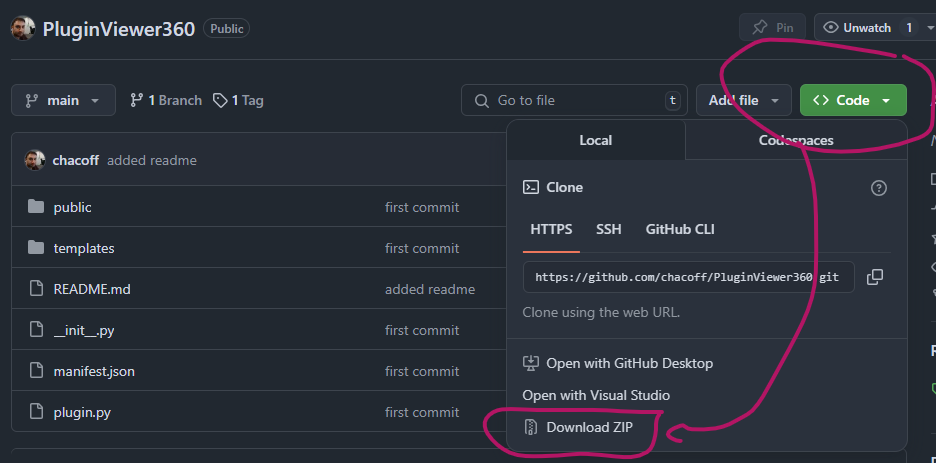
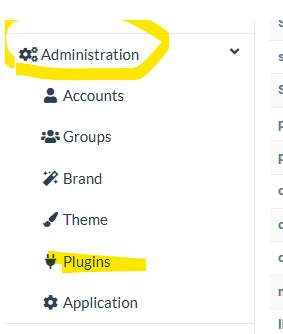
Would this do this (at least the 360 part) and, if so, how can I install it into WebODM (see note about not being a developer anymore) - I can follow instructions easily enough.
BTW - if you are looking for a cheap program to create 360 photos that will handle DNGs check out my video on Panovolo https://youtu.be/5MSbo6lJAN4
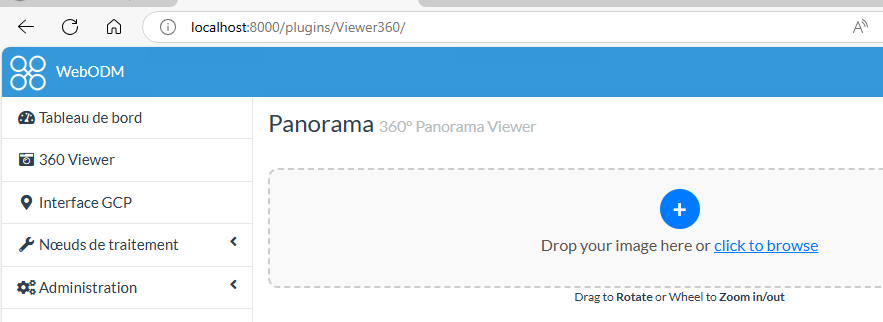
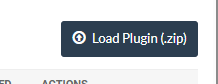
Thanks for teaching me how to load plugins - I had not done that before so that was great! I was able to install and when I load a 360 it does open it and allow me to view it.
However, I misunderstood what this does…but maybe this can turn into a feature request.
What I thought this would do would be to load a 360 pano, store it in the DB, and place a marker on the location of that 360 pano on a map. That way we can go from looking around the ortho to clicking on that marker to open the pano in that location.
I was confused because that is how my other software works and is what I was expecting and hoping for.
So…any thoughts on making that a possibility
I’d be happy to do a screen share to show you what I mean if that would be helpful.
Thanks for contributing to the project! It’s people like you and so many others here that are really making this into something useful and special.