I do mapping and orthomosaics. Trying to make a mission more efficient usually comes down to fine-tuning the overlap.
I have searched the forum and see the term ‘Overlap Report’ quite often, as recently as a few days ago. I cant find an Overlap Report in the ODM Quality Report. Is there an option or setting that I am missing that will generate this report?
1 Like
Can anyone help me with the ‘Overlap Report’?
The only thing I see in the Quality Report is this Survey Data.

Is this it, or am I still missing a setting? I used the Default settings.
1 Like
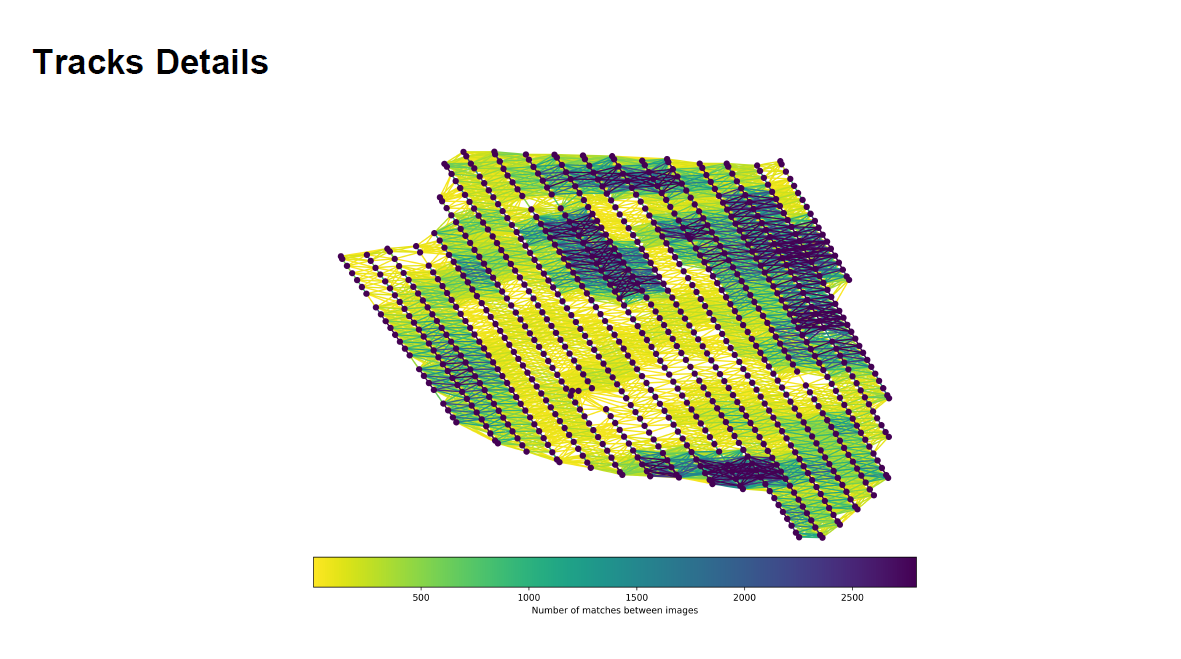
I am not certain I have ever seen a “overlap report” mentioned before, but I believe this may be more of an overlap report.
1 Like
Here is a couple of posts that reference the overlap report image.
And another
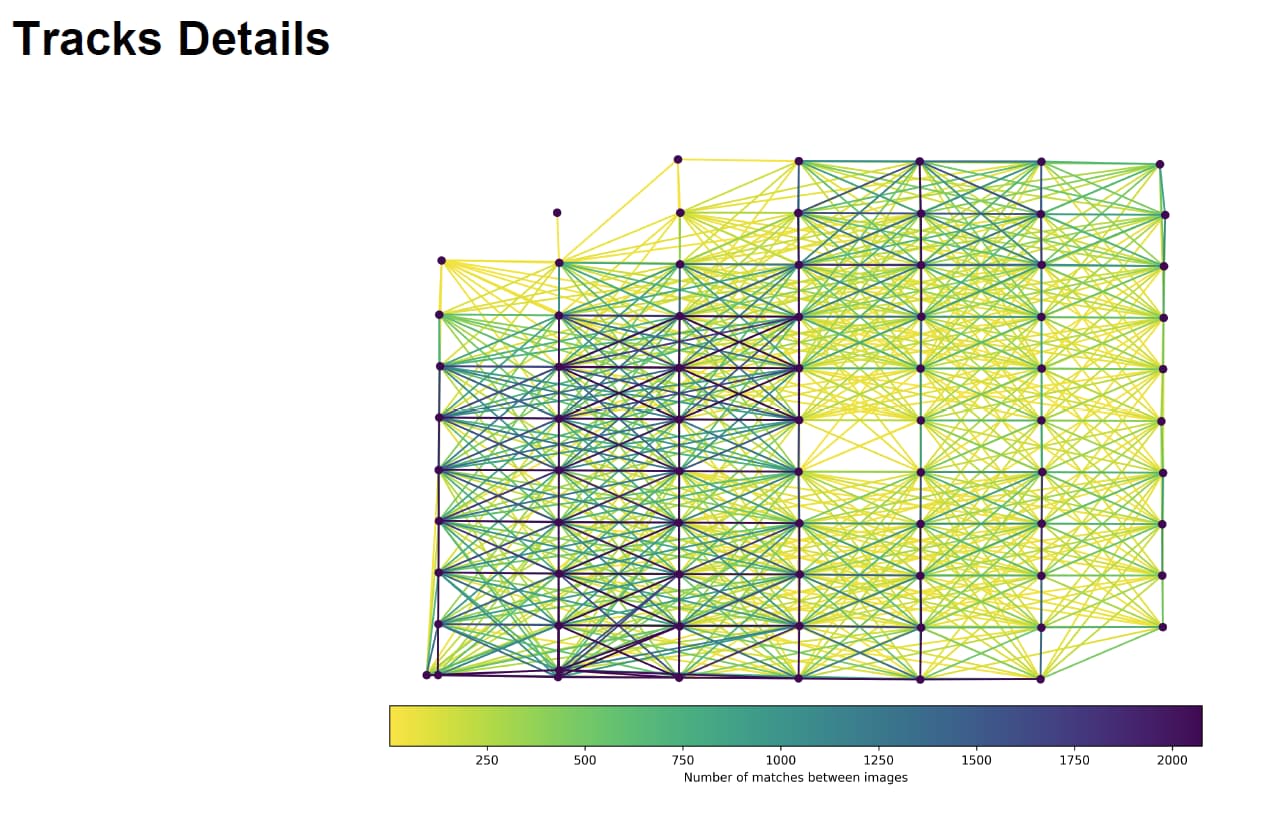
The ‘Track Details’ that you show does not appear in the Quality Report that was generated using the Default settings. I would like to have something like that. Anything to confirm the overlap settings that I use in my mapping missions. How did you generate that Tracks Details image?
1 Like
that image of track details is snipped from a quality report. It should be the last page of the quality report.
1 Like
This is your overlap report. It shows how many times each pixel is “visible”, and gives you an idea of your effective overlap.
That gap in the middle means you didn’t get reconstruction there.
I’d start by investigating that area and seeing what the content is (spectral surface like water? Low feature like white rooftop or clean open sand? etc).
You may need to bump parameters or improve your data collection, depending.
1 Like
This topic was automatically closed 30 days after the last reply. New replies are no longer allowed.