Out of Memory - frozen system - ubuntu/docker

Last night as a job I’d submitted was nearing completion I found I could not access my server.

The server is Ubuntu, 16 CPU’s, 64gb RAM, 480 gb storage. It’s running on DigitalOcean.

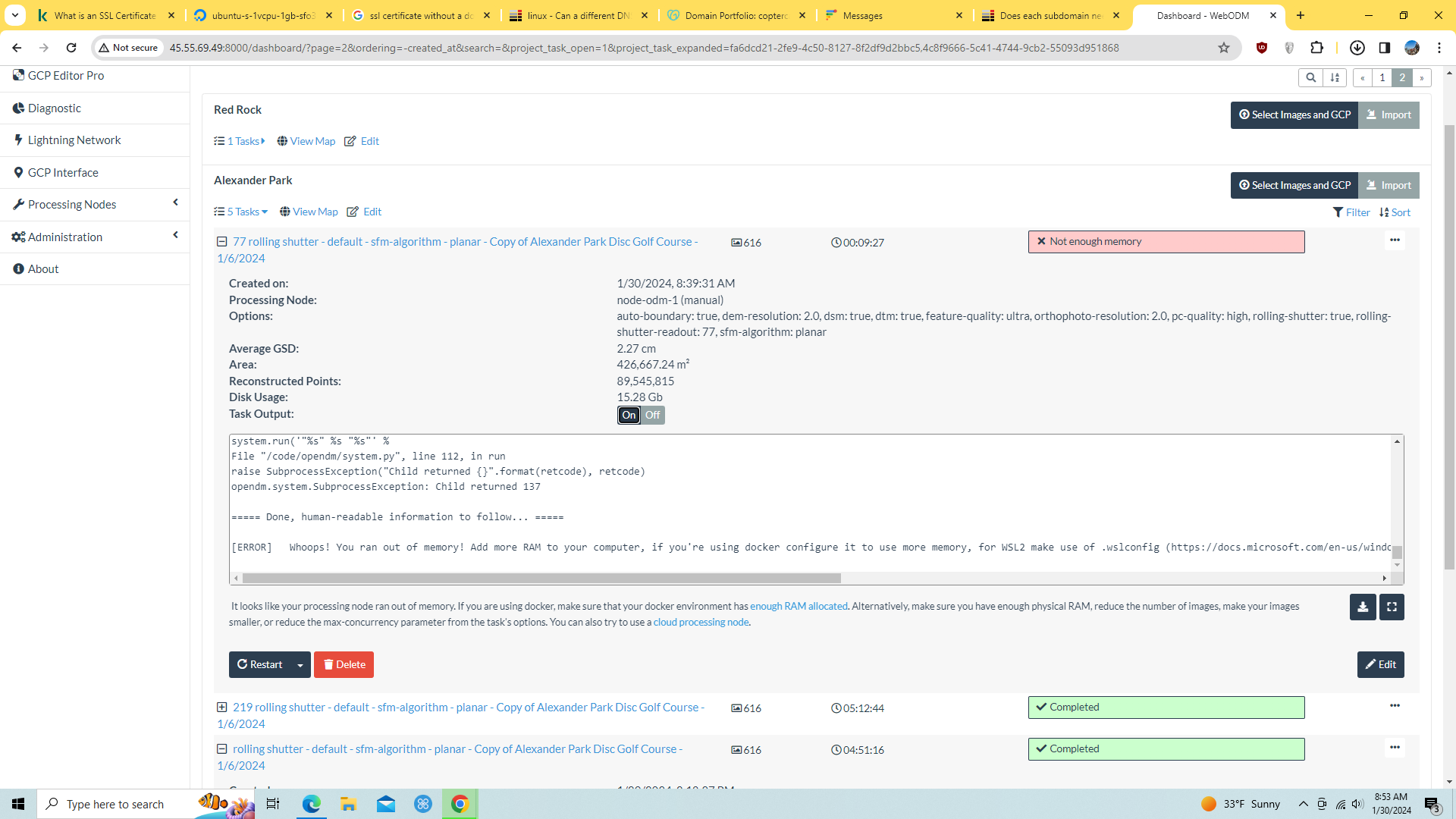
It seems that the job I had been running and reached 100% of the available memory (480gb) and WedODM did not stop gracefully. It locked up the entire machine - even preventing access to a console and root access. My only recovery option was to power cycle the server.

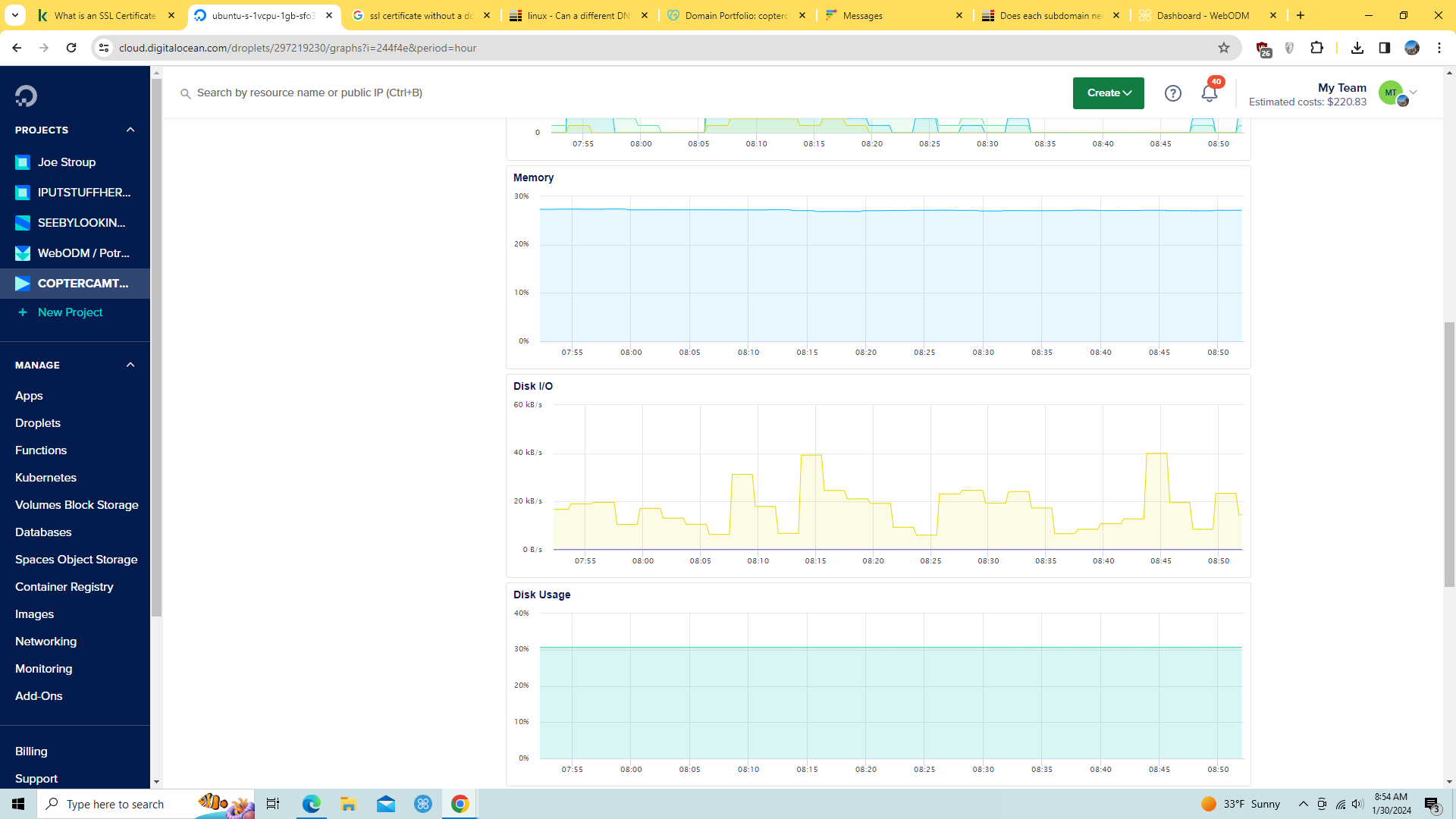
This graph is a 7 day period:

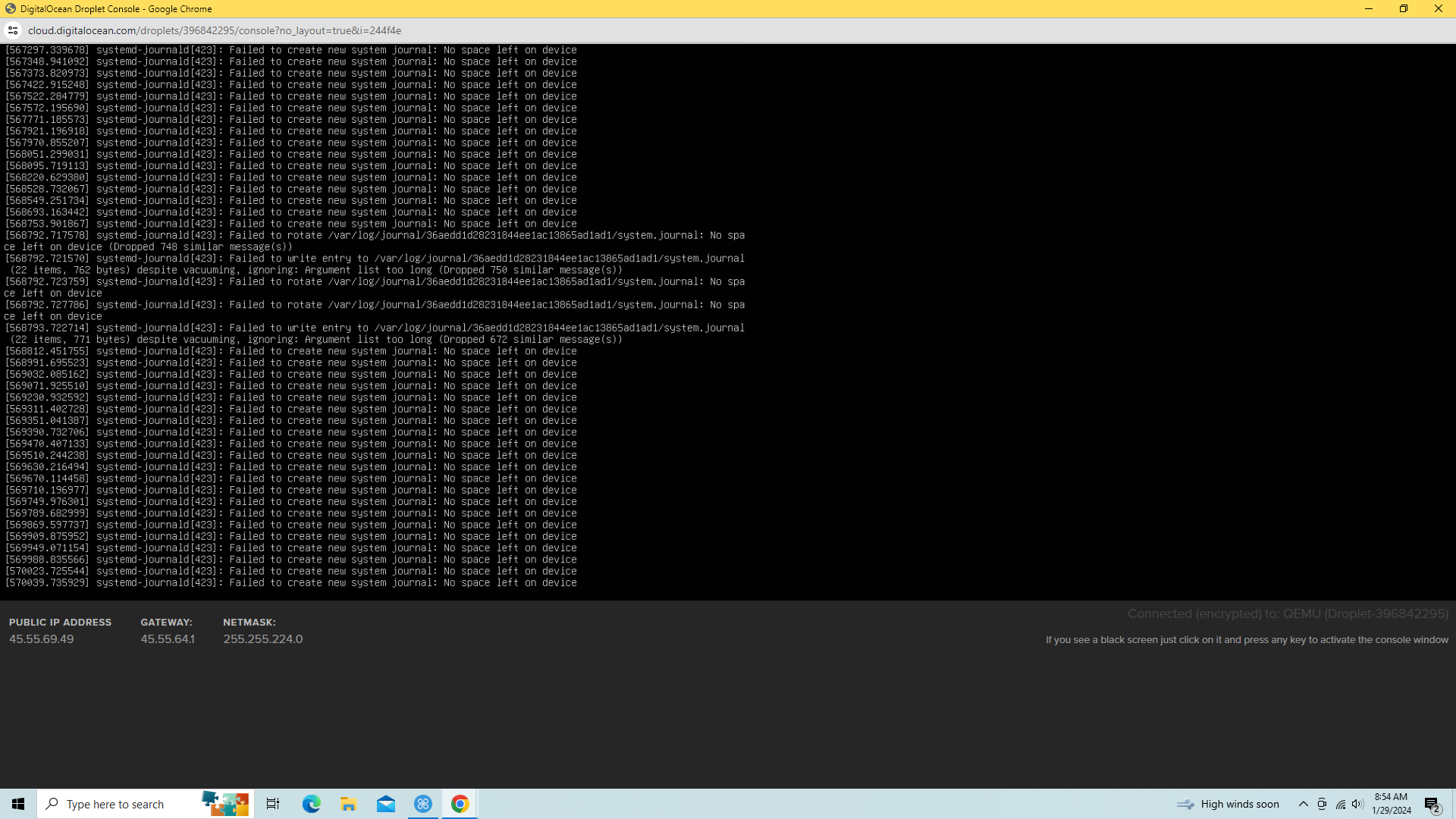
I was granted access to a recovery console which displayed this:
Over the week or so of running WebODM on this ubuntu/docker installation, it had at some points reclaimed some of the disk space it had consumed - as shown in the graph above. After my first day or two of running, I also increased the size of this server from 200gb to 480gb of storage.

I’ve only processed about 10 to 20 jobs. I believe I’d read something about WebODM cleaning up disk space - but it would seem it occurs too infrequently.

I started this server with 200gb - and within the first couple of jobs I found it was nearing 98% of available storage. So I resized the server to have 480gb. It would seem that if this server processed jobs on a regular basis, it would require multiple terabytes of storage - making it more expensive to run.

After power cycling the server, I stopped WebODM with the “webodm.sh stop” command, and re-started it with “webodm.sh start”.

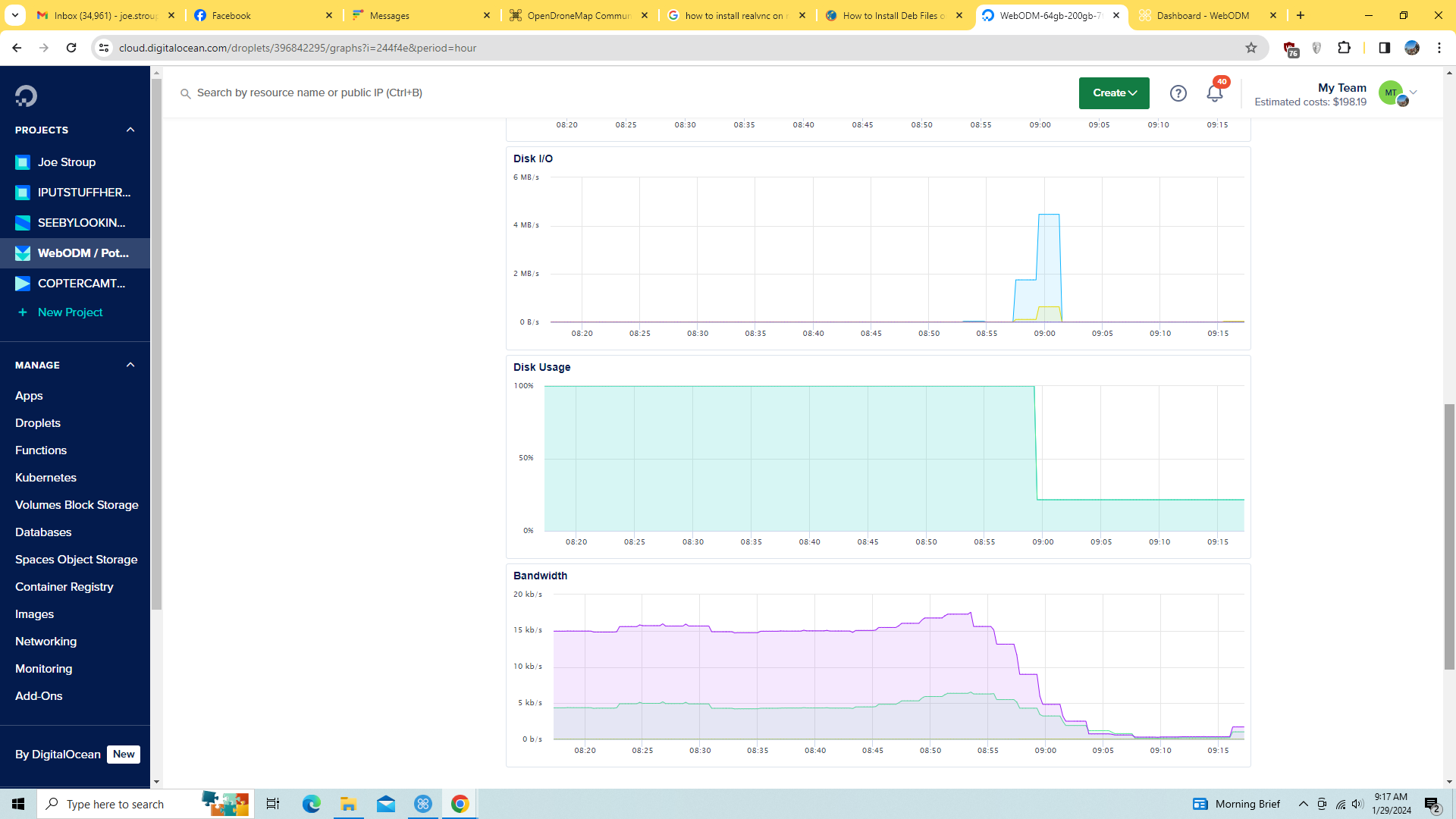
This process enabled WebODM to come back up - and it appears to immediately have discarded a great deal of its storage allocation.

This graph is for 1 hour period - when the system was recycled and WebODM recycled:
In my opinion, two changes to WebODM should be addressed:

  1. WebODM should reclaim disk storage more frequently and aggressively when running in Docker. My Windows installation does not consume significant amounts of disk storage - so I’m guessing there’s something different about the Docker implementation.

  2. WebODM should be aware of the available disk storage - and stop running gracefully with error messages when there’s a threat of running out of disk storage. There’s nothing wrong with a program crashing - as long as it crashes gracefully.

I have not researched this situation - so I don’t know if this situation has been documented and commented upon in the past. But it seems clear to me that until it is addressed, it would be problematic to use the Docker implementation of WebODM in any sort of production facillity.

Thank you!
Production deployments of OpenDroneMap do require tuning. Defaults often work fine, but your workflow, user base, datasets will drive the tuning of the deployment.

In short, see the third answer in the search here:
https://community.opendronemap.org/search?q=space%20order%3Alatest

Direct link as follows:

You can also set up your NodeODM deployment to clean up more often, which allows you to centrally control the cleanup schedule and doesn’t require your users to remember to use the correct flag. It has slightly different implications to optimize-disk-space insofar as task sub-products are retained for a period rather than cleaned up along the way, but be careful setting it to too small a value.

--cleanup_tasks_after <number> Number of minutes that elapse before deleting finished and canceled tasks (default: 2880) 
--cleanup_uploads_after <number> Number of minutes that elapse before deleting unfinished uploads. Set this value to the maximum time you expect a dataset to be uploaded. (default: 2880) 

See also in the link above info on expected space usage for processing intermediates.

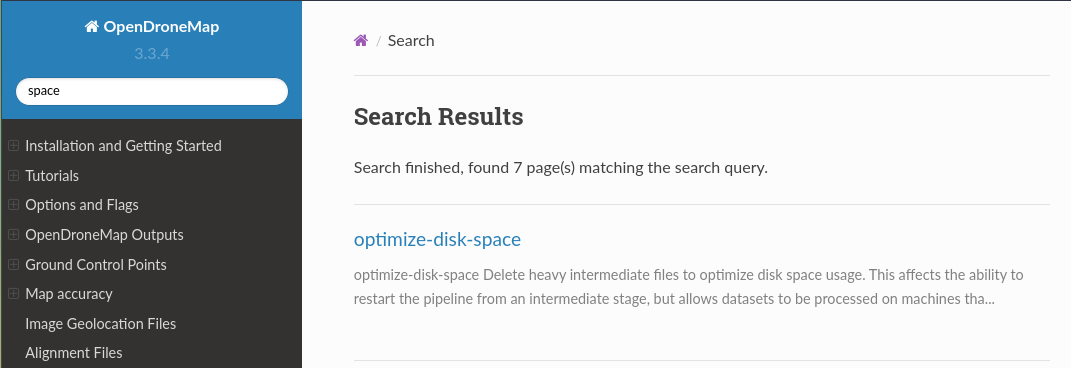
Also, I cannot wait to redo the docs, but what’s there is good and also quite searchable when the results on the forum are insufficiently structured:
image

It’s good to know that there are options on managing disk consumption.

I process a much higher number of jobs on my Windows installation - and so far, it only consumes 125gb on my hard drive. So that suggests something about how the Docker implementation is running is significantly different - and perhaps need attention.

The big issue is the system freezing when 100% storage is consumed.

The best option I can think of is when some threshold is reached, the task stops - and notes the last step completed successfully. Then after the resource constraints are dealt with, the operator can resume the task at the next step.

But if not that - WebODM should simply stop with an error message - to avoid hanging the entire system.

In the meantime, I’ll monitor storage more diligently, consider the options to preserve storage you’ve pointed out, and consider increasing the storage on my server even higher.

When soft-recycling the system with a ./webodm.sh stop and ./webodm.sh start - is unused memory released? That appears to be what happened when I cold re-booted my system. If so - I might consider doing that on a daily basis just to ensure unnecessary memory allocation is released.

I don’t have any visibility to the items on the DEVs project list. But in my opinion, this issue will prevent WebODM from being a good option for production applications until it’s resolved.

Docker requires you know how to manage docker. What you’re describing is fundamentally a docker challenge, which is one of the defacto container environments specifically for production. Study up on docker. It will help you better manage in production.

As to WebODM, docker is used in production all the time. We have tools for managing storage, as I have communicated. You need to stop assuming your problems in your deployment are the devs problems to solve. This is a bad position to begin from.

Approach forums with a humble heart. It will buy you much latitude and grace, and you’ll probably learn a lot more. Thanks.

I had an incident today where a task ran out of memory (RAM) and the task ended gracefully without harming WebODM or the server.

Oddly, the system had plenty of available RAM, and when I restarted the task, it ran normally.

It would be a good thing if WebODM if tasks cancelled just as gracefully when disk storage is depleted.

Thank you