Hey all, 
I just released a new project, which hopefully one day will have an opportunity to integrate with the wider OpenDroneMap ecosystem: GitHub - pierotofy/OpenSplat: Free and open source 3D gaussian splatting in C++ ⭐
Currently you can generate 3D gaussians from ODM projects by using nerfstudio’s ns-process-data command (Using custom data - nerfstudio), then opensplat can be used to process the nerfstudio project export. It’s a bit tedious, but hey, it’s a start.
For an intro to gaussian splatting: 3D Gaussian Splatting - Plain Concepts
Feedback, testing, comments welcome!
14 Likes
This is fantastic. And you are finally going to force me to get a graphics card, dagnabbit. 
4 Likes
At least you’ll be happy to know I’ve developed this on a GTX 950M (which is both quite dated and inexpensive)  and it runs.
3 Likes
Haha! Ok. I have a floor. I am not surprised.
Edit: just checked. That fits in budget quite nicely.
2 Likes
Lets cooking it
Hopefully the result will be good
My bad, I had a typo here:
This command will not produce any splat
./opensplat /workspace/NERFSTUDIO_CONVERTPY/data/nerfstudio/Truck_PLY \
    -o /workspace/OPENSPLAT/Truck_PLY -d 1
The correct one:
./opensplat /workspace/NERFSTUDIO_CONVERTPY/data/nerfstudio/Truck_PLY \
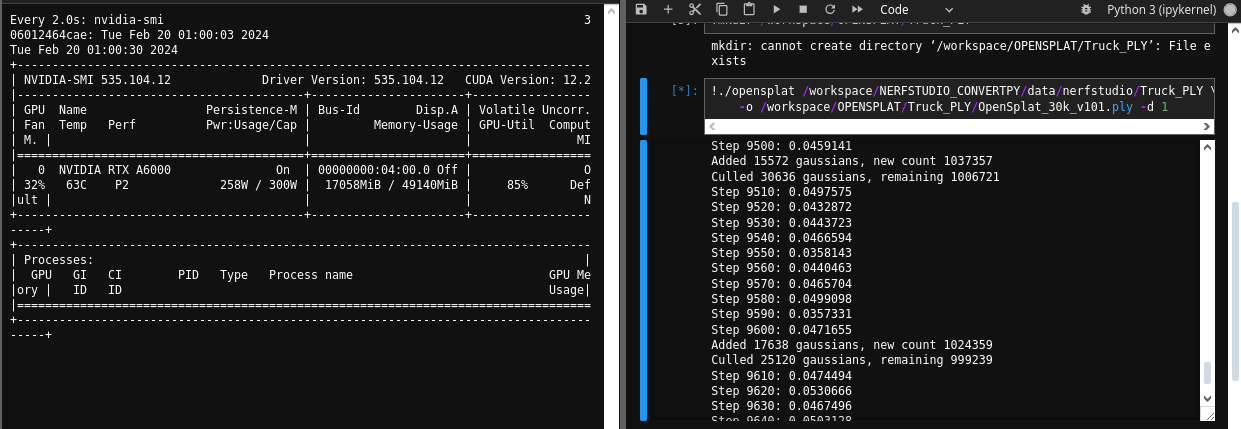
    -o /workspace/OPENSPLAT/Truck_PLY/OpenSplat_30k.ply -d 1
Renting Runpod environment with this specification
Ubuntu 22.04 LTS
Python 3.10
libtorch 2.0.1+cu118
RTX A6000 with 48 GB VRAM
/workspace/NERFSTUDIO_CONVERTPY/data/nerfstudio/Truck_PLY
|-> colmap
  |-> sparse
     |-> database.db
     |-> 0
       |-> images.bin
       |-> camera.bin
       |-> points3D.bin
|-> images
  |-> ((all_of_your_images which processed by ns-process-data))
|-> images_2
   |-> ((all_of_your_images which processed by ns-process-data))
|-> images_4
   |-> ((all_of_your_images which processed by ns-process-data))
|-> images_8
   |-> ((all_of_your_images which processed by ns-process-data))
|-> sparse_pc.ply
|-> transforms.json
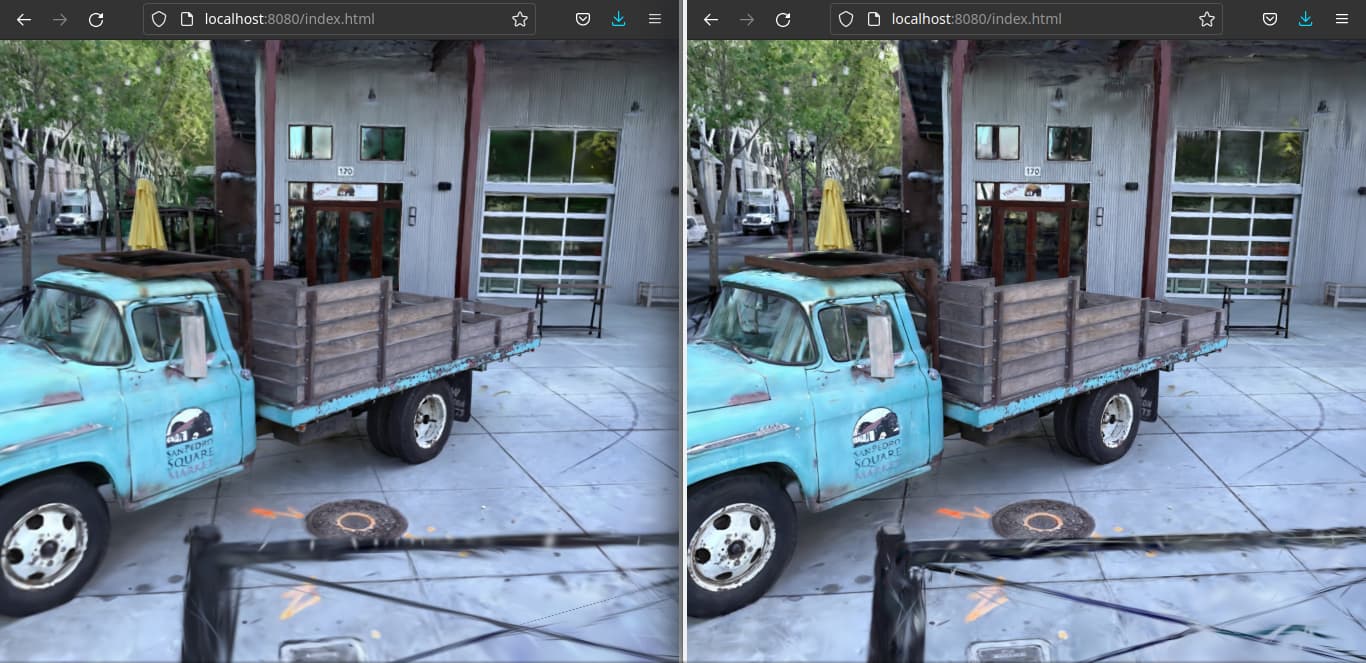
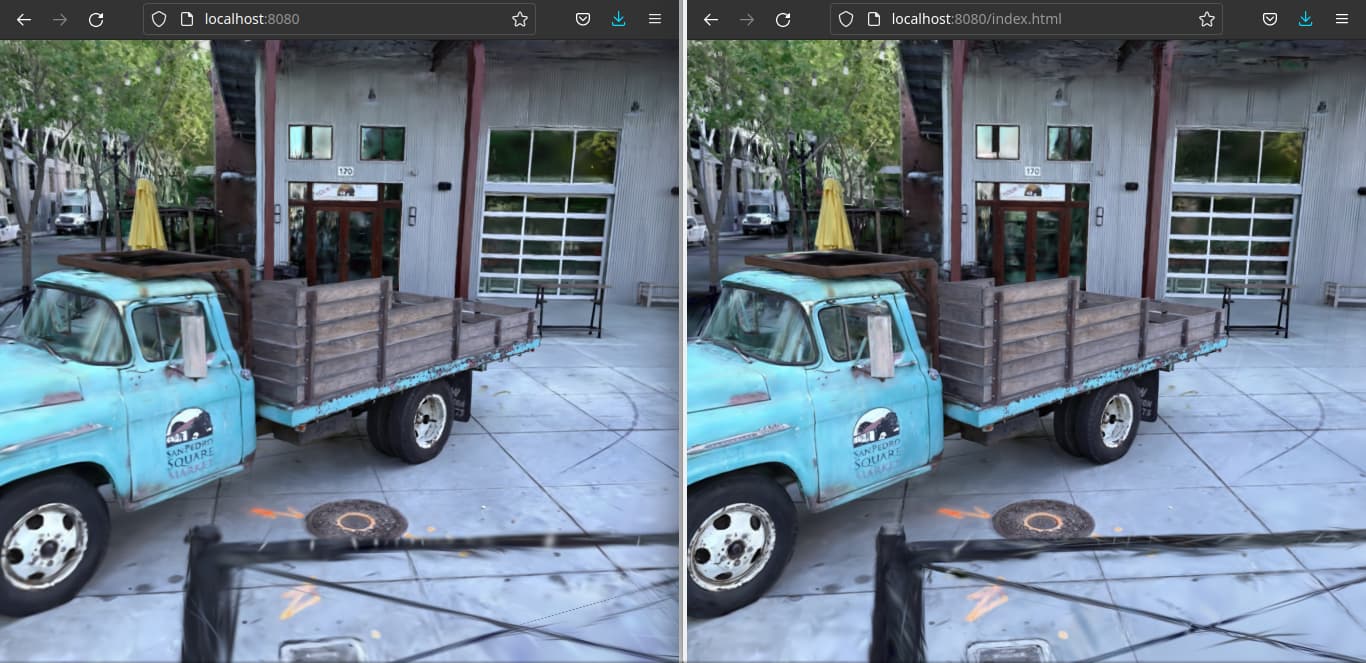
Left = OpenSplat after 30k iters
Right = Splatfacto from nerfstudio v1.0.0 with 30k iters
viewed by mkellogg 3D Gaussian Splat viewer
I hope there are a settings that use all images for training dataset. If it happens, It can not be used for benchmark since eval dataset already leaks in training dataset.
But my idea, I want highest quality as possible.
3 Likes
Cool benchmark!
Some differences might be due to the optimizer scheduler (Implement optimizer scheduler · Issue #6 · pierotofy/OpenSplat · GitHub) not being implemented yet.
All images are used during the process.
Could you share the Truck_PLY dataset somewhere? Would be cool to link it to the opensplat repo.
2 Likes
Originally, the images is taken from Original 3DGS (Inria/graphdeco). But I rerun the ns-process-data images since the dataset is in colmap format instead of nerfstudio format.
You can download it with gdown python library. Here is the command:
gdown 1pUOWW6w1OOzIkAwji_jkgKOugTinN8VO
Just finished adding the optimizer scheduler, which should help get the scene to converge toward finer details.
2 Likes
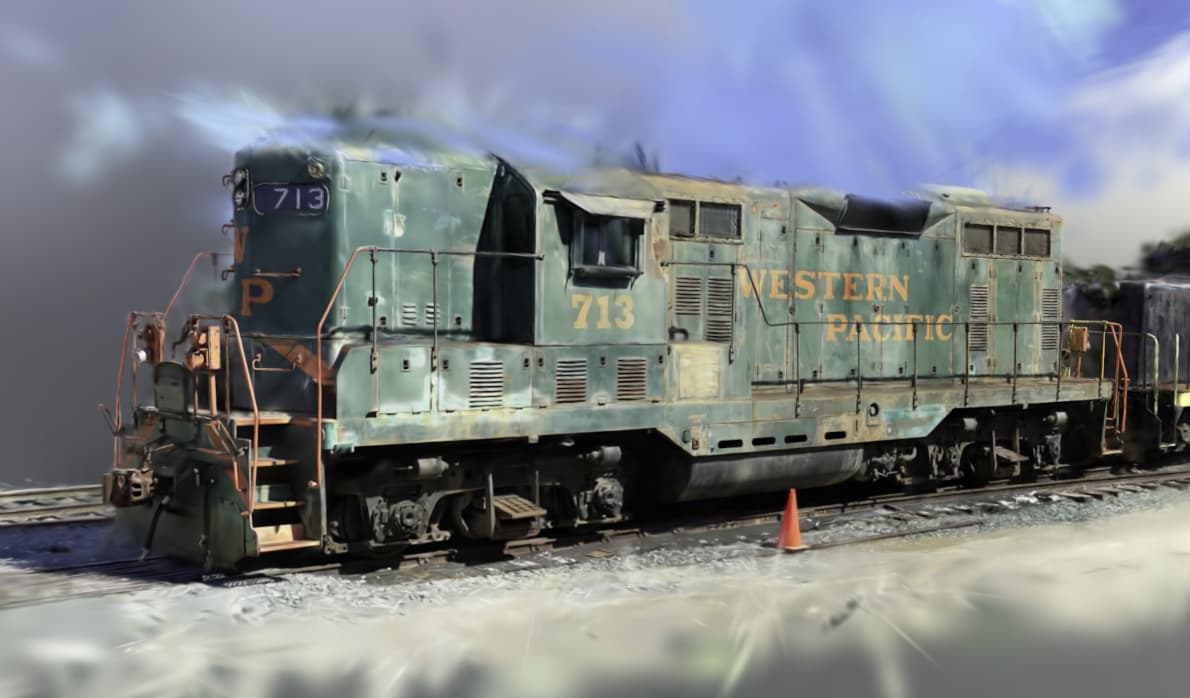
Train scene after 7k iters.
6 Likes
Is something wrong with my installation or my configuration?
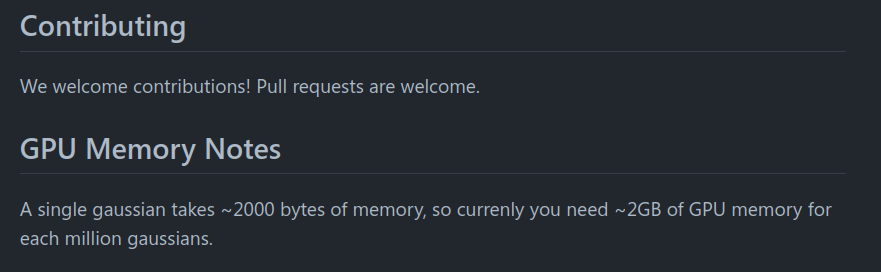
Thats being said for each million of gaussians, it consumes 2 GB VRAM. But in my own experiment, it needs 17 GB of VRAM
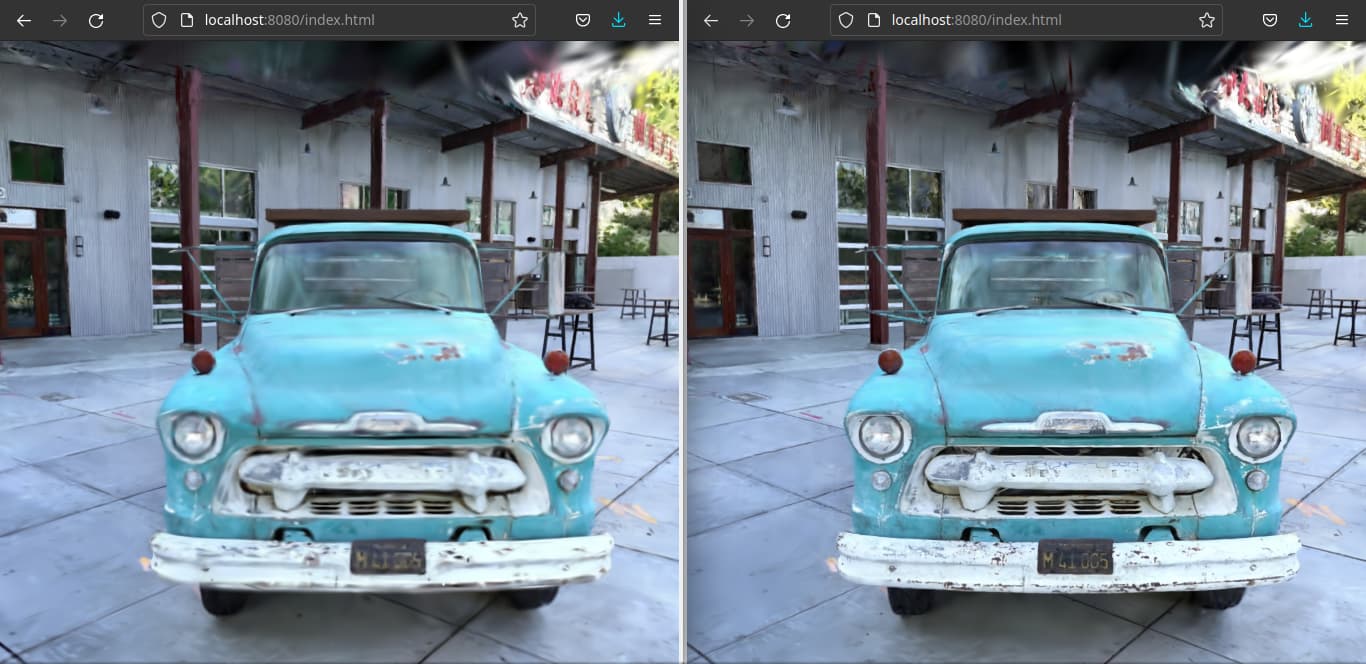
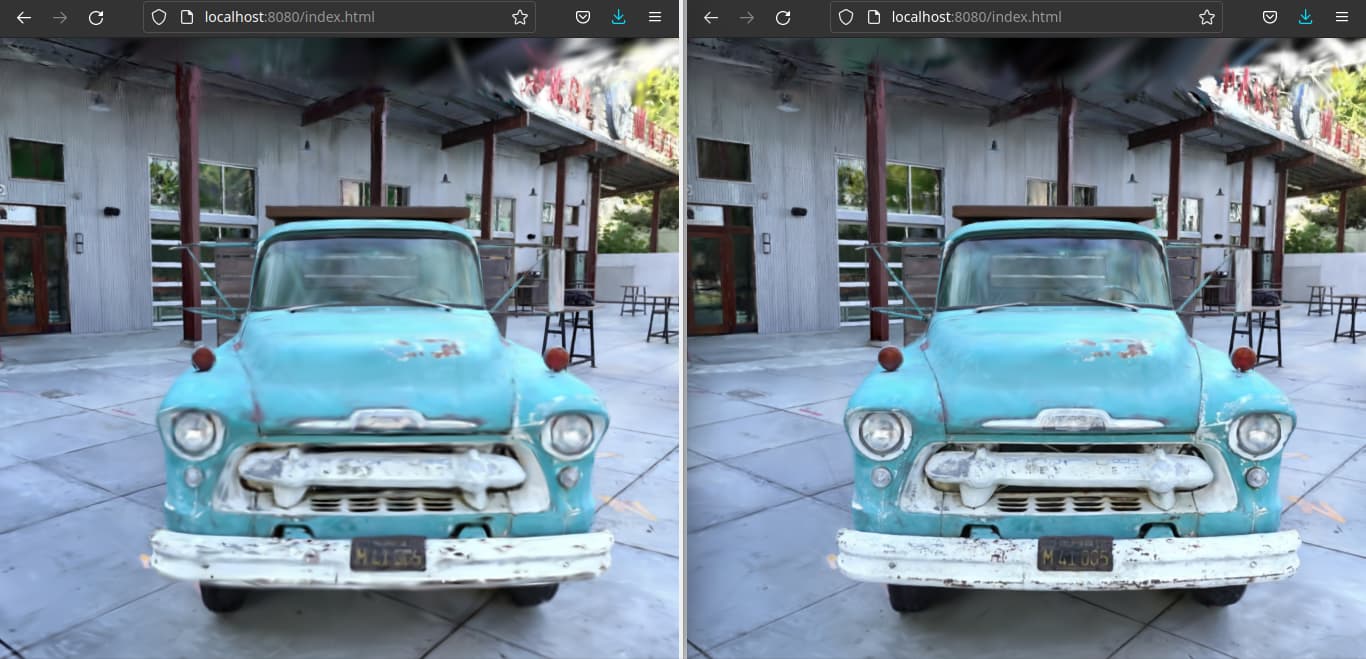
left = OpenSplat 30k --downscale-factor 1 commit: d72815de5e1f04d00509cf5e3128cfa7cebf3b97
right = OpenSplat 30k --downscale-factor 1 commit: 2db50409fa07b762f9c9dd245e1c98a487f1facb
Well done, I see better result in the newest commit (right images)
1 Like
Memory allocated by libtorch is not automatically released, but it’s kept in an available state. Don’t trust the number from nvidia-smi. The actual usage is much lower.
1 Like
What is necessary in the ODM Project in order to do this?
- DEM
- Point Cloud
- Orthophoto
- Texture Model
1 Like
Hello, welcome to the club. Sorry for slow respon. I had sick few days ago.
OpenSplat is really different with ODM since it uses different technology.
Currently OpenSplat can not export the result to DEM, Orthophoto, and textured model.
OpenSplat can export a special point cloud which called splat and it can viewed by special program like mkellogg 3D Gaussian viewer, playcanvas, etc.
There are any online splats creator likes Luma AI and Polycam. You might get insight what is the splat is.
Back to OpenSplat, it is free and it can run in your computer without online creator as long your GPU+VRAM+RAM capable to do it.
1 Like
And I just saw Piero’s 6yo laptop that he wrote it on, and I have to say, the GPU bar is low.
2 Likes
Something is going on. I try it on Ubuntu 22.04 LTS, and it consumes >10 GB with -d 1 in 251 images with 960 x 540 resolution. I check it from nvidia-smi. -d 1 argument means it run at original resolution instead of downscale resolution.
This thread also tested it with Windows and got OOM too with Banana dataset with 8 GB RAM and -d 2 argument. Mac/Windows Support · Issue #3 · pierotofy/OpenSplat (github.com)
Hopefully it fixed (in Windows) since this PR : General fixes that came up with Windows build by salovision · Pull Request #37 · pierotofy/OpenSplat · GitHub
VERY GOOD NEWS
This commit Reduce VRAM consumption by pfxuan · Pull Request #43 · pierotofy/OpenSplat · GitHub and Mac/Windows Support · Issue #3 · pierotofy/OpenSplat · GitHub seems fix VRAM OOM.
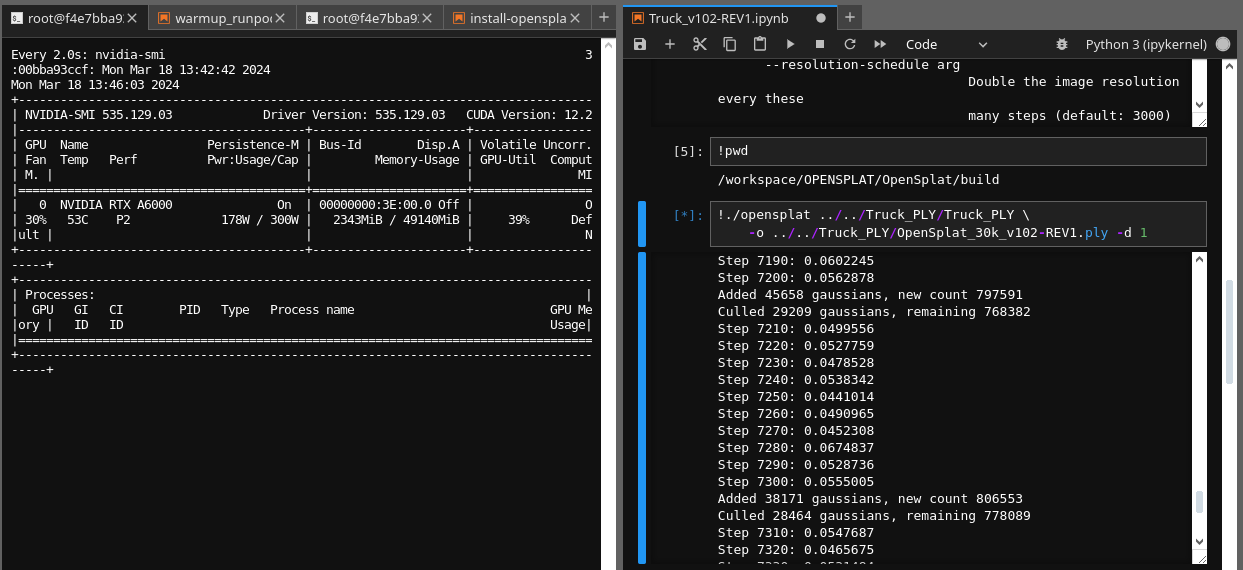
BEFORE (USE >16 GB OF VRAM)
AFTER (USE ONLY ~2 GB OF VRAM)
Thanks @pierotofy and ALL contributors
3 Likes
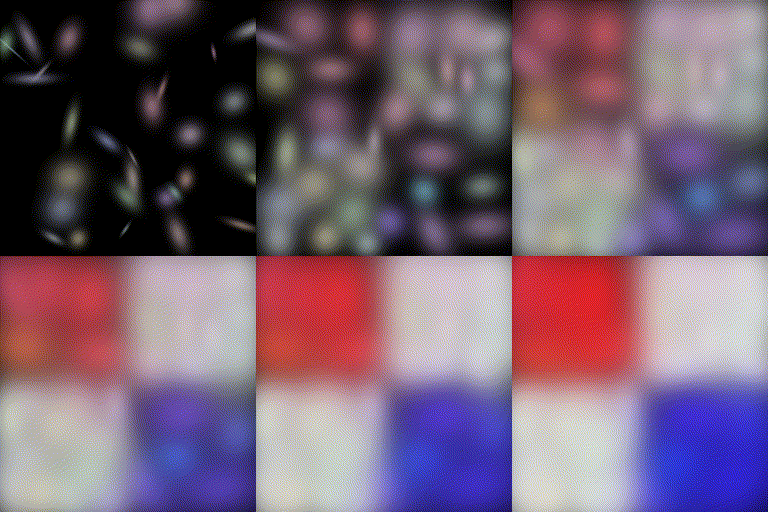
CPU support also coming along nicely 
3 Likes