Hey, everybody. If you have some spare cycles we could use some more entries in our OpenDroneMap benchmarks data. Kudos to @Ichsan for contributing this week! You can see the current data organized by dataset, or by ODM version.
It’s super easy. Just download the sample data, run the dataset with the default config, and send me the number of hours + minutes it took to process. If you’re feeling fancy, try a few different configs with the same dataset (default, 3D model, High Res, etc). You can update the benchmarks data directly if github pull requests are your thing. But really sending to me is fine.
I’ll need to know some info about your computer setup too, for the benchmark data. Those questions are in the benchmarks README, or I can just ask you when you send me your results.
Datasets for this are all linked from the benchmarks repo. If you can run a couple I’d be grateful. These are my favorites:
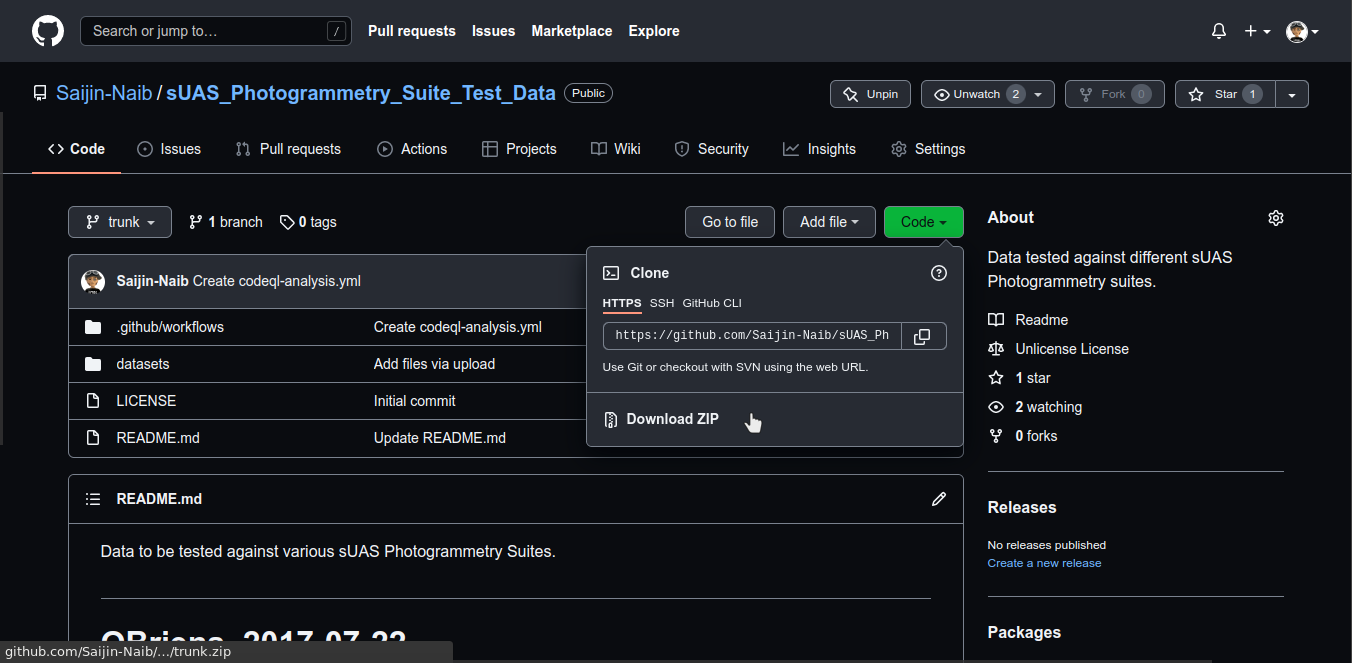
Ahh, it’s in a drop down menu after clicking on ‘Code’ in Chrome.
Thanks!
I’ve have a go at a couple of them after my current 1320 image job at Ultra quality finishes, which might be a while as it has only just started incremental reconstruction after 48 hours.
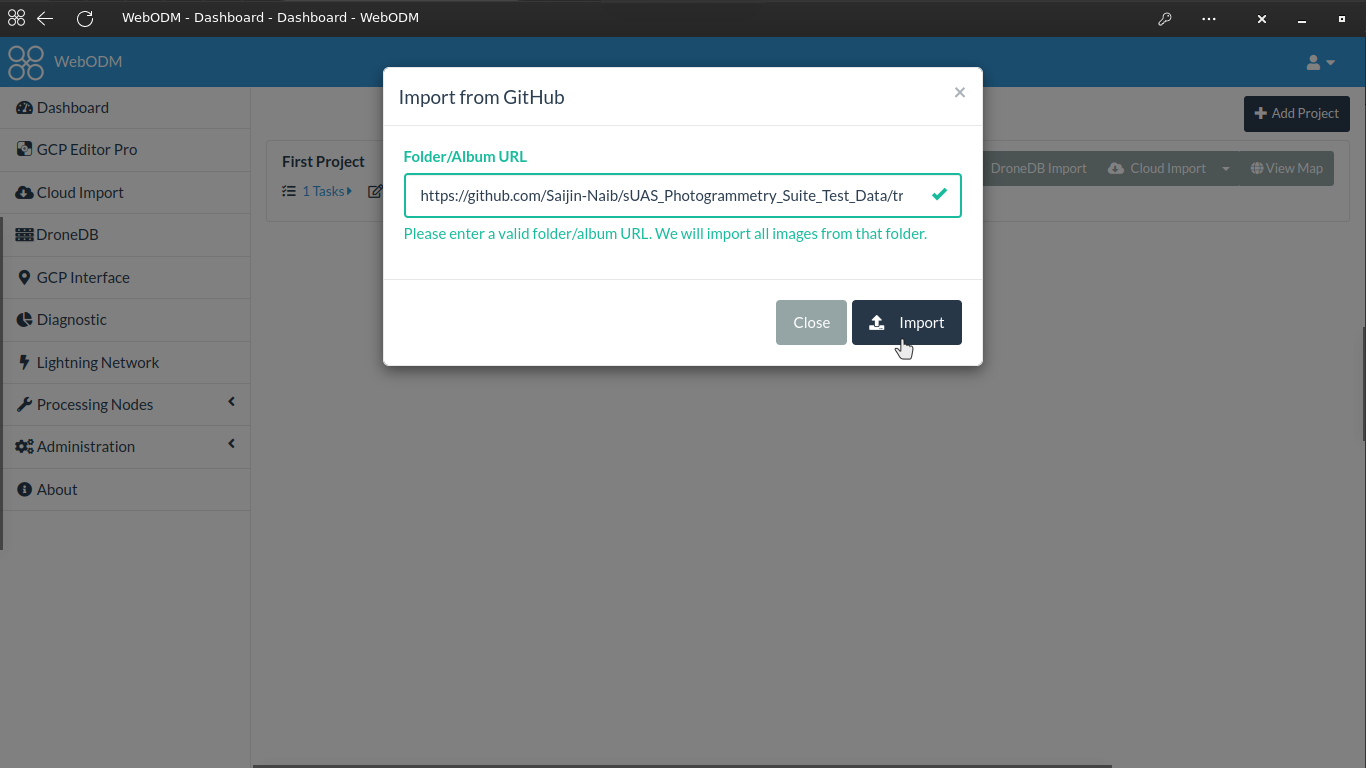
Another neat trick is to import them when using the Cloud Import Plugin. When you go to add images to a task, click it, choose GitHub, and then paste the GitHub link:
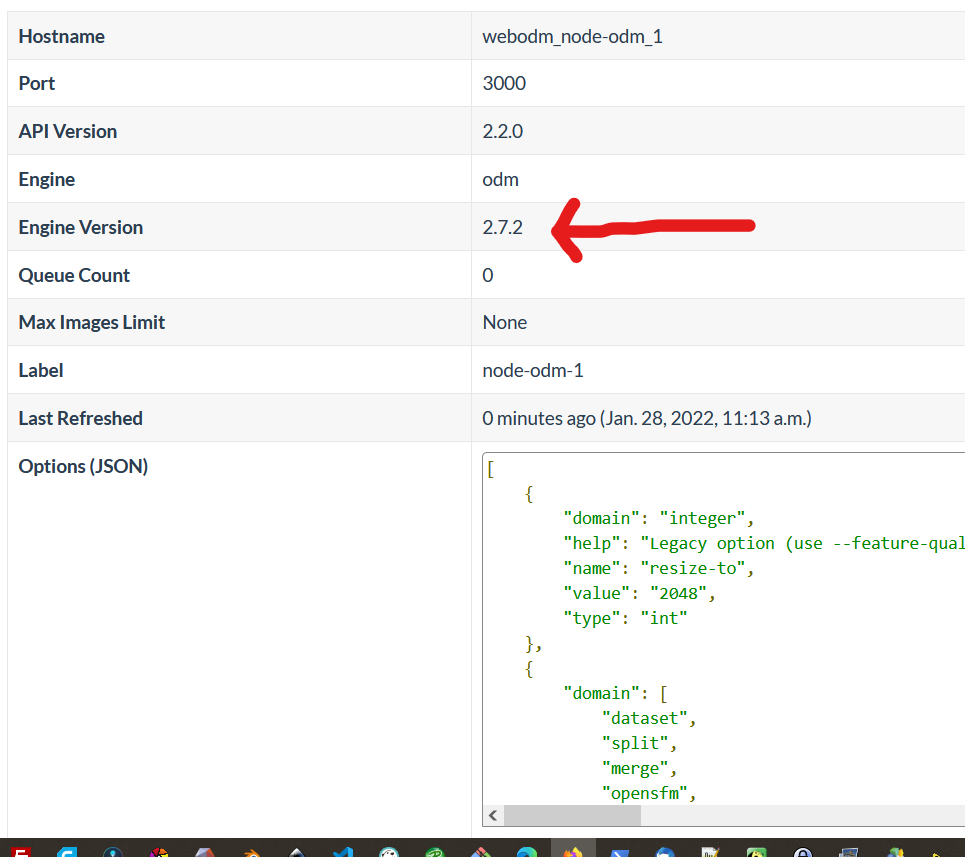
Interesting… those 2.7.2 additions are mine, and I was going by the self-described version number within the processing node info screen. I just updated yesterday via “./webodm.sh update” so maybe the tag has yet to be applied.
I had problems also with downloading the biggest dataset: Ziegeleipark and ended up using “Jdownloader 2”. Currently doing a benchmark run on this dataset, will provide the results if (when) it’s done.
Sometimes we will have a testing version deployed that hasn’t been marked stable and released within WebODM for Windows native and/or tagged/compiled on GitHub for general consumption.
Are you still interested in Benchmark info for tasks that have produced messy results?
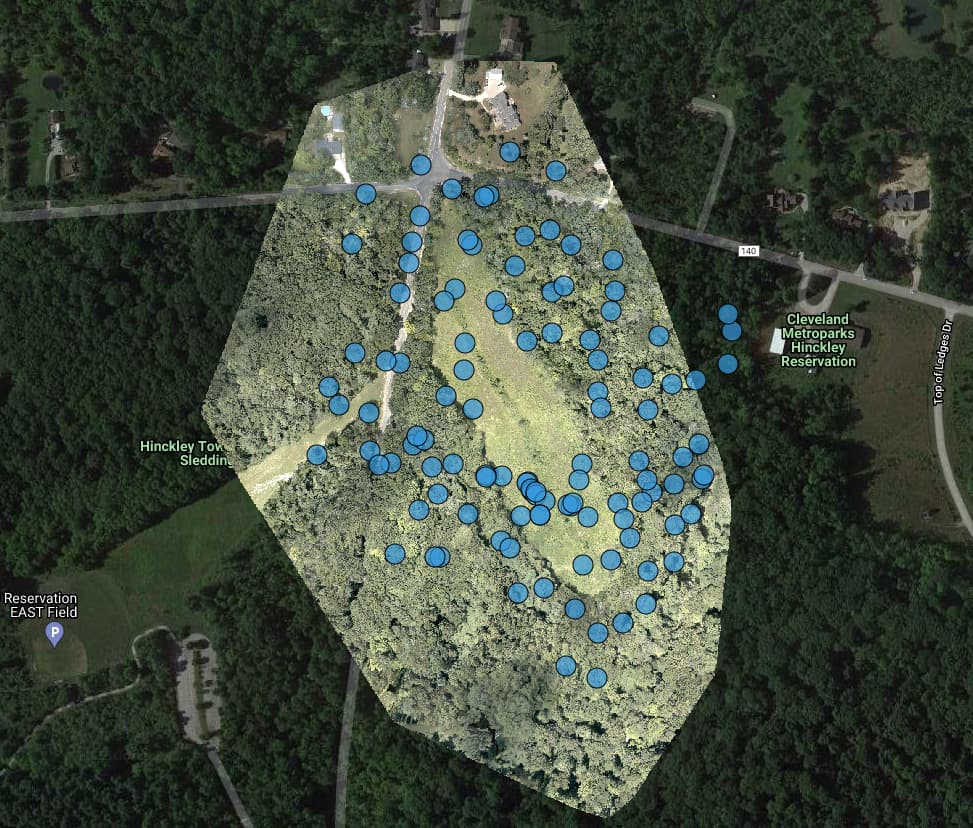
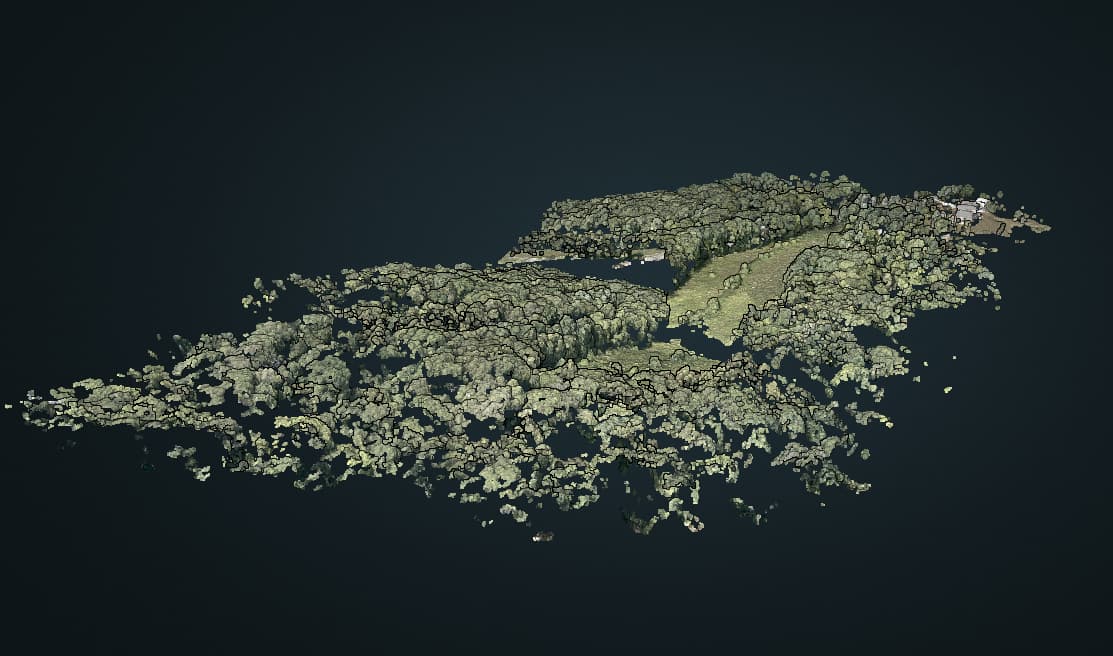
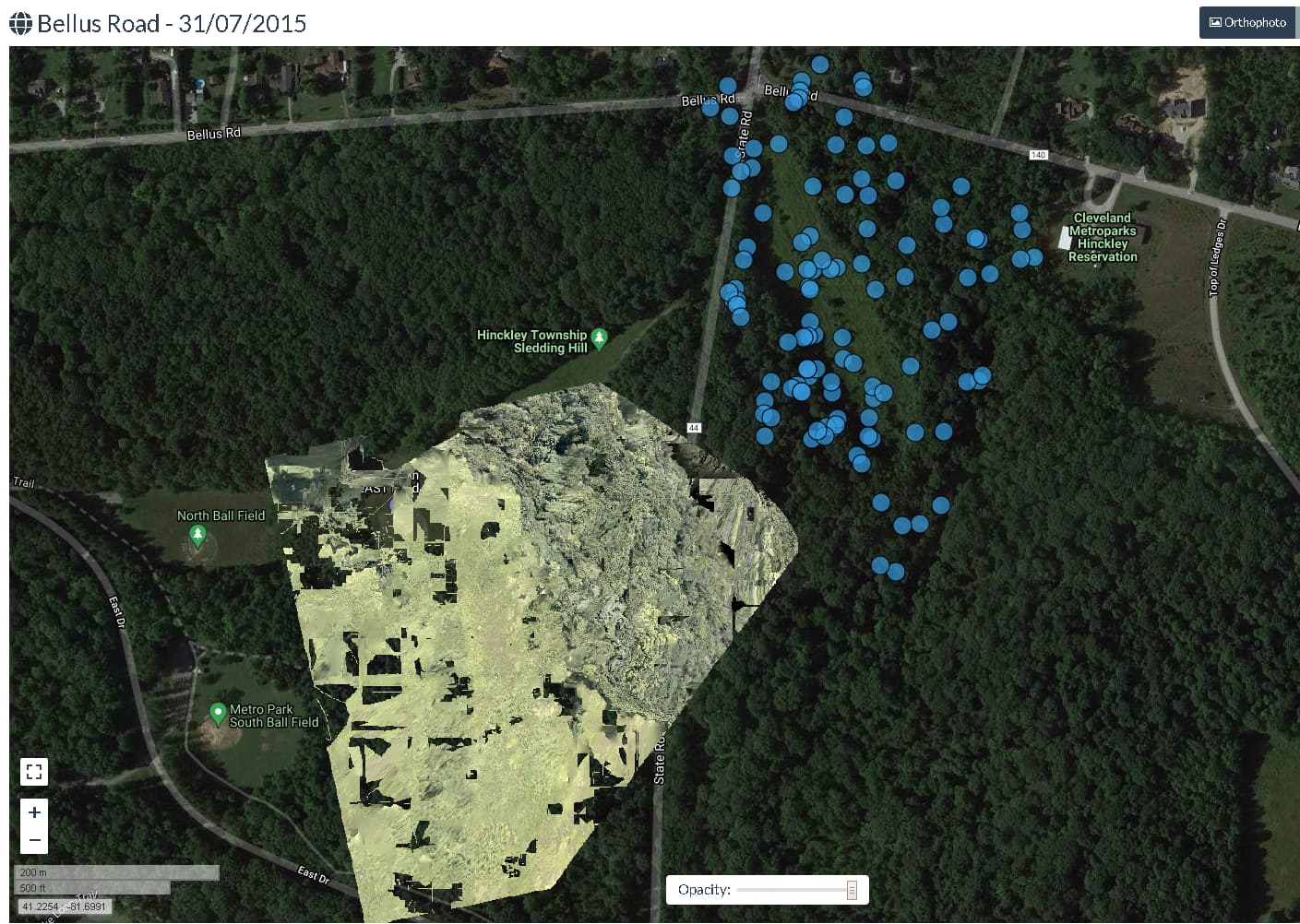
Bellus Rd camera distribution appears to be all over the place, and the PC is broken, half of the ground appears to be at an angle of about 15 degrees to the other part.
EDIT, since I cant post more than 3 times in a row.
Build 47 gave an even worse result than build 51 above
56m37s Options: dem-resolution: 2.0, dsm: true, orthophoto-resolution: 2.0, pc-quality: high, pc-rectify: true
Just did a pull request for data from 3 runs of the Aukerman data set on my Acer Aspire 5 laptop. Always seemed fast but I’m blown away by the results for an $1800 (NZ dollars) laptop. I suspect it’s the fast DDR4 RAM that makes the difference. 5’, 9’ and 30’ for Fast Ortho, Default and High Res runs respectively.
Thanks Gordon, Ralley, Daniel, and Bernarde. I will add incorporate your updates. A couple of people submitted pull requests directly also, and I will merge those. Really appreciate everyone taking a few cycles and submitting their results here. This data is super helpful for the dev team and the community.
Gordon, re: messy datasets. Yes that’s helpful also. That sort of thing may point to issues in the code or the dataset itself. I’m going to try to reproduce on my end and see if I can tell what’s going on.
Gordon, could you post or send me the benchmark data for the run you did on build 51? I get a very similar result on my end, and I think that’s just because the original flight plan coverage wasn’t great. My older benchmarks on Bellus have terrible 2D and 3D outputs too. I think it’s just a difficult dataset. We ought to consider taking it out of the recommended datasets really, but for now the timing data is still useful.
I think this would be a very good discussion (and it’s been on my mind for a while…).
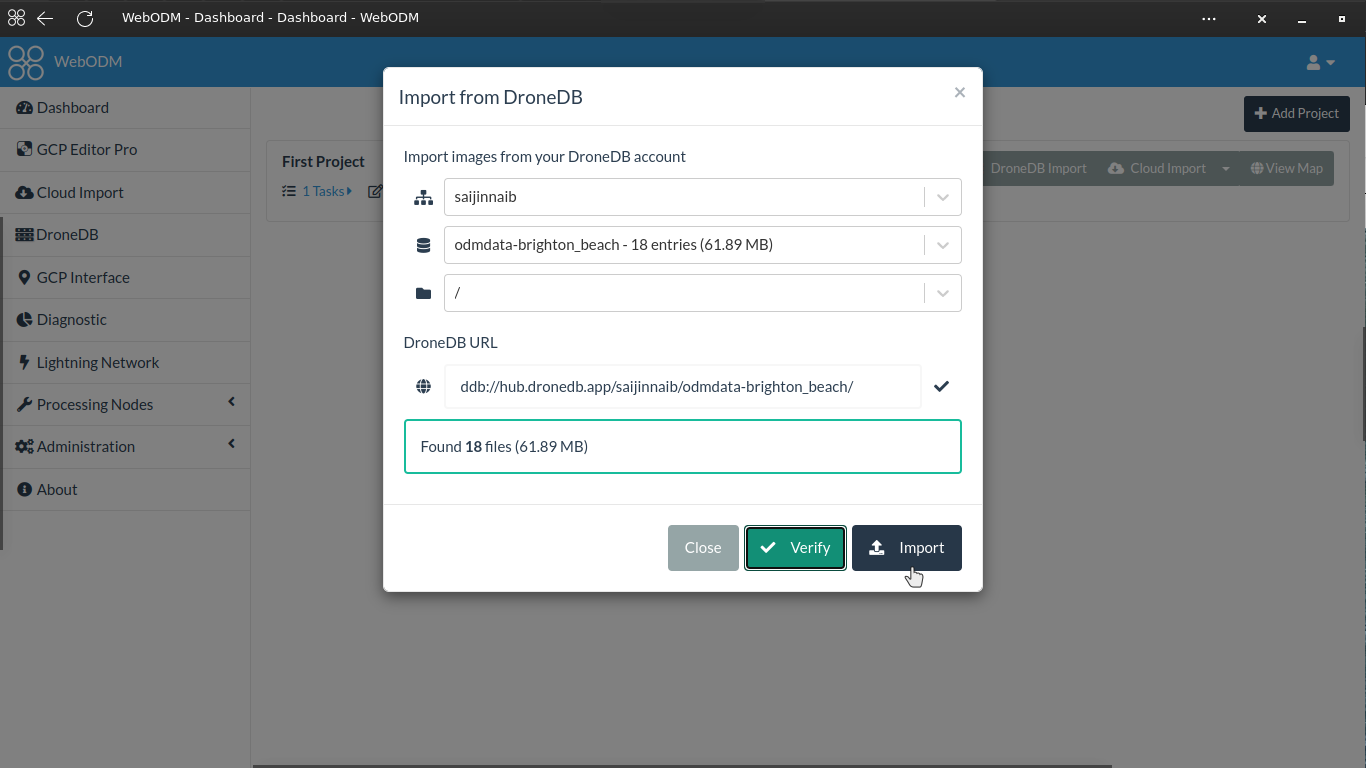
I think the missing piece in DroneDB at the moment (among many other features) is the ability to have organization accounts. The system is designed to support it, but all the parts (permissions, owners, collaborators, etc.) haven’t been rolled out yet.
EDIT - additional
I’ve just tried to run it again with these settings -
Options: dem-resolution: 2, feature-quality: ultra, matcher-neighbors: 12, mesh-octree-depth: 12, mesh-size: 300000, orthophoto-resolution: 2, pc-quality: high, pc-rectify: true, texturing-data-term: area, use-3dmesh: true, rerun-from: dataset
and only 6 seconds in it apparently ran out of memory, despite only using 15 out of 96GB of RAM (238GB incl. virtual)
2022-02-16 14:52:26,577 INFO: Reading data for image IMG_1391_RGB.jpg (queue-size=1
2022-02-16 14:52:26,580 INFO: Reading data for image IMG_1298_RGB.jpg (queue-size=1
2022-02-16 14:52:26,580 INFO: Extracting ROOT_SIFT_GPU features for image IMG_1390_RGB.jpg
2022-02-16 14:52:26,581 INFO: Extracting ROOT_SIFT_GPU features for image IMG_1297_RGB.jpg
d:\a\odm\odm\superbuild\build\pypopsift_deps\popsift-src\src\popsift\sift_octave.cu:208
Could not allocate Blur level array: out of memory
 makes sense to me.