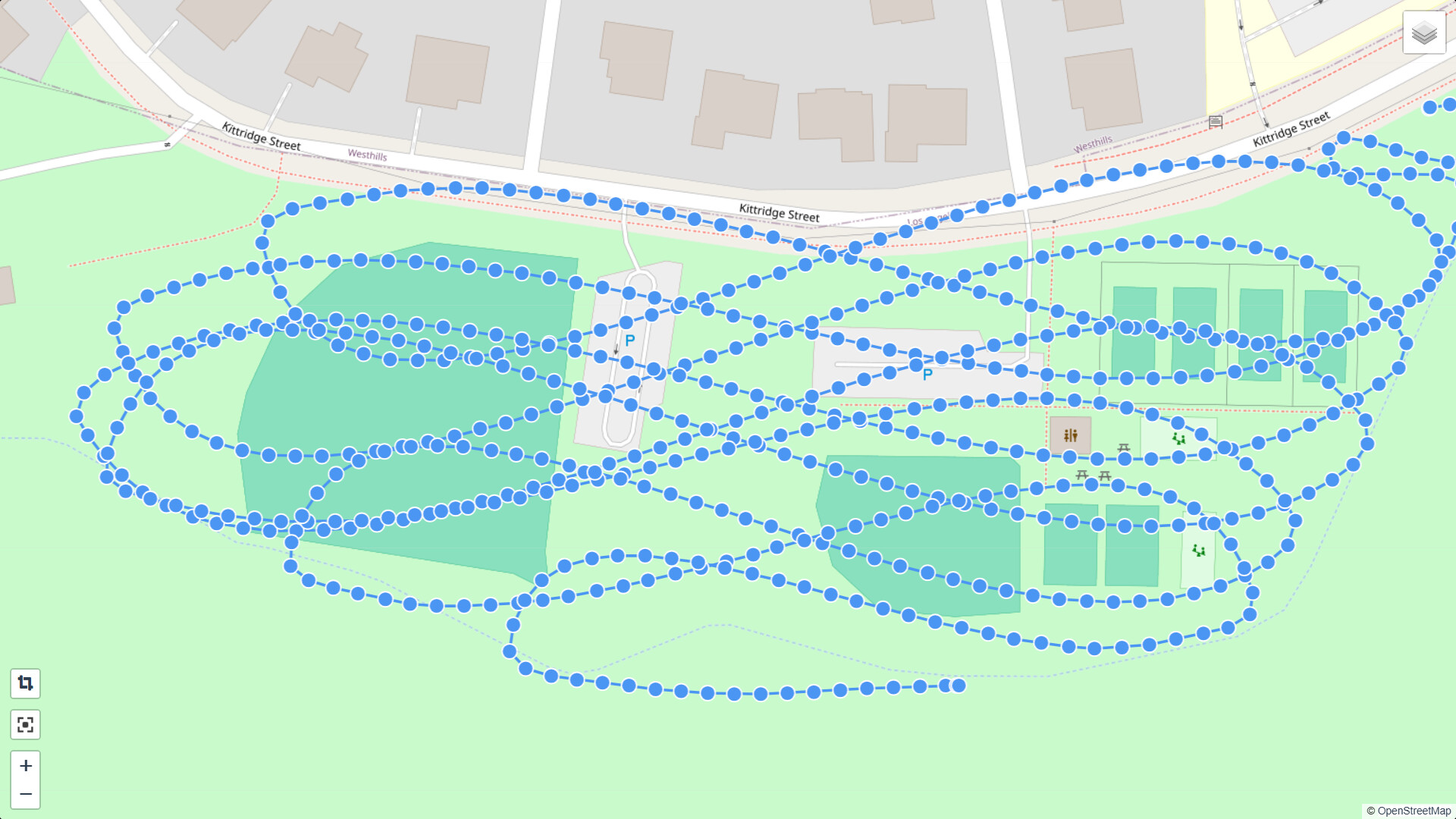
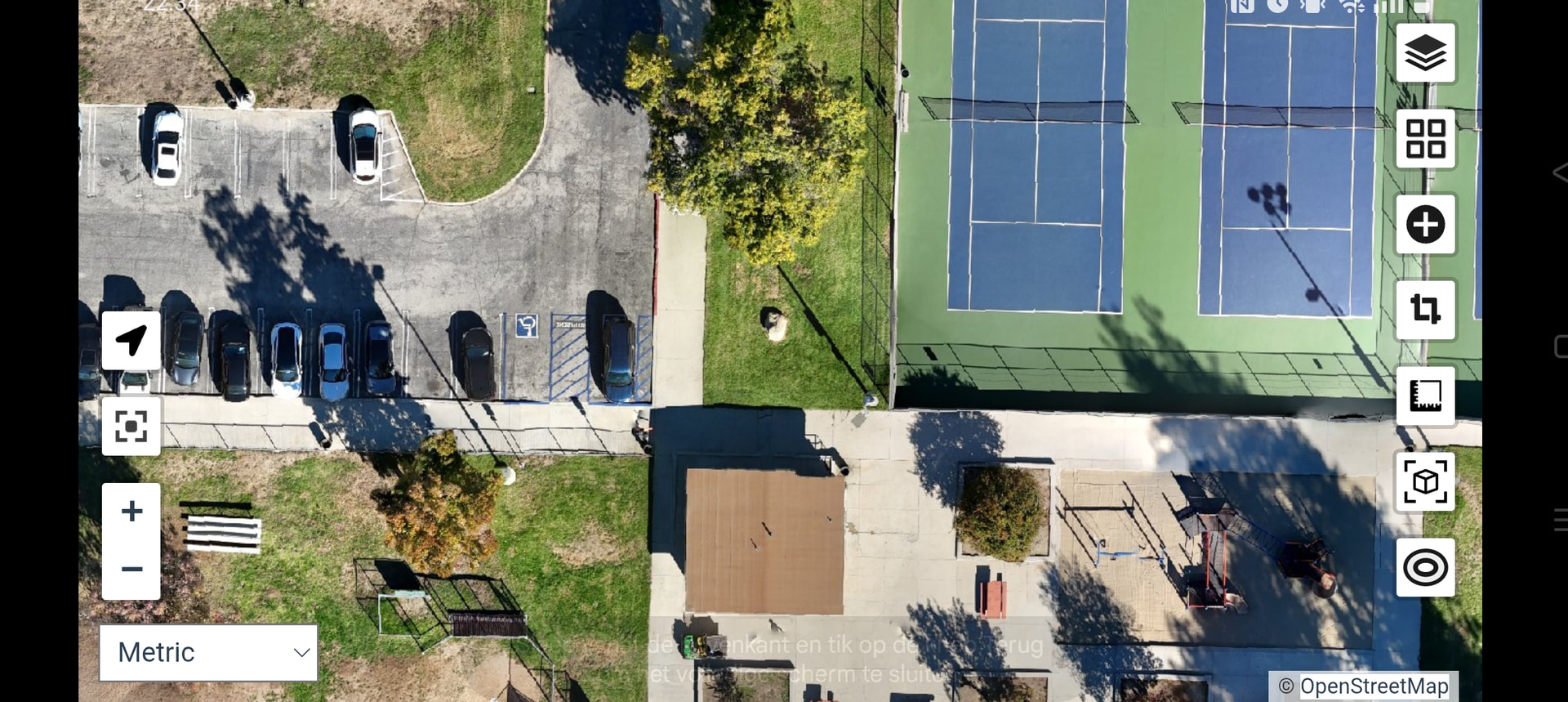
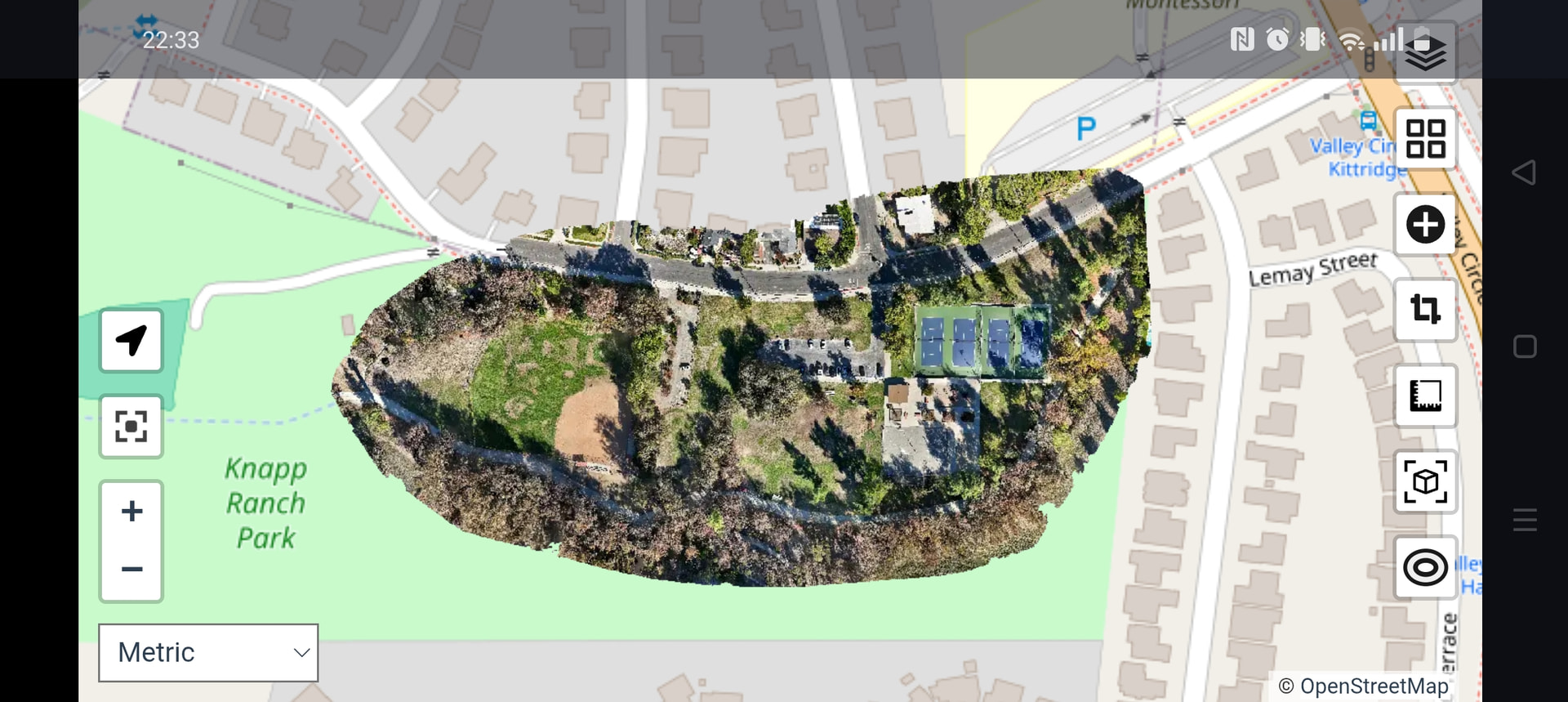
I created my mission using Waypointmap.com, shot on a DJI Mini 4 pro (image every 2 seconds so plenty of overlap) total of 558 photos (jpeg 4032 x2268 8.9 Mb each) Numbered DJI_20251107093138_0010_D → DJI_20251107095012_0567_D
Processing on a Mac M2 Studio, 64 Gb RAM
Error - Cannot process dataset
Am I doing something wrong or is there an issue with my images - maybe shadows are too long? Shot early(ish) morning.
Images - DJI_001 – Google Drive
Here are the errors
Filtered depth-maps 516 (92.47%, 13s, ETA 1s)...
Filtered depth-maps 558 (100%, 13s851ms)
20:17:41 [App     ] Densifying point-cloud completed: 88023 points (9m58s597ms)
[INFO]    Computing sub-scenes
[INFO]    running "/code/SuperBuild/install/bin/OpenMVS/DensifyPointCloud" "/var/www/data/a77bb647-200f-4903-a544-c74d6944400a/opensfm/undistorted/openmvs/scene.mvs" --sub-scene-area 660000 --max-threads 12 -w "/var/www/data/a77bb647-200f-4903-a544-c74d6944400a/opensfm/undistorted/openmvs/depthmaps" -v 0 --cuda-device -2
20:17:42 [App     ] OpenMVS x32 v2.2.0
20:17:42 [App     ] Build date: Aug 20 2025, 01:58:55
20:17:42 [App     ] CPU:  (12 cores)
20:17:42 [App     ] RAM: 7.65GB Physical Memory 1024.00MB Virtual Memory
20:17:42 [App     ] OS: Linux 6.11.11-linuxkit (aarch64)
20:17:42 [App     ] Disk:
20:17:42 [App     ] warning: no SSE compatible CPU or OS detected
20:17:42 [App     ] Command line: DensifyPointCloud /var/www/data/a77bb647-200f-4903-a544-c74d6944400a/opensfm/undistorted/openmvs/scene.mvs --sub-scene-area 660000 --max-threads 12 -w /var/www/data/a77bb647-200f-4903-a544-c74d6944400a/opensfm/undistorted/openmvs/depthmaps -v 0 --cuda-device -2
20:17:42 [App     ] The camera directions mean is unbalanced; the scene will be considered unbounded (no ROI)
[INFO]    Fusing depthmaps for 1 scenes
[INFO]    running "/code/SuperBuild/install/bin/OpenMVS/DensifyPointCloud" "/var/www/data/a77bb647-200f-4903-a544-c74d6944400a/opensfm/undistorted/openmvs/scene_0000.mvs" --resolution-level 2 --max-resolution 1920 --sub-resolution-levels 2 --dense-config-file "/var/www/data/a77bb647-200f-4903-a544-c74d6944400a/opensfm/undistorted/openmvs/subscene-config.ini" --number-views-fuse 2 --max-threads 12 --archive-type 3 --postprocess-dmaps 0 --geometric-iters 0 -w "/var/www/data/a77bb647-200f-4903-a544-c74d6944400a/opensfm/undistorted/openmvs/depthmaps" -v 0 --cuda-device -2
20:17:43 [App     ] OpenMVS x32 v2.2.0
20:17:43 [App     ] Build date: Aug 20 2025, 01:58:55
20:17:43 [App     ] CPU:  (12 cores)
20:17:43 [App     ] RAM: 7.65GB Physical Memory 1024.00MB Virtual Memory
20:17:43 [App     ] OS: Linux 6.11.11-linuxkit (aarch64)
20:17:43 [App     ] Disk:
20:17:43 [App     ] warning: no SSE compatible CPU or OS detected
20:17:43 [App     ] Command line: DensifyPointCloud /var/www/data/a77bb647-200f-4903-a544-c74d6944400a/opensfm/undistorted/openmvs/scene_0000.mvs --resolution-level 2 --max-resolution 1920 --sub-resolution-levels 2 --dense-config-file /var/www/data/a77bb647-200f-4903-a544-c74d6944400a/opensfm/undistorted/openmvs/subscene-config.ini --number-views-fuse 2 --max-threads 12 --archive-type 3 --postprocess-dmaps 0 --geometric-iters 0 -w /var/www/data/a77bb647-200f-4903-a544-c74d6944400a/opensfm/undistorted/openmvs/depthmaps -v 0 --cuda-device -2
20:17:45 [App     ] Preparing images for dense reconstruction completed: 558 images (2s86ms)
20:17:45 [App     ] Selecting images for dense reconstruction completed: 558 images (210ms)
Killed
[WARNING] Sub-scene /var/www/data/a77bb647-200f-4903-a544-c74d6944400a/opensfm/undistorted/openmvs/scene_0000.mvs could not be reconstructed, skipping...
[WARNING] Could not compute PLY for subscene /var/www/data/a77bb647-200f-4903-a544-c74d6944400a/opensfm/undistorted/openmvs/scene_0000.mvs
[INFO]    Merging 0 scene files
[ERROR]   Could not compute dense point cloud (no PLY files available).
Thanks in advance for any insight or troubleshooting procedures.
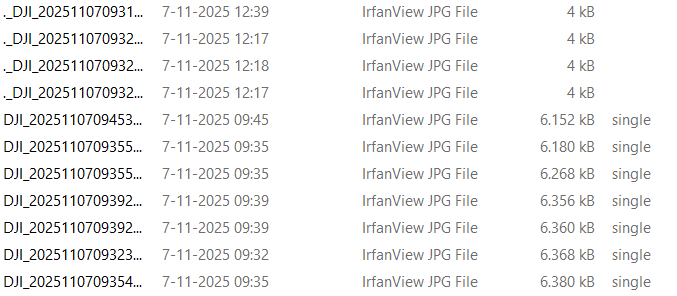
 was it defined by waypointmap?