The four bands of the Sequoia camera are Green, Red, Red-Edge, and Near-Infrared, so I have to select “GRReN” as a filter pop-ups in the Layers of Plant Health view of the WebODM, but it does not appear as an option.
The closest is “RGBN”, but that uses Green and Near-Infrared instead of Red and Near-Infrared to calculate NDVI.
Editing “formulas.py” might help, but for those who use the Sequoia camera, can’t you make it supported in the official version ?
One more point.
If you can read the output of the Sequoia camera’s solar radiation sensor, you can calculate the reflectance accurately for each band without having to take a picture of the calibration plate every time.
However, the current version of OpenDroneMap does not seem to be able to read the values of the Sequoia camera’s solar radiation sensor even if “Radiometric-calibration=camera+sun”.
Therefore, before processing the captured multi-band images with OpenDroneMap, I used my own pre-processing program to read the solar radiation sensor values and shutter speed included in the Exif area, rewrite the intensity of the image data, and then process the modified image data with “Radiometric-Calibration=None” in OpenDroneMap to obtain accurate reflectance.
This procedure is complicated and should be incorporated into OpenDroneMap, is it possible?
I am not familiar with Python programs, so it will be a lot of work for me personally.
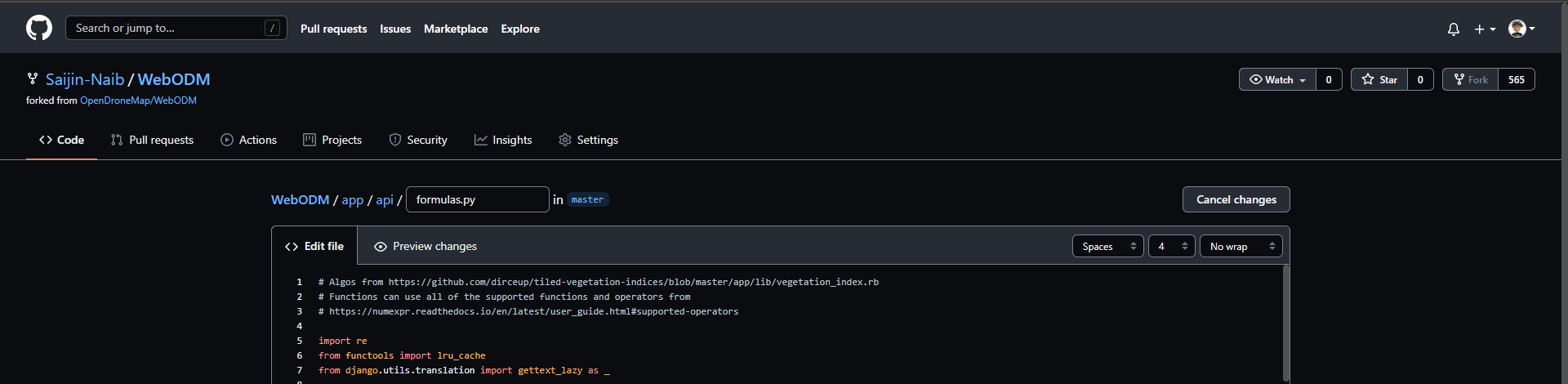
I can rewrite the 6th item in “camera_filters” from ‘RGBN’ to ‘GRReN’ using a text editor, but I don’t know how to rebuild WebODM with the modified source code.
So, before using WebODM, I added a pre-processing program to swap the RED and GREEN image data so that correct NDVI values are obtained.
However, I don’t think this is a common solution.
Currently, it is almost impossible for people using Sequoia cameras to get the correct NDVI maps with current version of WebODM.
It is hoped that the WebODM will be updated to support the Sequoia cameras.
===
The programming environment I use is WaveMetrics IgorPro, and Igor XOP.
It does not have many users in general, but it is often used in the field of spectroscopy.
If you need faster calculation speed, you can add custom XOP modules written in c++.
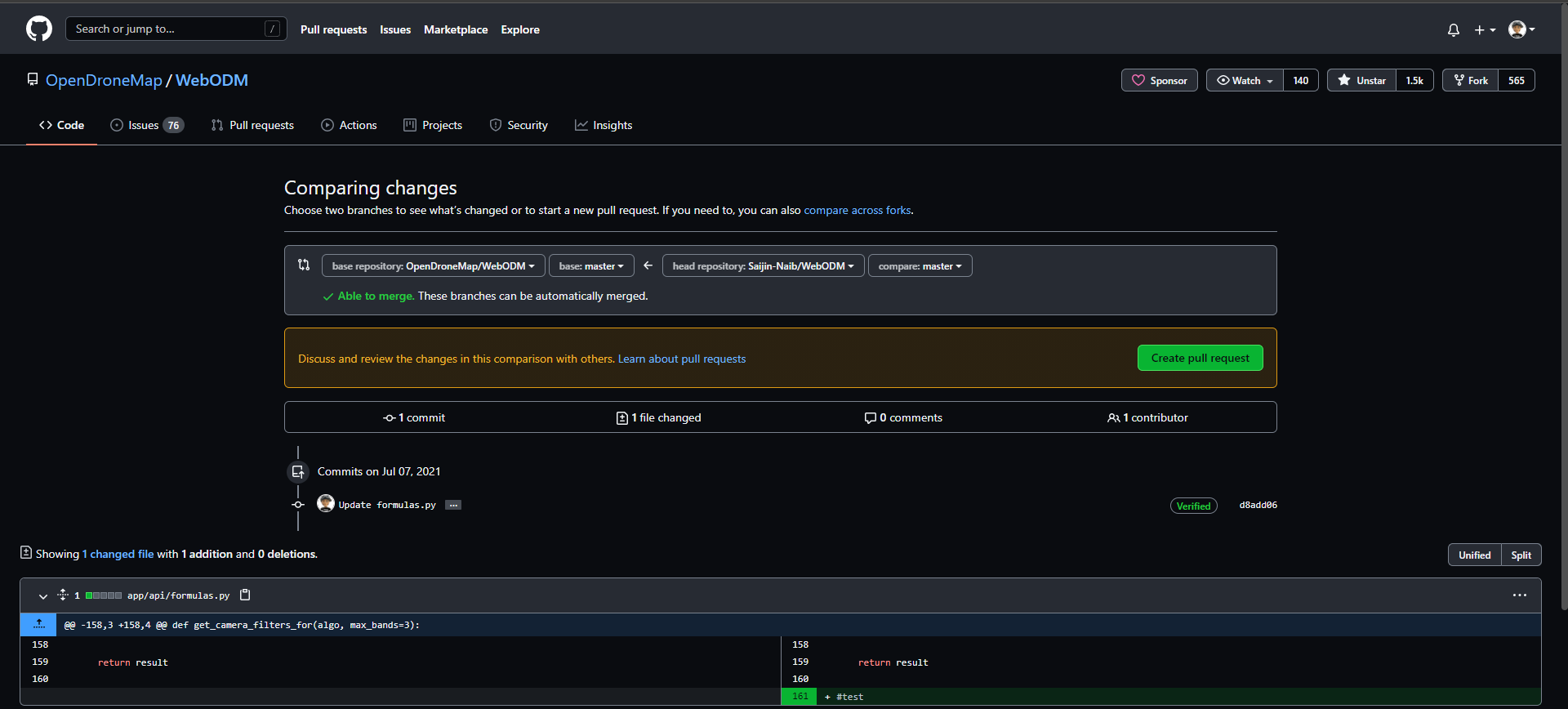
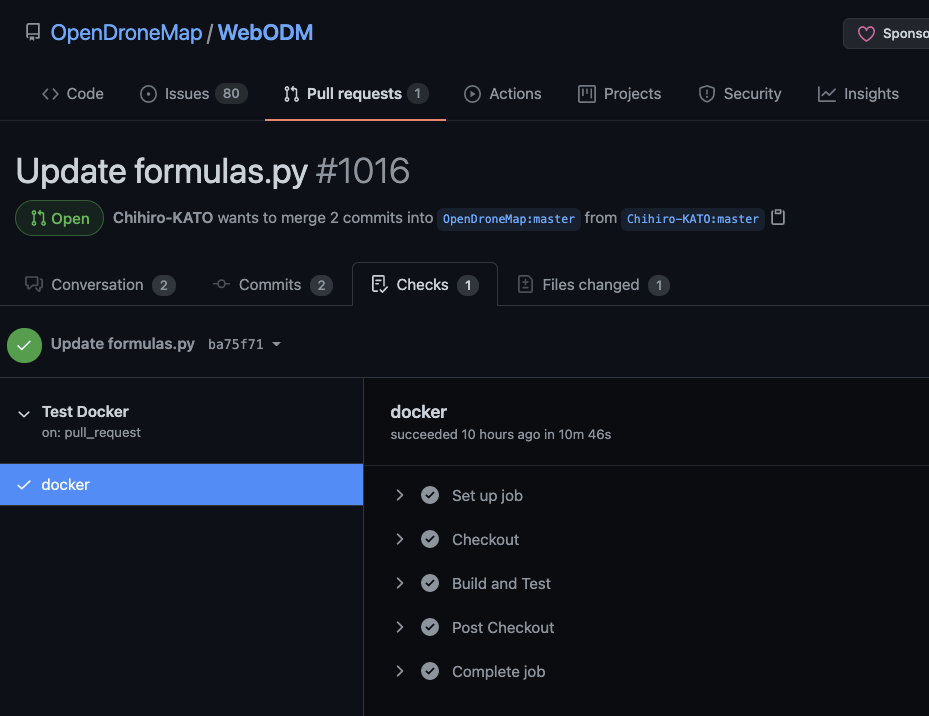
I created a GitHub account, but I have no idea how to open a “pull request”.
What do I have to do after clicking the “Create Pull Request” button ?
It looks like I have to choose a branch, but how do I create a branch ?
I don’t think I have enough experience with GitHub yet …
Cloning WebODM from my fork of GitHub confirms that the file “formulas.py” in my harddisk have indeed been modified. (“GRReN” is inserted after “RGBN”)
On top of that, I ran “. /webodm.sh start” and ran WebODM, but the additions (“GRReN”) did not appear in the filter choices.
I seem to have made a mistake somewhere, can anyone please tell me what I should do ?