Very simple question that I have searched around for first… How do you rotate a top down image? Using WIN11. Probably super simple, but I swear I cannot find it.
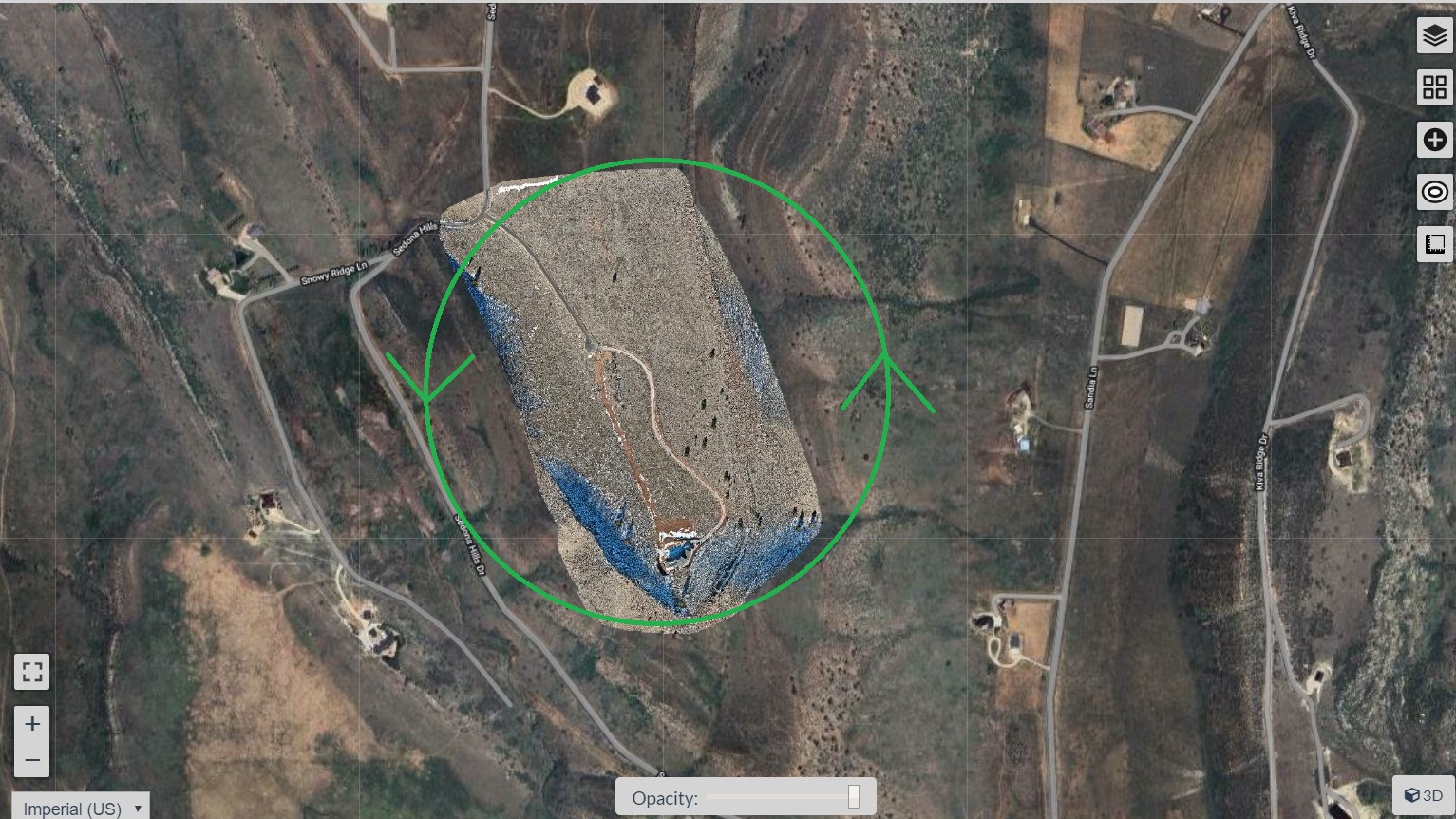
You could open the output TIFF or JPG image and rotate by any angle you need in software such as GIMP
@AlpineUAS,
In QGiS I believe you can set the viewing (rotation) angle for a Map canvas. Others may tell if it’s possible in WebODM.
From QGiS:

2 Likes
QGIS would be my go to workflow as well. Although it might be a bit overwhelming for users without (QGIS) experience.
Another option you might try is Google Earth.
- Export your orthophoto as KMZ (RGB) in EPSG:4326 projection

- Drag/Open the KMZ in Google Earth. You can use the pan tilt zoom rotate buttons

The blue arrow shows the imported KMZ

2 Likes
Appreciate the tips, I will certainly do this after exporting. I wish there was a native option in WebODM for this. We can slew around in 3d, but why not on an ortho.
This topic was automatically closed 30 days after the last reply. New replies are no longer allowed.