Overlap on forests should probably be 77-83% for best results, and flight height for that overlap calculation needs to be calculated at the height of the trees, not the height of the ground.
thanks! Unfortunately, I wasn’t the one who collected the data and side overlap is very weak… I am just trying to get the best possible results with what I have. Would you mind to explain why ultra is not the best, I thought ultra->more features->easier to match, am I wrong in this logic?
You also suggested processing with regular point cloud quality, how does point cloud affect orthophoto? Would going with higher pc quality help?
Yes, as far as I know from the calculated / processed pointcloud the 2D orthophoto is generated. So a ‘good’ pointcloud results in a ‘good’ orthophoto.
As mentioned above you could try with feature-quality:high and pc-quality:high. Forests are always a bit tricky.
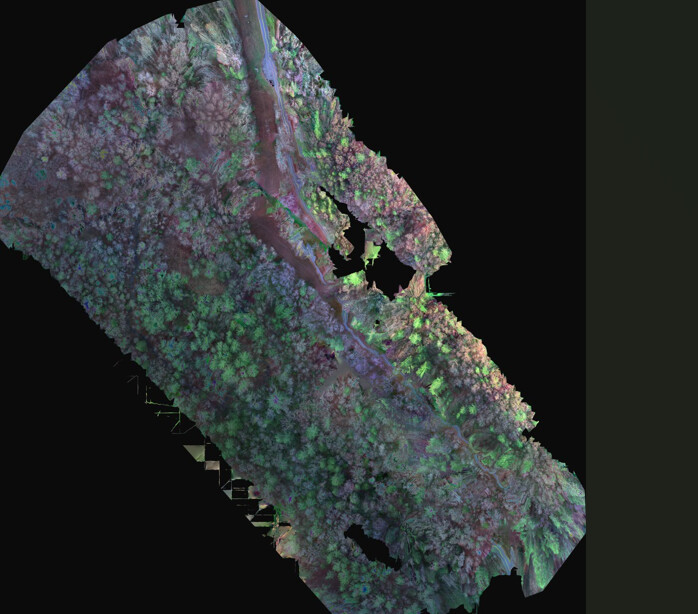
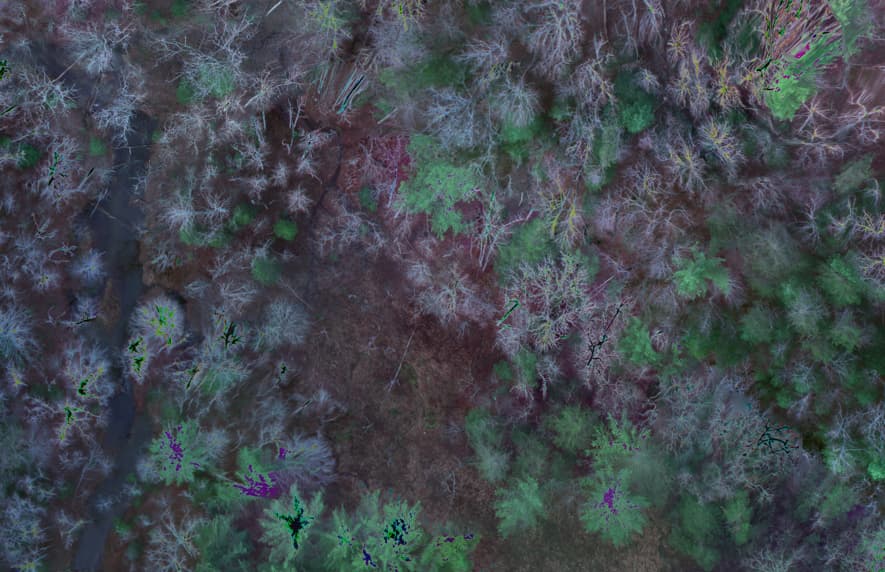
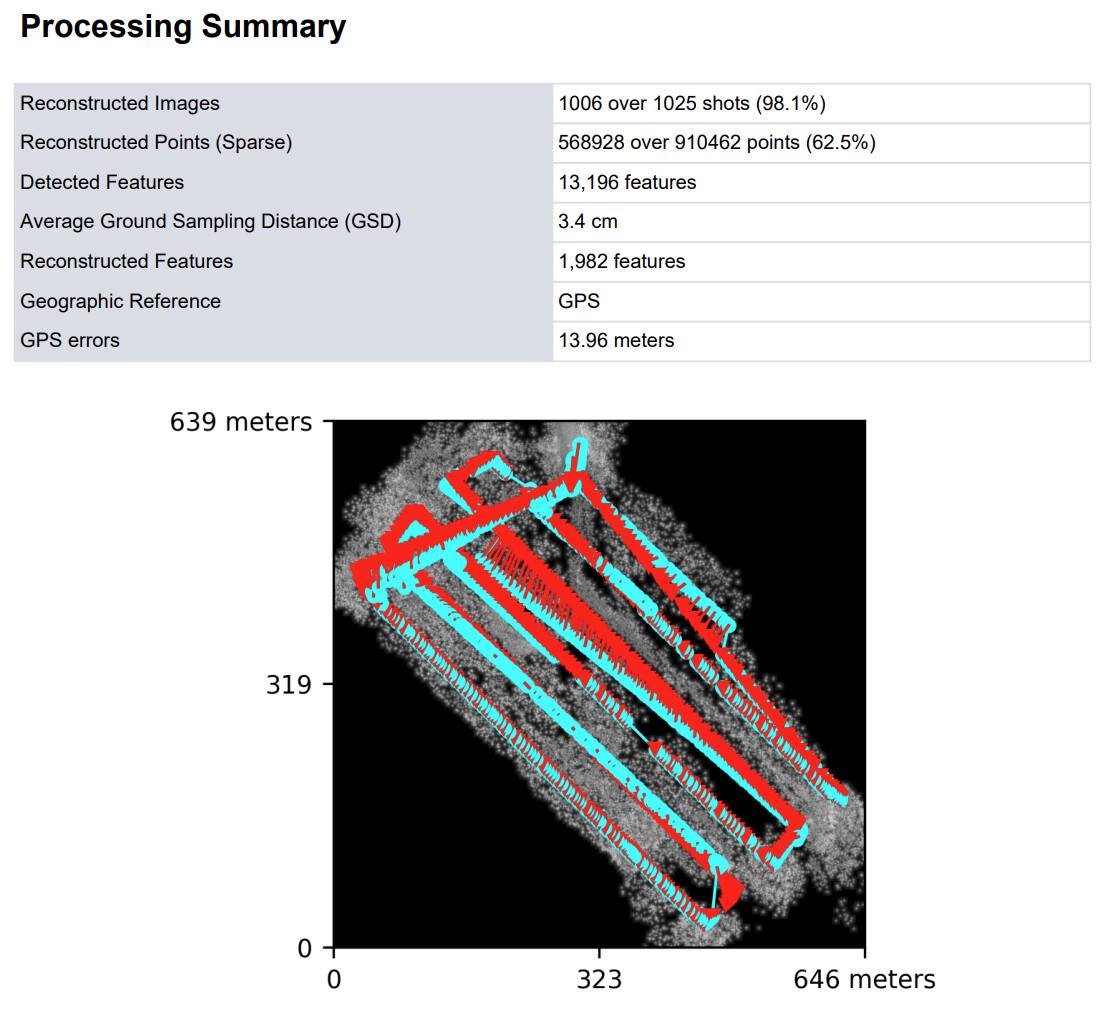
 You might also go with default feature-quality. Ultra isn’t always better.