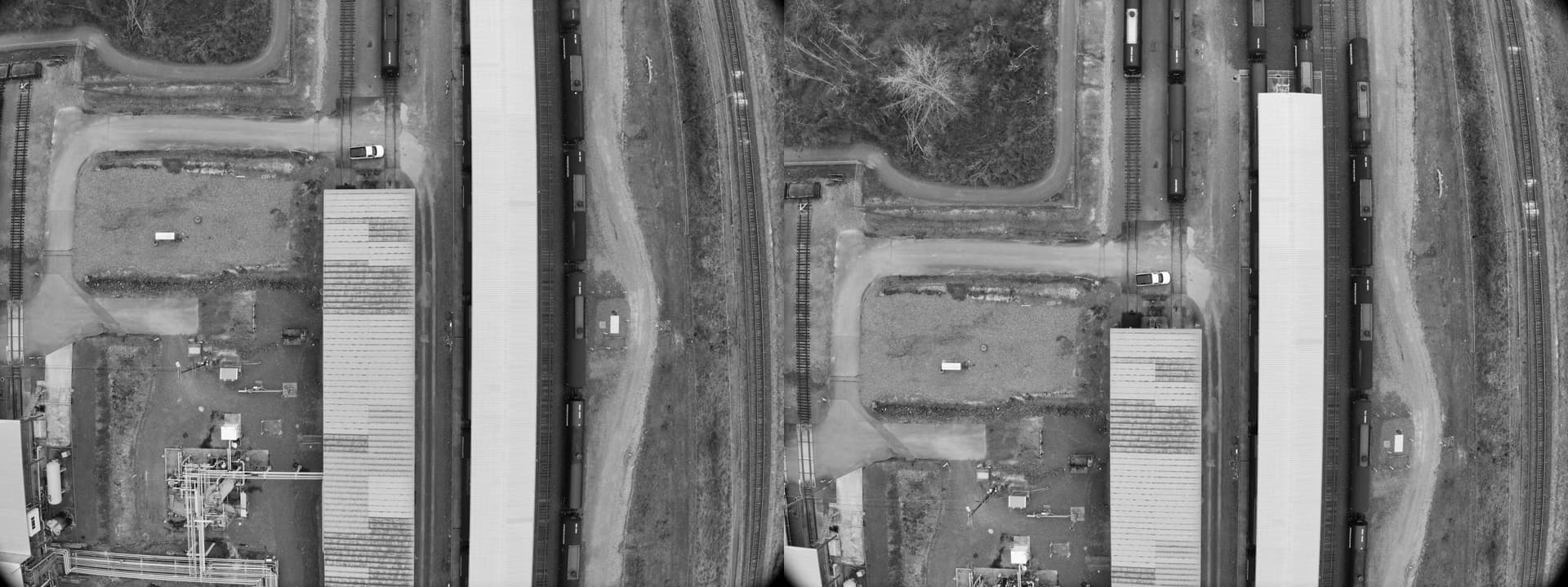
I’m looking for suggestions on what methods/algorithms/tricks we could try to improve feature detection. I could only think of contrast enhancement, which would be my next step to try.
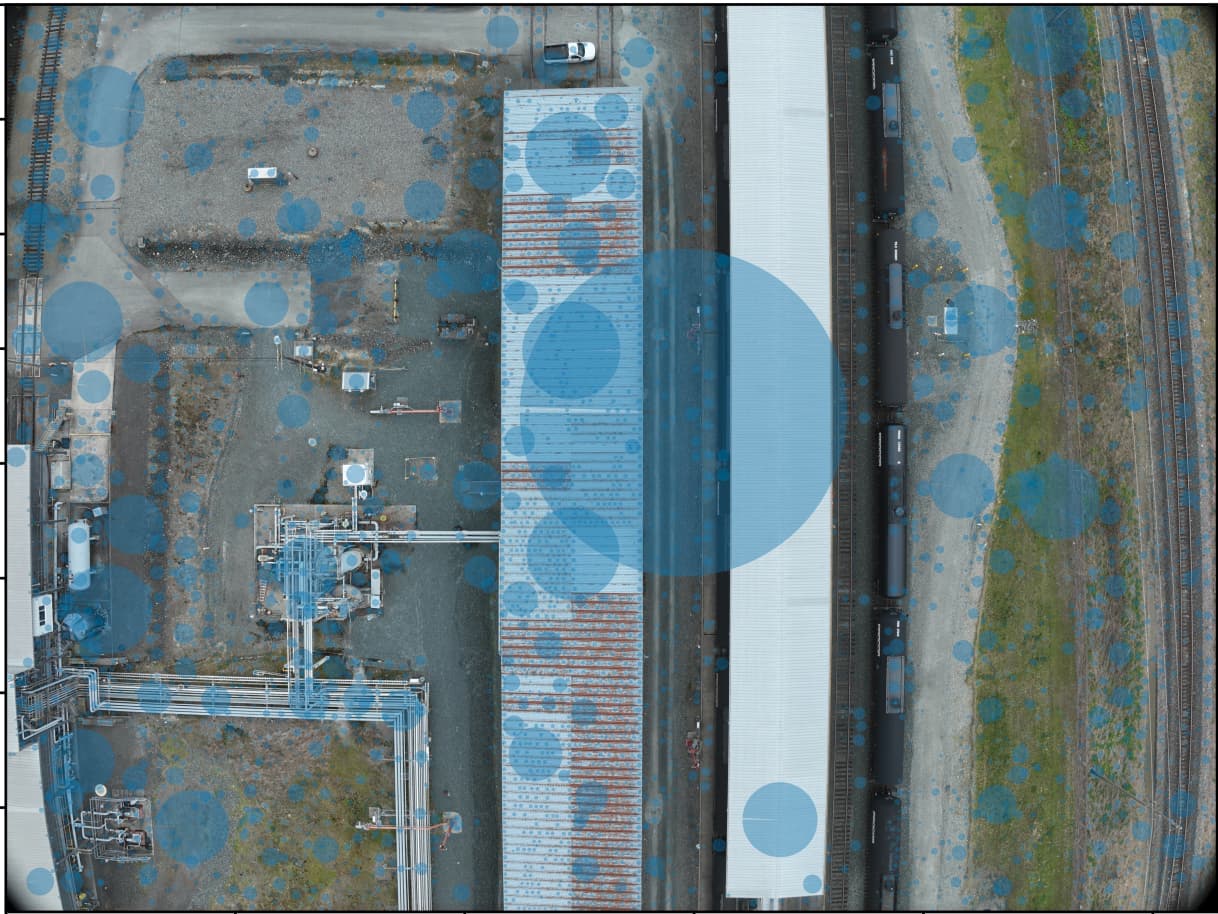
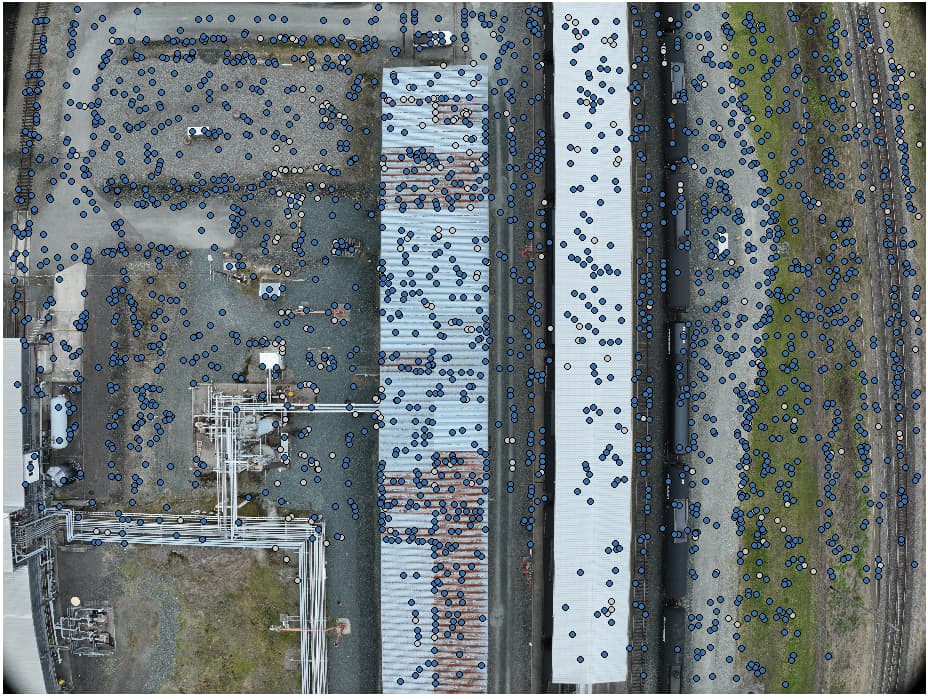
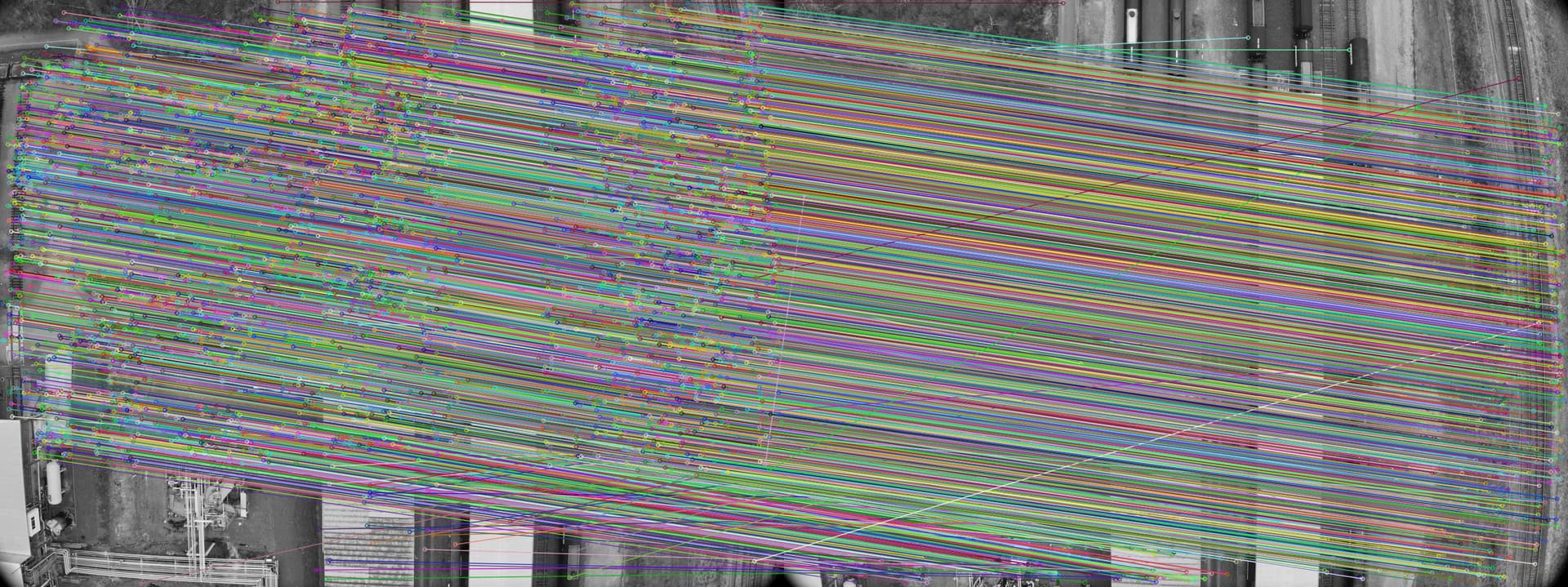
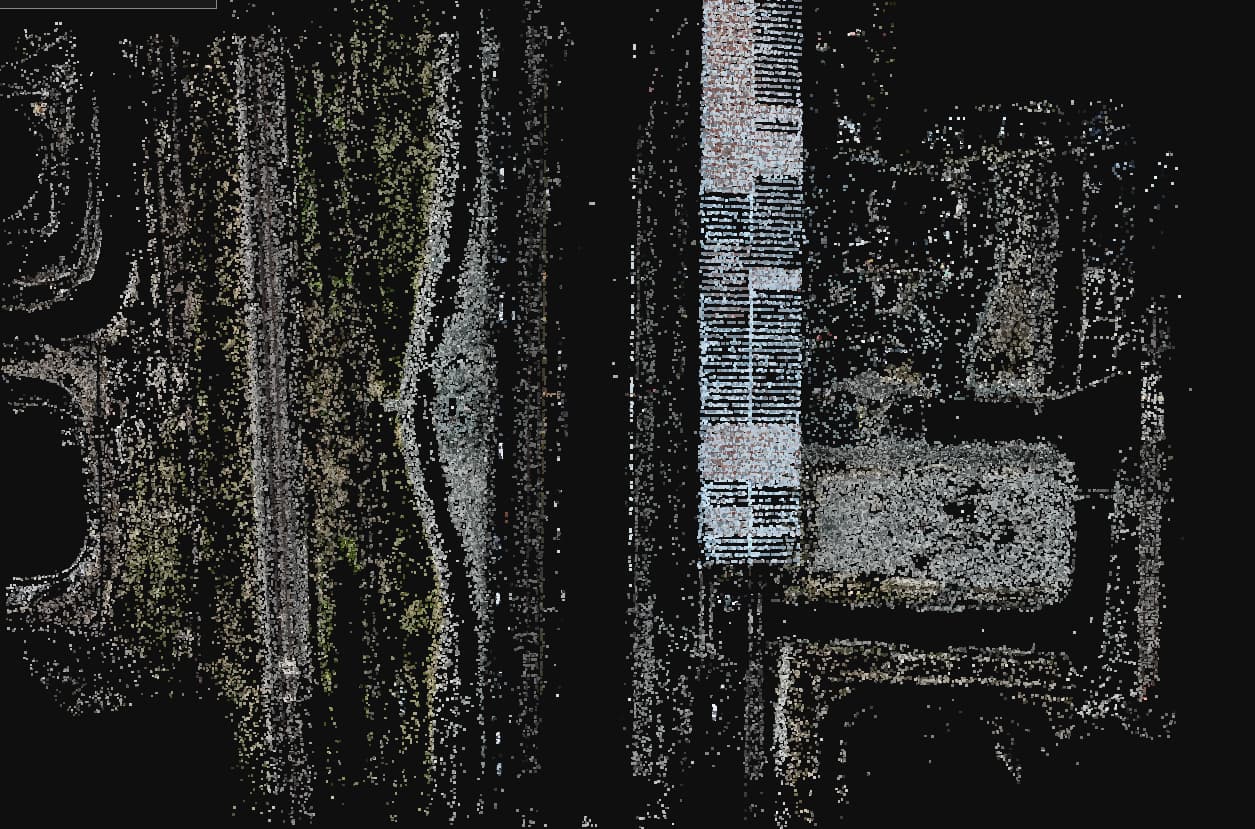
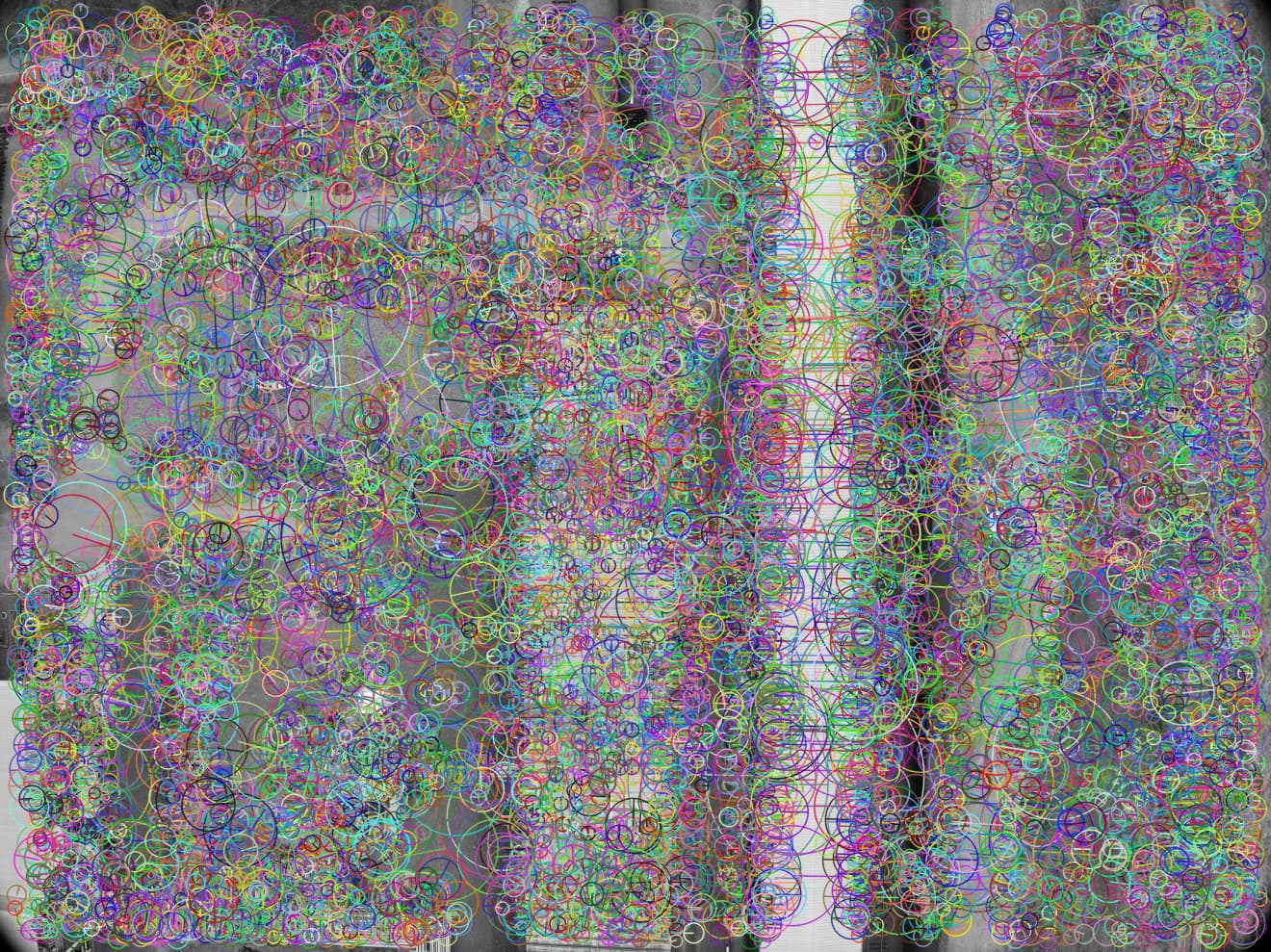
I did some comparison on feature detection between Agisoft and Opensfm(or SIFT in general). It shows that Agisoft can extract more evenly distributed features and handle hard textures well. For example, for the white roof in the example, nearly no feature was detected by SIFT(also tested in Colmap). I set medium quality and limit 8000 features in Agisoft, and tried from low to ultra and got at most 24000 features in ODM but none of the tests give similar features.
It’s amazing how Agisoft can handle this, it doesn’t only detect these features, but the features are indeed distinct as other images also have similar features hence it can build tiepoints from them.
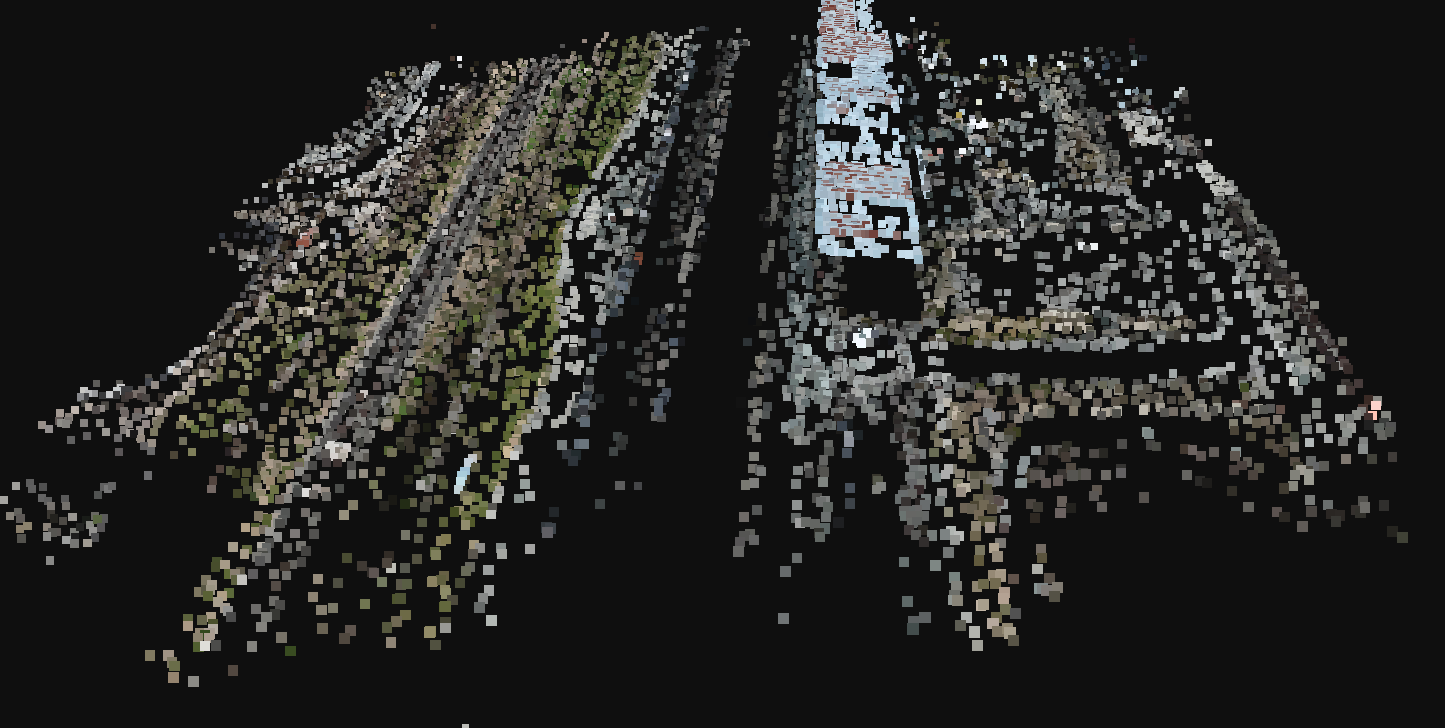
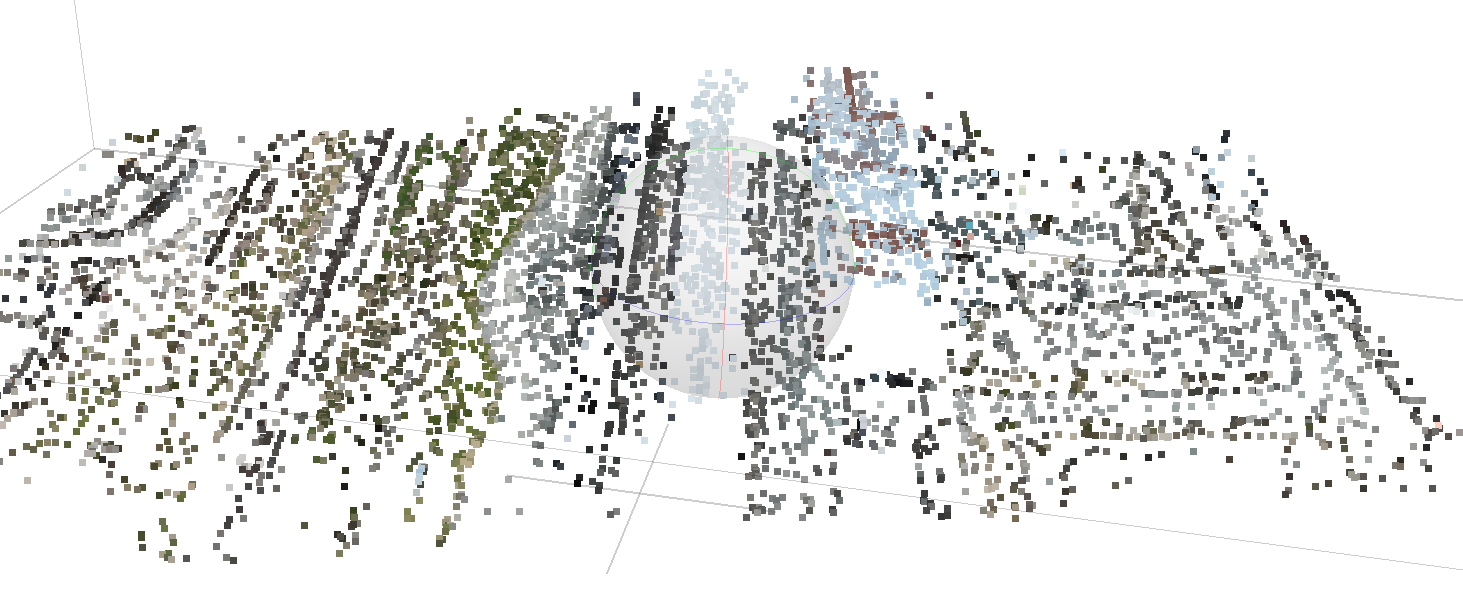
In opensfm’s sparse reconstruction, the white roof is completely missing, which also affects the following dense point cloud quality at that part.
Set --min-num-features to 100000 and --feature-type sift. You’ll get lots of features, but not all of them will give you good matches. In fact, as you relax the SIFT threshold constraints, you’ll get more and more noise and slow down computation.
I don’t think simply aggressively reduce the contrast threshold could achieve similar results compared to Agisoft. Plus it will increase ton of processing time.
The quality of features won’t be good in this way, even if there are points detected, it’s still not getting matched. Only the matched keypoints could get reconstructed for sparse point cloud so that area would still be missing. Which is why I’m surprised that Agisoft can handle it, it does not only detect the keypoints, but also these keypoints are matched to create the sparse point cloud.
I do find that contrast enhancement is helpful after some tests, but it’s just some early stage experiments, far before conclusion.
If you have white and black will be hard to perform a linear contrast enhancement. Maybe some gamma=5 correction to expand high pixel values.
Other tricks to try: calculate more bands, like HSV, or some filter you can think of, and then reduce to 3 bands using Principal Component Analysis.
Although it is probably not advisable to touch the images.
Stephen and I have been musing over this just for matching, and then passing the original unmodified images back for the rest of processing (texturing, coloring, etc).
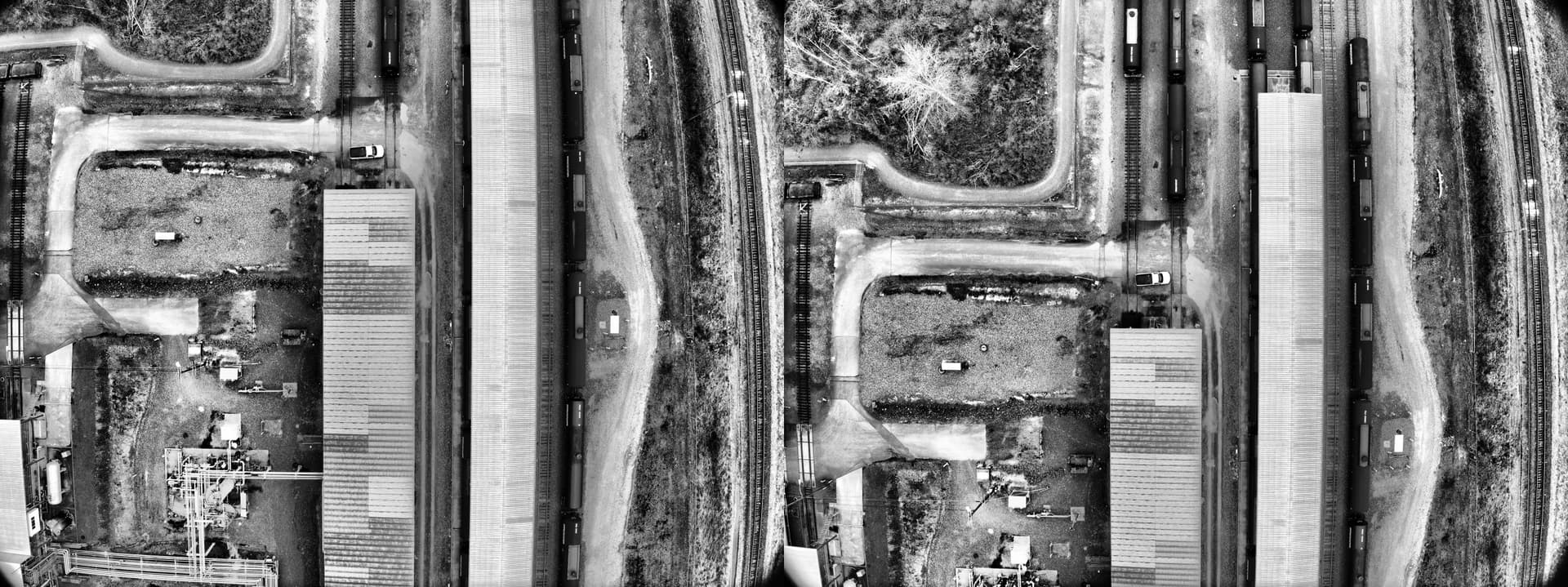
What contrast enhancement method did you use? Adjusting gamma is not very helpful. I did a test with CLAHE which gave a quite good result because it can adaptively enhance the contrast locally which should be more helpful in theory.
Before CLAHE:
I think what Piero was suggesting is that it’s possible but not always valuable to get as many points as Agisoft. The integration and now default use of dspsift is a reflection of this thinking: reduce the number of match points to only the best available and most meaningful, which improves the efficiency of the processing without degrading quality.
That said, a locally adaptive preprocessing for the purposes of feature extraction and matching alone, as you and Saijin_Naib suggests is compelling and would be worth investigation. I am unsure how this interacts with dspsift. However, in the sift default days of ODM, Saijin_Naib managed to process some very tough datasets with this preprocessing. But as Gabriel suggests, it can introduce some challenges for texturing and other steps if used for more than the matching. Now that I’m thinking about it, the locally adaptive pre-processing may help with or at least impact the results for dense matching / OpenMVS as well.
Anyway, in short: very interesting stuff to investigate. I’m glad you’re looking into it!
I might illustrate it in a bit confusing way, but here is the processing quality I used in Agisoft and ODM
In Agisoft, processing quality is set to medium (I don’t know if it resizes the image the similar way ODM does), the number of features is set to 8000 (it usually extracts the exact amount of features)
In ODM, I tried processing quality from low to ultra-high and set min-num-features from 2000 to 16000. Also tested SIFT, DSPSIFT, AKAZE, and ORB.
I believe it’s a fair comparison. I can always try other settings suggested, just tried SIFT ultra quality with 100000 min-num-features, and the results are similar, there are some more points reconstructed around that roof, but far from what Agisoft generated.
I believe so, in the beginning, it’s the dense point cloud that attracts my attention, the point cloud around the white roof is very noisy while the nearby blue roof has much better quality. Then I checked the sparse point cloud results and found that the blue roof has many points spread evenly while the white roof has no points, and then I noticed there are nearly no features detected. I think they might be related, it kinda of makes sense as OpenMVS will initialize the depth map with the sparse point cloud, a good initialization should give a lot better convergence during optimization, and a whole area without initialization can be somewhat problematic.
Makes perfect sense, and good point on OpenMVS initialization.
A way to test might be to perform CLAHE on a set of images, feed them in through OpenSfM and swap them for the rest of the pipeline. And/or alternatively, do so through to OpenMVS. You might need to run the pipeline twice through OpenSfM or otherwise generate the appropriately undistorted versions of the original (non-CLAHE version of the) images, perhaps by using the camera coefficients from the CLAHE version, though if you have sufficient distribution of points across the image(s) for decent calibration, this might be overkill.
Tested SURF, no great improvement, it can get a lot features detected on the white roof without number of features limitation but still nearly no keypoints get matched.
Thanks for the update! I wonder if Agisoft is doing adaptive enhancement to improve feature extraction. They may also be using SURF. It’s always such a mystery with these close-source tools.
I’m done with the experiments. The CLAHE filter is applied on the fly before opensfm feature processing or openmvs dense reconstruction with recompiled binary. Unfortunately, even the CLAHE filter can improve the quality of sparse reconstruction, it didn’t help the quality of the dense point cloud from openmvs(no matter what parameters I set, the final outputs are similar).
But the CLAHE filter can still have some good improvement I noticed. For the mixing of nadir and oblique images(this is a case that frequently happen from data collected by my customer, I know it’s not a good quality survey).
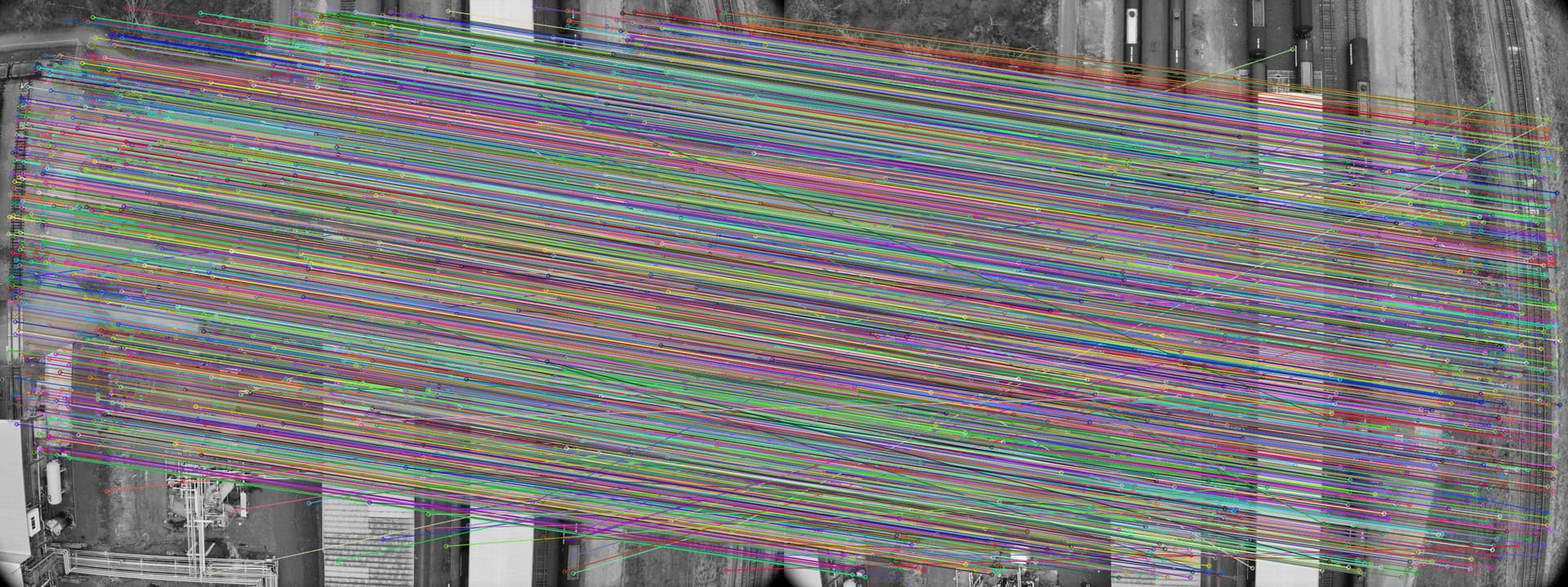
For dataset mixed with oblique and nadir images(especially when it’s high oblique), there could be very small amount of the features matched between oblique and nadir images. Hence the tie is not strong and I can usually observe the issue where there are 2 layers of point cloud reconstruction.
But with CLAHE, it can increase the matched points between nadir and oblique images hence improve the overall quality.
Anyway, this change only need to add one simple step in feature processing pipeline and not affecting others