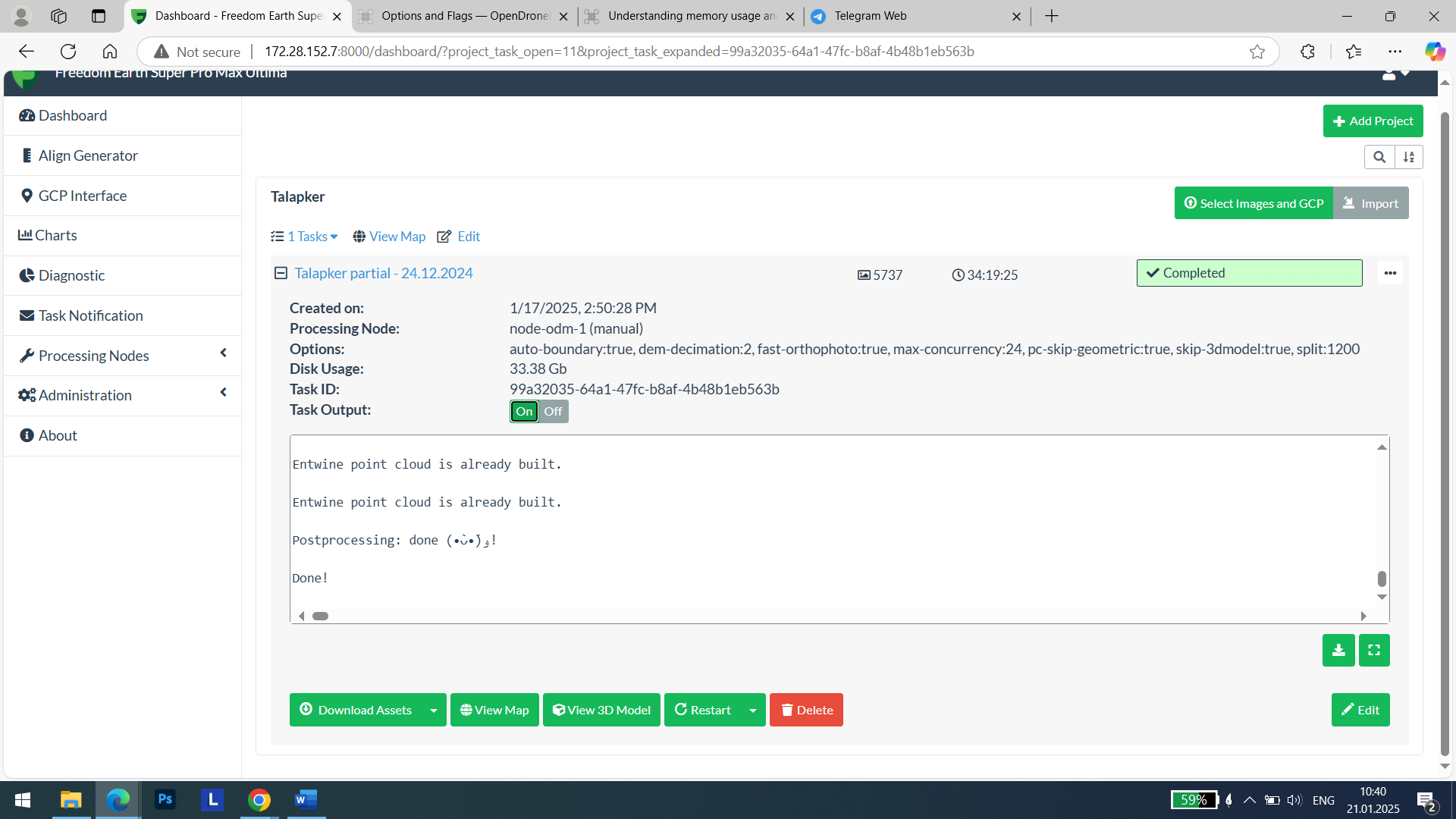
My goal is to get good orthophoto map to use measurment tools later (pillars, poles thats why I need good resolution :D) Now I’m processing around 10 square kilometers, hope someday it will finish it. I alredy restarted several times because of ram, space left.
I’m still trying to figure out best settings to process it because as I see almost half of the processing time it uses only one core I’m not sure what operation it is happening there in this exact moment because of lack output in web console, somwhere aroud “edge inpainting”
Previously I also was using option for automatic cutline and looks like it’s single threaded too.
So if sombody want to share his exp with same stuff - You are welcome
I been following my processing very thoroughly but I can’t say this statement is true.
the submodel processing is partially multi-core and partially single-core.
I guess it depends on the algorithms, while some can be done parallel other processes probably by the very nature of math have to be done serialized and thus it’s a 1 core process …
I would agree to the claim:“but then while you’re at a process busy only 1 core then you can use the other cores for the next submodel already”
While that is true, remember if you process then 6 submodels like that simultaneously to max utilize the cores, it also means your RAM demand will in the most unfortunate situation also be “times 6”
if one programs ‘very smart’ but I guess this is going to be a s***load of programming, one could pass on “dormant” stuff during the iterations to the swap/virtual RAM but … well it’s not like that’s a fast solution maybe waiting for a process to finish proves to be faster…
I think on HUGE datasets I’m processing with >100GB of data per run, programming for such cases that might make sense to spend time on that.
but I think, out of my belly, from the comments I read here in the forum online that maybe 99% or even 99.9% doesn’t process that amount of data and then the answer to the question:“is it worth it to spend time on such an improvement?” will pretty much be “no” and even I processing such datasets would argue:“not worth it”
There’s other improvements I wish the devs to spend time on first