I tried to use apache+mod_wsgi to start the service in Windows according to the tutorial, but it always gave some errors about software packages that are only available in Linux. How do I solve this problem?



Before solving the above problem, I started WebODM through pycharm.

There was no processing node in the page, and it also showed offline after adding the processing node.
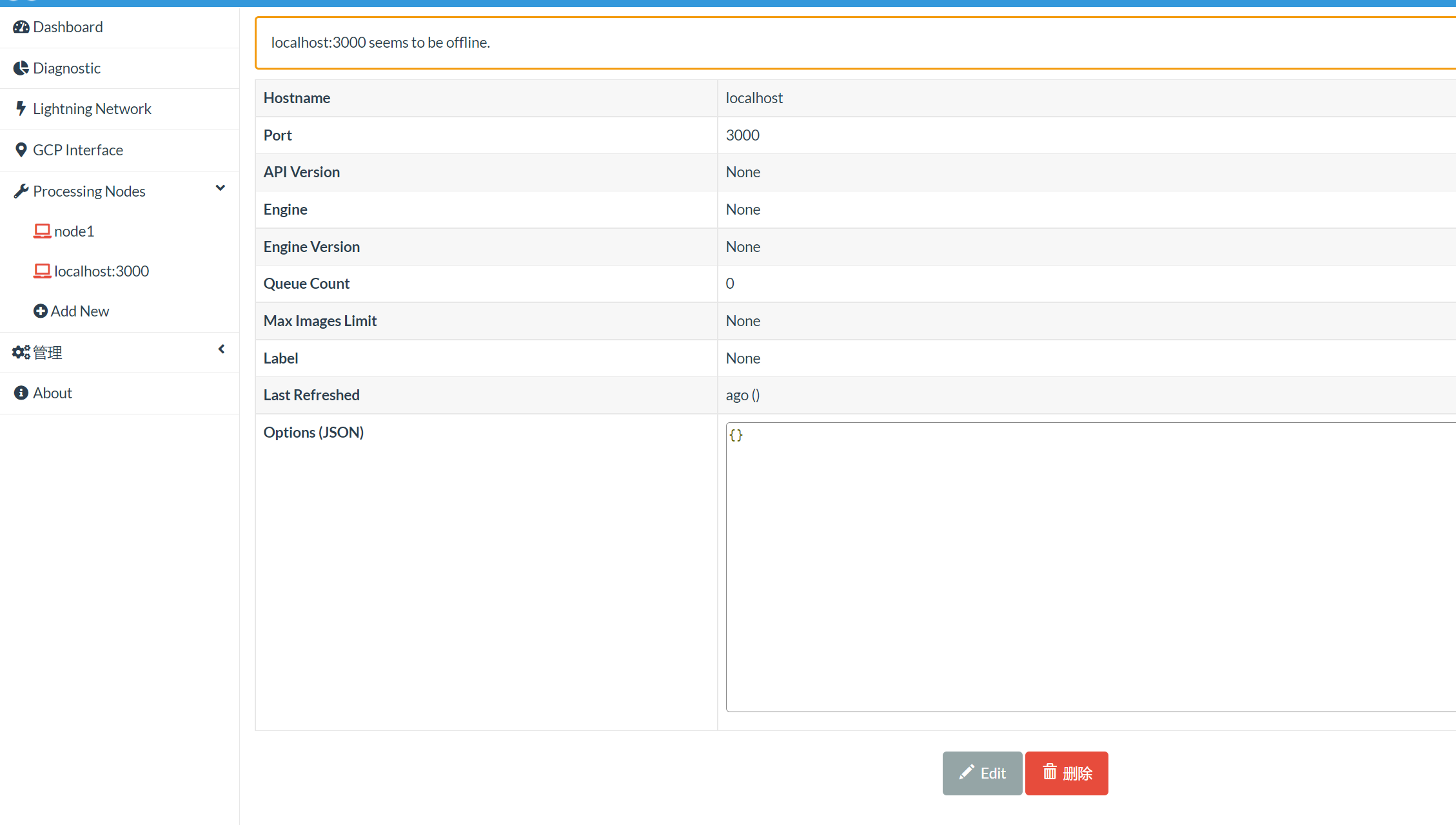
If WebODM is deployed locally in windows, do I need to download additional NodeODM and ODM codes? I downloaded the download package for windows through the NodeODM official website and ODM official website, and after running NodeODM, the WebODM interface can show that the node is online.

Please tell me whether my operation of deploying WebODM locally in windows (without using Docker) is correct. Do I need to download additional NodeODM to make the node online, or can WebODM itself be able to connect to the node without additional NodeODM?
Thanks,I’m really overwhelmed right now

