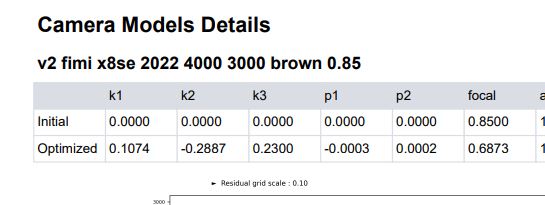
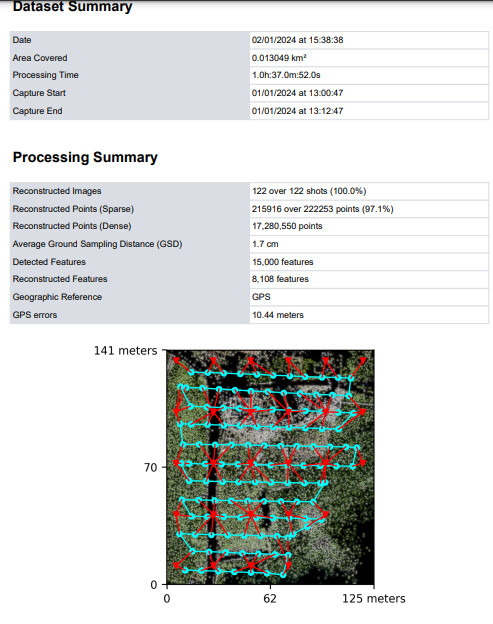
How to make low-cost drone flight templates with Qground control taking advantage of the data from the webodm report. I am doing a small tutorial to be able to make flight templates with low-cost drones that do not know the characteristics of their photographic sensor, the only data we have is what the webodm report gives plus the flight height of the drone and the measured on the floor of the rectangle that covers a photograph at this height, we will measure it by comparing objects and notable points at the ends of a central photograph of the orthophoto.
The reasonable process was going correctly until I found this inconsistency that cannot be explained, it consists of the difference in the result of the GSD due to the calculation of the measured parameters of the covered soil rectangle, measured with geographic viewer tools, in a photo at the flight altitude and calculate its GSD compared to the GSD calculation carried out by webodm, unless webodm “eliminates” pixels in its process.
For example, it is known that the photo format is 4000*3000 pixels, a total of 12,000,000 pixels, a standard figure in many sensors, the rectangle of ground that covers, for example, 50 m high, is 60 m by 45 m total. 27,000,000 cm2 of surface which gives us, by division of 27M cm2/ 12M pixel, 2.25 cm2 per pixel and a GSD with a square root of that value, that is, 1.5 cm of distance between adjacent pixels, and the webodm report gives us a value of 1.7 cm which is equivalent to a rectangle of 68 m by 51 m…how is this explained?
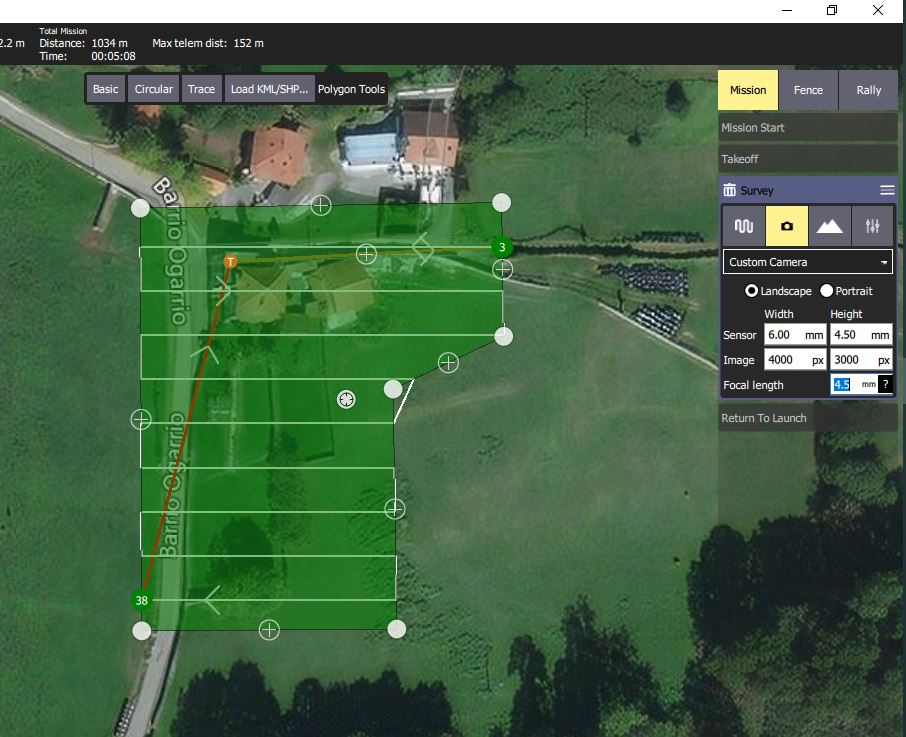
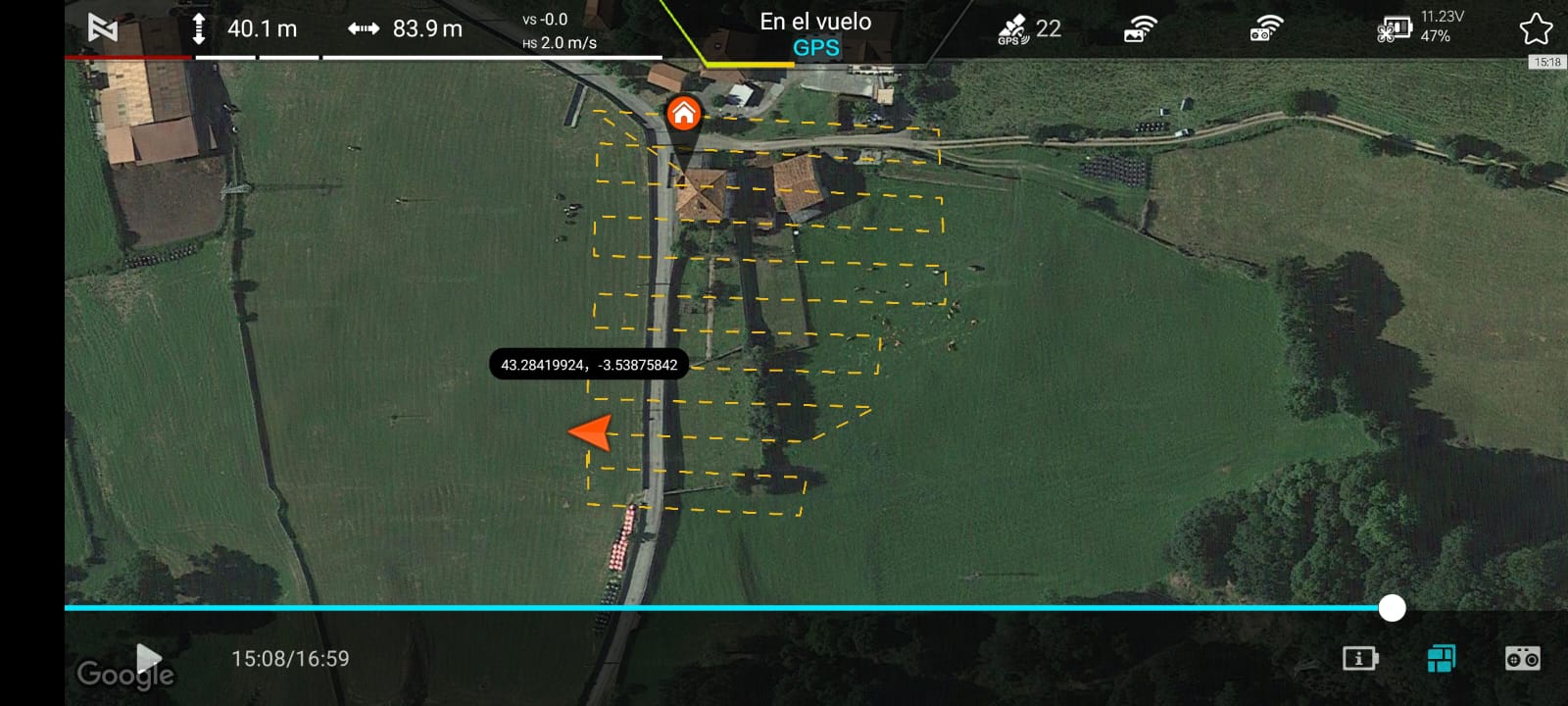
final result to done the same GSD of webodm report and only need to type the waypoints on the app of the low cost drone

Only need to input the cam specs to a related size of the soil rectangle and to a try with the focal length forcing to done the GSD of the webodm report