I am trying to export a project wholesale from one computer and import it to another.
I believed the saving would be done by clicking on the “1 Tasks >” under the project name and then clicking on all assets.
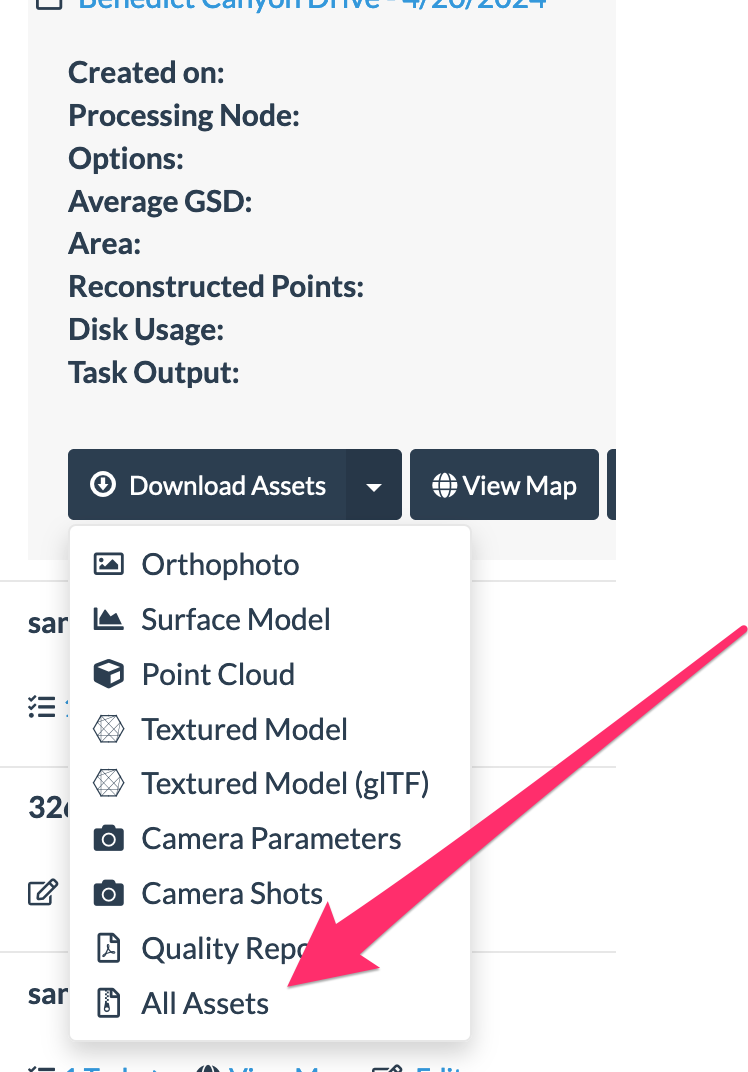
this indeed downloads a large zip file.
Presumably, I would then upload this zip file in the

unfortunately, after the large upload, webodm tells me that the zip file is invalid (and then I get to see a nice place in yemen on the map).
so, how does one just save one project on one computer and restore it to another? (I searched many earlier related posts, but none that clearly explained a single project export/import in the situation applicable to me.)
Suggestion : I would be great to have an “export” button next to the “import” button. This would probably also reduce the need for variations of my questions on the forum.