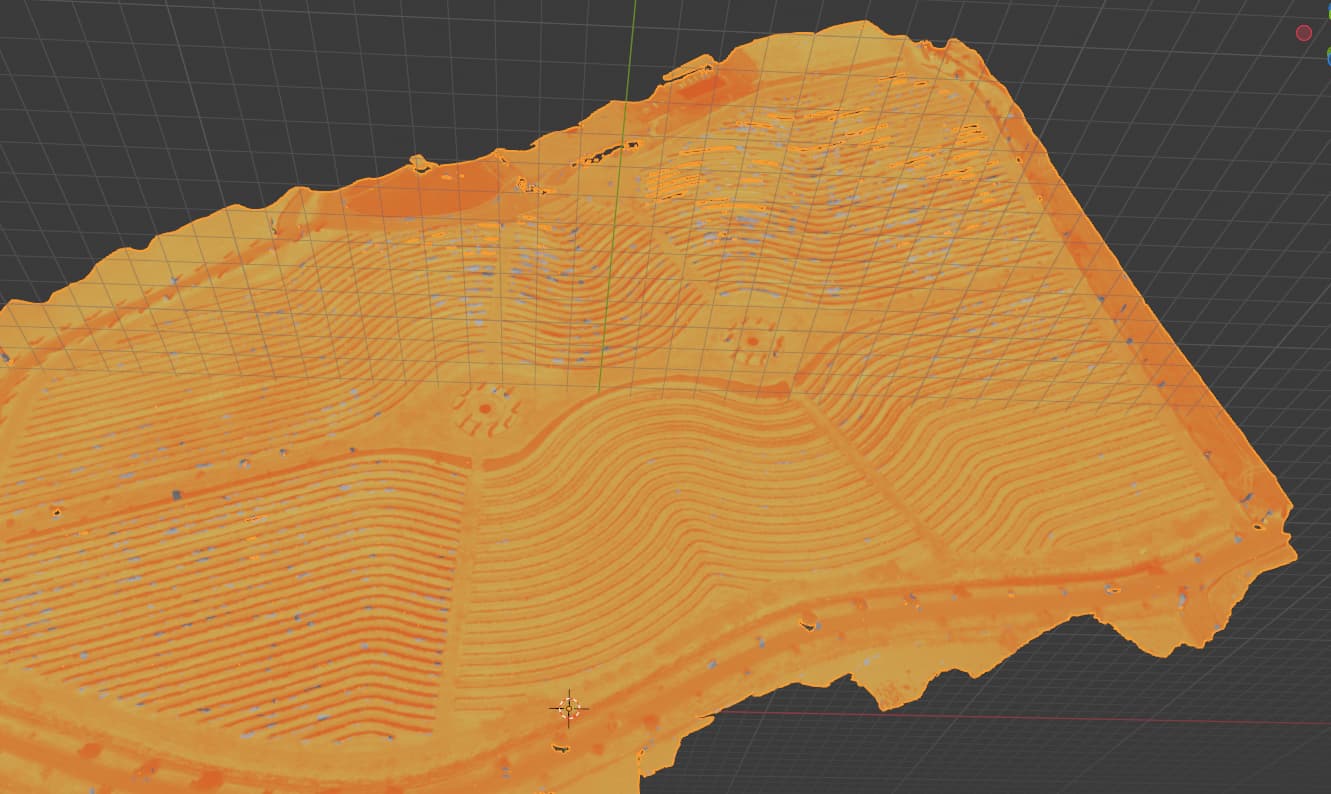
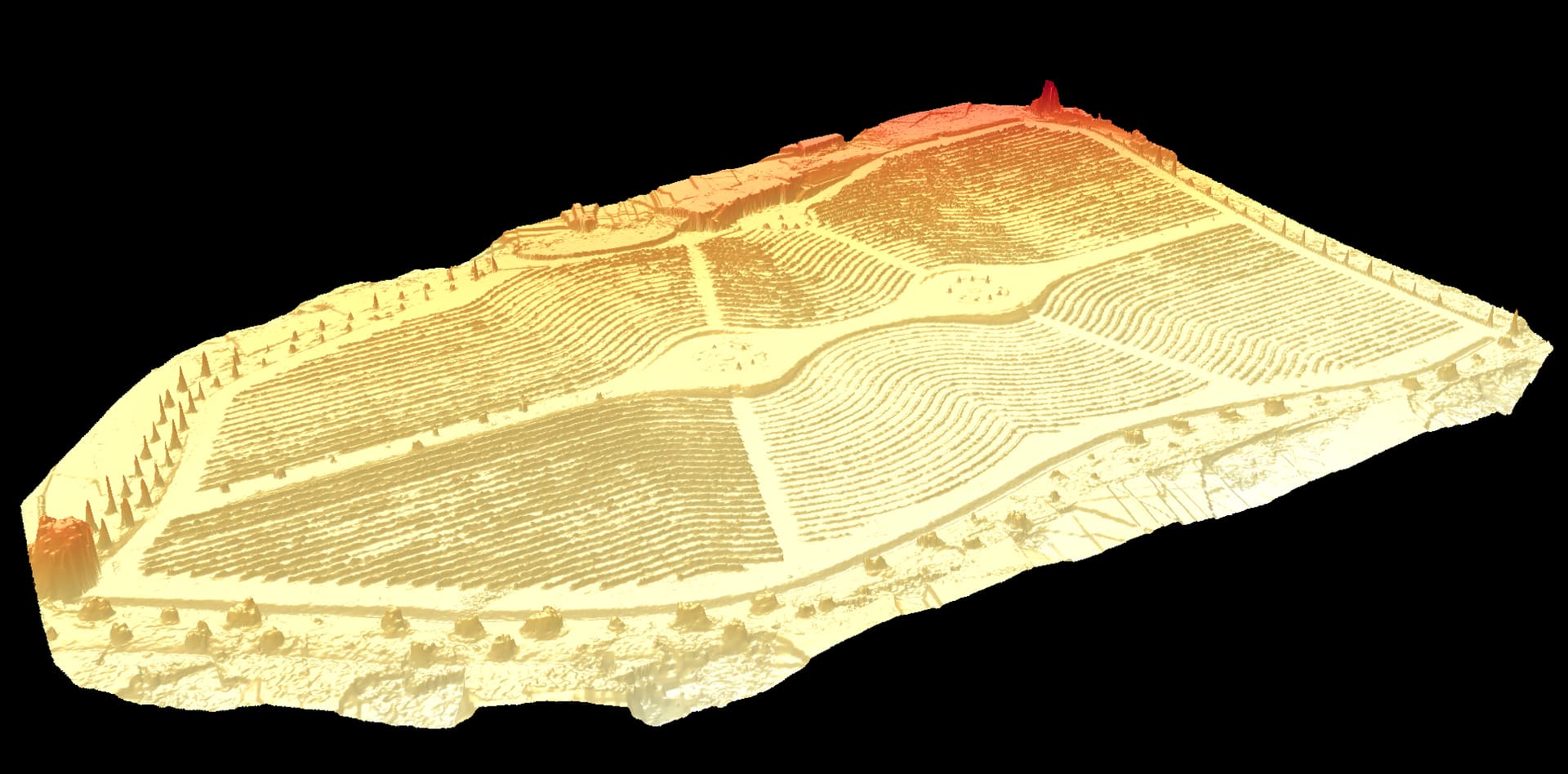
following that i used ubuntu and docker so i could use webodm to generate the temperature orthomosaic and so far so good.
I would like to know if it is possible to export the model in 3D that however instead of exporting it as grayscale I would like to export it with red color scale based on the detected thermal value.
In your opinion is this possible?
This type of output is really important in the world of precision irrigation.
Hello,
I don’t work with thermal camera so I’m not exactly sure of your output (if you want to share). But, top of my head, I see different ways to do that:
with the grey model in 3D, you could use blender and just color ramp to change the range of the color representation
with the grey 3D model, you could just change the texture file with gimp to transform in the range you wish
you can export the dsm and the orthophoto with temp. Both combined could allow you to make a 3D view with temperature following this link: How to Make a 3D Map in Blender | Wesley Barr
you can use the dem and bake a topology on the top of the map using your imagery
Actually i am not an export of blender or gimp at all .
I can share with you the all the output that i have got from the WEBODM elaboration, maybe you can test your workflow in order to get out the data that i would like to see.
You will find the 3d model in different format, choose what you like more.
I don’t know if there are any software/plugin or python/R code that i can use it in order to produce what i would like to get.
As far as I’ve seen, there’s no method to use custom palettes for the 3D viewer, or specify color scales like you are describing. This would have to be developed.
As Dhuyp mentioned above, you will have to perform some post-processing for what you’re after. If you need something low-cost, then I would recommend QGIS to understand how to import 3D Model and adjust the shader options to your content.
As a side note -
I would use caution using yellow as the Low temperature and red as the Hot temperature. People are terrible at distinguishing color shades.
People already assume cooler colors with blue and green hues and altering that will make it more difficult to communicate that to the user.
If you wish to continue with your desired color scheme, then you may want to identify what approximates a good temperature from a poor one. From there, you develop a shader that only looks at features outside that “good” region.
I forgot about QGIS! In command line you can use imagemagick with magick test.png +level-colors yellow,red colored.png on the texture files (don’t have my linux with me, but it should work)

 .
.