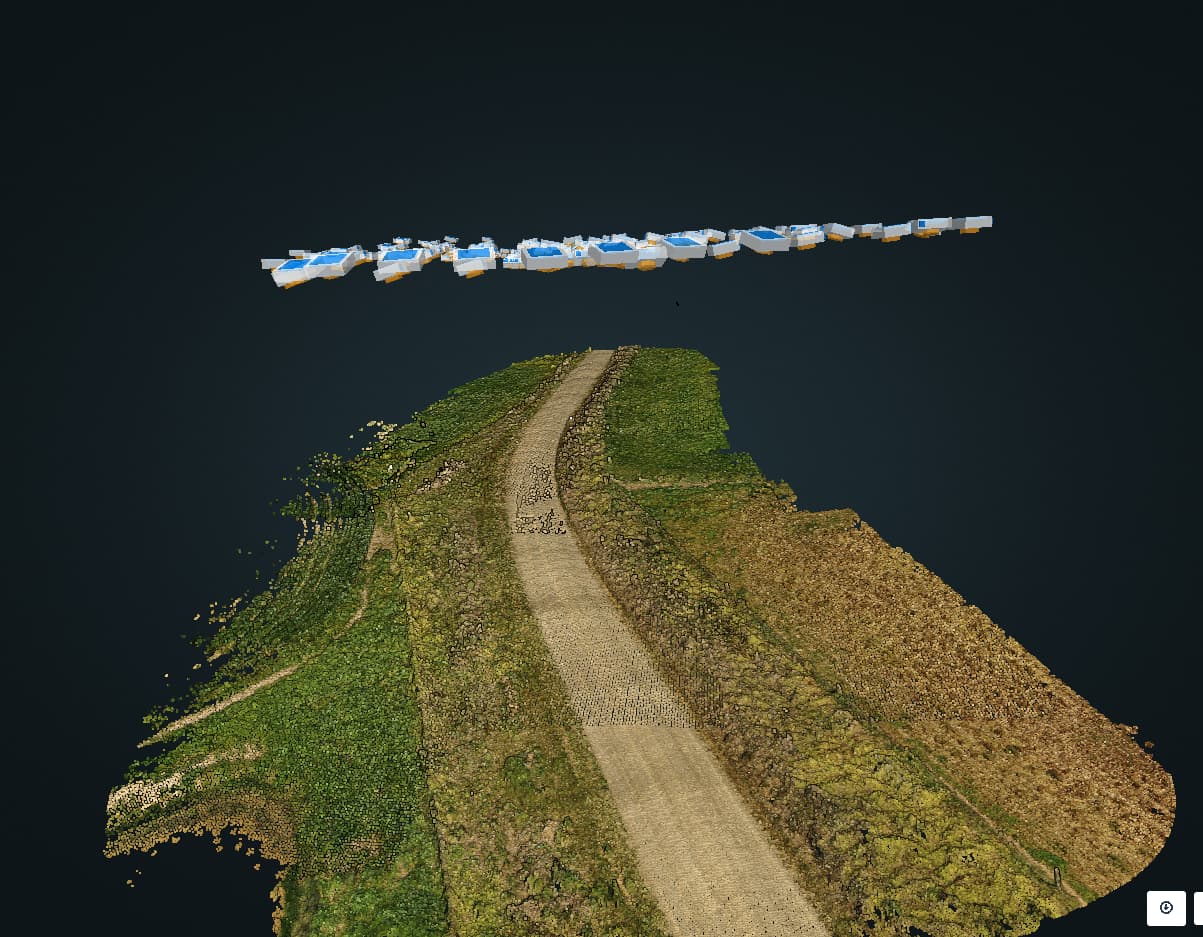
DSM/DTM/PC ground elevation irregularities

I’ve had this issue quite a few times, but have no idea what causes it, does anyone have any ideas?

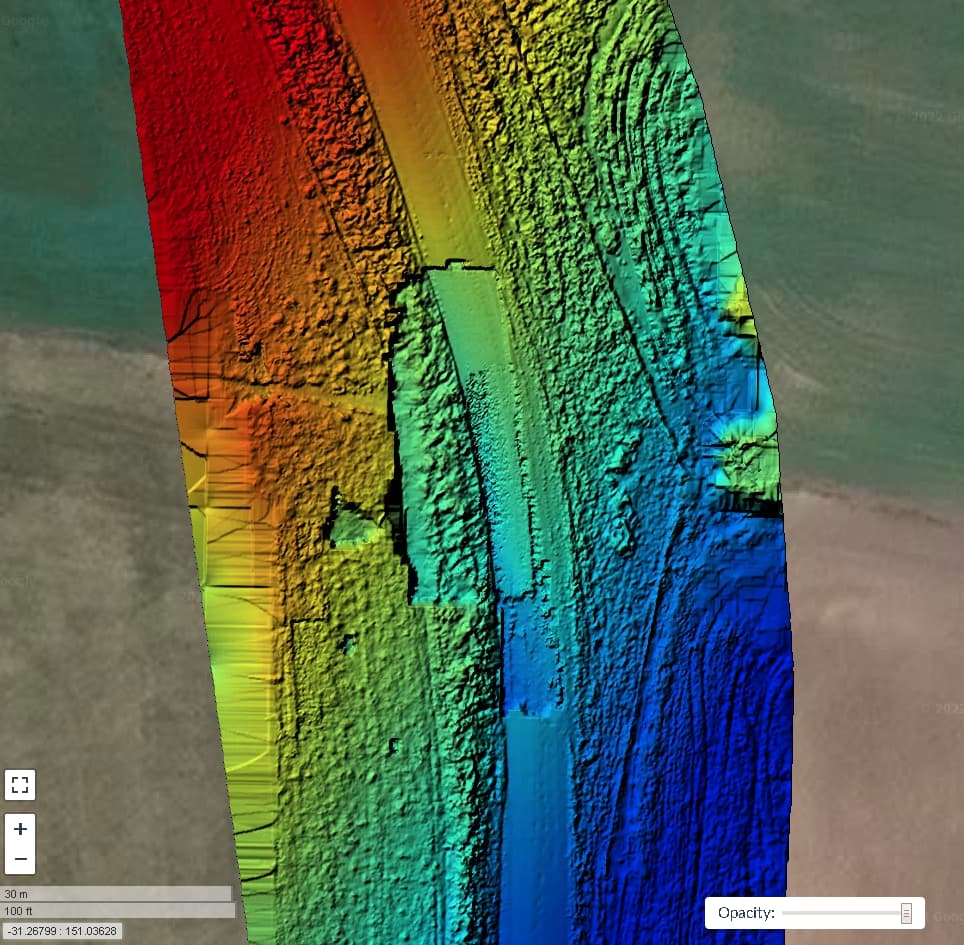
The general NW to SE slope that be seen in the DTM is greatly exaggerated too, there is only perhaps <2m elevation change in the shown section of road, whereas the DTM suggests it is more like 10m.

DTM showing the dropped section of road
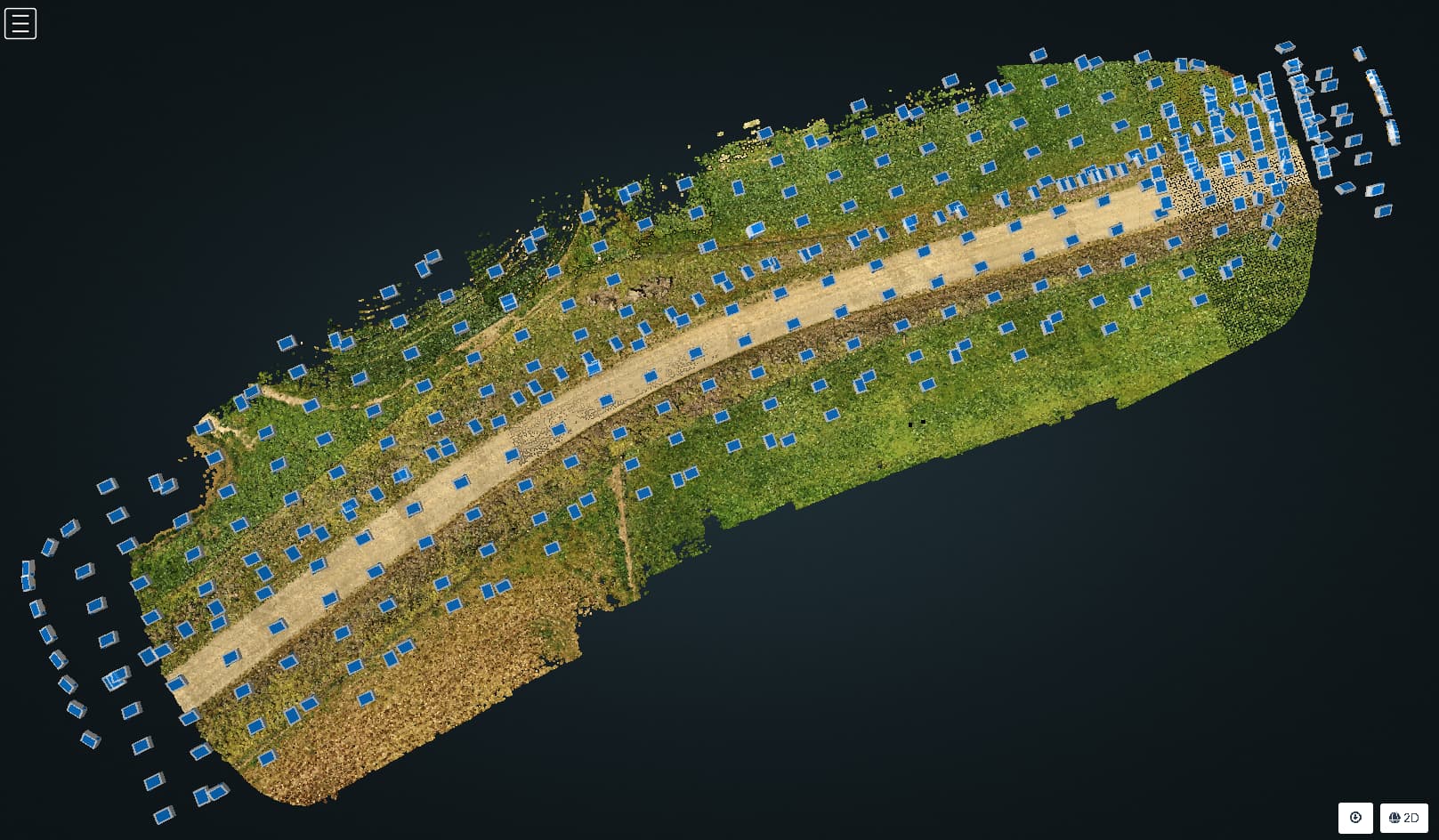
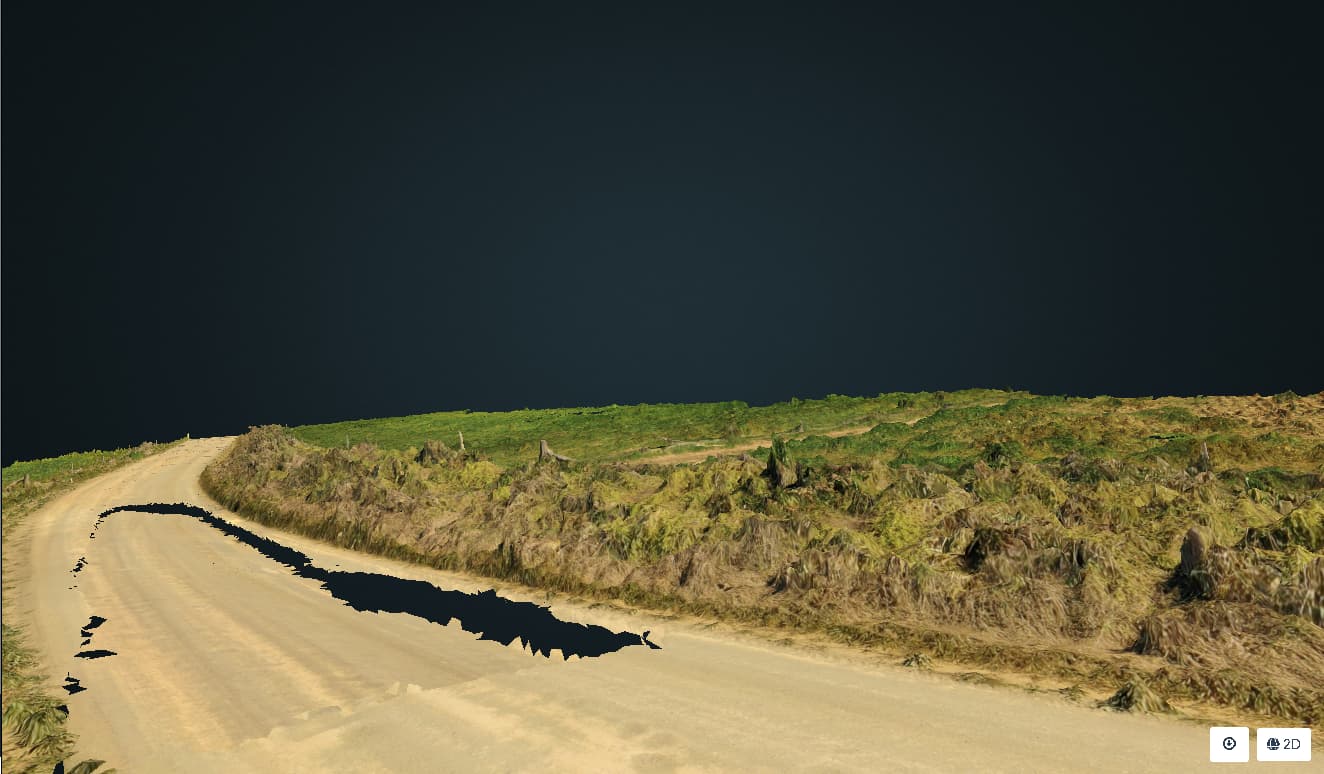
and in the textured 3D model
395 images 29:24:58

Node:**|node-odm-1 (auto)|
|Options:|auto-boundary: true, dem-resolution: 1, dsm: true, dtm: true, feature-quality: ultra, gps-accuracy: 5, mesh-octree-depth: 13, mesh-size: 500000, min-num-features: 16000, orthophoto-resolution: 0.6, pc-quality: ultra, pc-rectify: true, resize-to: -1, use-3dmesh: true|
|Average GSD:|0.76 cm|
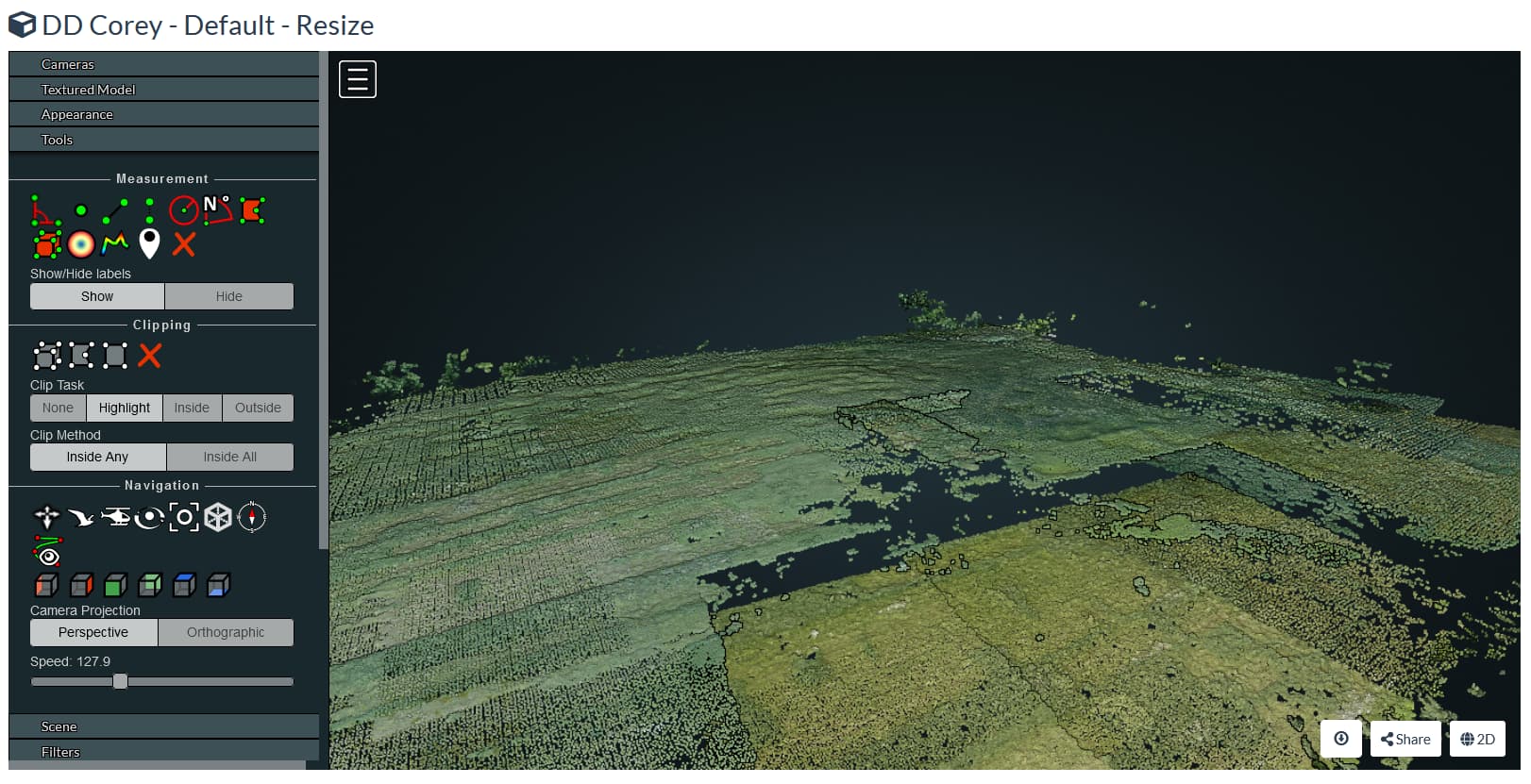
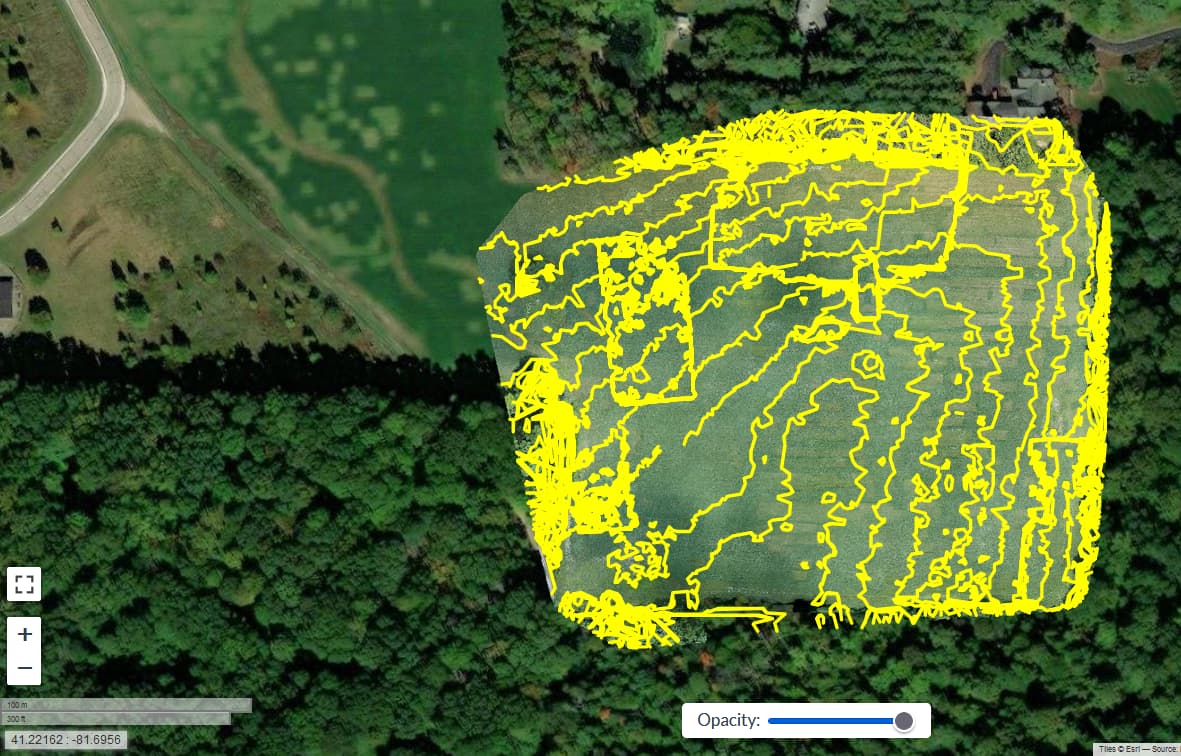
I saw a similar “dropped section” issue in some field/forest data of mine earlier this year. I have since deleted that task but let me find and re-run it.

1 Like

It appears I saved some screenshots in a brief moment of good judgement. Source photos (~175, flown with DroneDeploy) are here:

https://www.dropbox.com/sh/70o3on1e9r34zln/AABEdAqG1157i41gtuPMuF7aa?dl=0

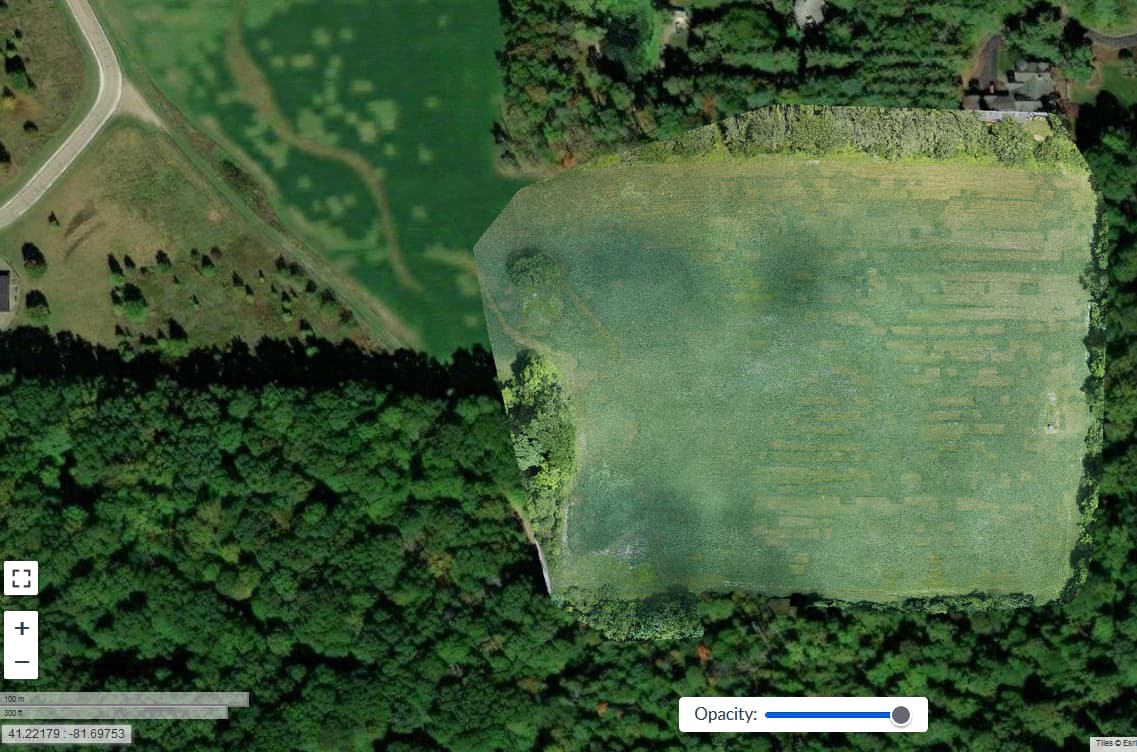
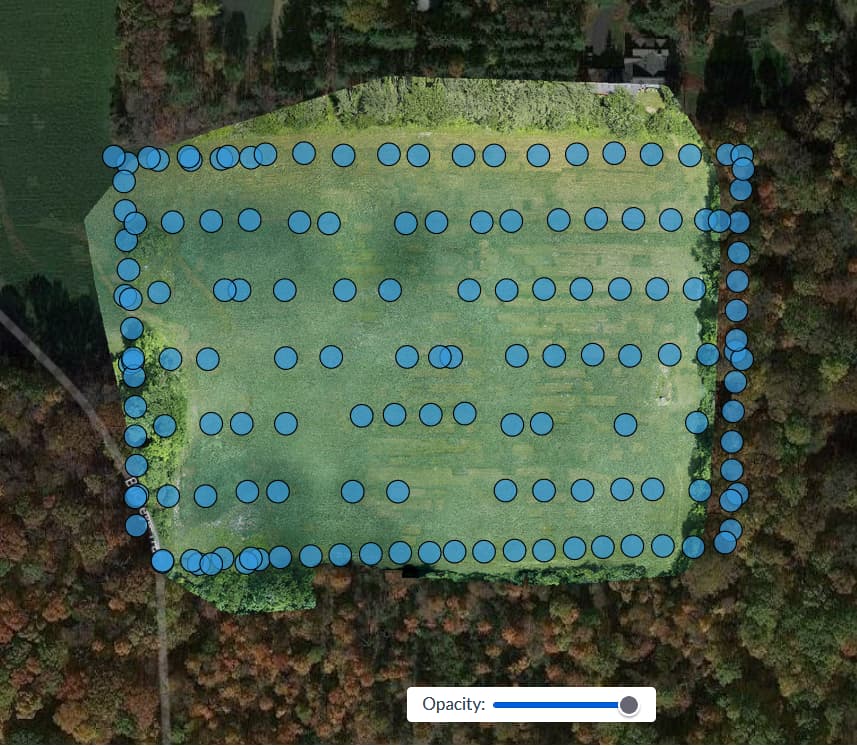
This is what I encountered. There are two rectangular “dropout” areas, most easily seen in the 3D and countour views. (Task configuration = Default, with the photos resized to 2048px).


1 Like

Are you guys using GCP’s?
I’m wondering if the trend you’re seeing could be related to altitude data inaccuracy, and the incongruent areas happening when the algorithm was unable to match features across some adjacent images (or groups of images).
I recall in another thread someone posted a link to a research paper analyzing the impact of GCPs and RTK, with the best results achieved with at least a GCP at each perimeter corner of the area, and ideally an even distribution of GCPs across the area (depending on overall size).

I’m not using GCPs, but looking at the EXIF altitude values for a few images in and around the problem area, there don’t appear to be any inconsistencies that might cause this problem.

1 Like

I did not use GCPs here. I agree with their benefits in principle, but I’m not sure they would help here.

1 Like

I’ve seen these artifacts occasionally ever since we allowed for more than submodel in the OpenSfM reconstructions. In other words: I think they are artifacts that result from lack of feature matching issues + random GPS error. When there is good enough matching, it’s a single submodel with these point clouds being aligned.

Now, the test: what does the log say about number of submodels at the end of OpenSfM?

1 Like

No shortage of features in my case- typically 300000 to 500000 features per image, with the overwhelming majority of matches successful.

2022-10-04 08:57:56,664 INFO: Matched 4612 pairs (brown-brown: 4612) in 60493.561994 seconds (13.116557240763226 seconds/pair).
2022-10-04 09:04:49,146 DEBUG: Good tracks: 3216893

2022-10-04 11:18:03,134 INFO: Reconstruction 0: 395 images, 2740271 points
2022-10-04 11:18:03,134 INFO: 1 partial reconstructions in total.

1 Like

1 “partial”. That blows away my theory for sure… How do the GPS coordinates look?

1 Like

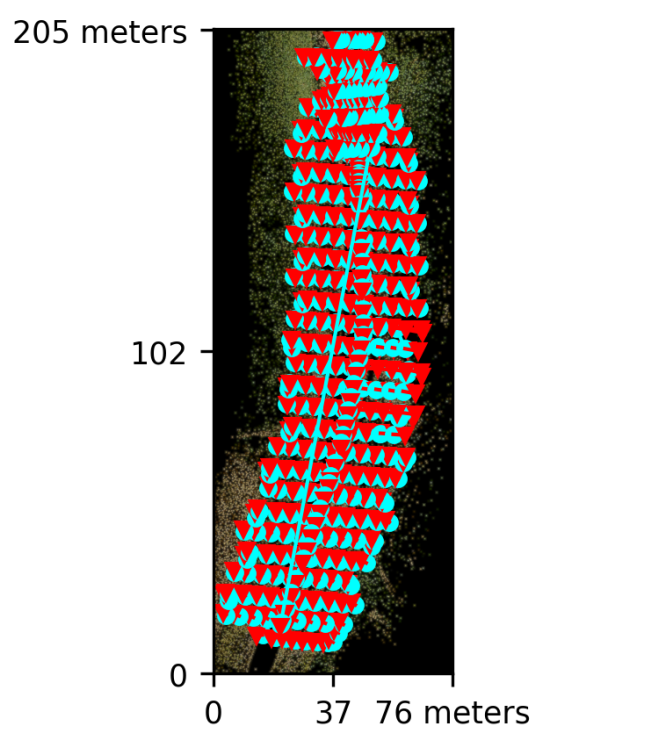
Camera position plot looks pretty spot on to me, doesn’t appear to be any out of place in the flight plan + manual flying I did, so GPS must be good. Flight was in an open area with lots of satellites in view, and flying was all <8km/hr.

1 Like

Horizontals are good. How are the vertical positions?

1 Like

All looking pretty close to where they should be

2 Likes

They sure do. Hmm… I’m really not sure what is happening there.

@Gordon @coreysnipes
What happens if you process a subset of images that cuts through half of one of the dropout areas?
I’m wondering if the dropout areas are related to the images themselves, or related to the overall image set. If it was related to the specific images you would expect the same dropout area to appear and just be truncated by the edge of the image subset, and if not I’d guess the dropout area will move…?

2 Likes

Good thought, I’ll give that a try, but it will be some time before I can start as my computer is about 30 hours into re-running a task (see the tower reconstruction thread), and probably has a few days of processing to complete.

If you can share the dataset & your task settings I can test on my server - I’m only using it for testing WebODM at the moment.

Thanks Johnny5, settings as above:

and I’m uploading 395 images now, but that will probably take 4- 5 hours.

If you want to have a go at a section of the road a couple of km away, there is this, already uploaded:

Reports and console logs are uploaded, settings in the first post.
TIA

No worries, I’m processing that second data set now…

@Gordon you’ve got me pondering: What are the optimal settings to capture pothole dimensions… :slight_smile:

4 posts were merged into an existing topic: Very messy task output of a road