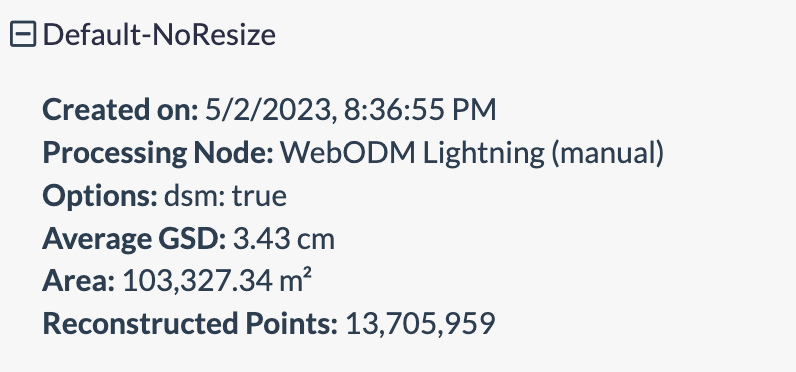
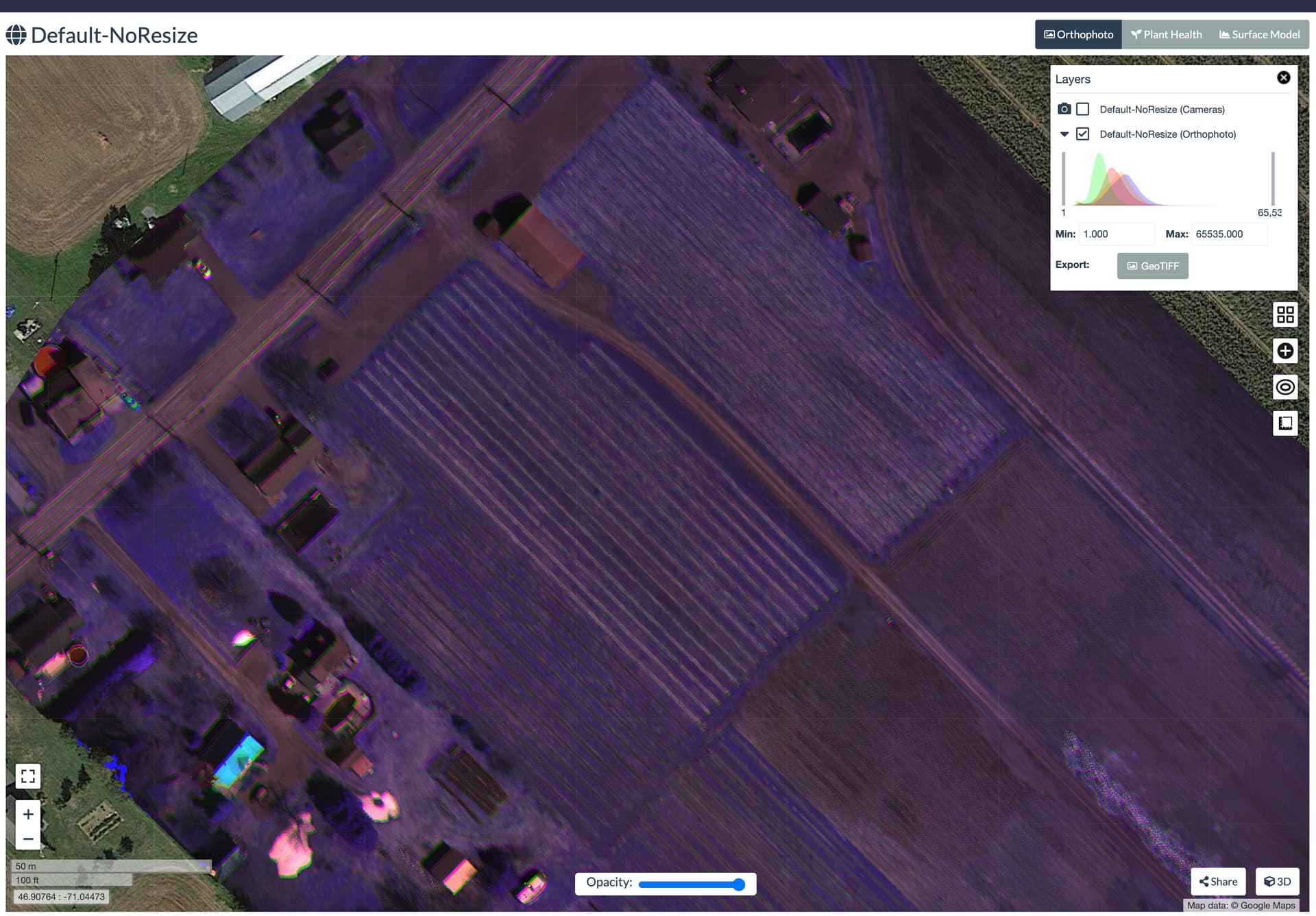
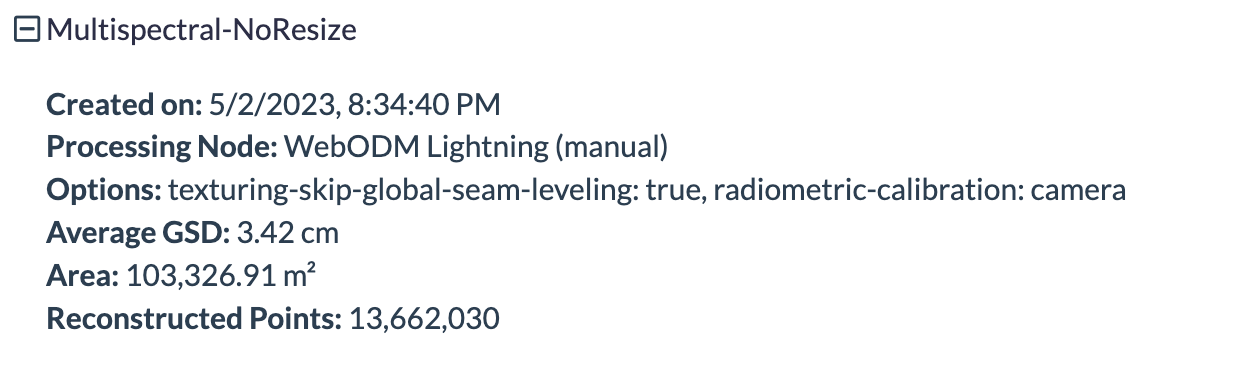
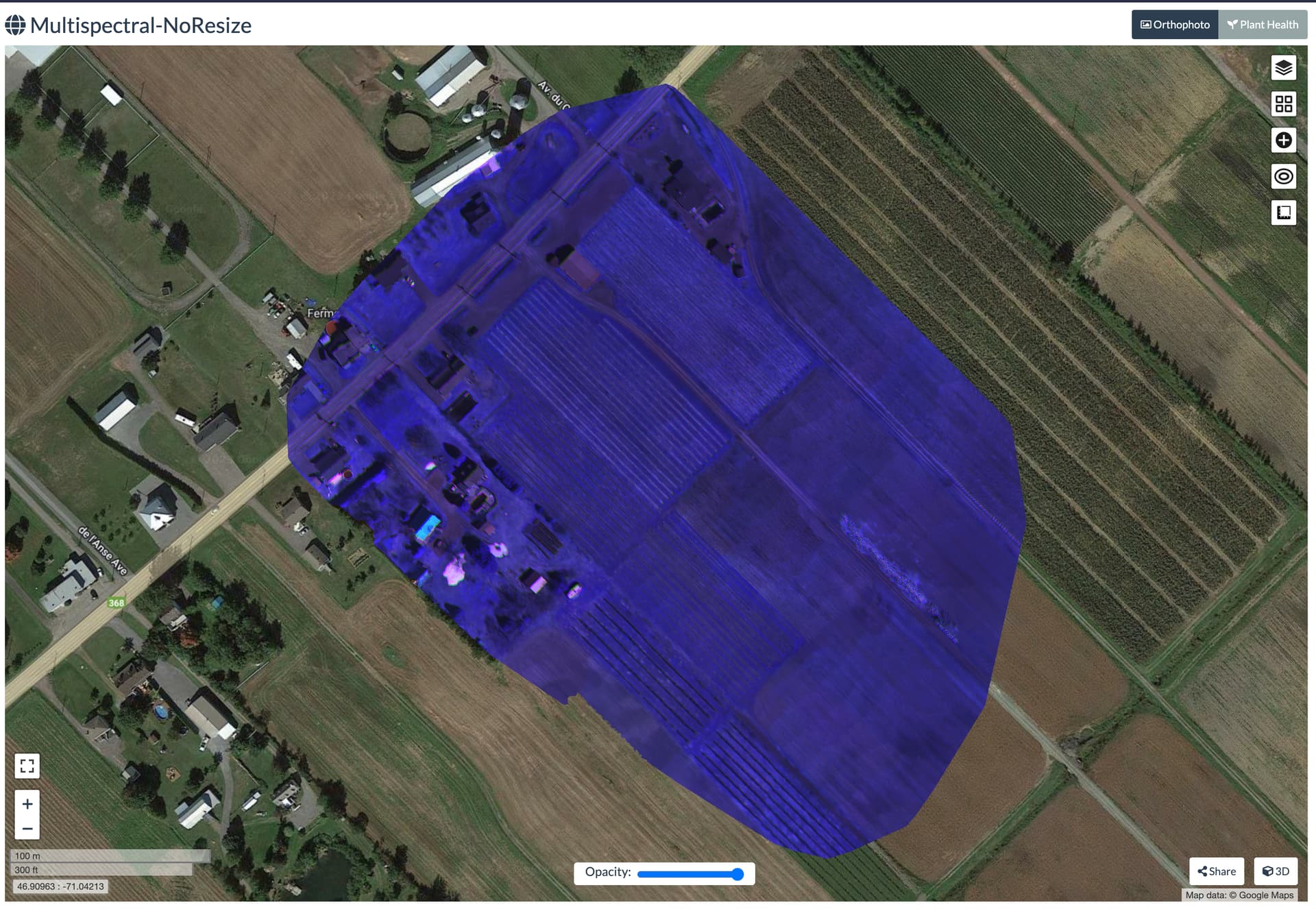
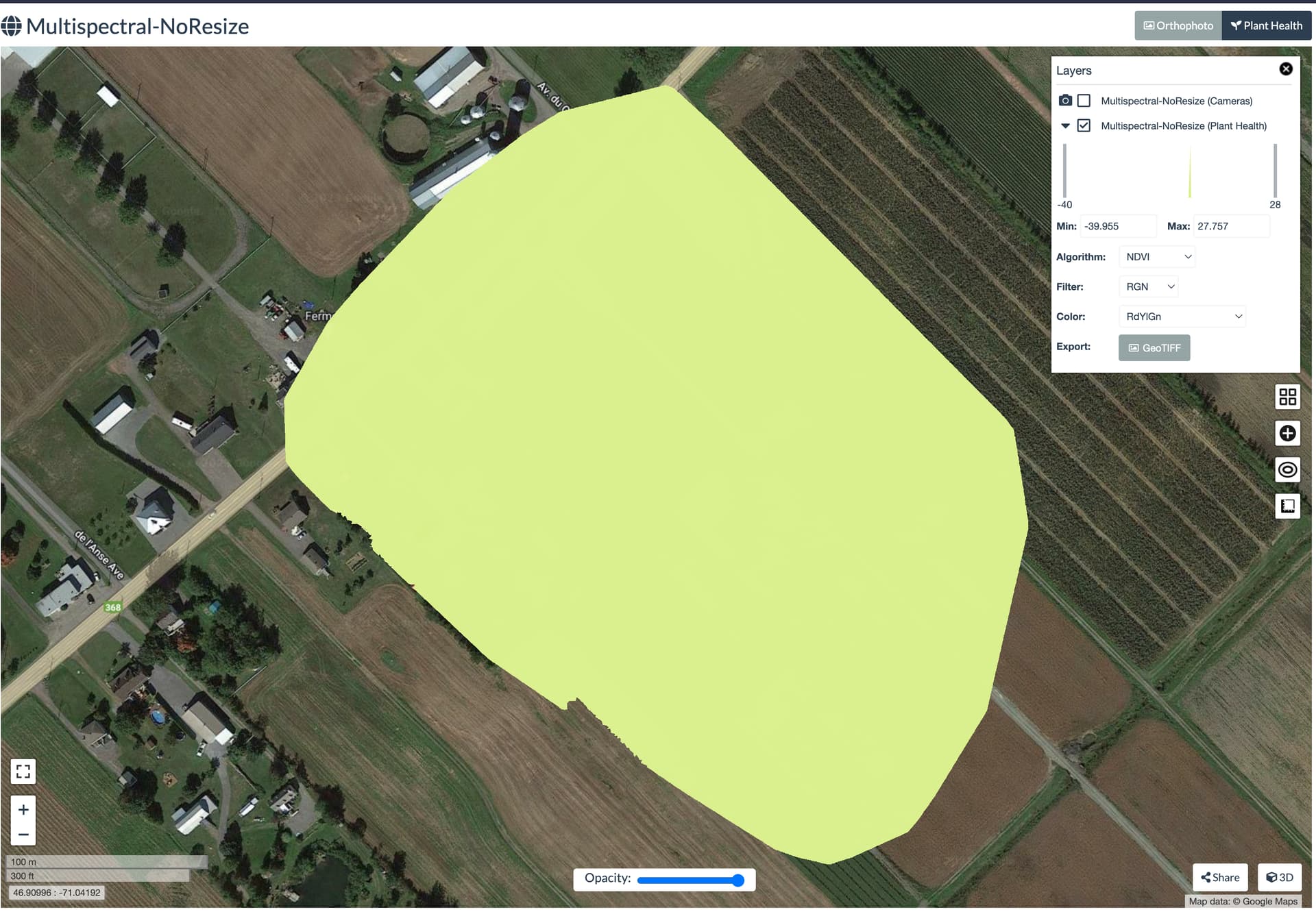
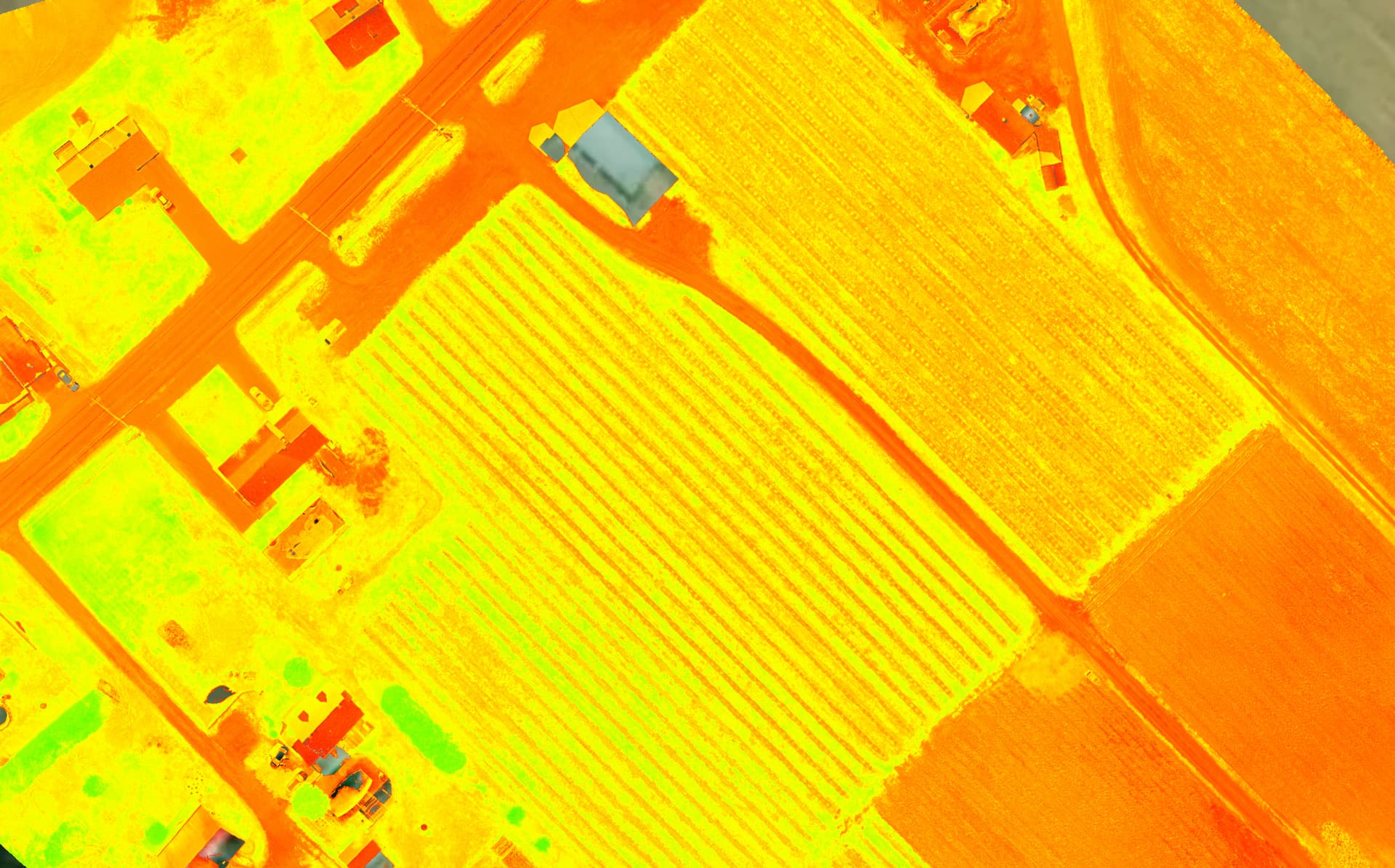
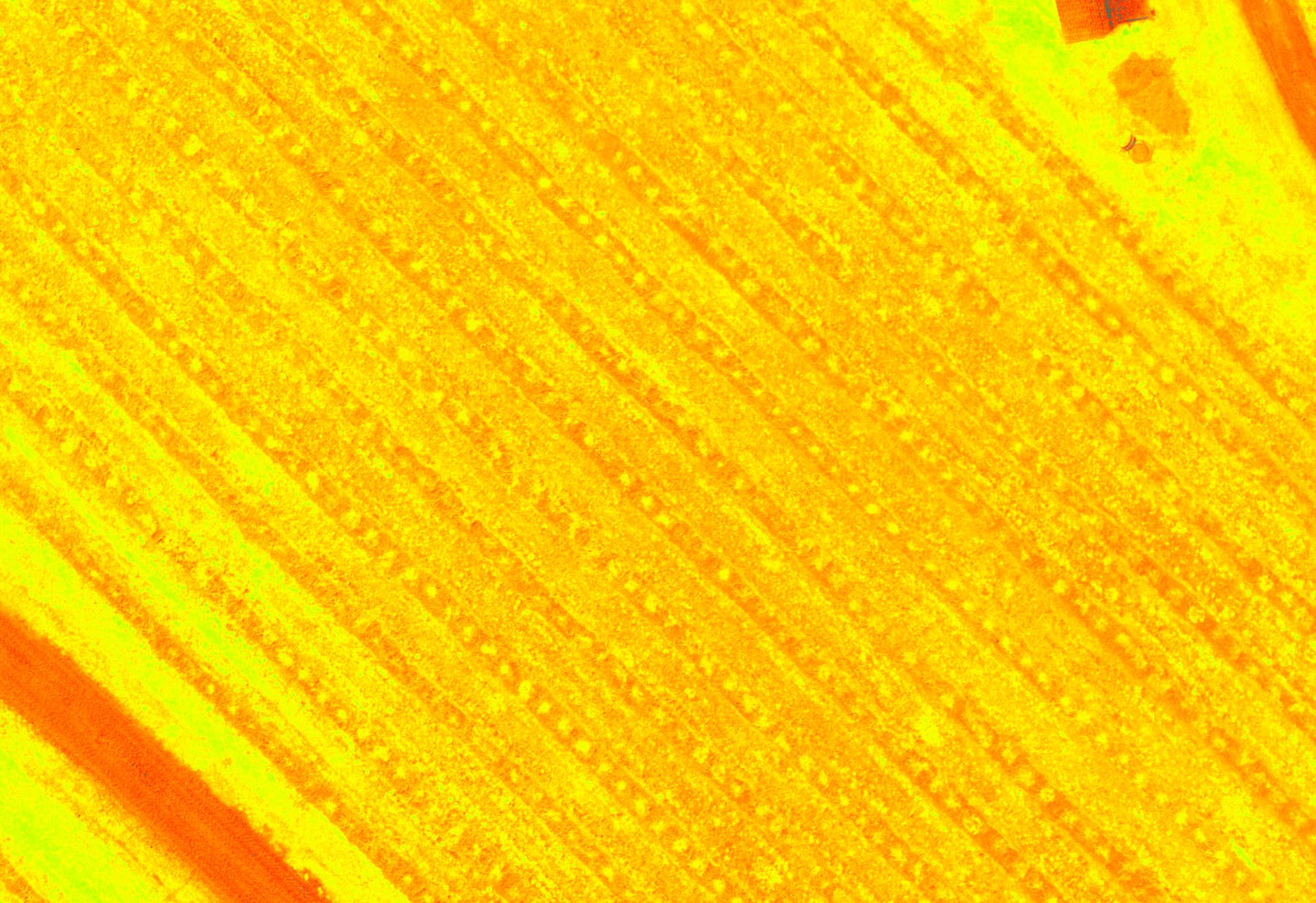
Looking my second test, we can’t selection the options “'multispectral” for this expected result. The wording it’s just weird because using a M3M (Multispectral) we expect working for analyze indexes from multispectral camera. It’s not like using a DJI P1 for reconstruction or field survey.
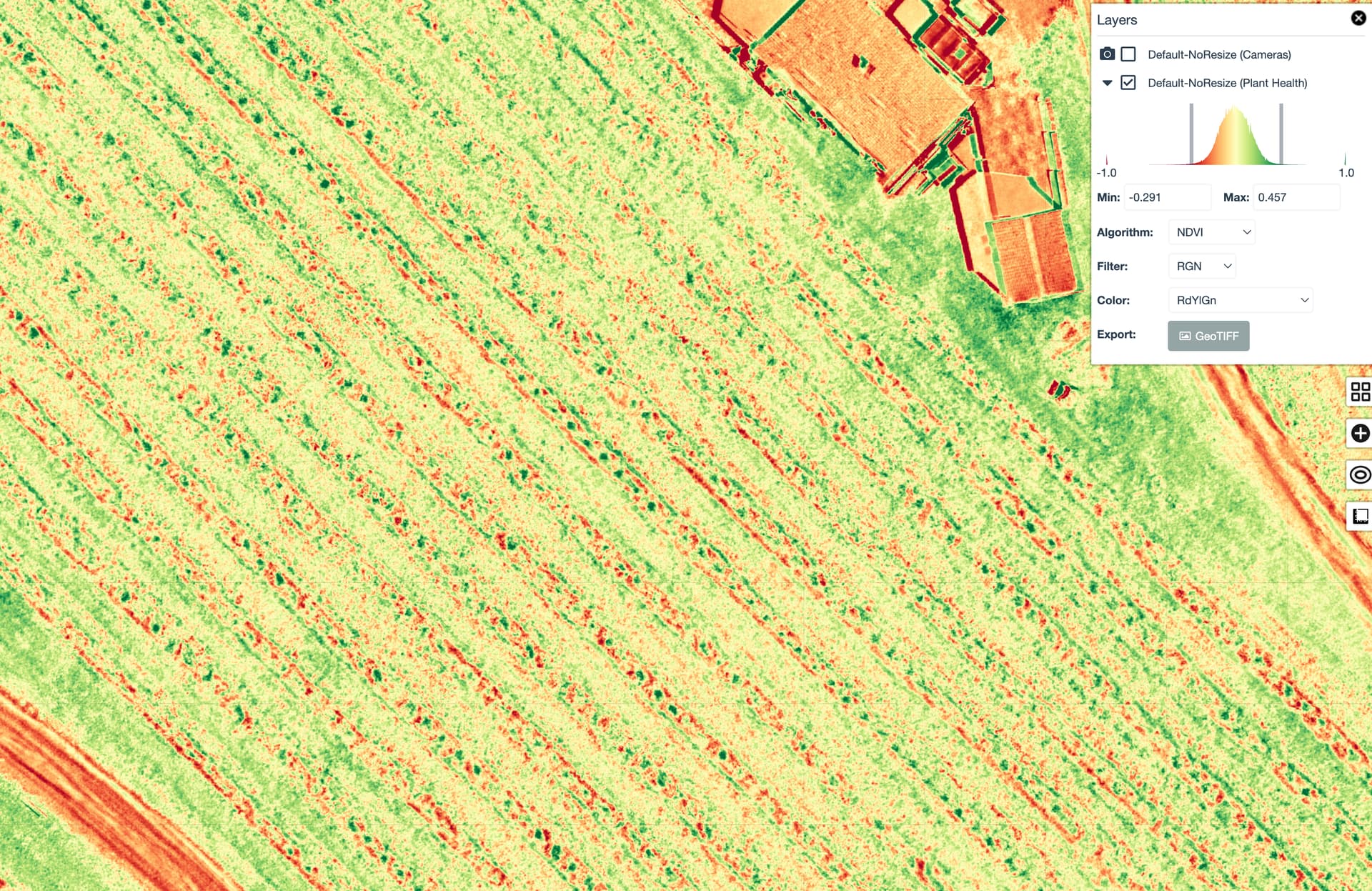
If you look the first test, just selecting Default, we can see some results of indexes but at the first look, I have some concern about if it’s real indexes coming from real dataset with 4 bands. I have some doubt because the results of the index NDVi (for example) it’s far of the expected results we can have using Pix4d. You can see here the same dataset rendered from Pix4Dfields.
It’s hard to say because these are using different colour scales, and there appears to significant manual scaling to the WebODM results we don’t see in Fields. Have you done a comparison of the two different results in a third party GIS tool to discern whether we are seeing different ranges of:
Yes: what’s unclear is the real numbers behind the display of the data, which is difficult to compare in WebODM or Fields.
It’s always good to understand: does the raw, unindexed data correspond between the two methods and from there discern whether the indices have the same meaning.
Use WebODM lightning node to proceed multispectral datasets (4 bands) with regular options and no resize.
Import from WebODM Lightning to WebDOM the asset generated
View on map the result
Select an index ex: NDVI
Use the option “Export”
Open the .tiff into QGis
Questions :
When processing a multispectral dataset with 4 bands into WebODM lightning and I use normal options with no resize. After important the result asset, the index from “Plant Health” will show a real NDVI from multispectral, not from RGB right ?
FYI, I’ve had ongoing, hard to pin down issues with getting odm to process multispec files. A number of times note ODM has failed on processing because it says images are missing when they aren’t or says specific images are bad when they can be viewed fine on desktop. I’ve been planning to post about it and share the datasets but I haven’t had time and wanted to make sure I’d done due diligence on making sure it wasn’t an issue with those particular datasets. But maybe, given the interest, we should start a thread on sorting out getting multispec processing working since it seems to be increasingly in use and with the launch of the Mavic 3M, I presume a lot more people will start trying to process multispec data.
I never noticed in the thread where the filter order was mentioned. I think the word filter is an understandable name for the field but isn’t really descript. The filter field should represent the order in which your bands are presented. For example in my file structure for the Rededge mx, the files are in the order: Blue, Green, Red, Near Infrared and Red Edge so I select the apropriate drop down. I am mentioning this because I see in your screen prints that you have selected RGN. Perhaps that is correct for the M3M, but I doubt it. Good luck.
Using WebODM 3.1.7 on 2,876 (719 per band) images, I’m getting poor MS orthomosaic stitching compared to RGB (swipe example, see intermittent crop row offset, minus overall alignment):
Will try upping the feature and pc quality (if I’m not mistaken first run was set to ‘high’, so ‘ultra’ it is), btw it took 9 hours on a e2highmem (16cpu, 128GB, 500GB disk) virtual machine on GCP…wondering if the hybrid bundle adjust threw things off?..thought it would reduce total processing time. Didn’t use hybrid adjust for the RGB ortho and it turned out very good.
Sometimes the hybrid bundle adjustment might lead to gaps (usually quite small) rectangular in nature in really dense grass or similar, but the last I really focused on testing that was in ODM 2.x early days, so it may well not even do that anymore.
It should help with runtime on datasets with many hundreds of images.
I’m having a similar issue with the Mavic 3M. The maps generated using the RGB camera work as expected. However, when using the multispectral mode in ODM supplying both RGB and the green, NIR, red, and red edge images, the map quality of the single bands (G, NIR, R, RE) (when just viewing the individual bands in QGIS) is poor with swirls and other distortion and the alignment between the single band layers and RGB layers is also poor. I have not found --feature-quality or --pc-quality to help.
To confirm that it’s not an issue with the multispectral camera or metadata, I’ve processed images from one single band at a time and have produced good looking maps.
To make things more complicated, the March 2nd firmware update slightly changed the metadata for, IIRC, just the multispectral camera. After that update I was getting results similar to the second test in this post Correct workflow with Mavic M3M - #21 by Orca. I rolled back to the earlier firmware.
Still got poor stitching in the MS ortho, and this time it took 12+hours to process (same GCP setup), so yes hybrid-adjust does seem to reduce processing time (by about 25% in this case)
@Saijin_Naib yes I have the original files zipped (19GB) can you send me an email so I can give you the link to download…sorry don’t have the log files.
I’m interested in getting and using a M3Multispectral to do wetland restoration and water resource work; also looking at using ODM as an alternative to things like DJI Terra or Pix4D. Am I on the right track? I am trying to learn what the best way to do reconstruction of images is going to be. My organization isn’t interested in getting expensive software that is probably for full-time users. There may be a discussion about this elsewhere; if so can someone point me to it? Thanks