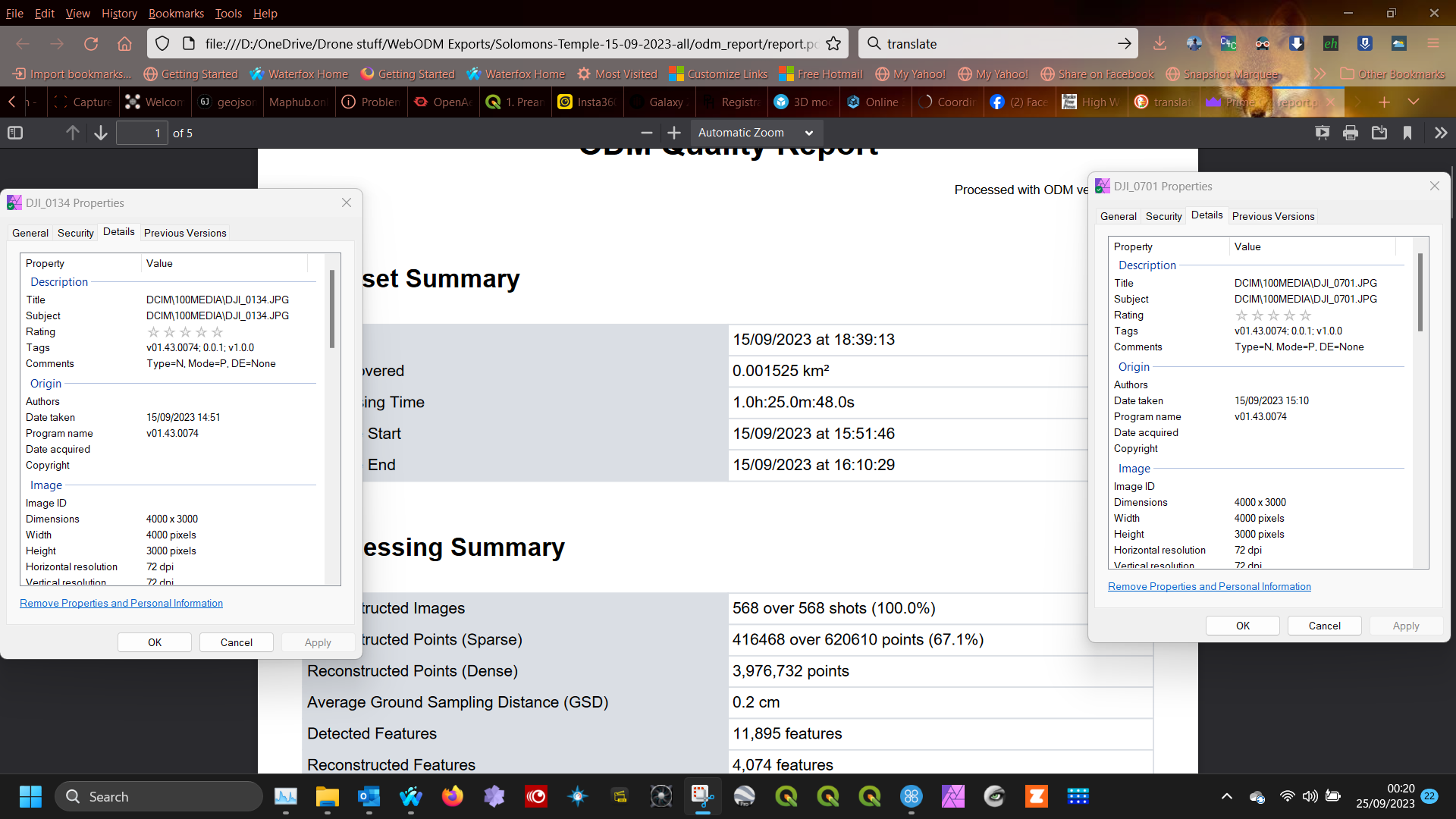
This has been mentioned a couple of times, but I dont think it was ever put into the ‘Ideas and Proposals’ category.
I think it would be more useful to us (as image processors) and to any clients that might receive our Quality Report, if the Capture Start and End times were not converted to UTC. They could be reported in whichever time zone the images are captured.
Here is a link to a closed thread that raised the same issue.
The issue is that camera manufacturers are not consistent in storing date information; for example, some of them store it in the local timezone, others in UTC. The values you see are extracted directly from the images, ODM doesn’t convert it because of this.
So if the time/date is wrong, it’s because it’s (probably) wrong in the images as well.
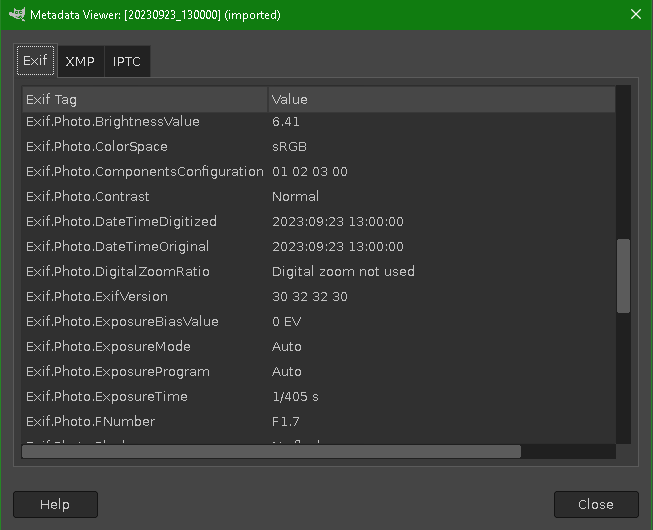
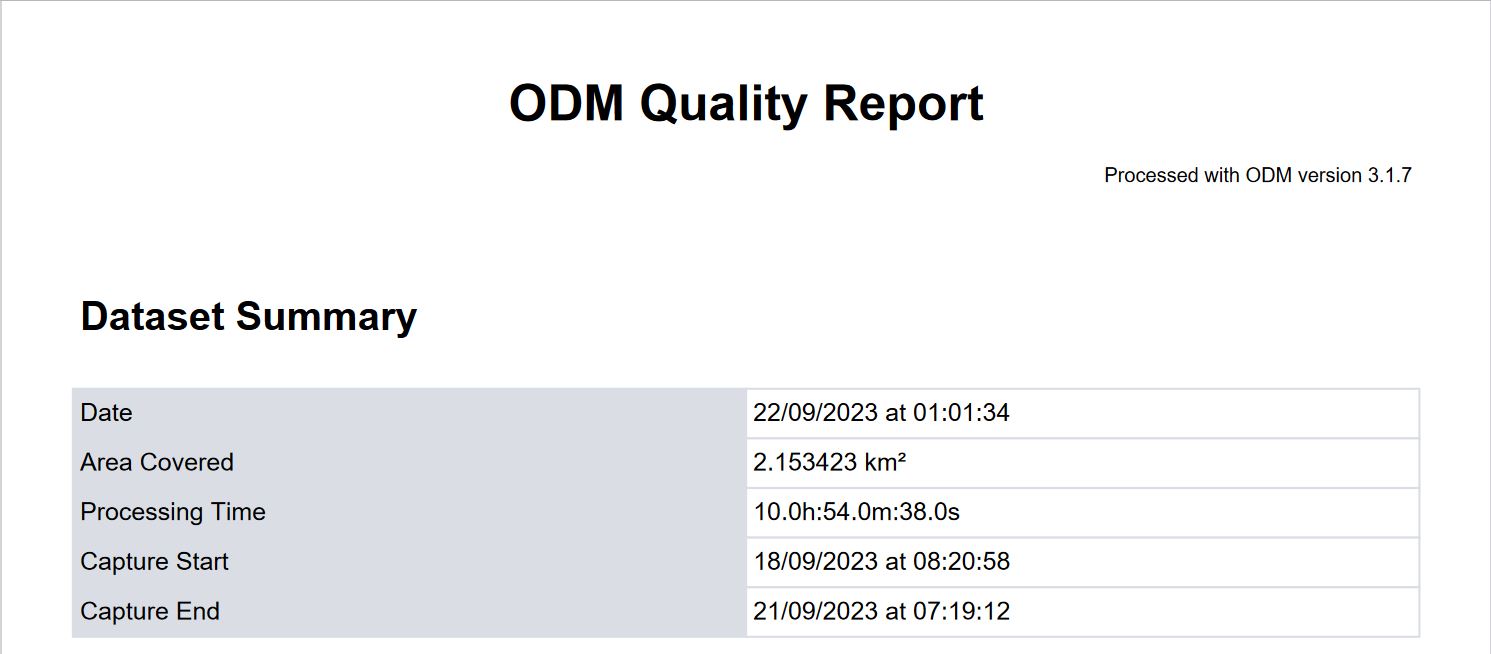
Clearly something is being done within ODM, as I mentioned in the thread quoted above, because here is the EXIF from the first of a set of images taken with my phone on Saturday afternoon at 1pm (03:00 UTC), yet the report says it was taken 10 hours later at 11pm (=13:00 UTC).
I agree with Gordon
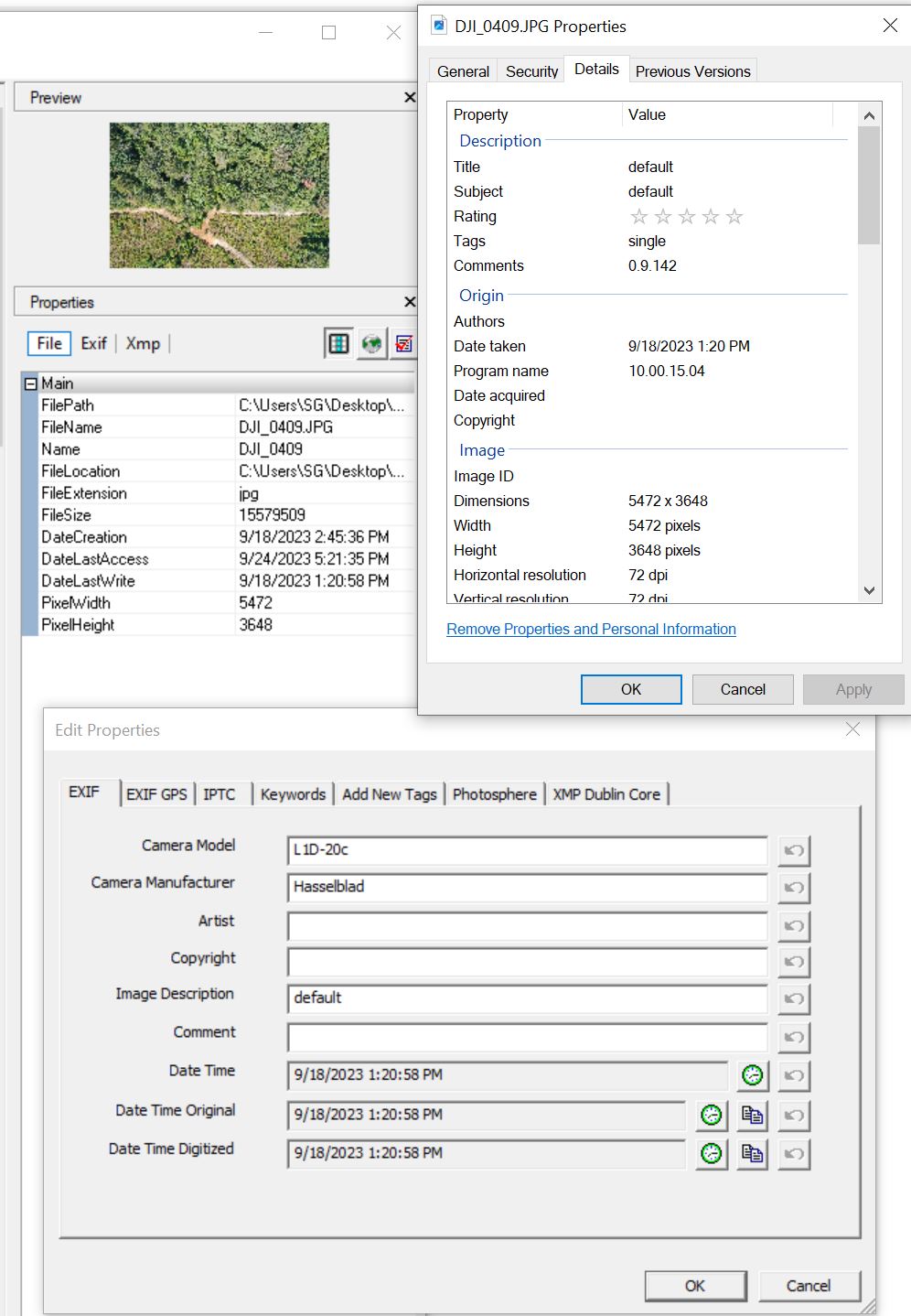
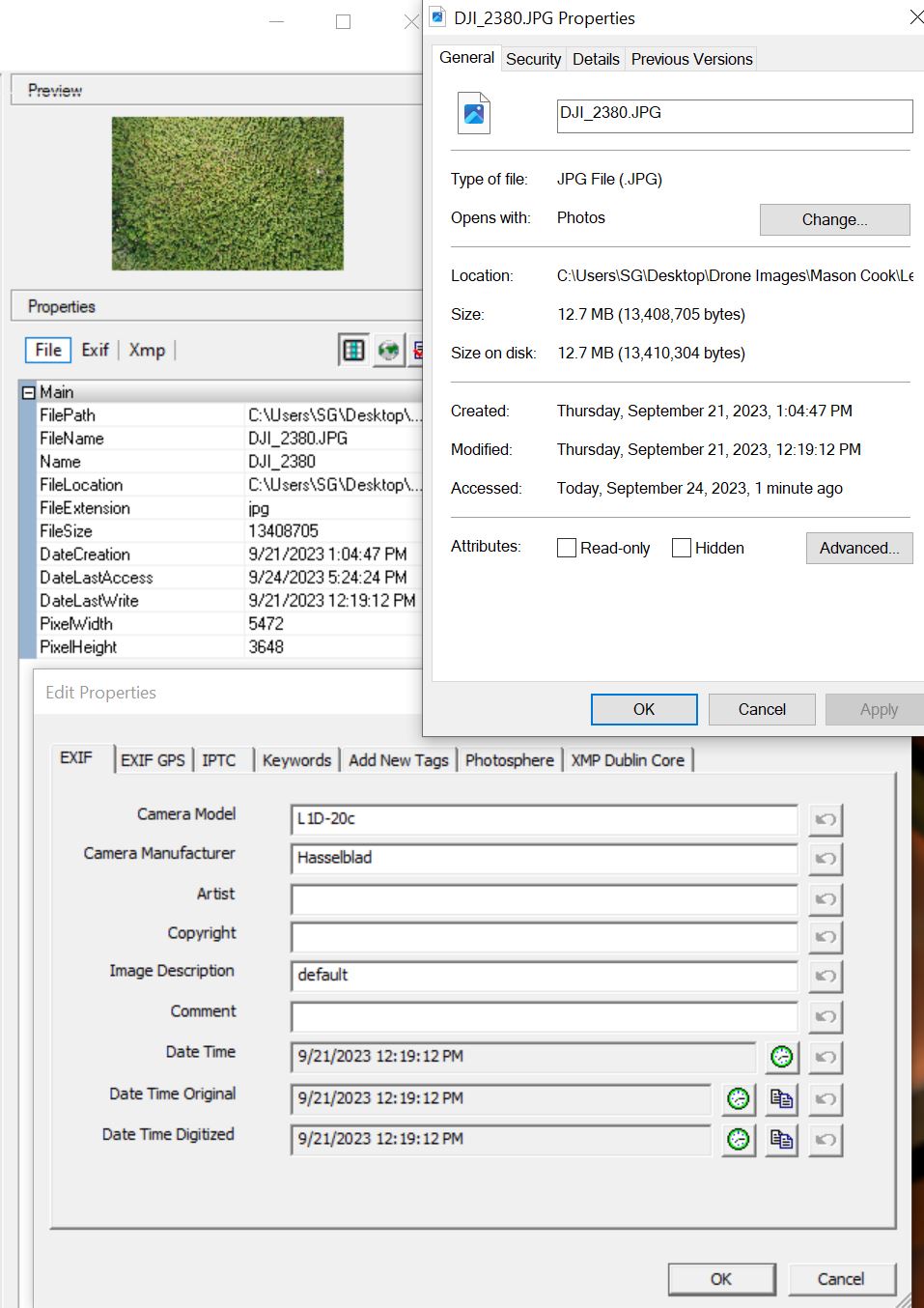
Here are screenshots of the 1st image, last image and Quality Report.
I am in Central Time, USA and the time difference is 5 hrs which will be UTC.
I wonder if this is due to OpenSfM’s code which calls fromtimestamp:
stats["start_date"] = datetime.datetime.fromtimestamp(start_ct).strftime("%d/%m/%Y at %H:%M:%S")
stats["end_date"] = datetime.datetime.fromtimestamp(end_ct).strftime("%d/%m/%Y at %H:%M:%S")
Which returns the local time. This would explain why this probably just happens on Windows and not docker, where I tested (on docker the timezone is UTC).