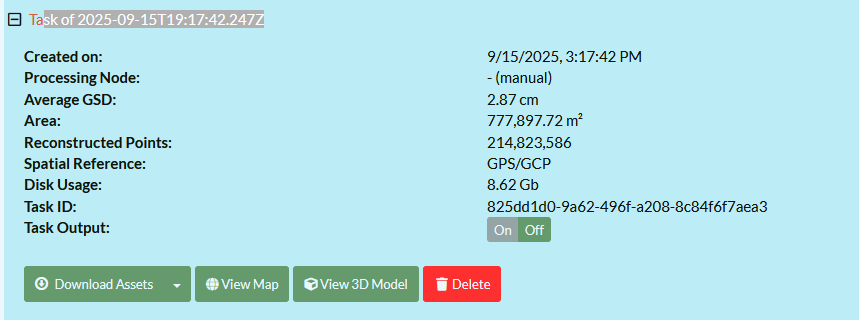
I continue to get a “Cannot process” error in my web browser ~25-35 minutes into processing. Where do I find the log files I need to figure out what is going on?
I have a done a small test batch of 20-30 photos, and there was no issue. I tried doing the whole mapping project of 593 photos, and it gets to around 25-35 minutes and gives me the red box in the processing area saying it cannot process. This is my first time running WebODM (noob here).
Thank you in advance for any/all help.
Details:
Stand-alone PC running Windows 10 Pro
RTX 3090 GPU
Intel i7 10900K CPU
32GB RAM
Plenty of SSD storage.
Installed via Docker installation instructions running WSL2.