Can’t get WebODM to work. Someone please help

I am trying to process a map (470 images) and cannot get it process. I am running a windows machine with 32gb of ram, an ASUS Nvidia 5060ti 16gb graphics card, and have 325gb of a 500gb hard drive available.

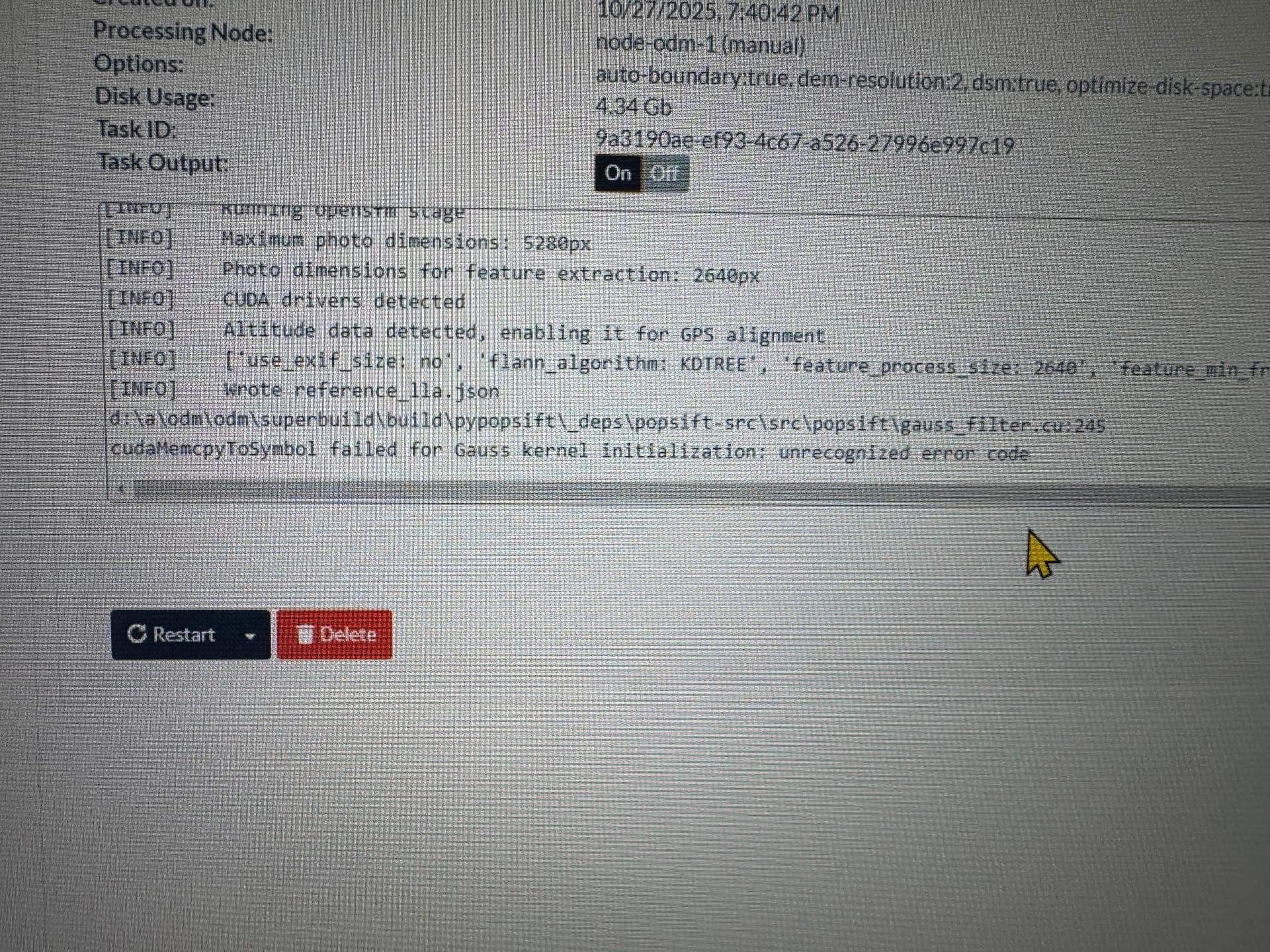
I processed the map in DJI Terra so I know the dataset is good to go. I attached a screenshot of the error I am getting. I have very little experience with computers so please explain as elementary as possible. TIA

50xx series GPUs are not (yet) supported, so you should try running it without using the GPU if possible.

Do you by chance know how to do that?

There is an option no-gpu which you need to check/tick so that it is “enabled”

Thank you! I will try that first thing tomorrow.

2 Likes

Let us know how it goes :slightly_smiling_face: :crossed_fingers:

1 Like

Yeah no GPU should do the trick, sometimes after getting that message you can hit restart and it will work, but it can be a bit hit or miss

1 Like

So the no gpu setting worked and it processed. Took quite a while but now I think I am going to upgrade my ram to 64gb just to ensure when WebODM does support the 5060 series that I will have plenty. Thank you all for your help!
3 Likes

This topic was automatically closed 30 days after the last reply. New replies are no longer allowed.