Hello,
I’m an architect working in the heritage conservation field.
Recently I started using Polycam to make fast LiDAR scan of small surfaces (5x10 m) for a research on the stone streets in Florence. We are working on an atlas of the different tecniques of paved stones so we need small semples.
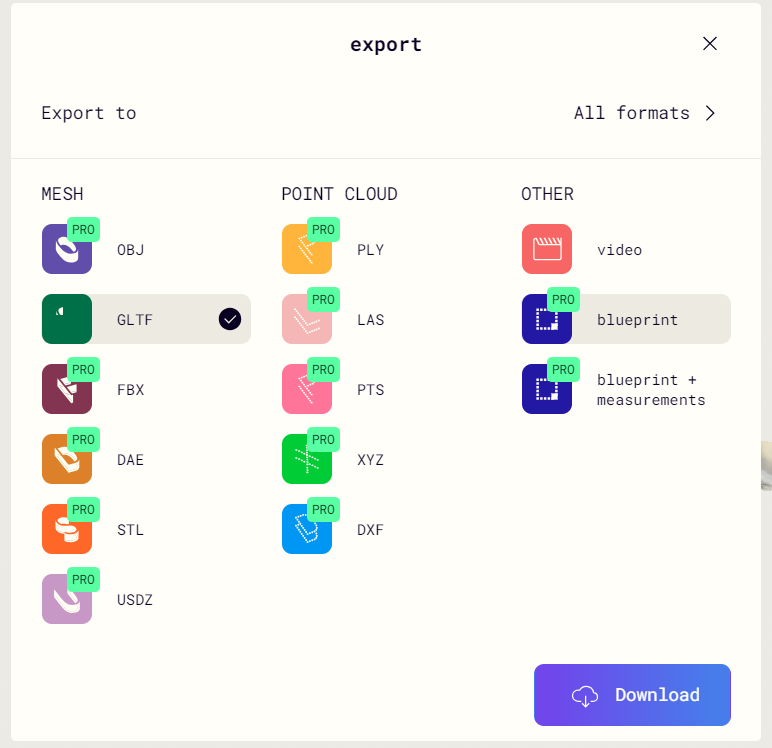
Polycam allows you to dowload in many different format but I couldn’t find a way to export an high quality orthophoto.
I downloaded the .obj textured model from Polycam hoping that I could build the orthomosaic in ODM but I can not open it…
“Impossible to generate the orthophoto. To generate one, make sure GPS information is embedded in your images’ EXIF tags or use a Ground Control Points (GCP) file.”
Please tell me if I’m missing something, this is a link to view and download the model:
Sincerelly,
Iacopo