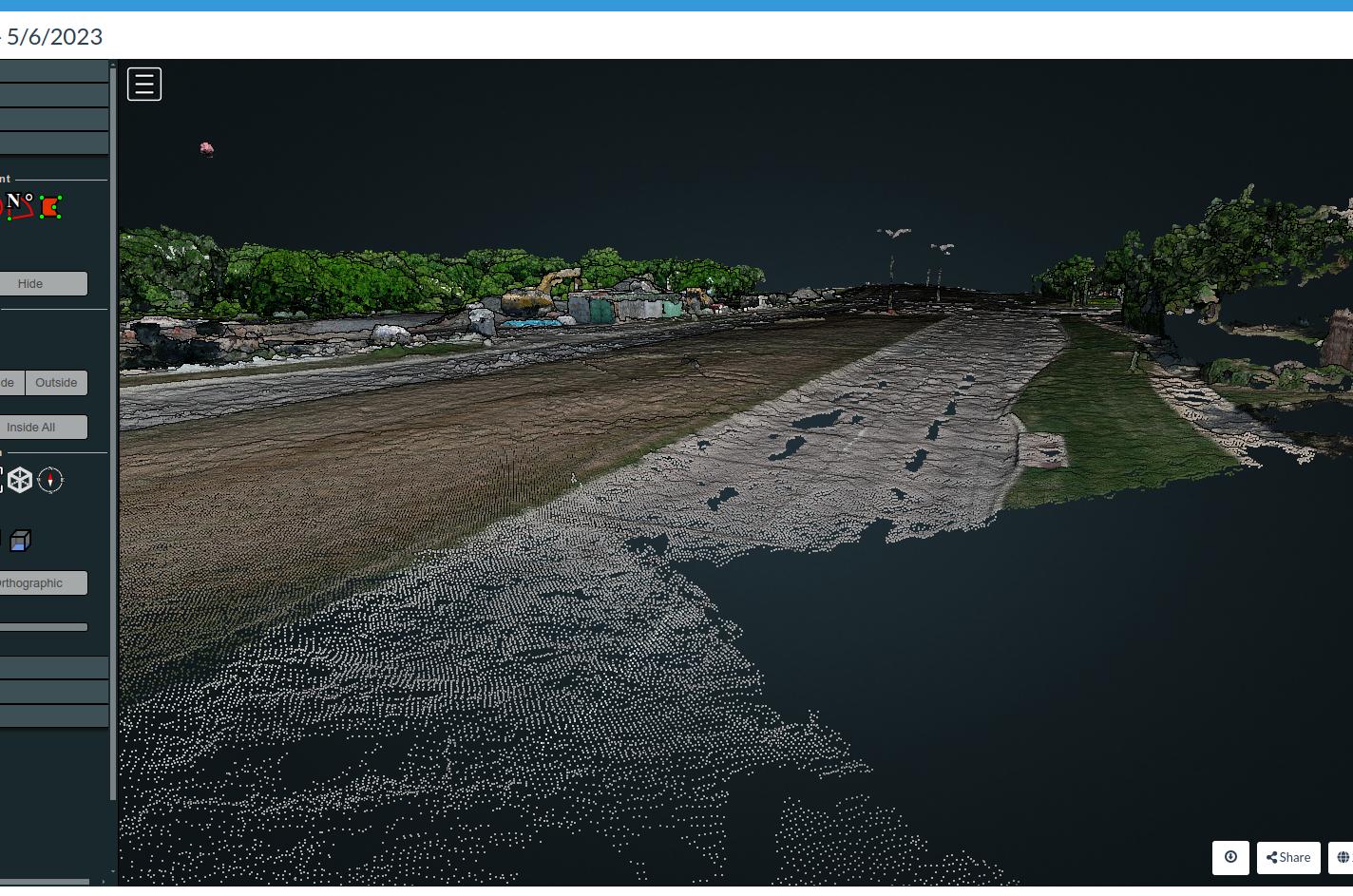
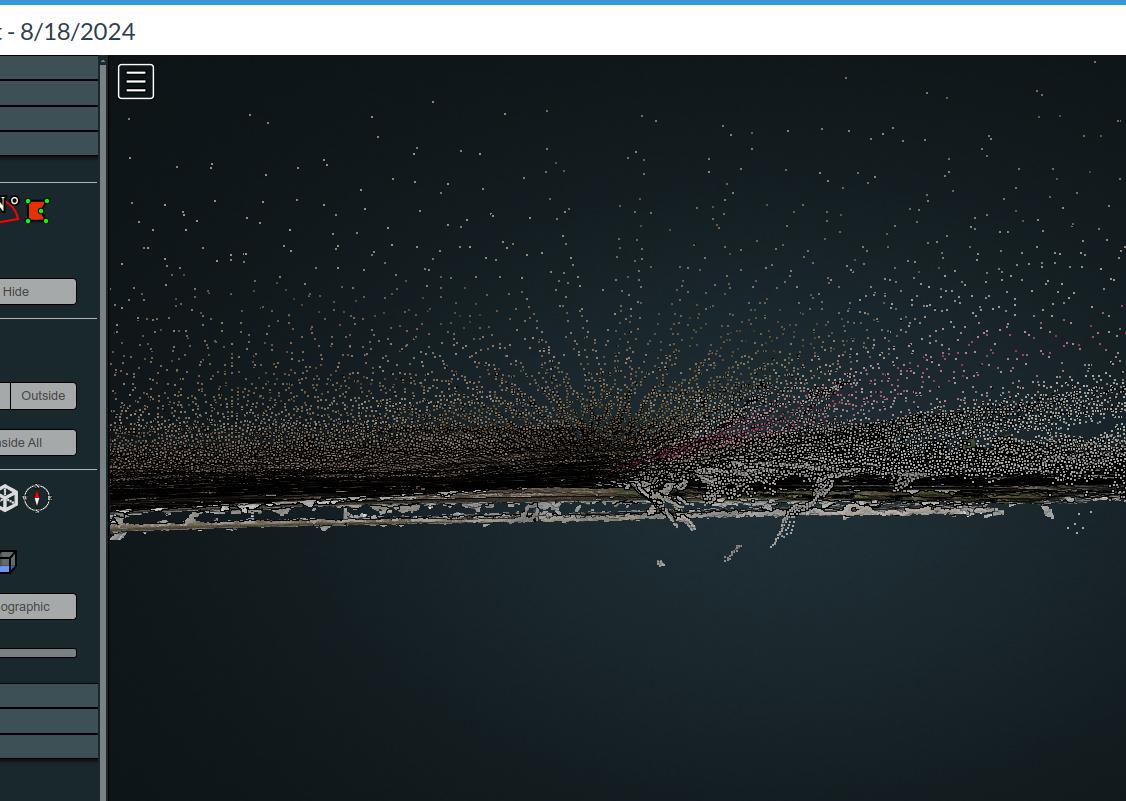
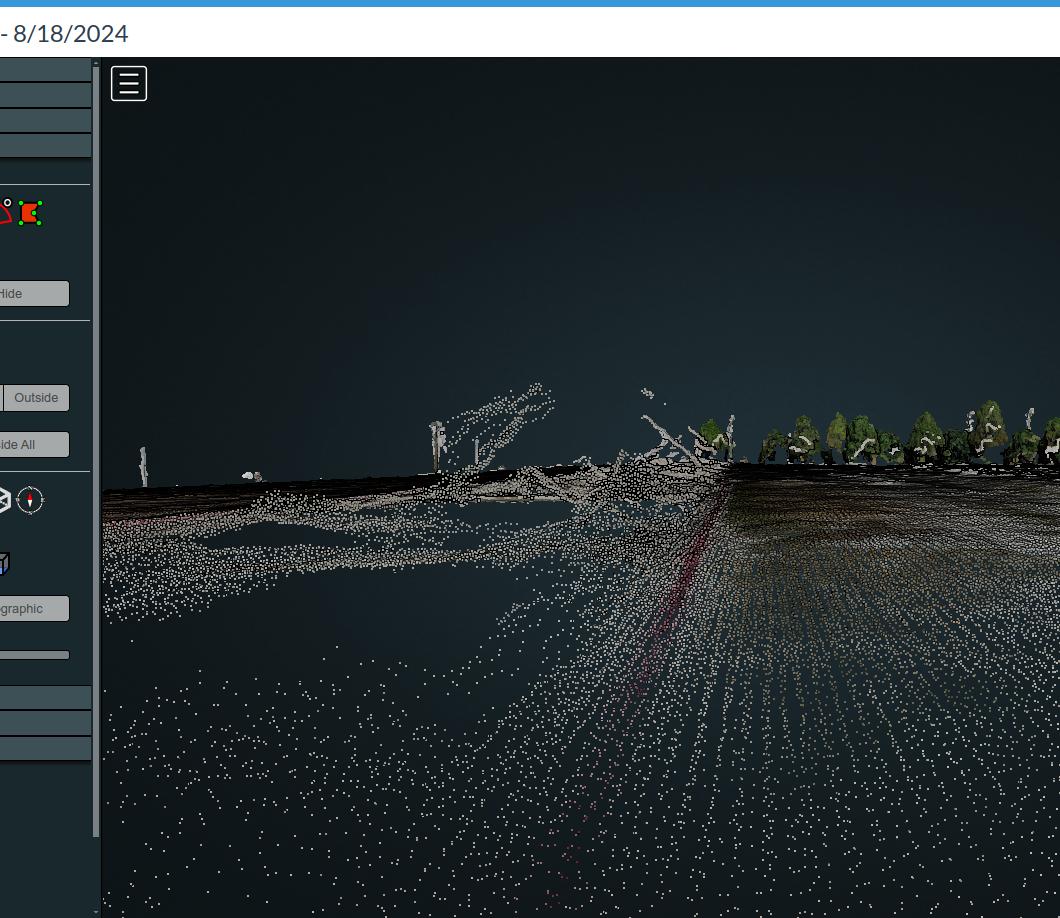
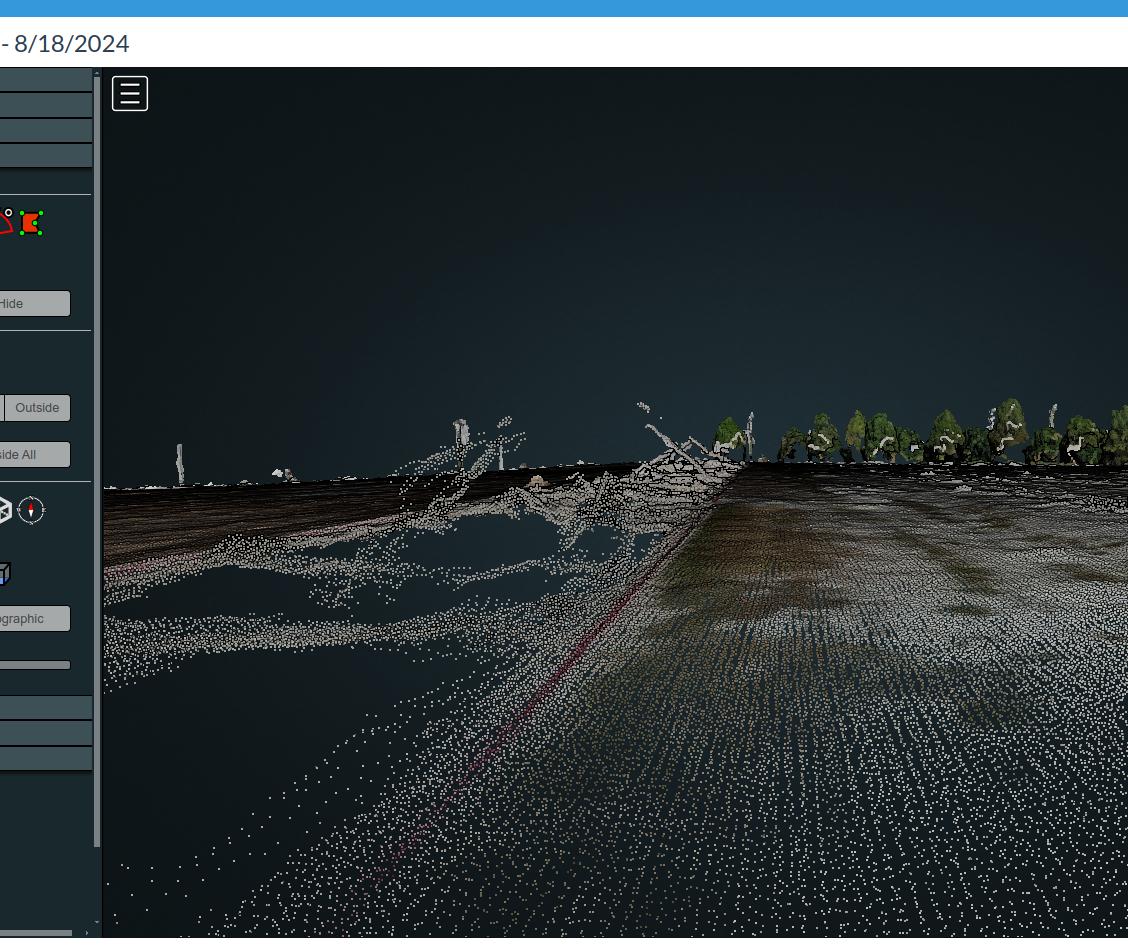
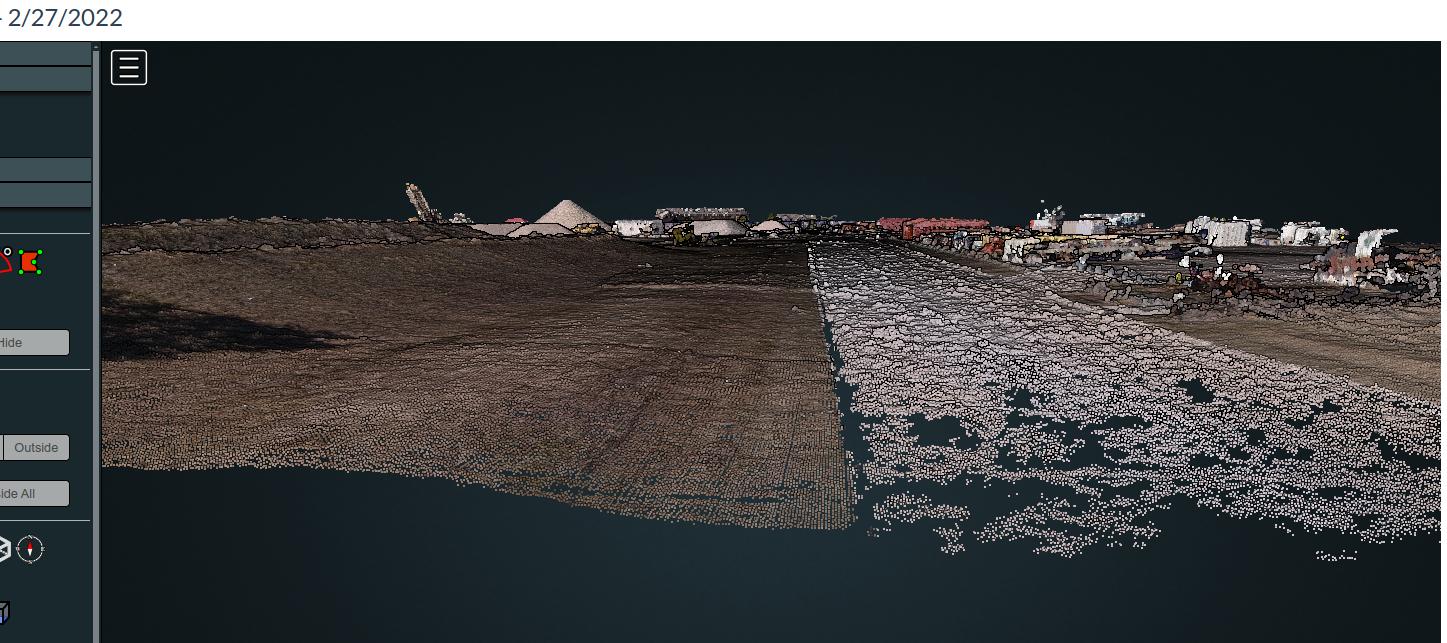
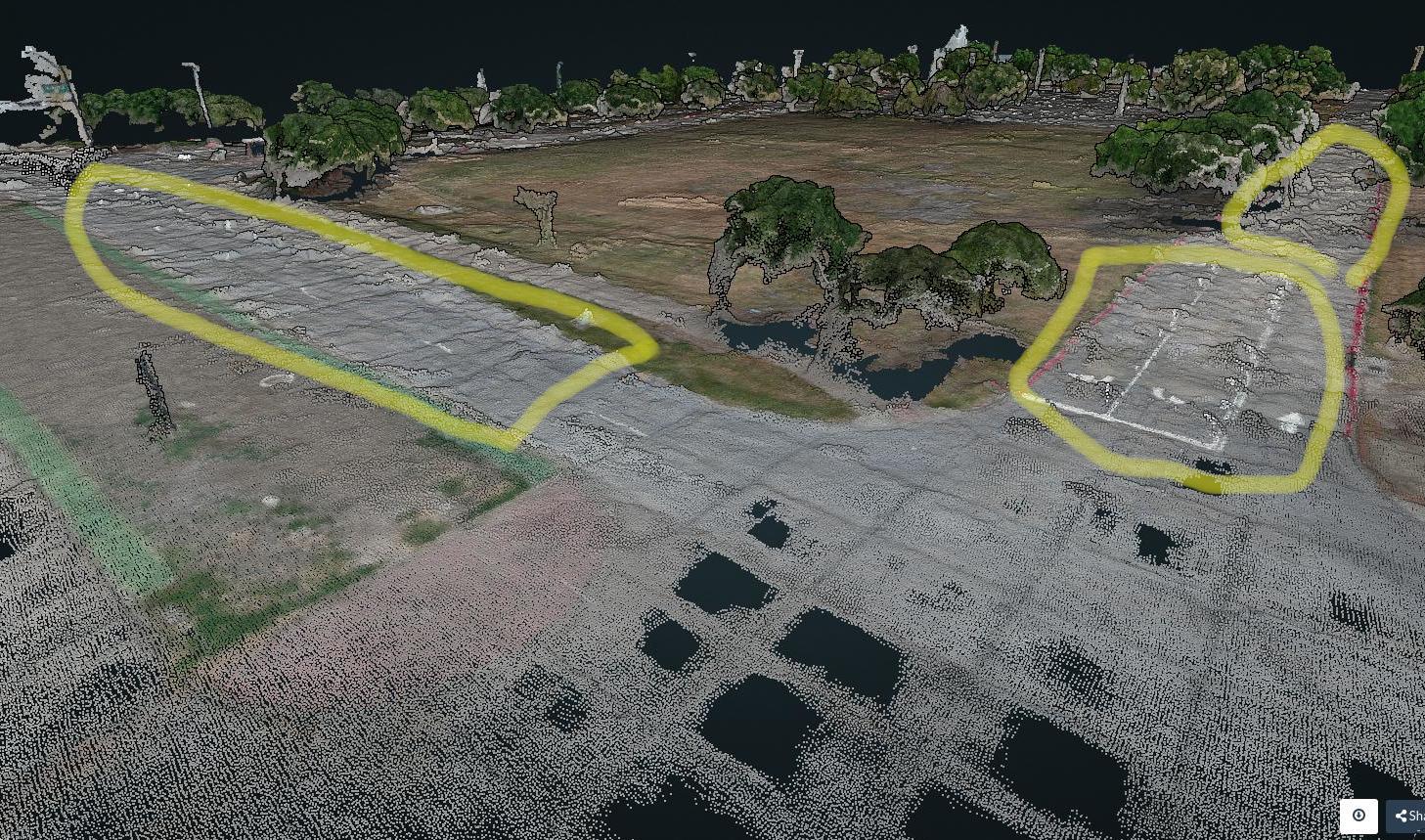
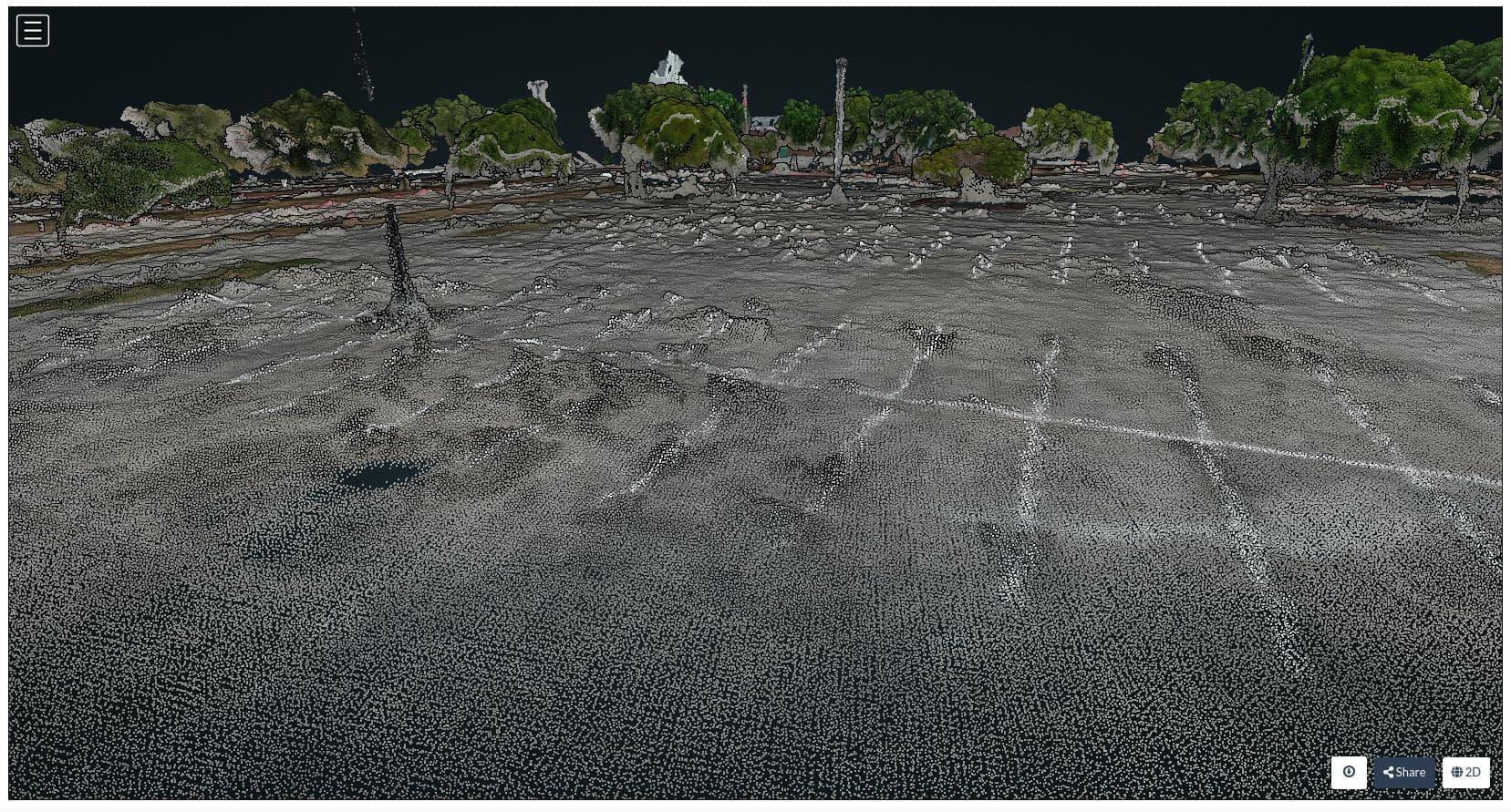
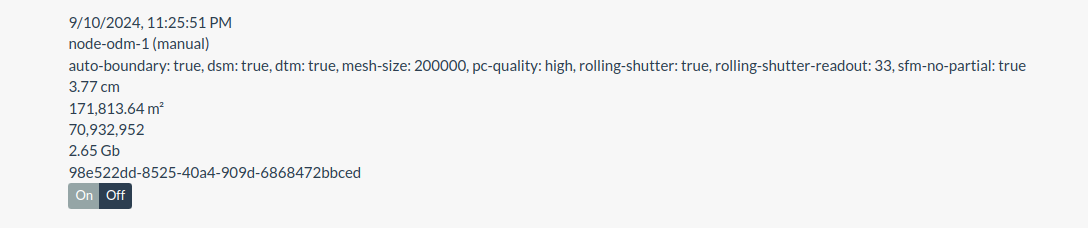
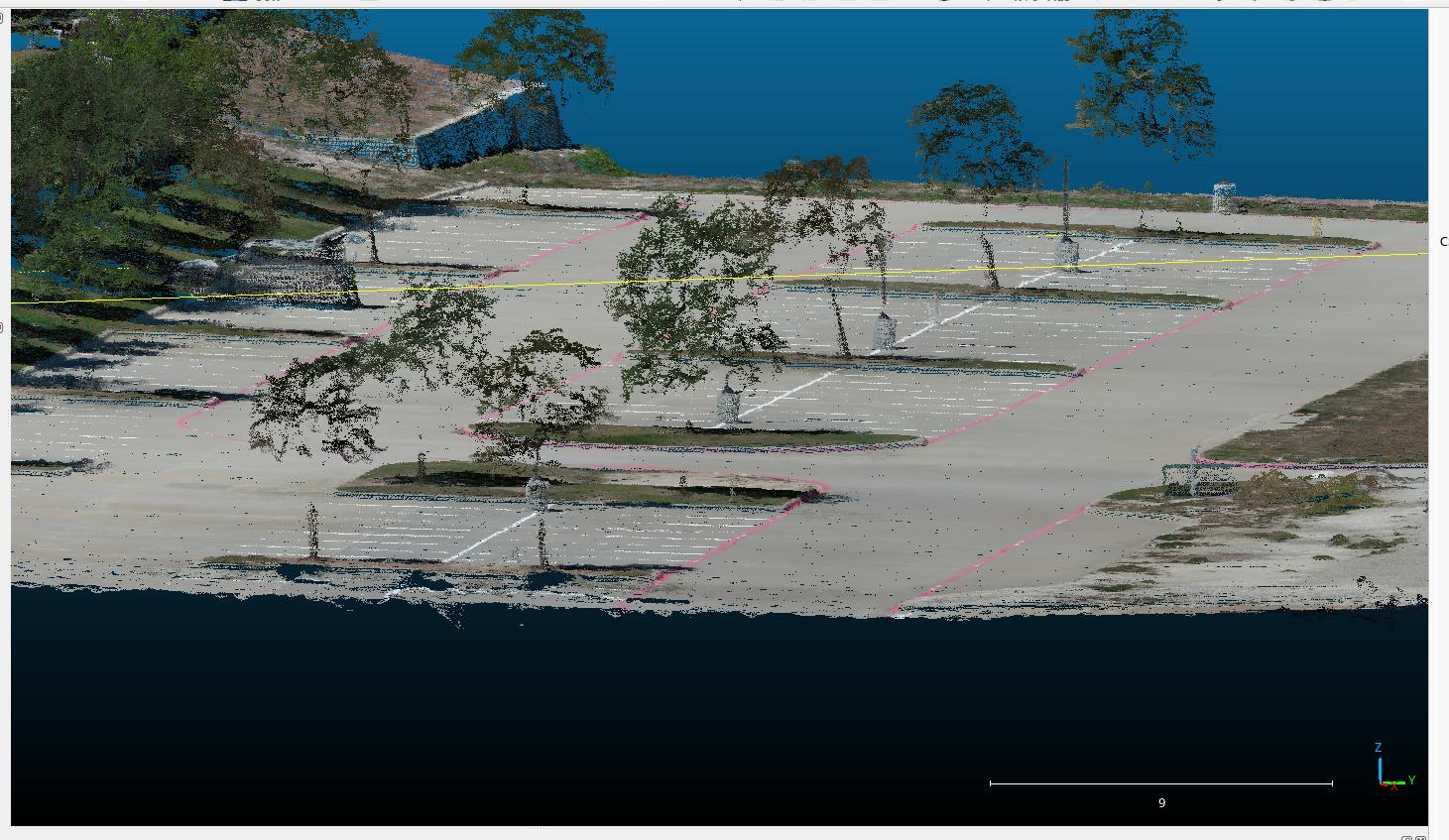
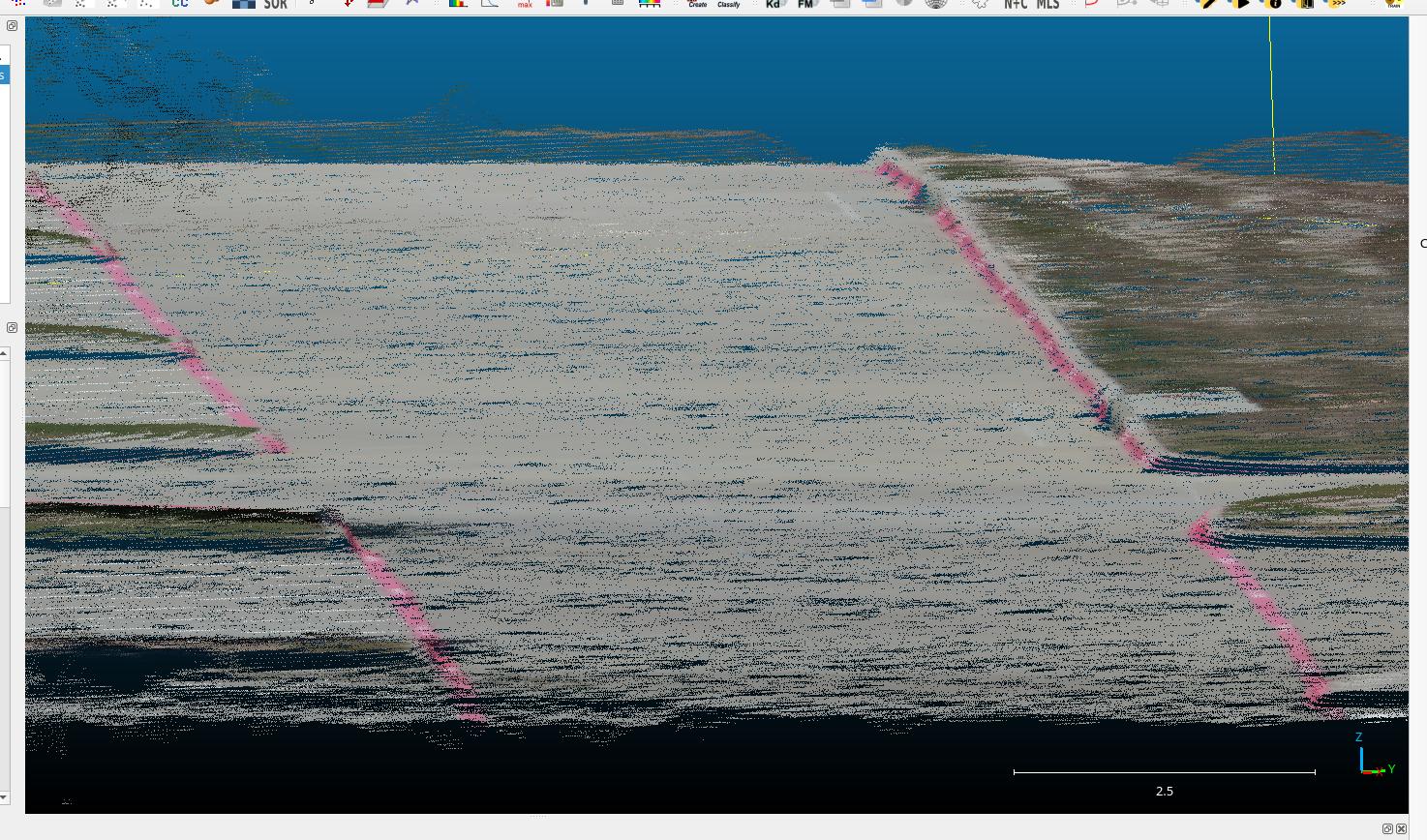
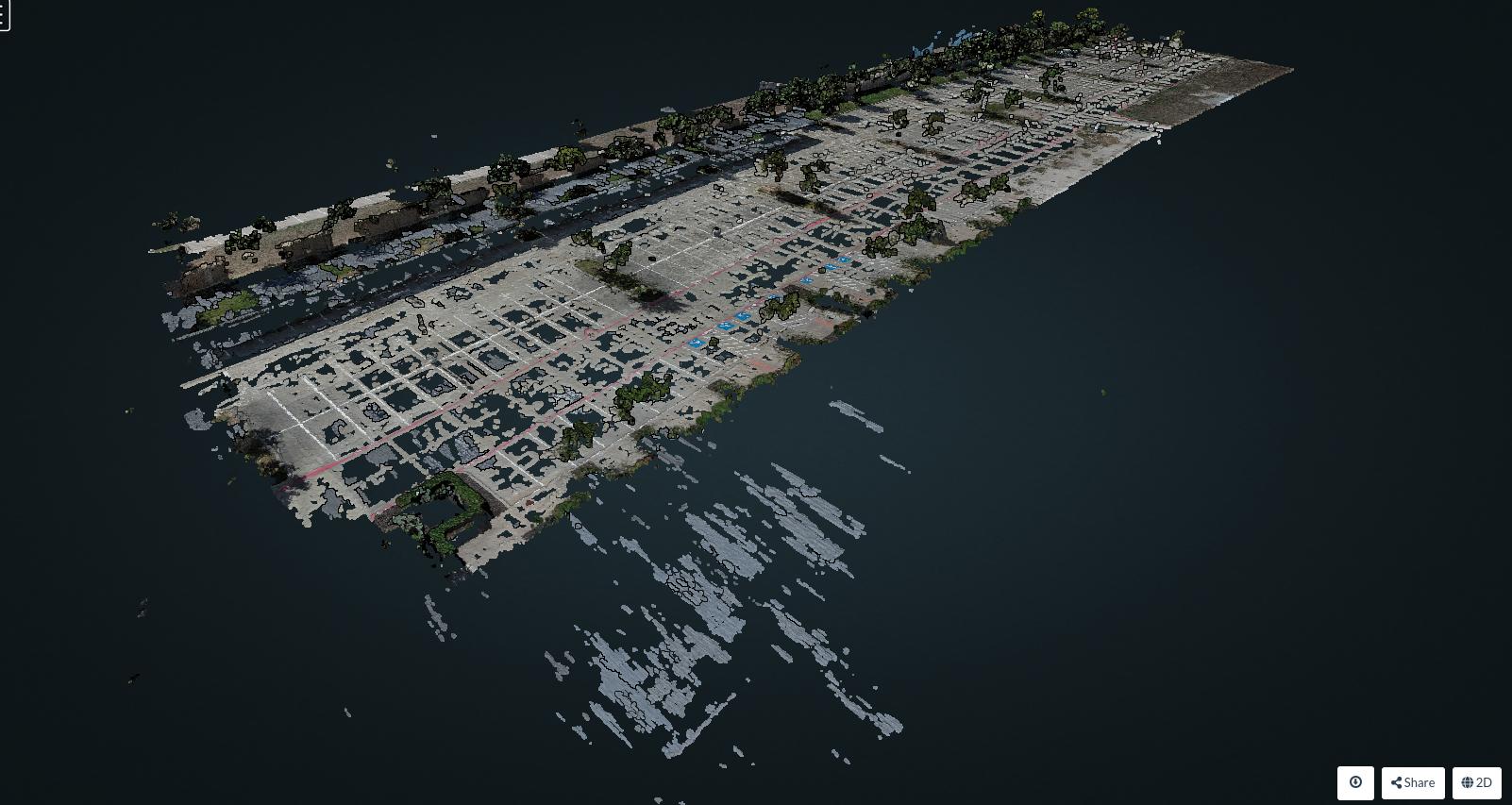
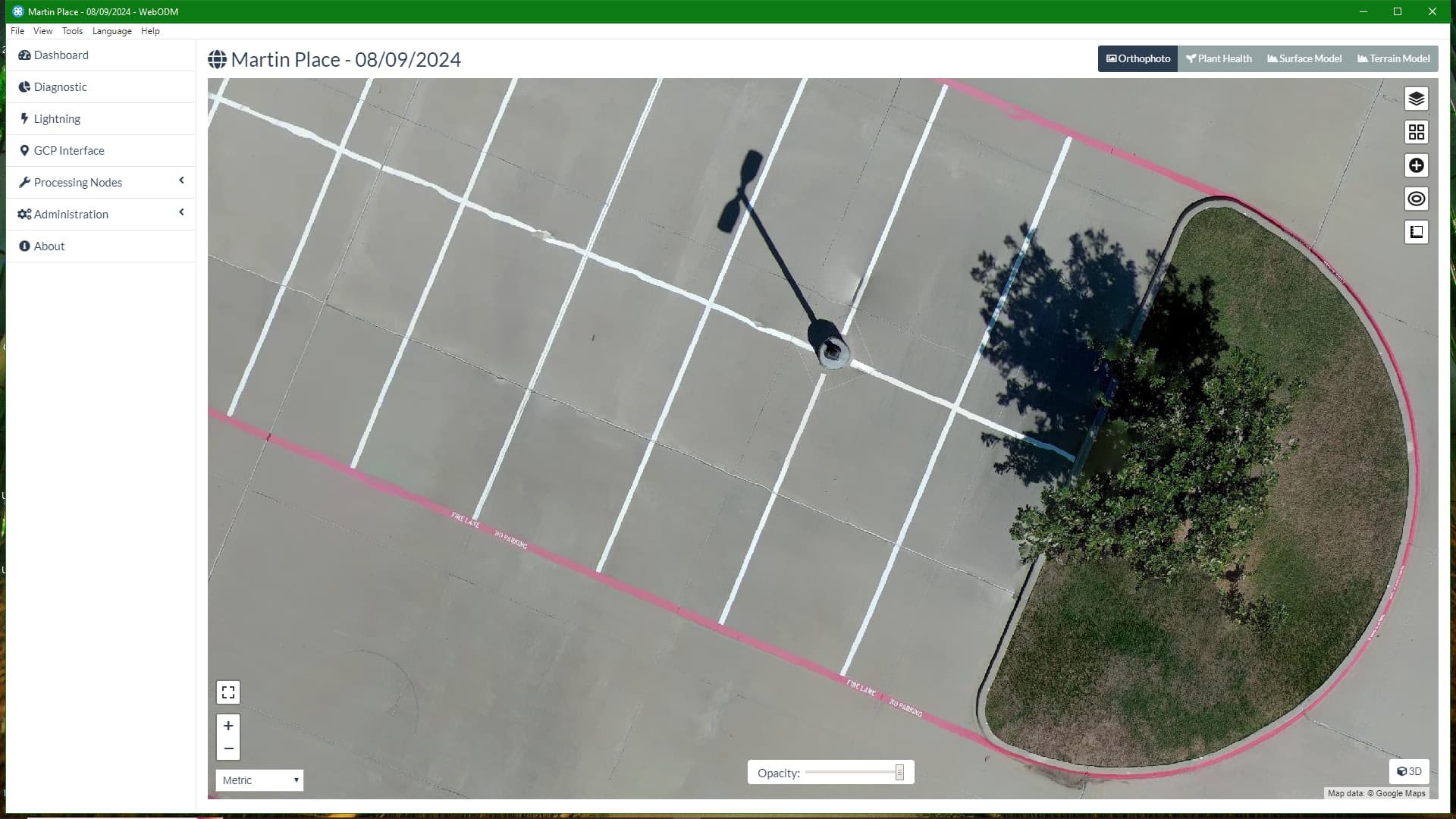
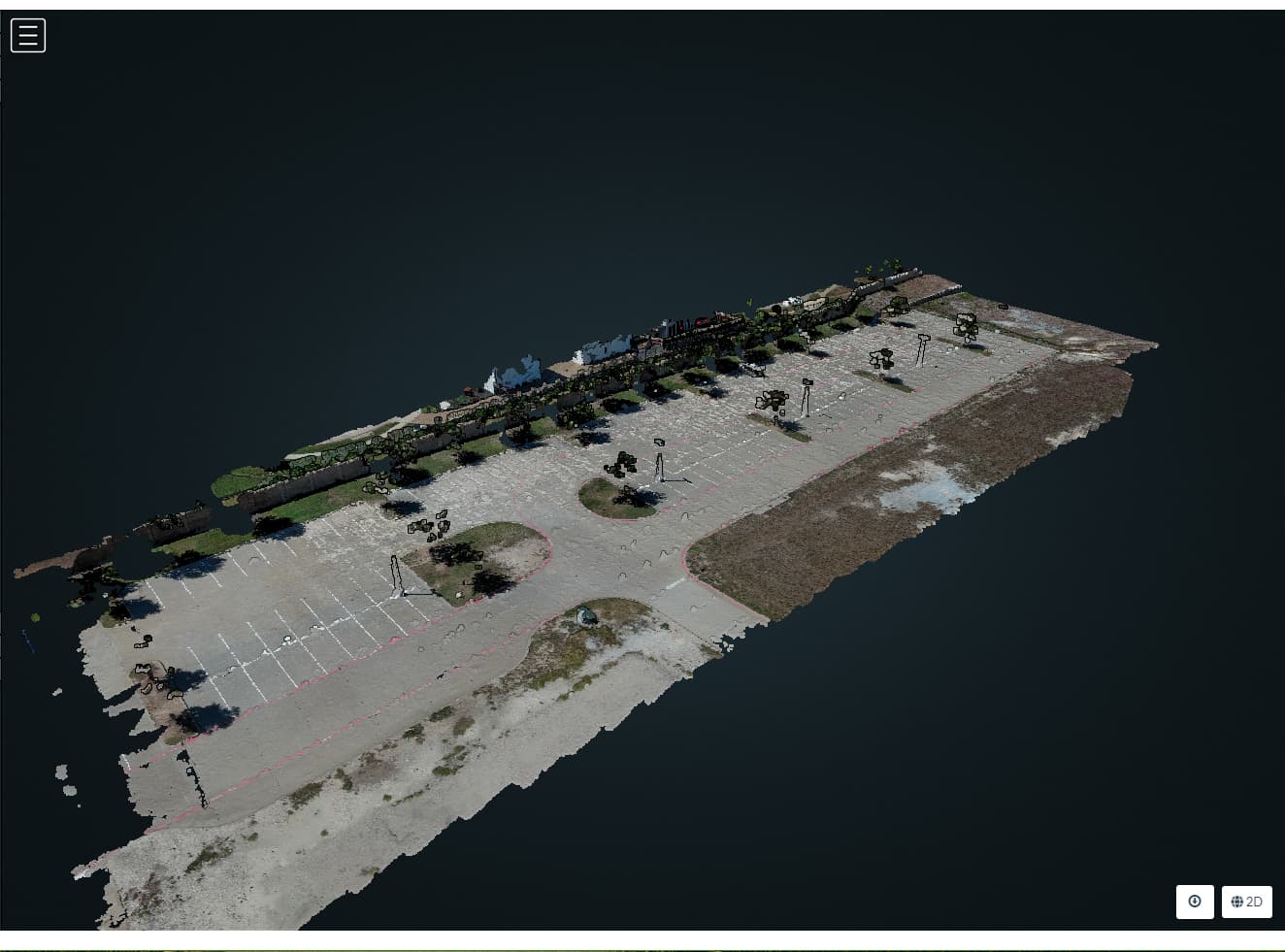
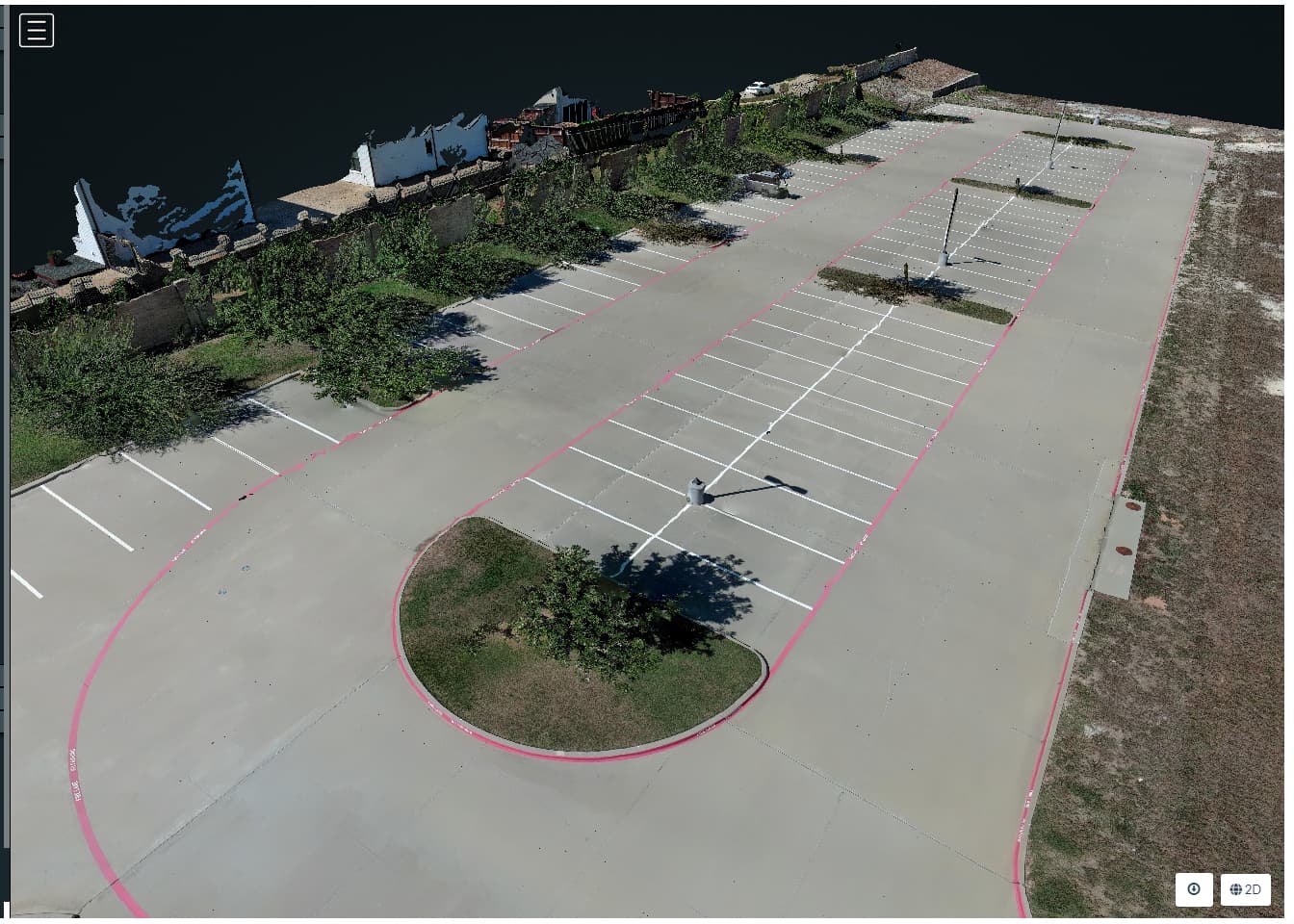
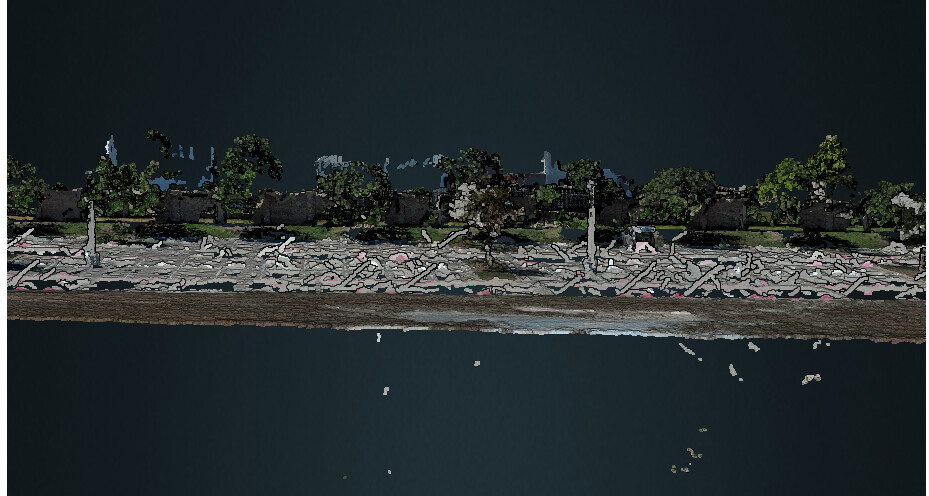
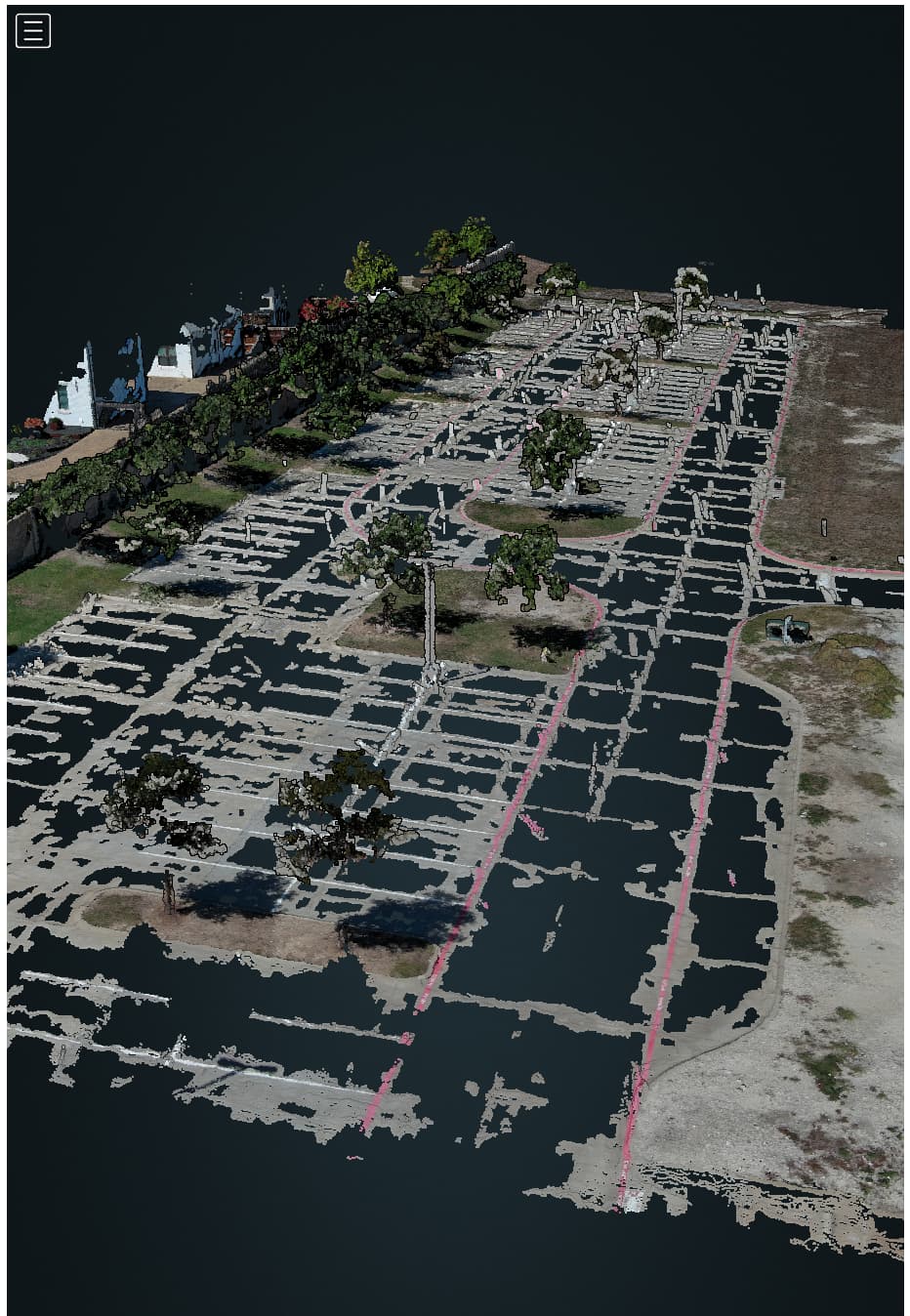
In the past few versions of WebODM, I have noticed a significant amount of noise over concrete streets and parking lots. I reviewed some very old projects that were done 2 years ago and I don’t see as much noise over the paved areas. I have also tried several different settings, but no change. Am I missing something? Is there a reason why this was introduced? The non-paved areas still look very good. I use CloudCompare for some cleanup, but it’s getting slightly out of hand. Any insight would be appreciated.
Some elements, particularly flat, feature limited features are problematic, even with high overlap, because regardless of overlap, if unique patterns of features cannot be found, level of overlap stops being the determining factor in reconstruction quality.
Much like in agriculture, flight height relative to feature size can result in unmatched images, but in your case, especially with that much overlap, just dropping the ones that aren’t matching well by using sfm-no-partial might just do it.
In other words: your data is so good, we probably don’t have to try anything harder.
I finally did another test run for the “lumpy” paved areas. I made several changes to see if I could reduce the pavement area noise. Again, I reviewed many older projects from 2 years ago and lumpy paved areas were not an issue. I keep harping on this because it ruins my orthos. I can always cleanup point clouds with CloudCompare or QGIS. What else could be causing this that was not an issue 2 or 3 years ago.
Changes:
Different location
EVO 2 v2 instead of v3
GNSS receiver with geo-corrected images uploaded
Time of day is morning and cloudy, helped a little
Speed was 12 mph
Rolling Shutter readout - 33
SFM = Triangulation
I asked a colleague to run my paved area through his Correlator3D and the paved areas look really good. I even see the curbs. So, it is possible and hopefully someday WebODM will be able to produce similar results.
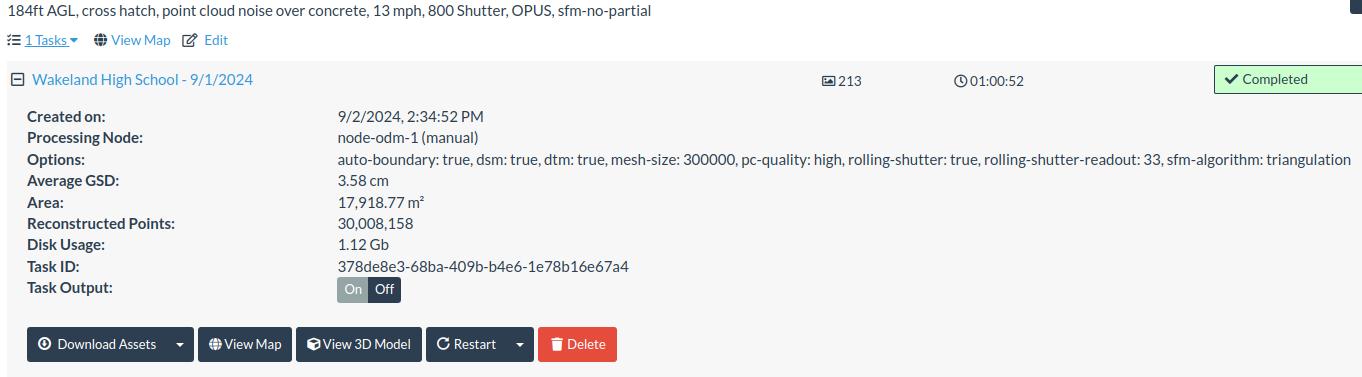
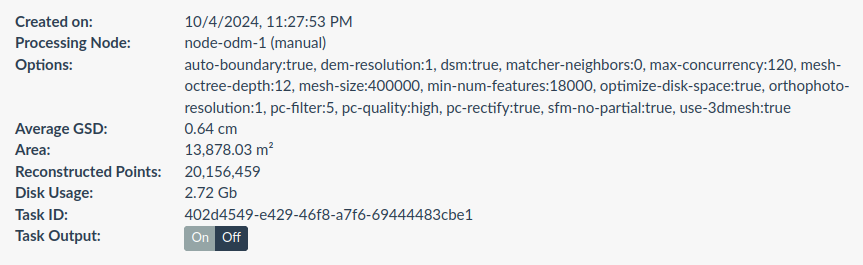
It does not seem you are still using sfm-no-partial.
Please, when you share results, post your settings. It helps us discern what you are showing.
Thanks!
Overview / TLDR
TL;DR version: because Correlator3D is doing a direct depthmaps to mesh, they can generate continuous point clouds that appear to be finding values continuously across the parking lot. But, in the photogrammetric pipeline, it never creates a point cloud: this is generated (much as Pix4D does) after the completion of the photogrammetry.
This is a legitimate approach, but makes for unfair comparisons. If you want to understand what real data Correlator3D is able to extract, you have to review their sparse point cloud. This will have gaps like OpenDroneMap.
Postscript on the TLDR:
Likely, when you are getting good pavement results from ODM, it’s from older pavement that has textures to extract, like cracks, stains, etc..
In depth
Ok, longer version:
I took a look at the data, and there’s a bit of a fib going on here from Correlator3D, something that Pix4D does as well. Both packages return a point cloud that doesn’t actually represent the depthmaps from the input images. This is a painted, paved surface. Aside from the lines painted on the pavement, it has no discernible features to extract where Correlator3D is showing points. This is a bit of a sign that something different is going on.
Let me explain a bit what I mean: the process for getting products roughly includes the following steps:
Extract features
Match Features
Use the above info + maybe some GPS/GNSS data to calculate camera positions
Cross correlate each related image with the last to get depthmaps
From here, we have some choices of what to do. We can use those depthmaps and camera positions to create a point cloud directly (OpenDroneMap’s approach, as well as probably Agisoft), or we can use those depthmaps and camera positions and generate a mesh directly (Pix4D, likely Correlator3D). There are advantages and disadvantages to each, but an advantage to generating a mesh directly from the depthmaps is that then when someone wants a point cloud, you can sample a perfect point cloud from your mesh. A disadvantage is that we usually lose some details.
In short, with our current approach, I cannot improve on the appearance of Correlator3Ds output with ODM at this time. But, perhaps in the future, if we add a depthmaps to mesh approach, maybe we can tell a similar fib.
BTW: there’s nothing wrong with Pix4D and Correlator3D’s approach. It’s a legitimate approach and makes customers happier sometimes. I have actually post-processed mesh datasets to fill in the points in a discussion a couple of years ago:
Unfortunately, with a flat surface like this, doing this post processing (which is a mesh sample in CloudCompare) is unlikely to give a suitable result in this case.
Postscript
Thanks for sharing. This is a pretty interesting dataset and an interesting challenge relative to most parking lot datasets. When OpenMVS adds support for more sophisticated meshing that allows direct from depthmaps with truncated signed distance function (TSDF) approaches, if we integrate into ODM, this dataset will be better supported.