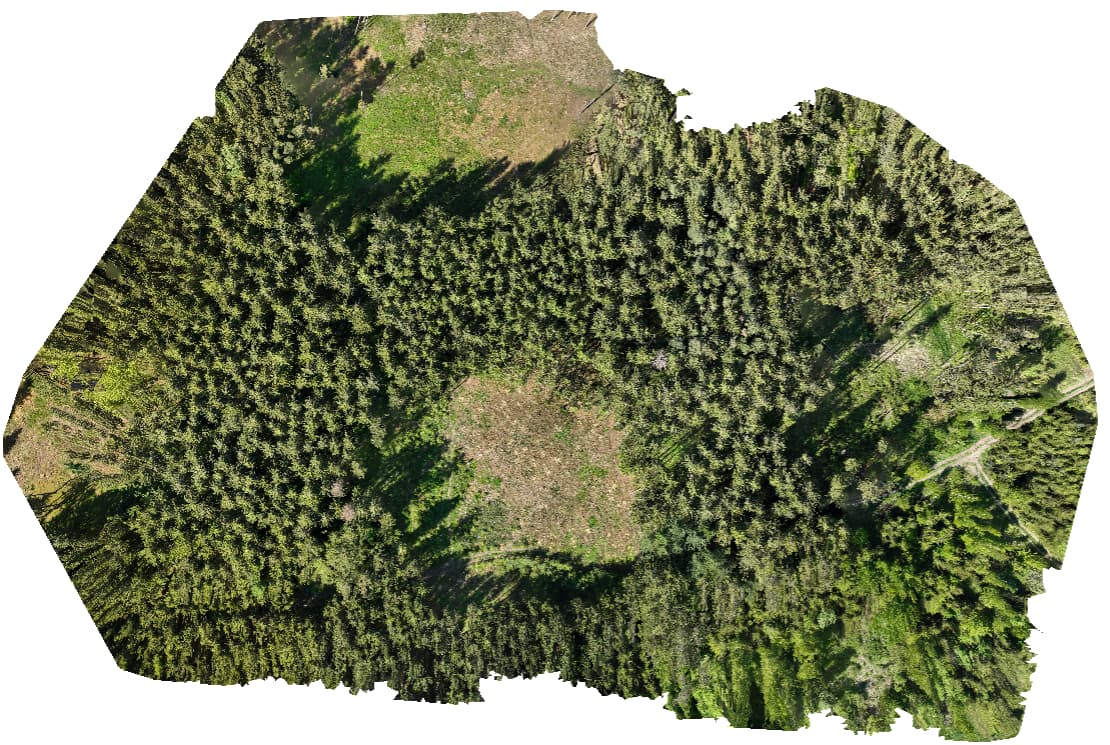
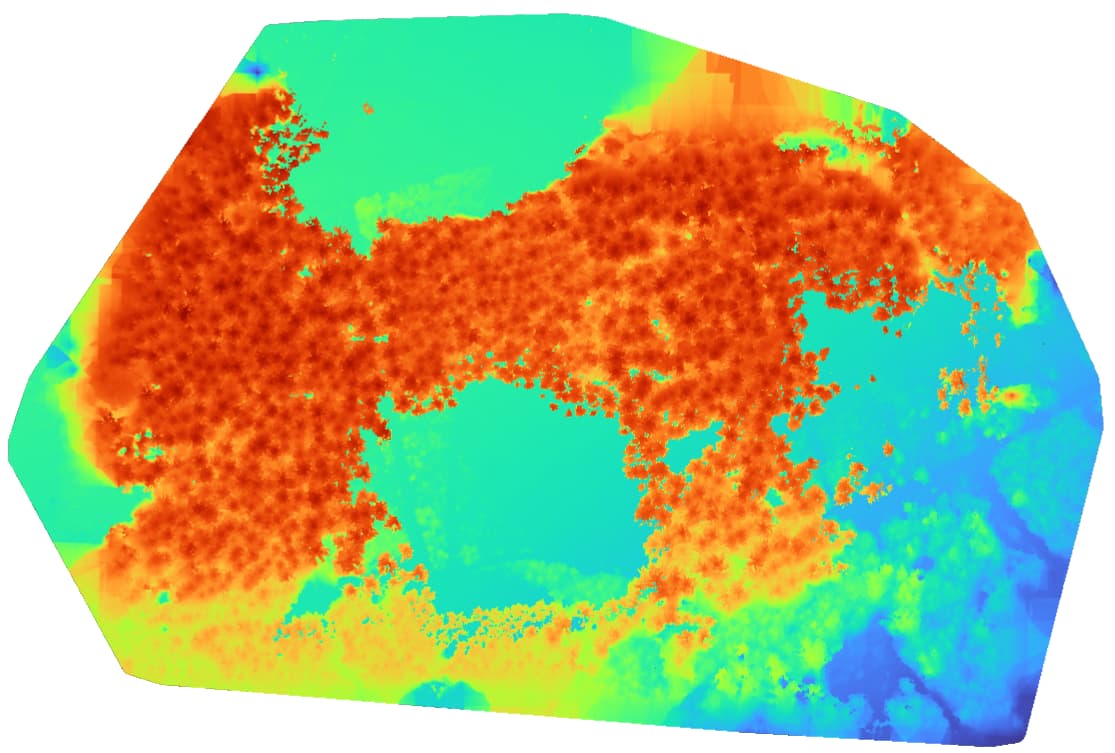
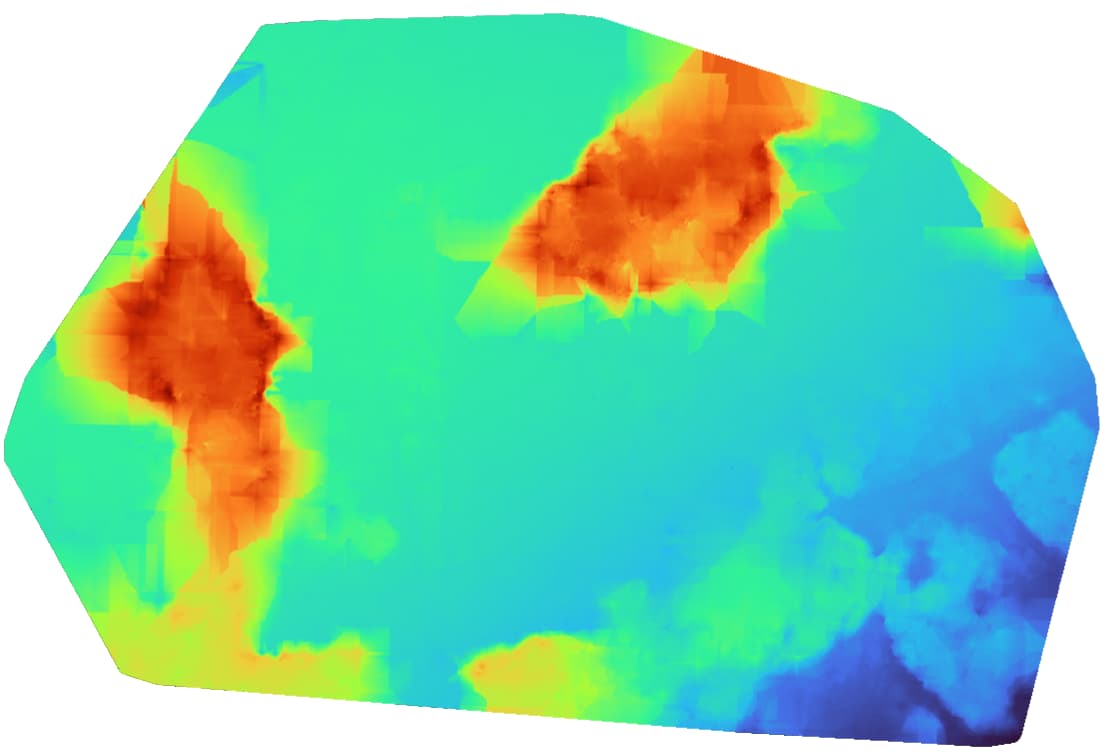
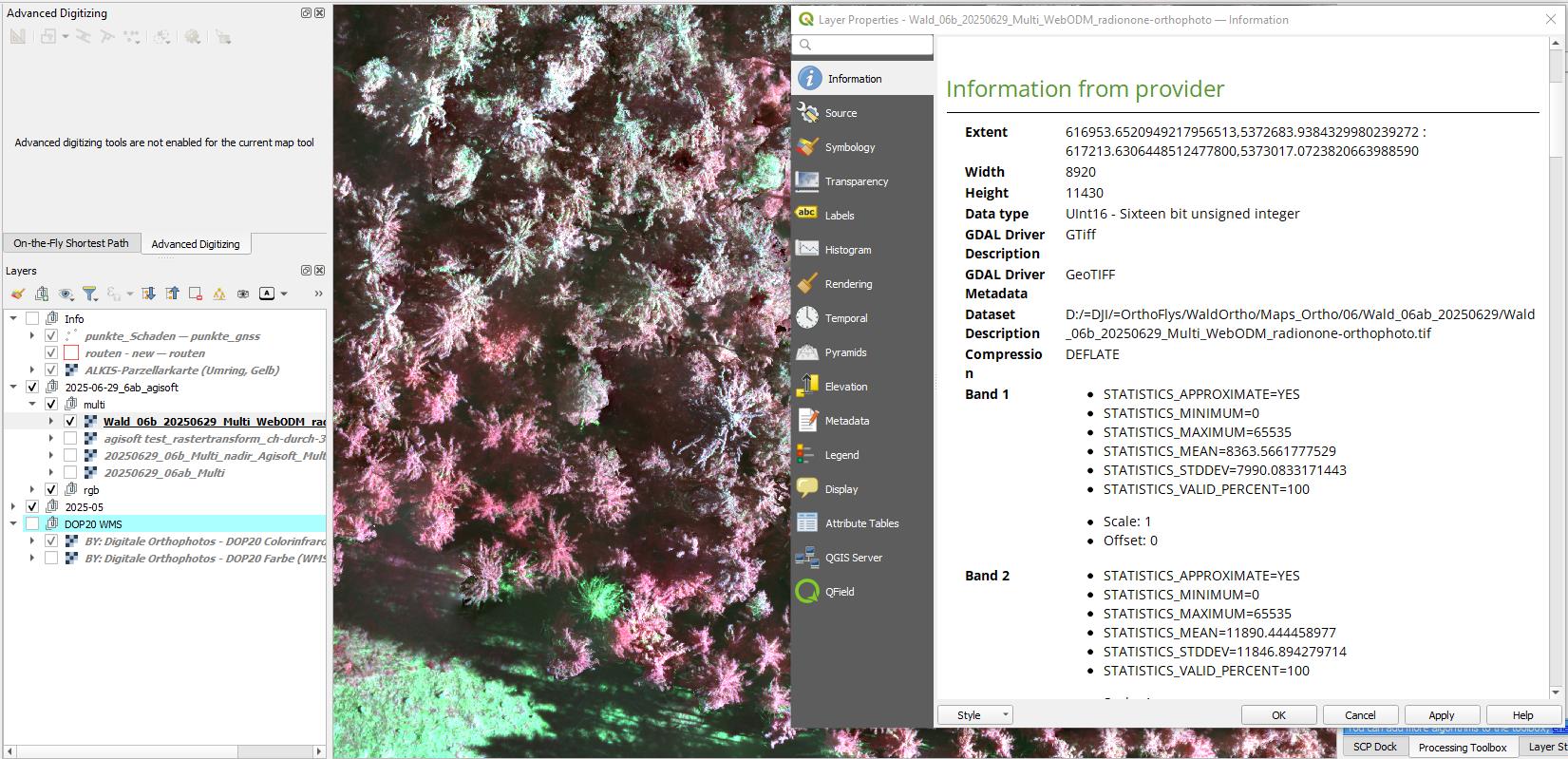
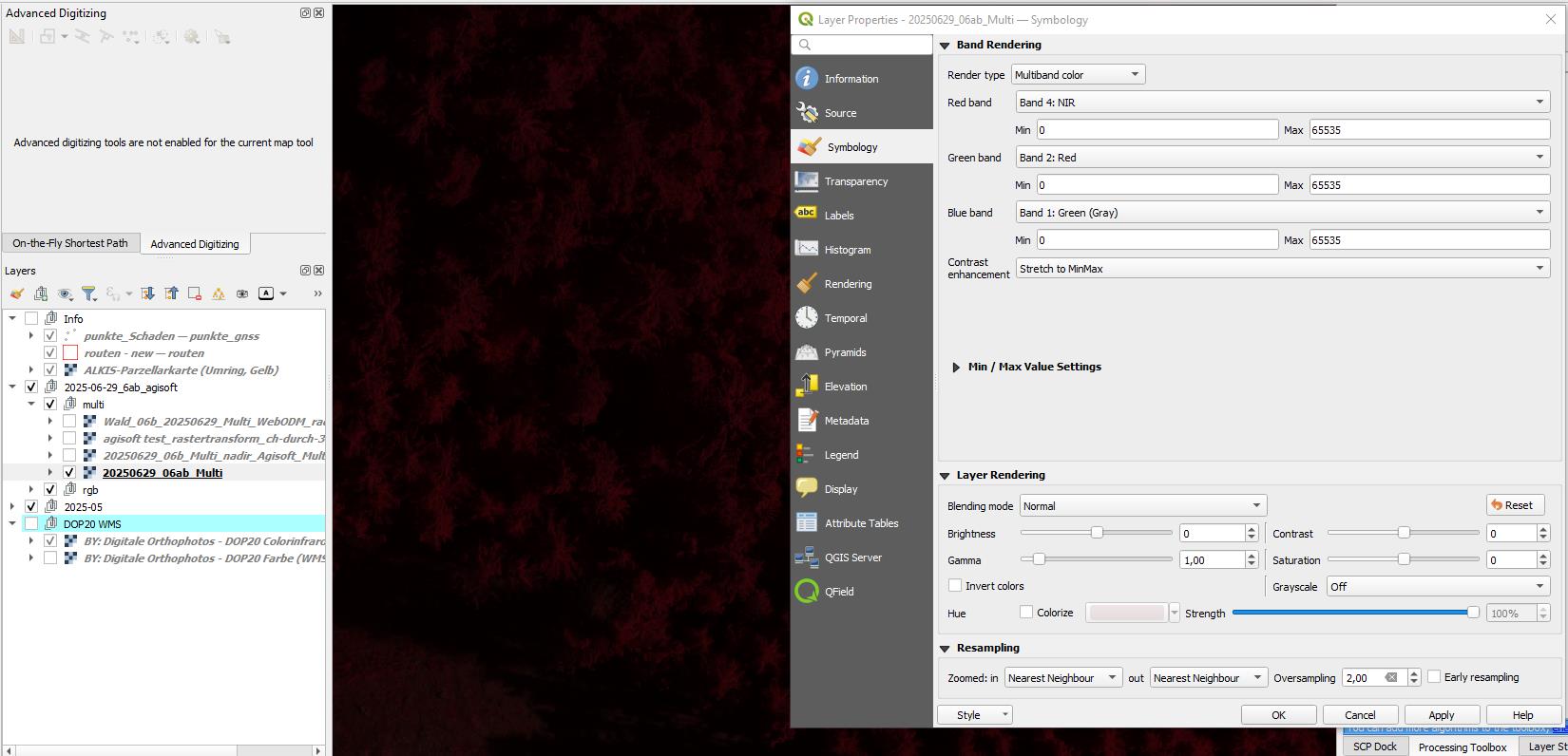
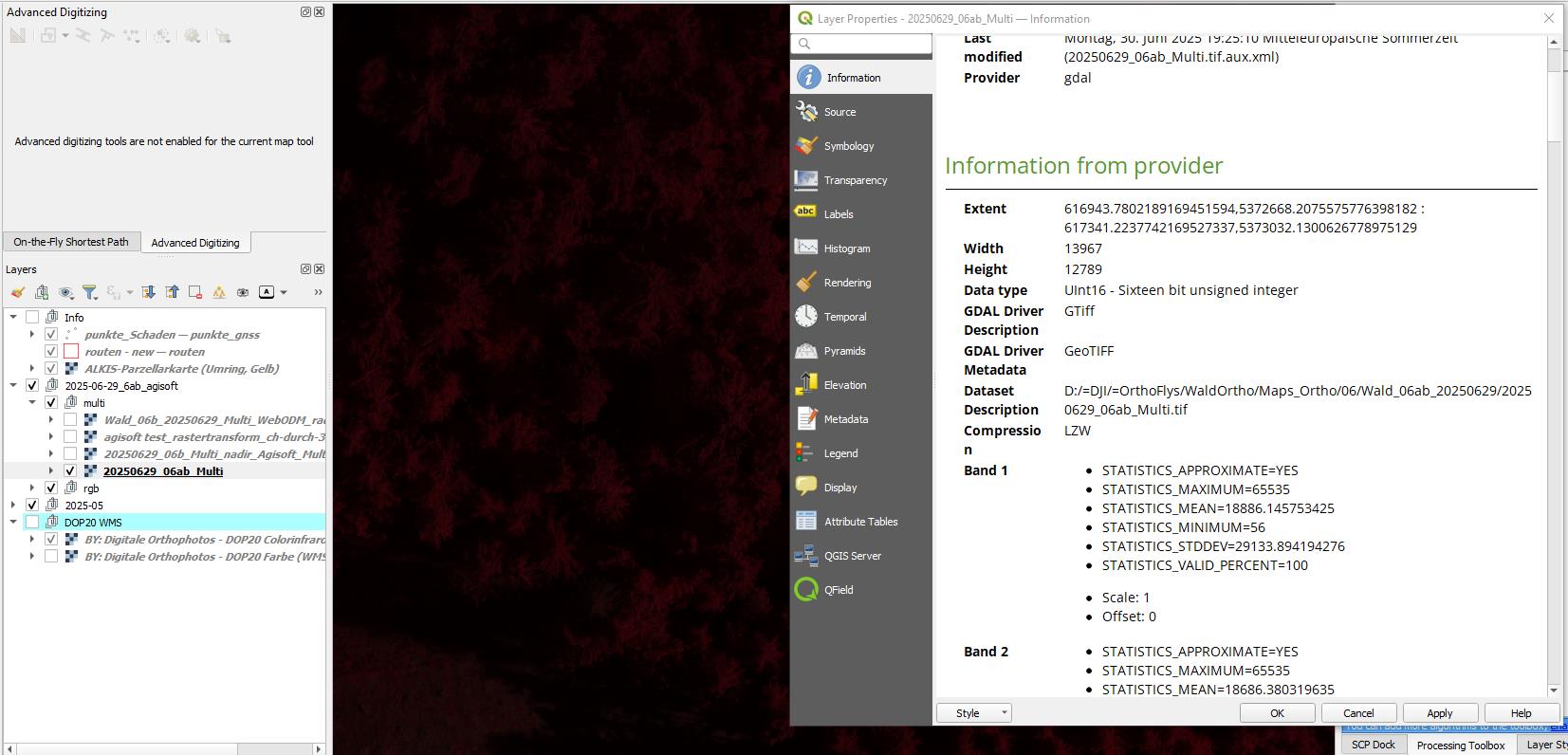
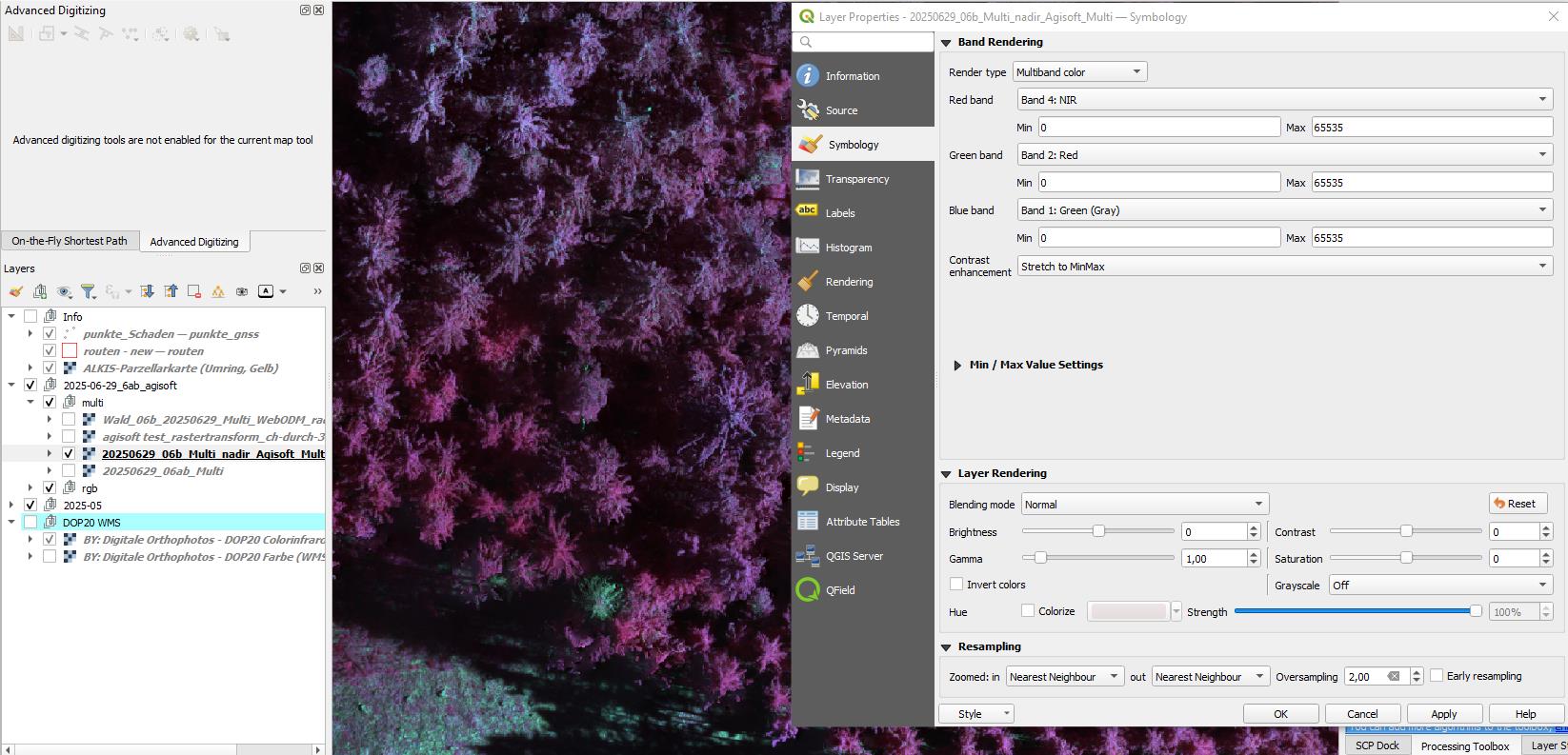
Good news, the dataset you’re using is fine. I would say that for agro-forestry, photogrammetry will have it’s limitations, but we achieved a decent RGB, DSM and DTM:
DTM is still slightly inaccurate, due to photogrammetry limits.
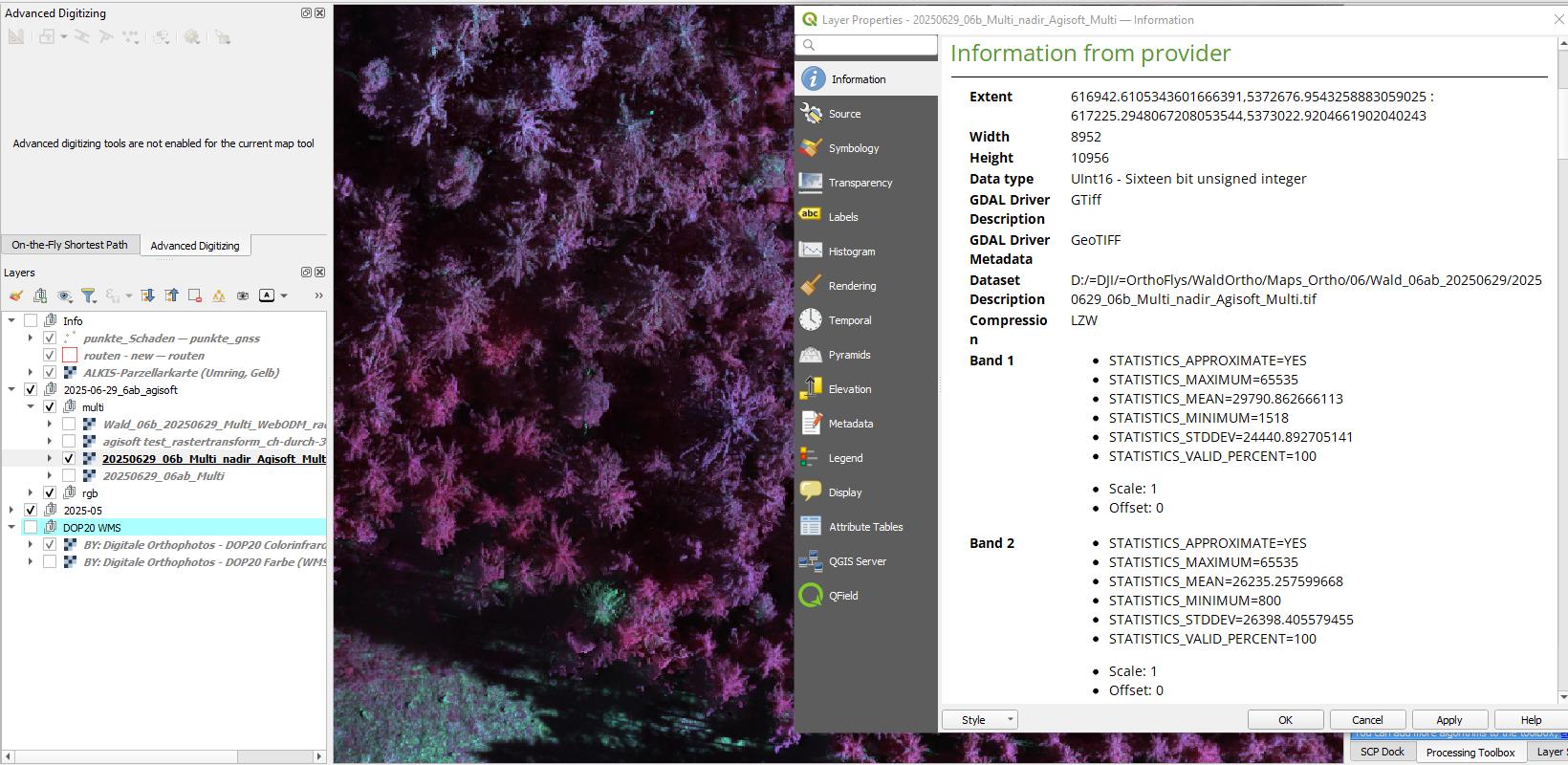
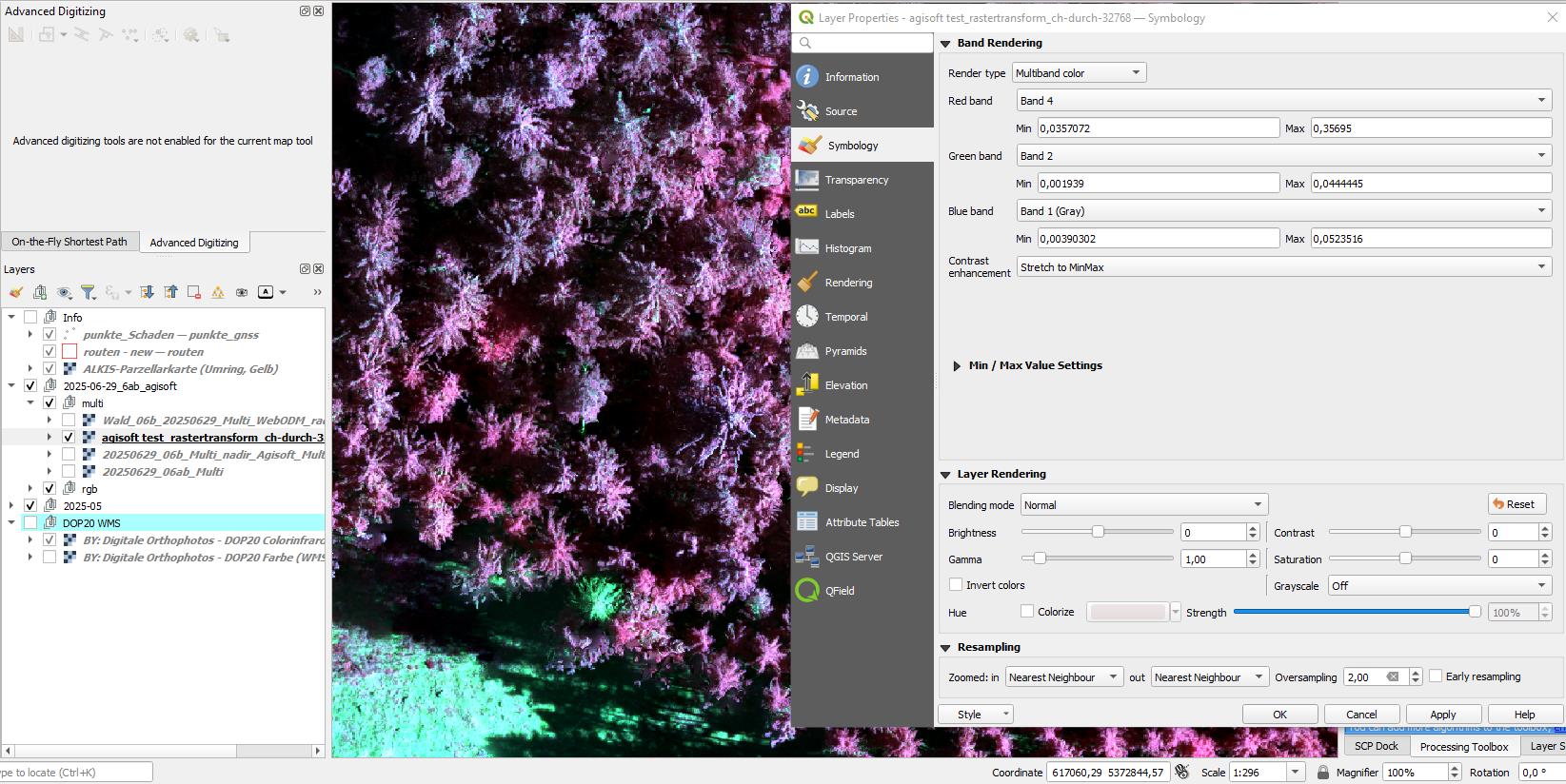
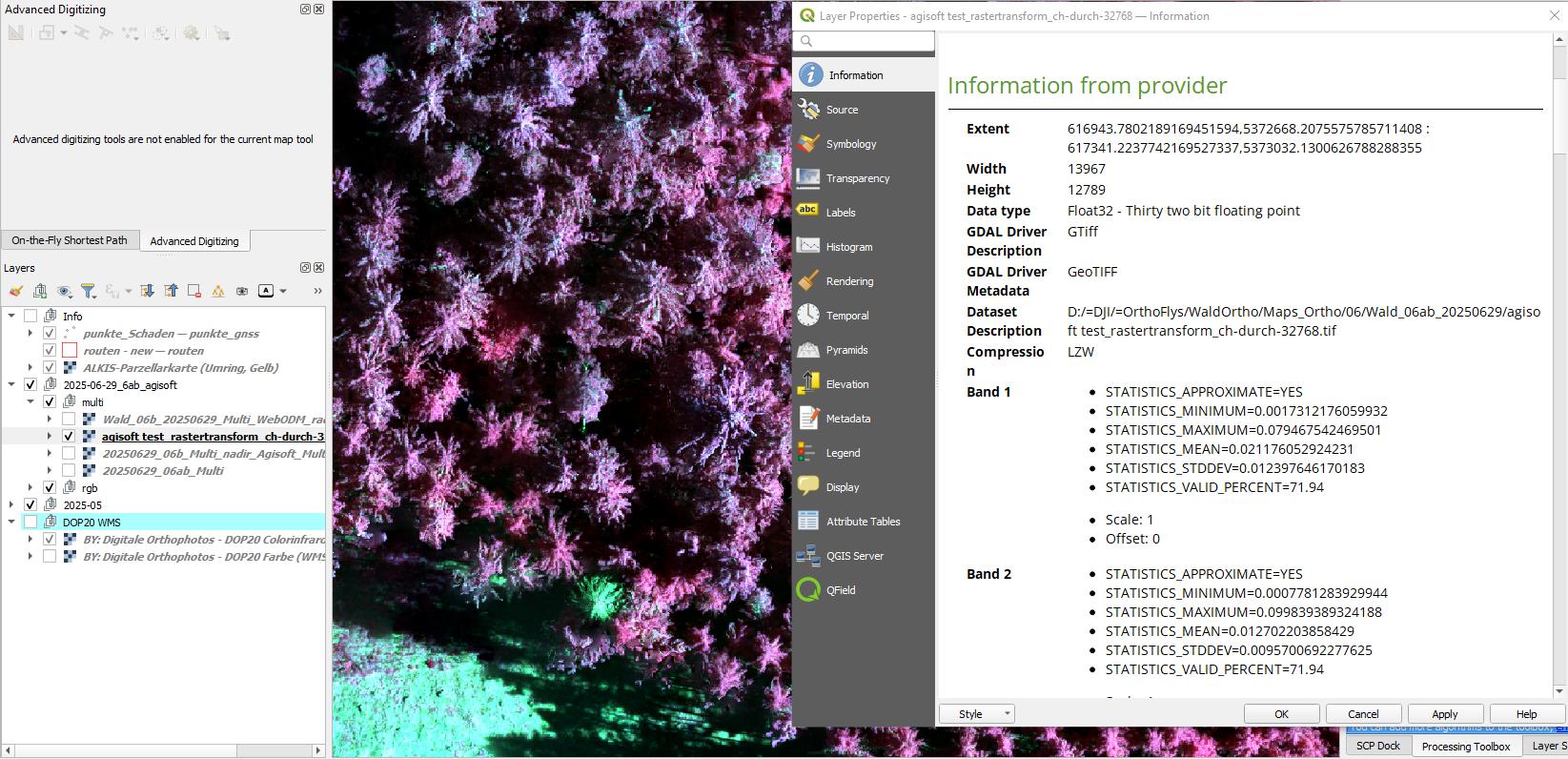
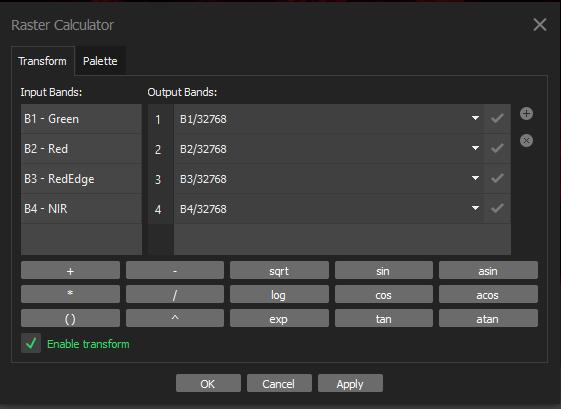
Multispectral worked well too. When checking the bands available through QGIS we get this:
All there.
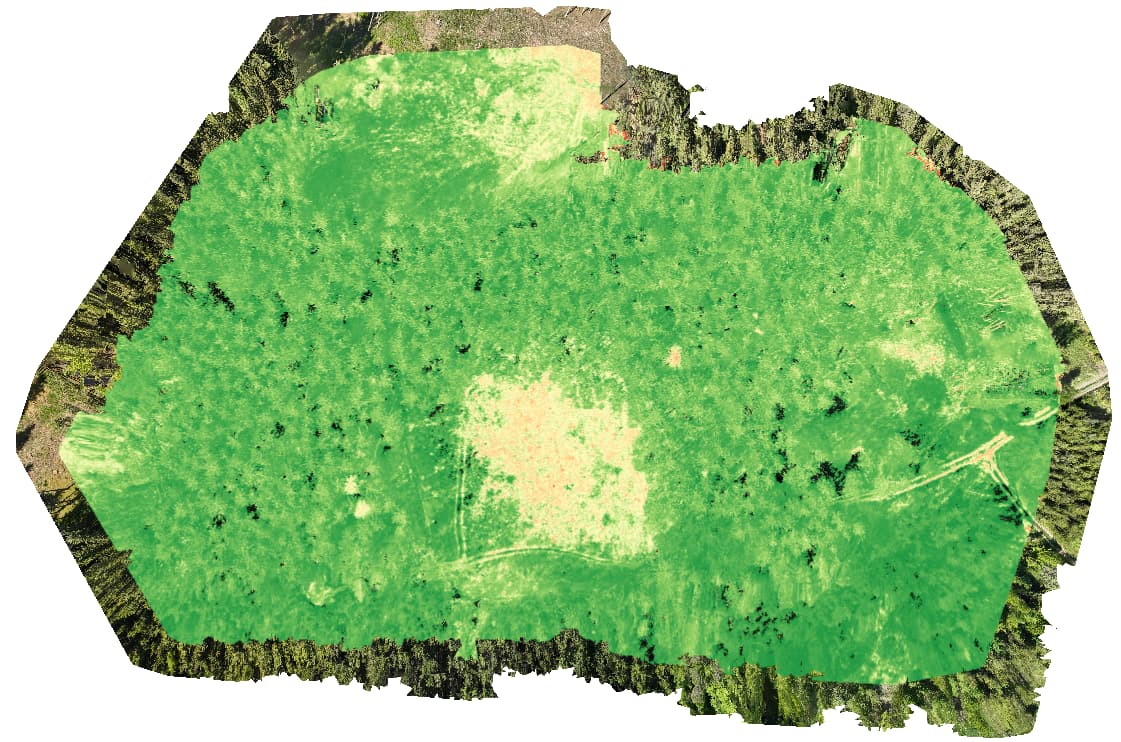
From this we can calculate VIs like NDVI:
RGB used underneath to show the alignment, the RGB sensor on the M3M takes wider/larger pics compared to the MS sensors, naturally you will get a larger margin with the RGB images, something to consider too.
The colour range shown here is between 0-1, but the image does contain values from [-1, 1].
So it all works!
The settings I used to achieve this is:
RGB settings:
docker run -it --rm ^
-v “%INPUT_PATH%:/datasets/project/project/images” ^
-v “%OUTPUT_PATH%:/datasets/project/project/” ^
opendronemap/odm ^
–project-path /datasets/project ^
–dtm ^
–dsm ^
–dem-resolution 3 ^
–dem-gapfill-steps 4 ^
–smrf-slope 0.2 ^
–smrf-scalar 1.5 ^
–smrf-threshold 0.25 ^
–smrf-window 20 ^
–pc-quality ultra ^
–orthophoto-resolution 3 ^
–build-overviews ^
–skip-3dmodel ^
–crop 3 ^
–feature-quality high ^
–optimize-disk-space ^
project
MS settings:
docker run -it --rm ^
-v “%INPUT_PATH%:/datasets/project/project/images” ^
-v “%OUTPUT_PATH%:/datasets/project/project/” ^
opendronemap/odm ^
–project-path /datasets/project ^
–align %RGB_DSM_PATH% ^
–orthophoto-resolution 3 ^
–build-overviews ^
–skip-3dmodel ^
–radiometric-calibration camera+sun ^
–crop 3 ^
–feature-quality high ^
–optimize-disk-space ^
project
Where %RGB_DSM_PATH% is where you can replace with the DSM created from the RGB process.
I have a hunch it may not be the settings you use to process the orthomosaics, but the post-processing. You may find artifacts that stretch beyond the [-1, 1] range. If you clip out those values, I wonder if you get a reasonable result?
I do hope this is understandable, let me know of any queries