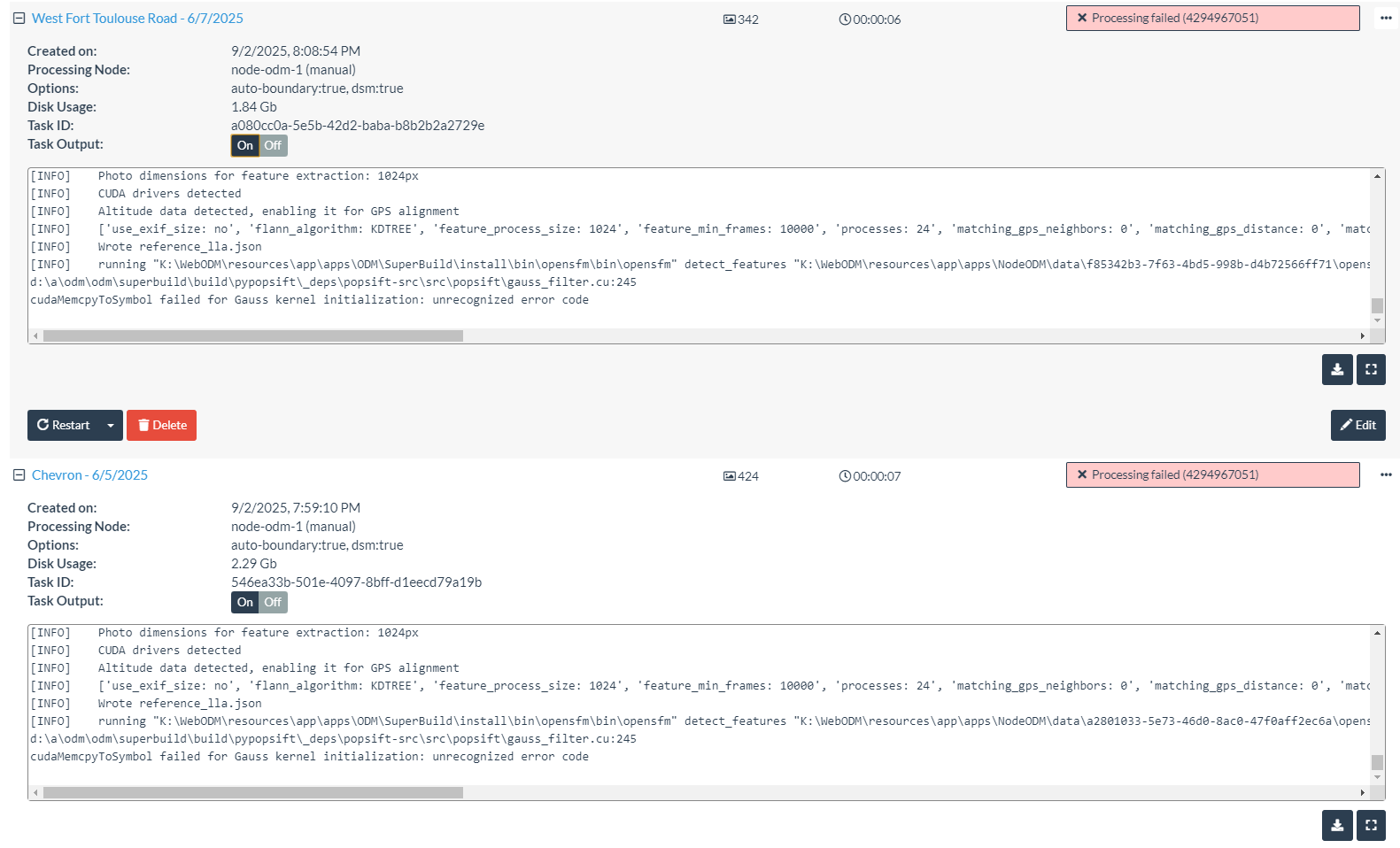
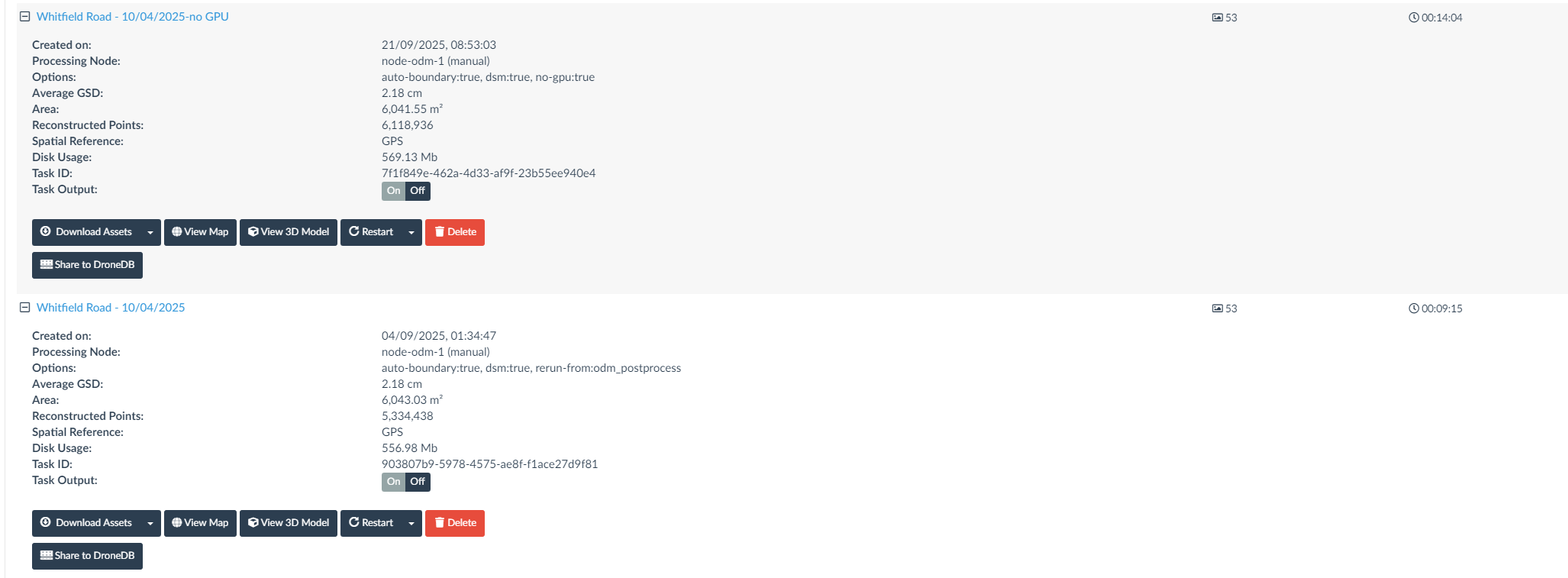
Having just installed a new RTX5070Ti, I thought I’d give a it a go with with a small set of images that I’ve used before, Which failed very quickly, I know that Cuda isn’t supported on the 50 series cards in WebODM, so was wondering if this maybe connected, console output below:
[INFO]    Initializing ODM 3.5.5 - Mon Sep 01 09:06:47  2025
[INFO]    ==============
[INFO]    3d_tiles: False
[INFO]    align: None
[INFO]    auto_boundary: True
[INFO]    auto_boundary_distance: 0
[INFO]    bg_removal: False
[INFO]    boundary: {}
[INFO]    build_overviews: False
[INFO]    camera_lens: auto
[INFO]    cameras: {}
[INFO]    cog: True
[INFO]    copy_to: None
[INFO]    crop: 3
[INFO]    dem_decimation: 1
[INFO]    dem_euclidean_map: False
[INFO]    dem_gapfill_steps: 3
[INFO]    dem_resolution: 5
[INFO]    dsm: True
[INFO]    dtm: False
[INFO]    end_with: odm_postprocess
[INFO]    fast_orthophoto: False
[INFO]    feature_quality: high
[INFO]    feature_type: dspsift
[INFO]    force_gps: False
[INFO]    gcp: None
[INFO]    geo: None
[INFO]    gltf: True
[INFO]    gps_accuracy: 3
[INFO]    ignore_gsd: False
[INFO]    matcher_neighbors: 0
[INFO]    matcher_order: 0
[INFO]    matcher_type: flann
[INFO]    max_concurrency: 24
[INFO]    merge: all
[INFO]    mesh_octree_depth: 11
[INFO]    mesh_size: 200000
[INFO]    min_num_features: 10000
[INFO]    name: 05f2c273-4f23-4882-83cf-906e0e306ca8
[INFO]    no_gpu: False
[INFO]    optimize_disk_space: False
[INFO]    orthophoto_compression: DEFLATE
[INFO]    orthophoto_cutline: False
[INFO]    orthophoto_kmz: False
[INFO]    orthophoto_no_tiled: False
[INFO]    orthophoto_png: False
[INFO]    orthophoto_resolution: 5
[INFO]    pc_classify: False
[INFO]    pc_copc: False
[INFO]    pc_csv: False
[INFO]    pc_ept: True
[INFO]    pc_filter: 5
[INFO]    pc_las: False
[INFO]    pc_quality: medium
[INFO]    pc_rectify: False
[INFO]    pc_sample: 0
[INFO]    pc_skip_geometric: False
[INFO]    primary_band: auto
[INFO]    project_path: N:\WebODM\resources\app\apps\NodeODM\data\05f2c273-4f23-4882-83cf-906e0e306ca8
[INFO]    radiometric_calibration: none
[INFO]    rerun: None
[INFO]    rerun_all: False
[INFO]    rerun_from: None
[INFO]    rolling_shutter: False
[INFO]    rolling_shutter_readout: 0
[INFO]    sfm_algorithm: incremental
[INFO]    sfm_no_partial: False
[INFO]    skip_3dmodel: False
[INFO]    skip_band_alignment: False
[INFO]    skip_orthophoto: False
[INFO]    skip_report: False
[INFO]    sky_removal: False
[INFO]    sm_cluster: None
[INFO]    sm_no_align: False
[INFO]    smrf_scalar: 1.25
[INFO]    smrf_slope: 0.15
[INFO]    smrf_threshold: 0.5
[INFO]    smrf_window: 18.0
[INFO]    split: 999999
[INFO]    split_image_groups: None
[INFO]    split_overlap: 150
[INFO]    texturing_keep_unseen_faces: False
[INFO]    texturing_single_material: False
[INFO]    texturing_skip_global_seam_leveling: False
[INFO]    tiles: False
[INFO]    use_3dmesh: False
[INFO]    use_exif: False
[INFO]    use_fixed_camera_params: False
[INFO]    use_hybrid_bundle_adjustment: False
[INFO]    video_limit: 500
[INFO]    video_resolution: 4000
[INFO]    ==============
[INFO]    Running dataset stage
[INFO]    Loading dataset from: N:\WebODM\resources\app\apps\NodeODM\data\05f2c273-4f23-4882-83cf-906e0e306ca8\images
[INFO]    Loading 53 images
[INFO]    Wrote images database: N:\WebODM\resources\app\apps\NodeODM\data\05f2c273-4f23-4882-83cf-906e0e306ca8\images.json
[INFO]    Found 53 usable images
[INFO]    Finished dataset stage
[INFO]    Running split stage
[INFO]    Normal dataset, will process all at once.
[INFO]    Finished split stage
[INFO]    Running merge stage
[INFO]    Normal dataset, nothing to merge.
[INFO]    Finished merge stage
[INFO]    Running opensfm stage
[INFO]    Maximum photo dimensions: 4000px
[INFO]    Photo dimensions for feature extraction: 2000px
[INFO]    CUDA drivers detected
[INFO]    ['use_exif_size: no', 'flann_algorithm: KDTREE', 'feature_process_size: 2000', 'feature_min_frames: 10000', 'processes: 24', 'matching_gps_neighbors: 0', 'matching_gps_distance: 0', 'matching_graph_rounds: 50', 'optimize_camera_parameters: yes', 'reconstruction_algorithm: incremental', 'undistorted_image_format: tif', 'bundle_outlier_filtering_type: AUTO', 'sift_peak_threshold: 0.066', 'align_orientation_prior: vertical', 'triangulation_type: ROBUST', 'retriangulation_ratio: 2', 'matcher_type: FLANN', 'feature_type: DSPSIFT', 'use_altitude_tag: yes', 'align_method: auto', 'local_bundle_radius: 0']
[INFO]    Wrote reference_lla.json
[INFO]    running "N:\WebODM\resources\app\apps\ODM\SuperBuild\install\bin\opensfm\bin\opensfm" detect_features "N:\WebODM\resources\app\apps\NodeODM\data\05f2c273-4f23-4882-83cf-906e0e306ca8\opensfm"
d:\a\odm\odm\superbuild\build\pypopsift\_deps\popsift-src\src\popsift\gauss_filter.cu:245
cudaMemcpyToSymbol failed for Gauss kernel initialization: unrecognized error code