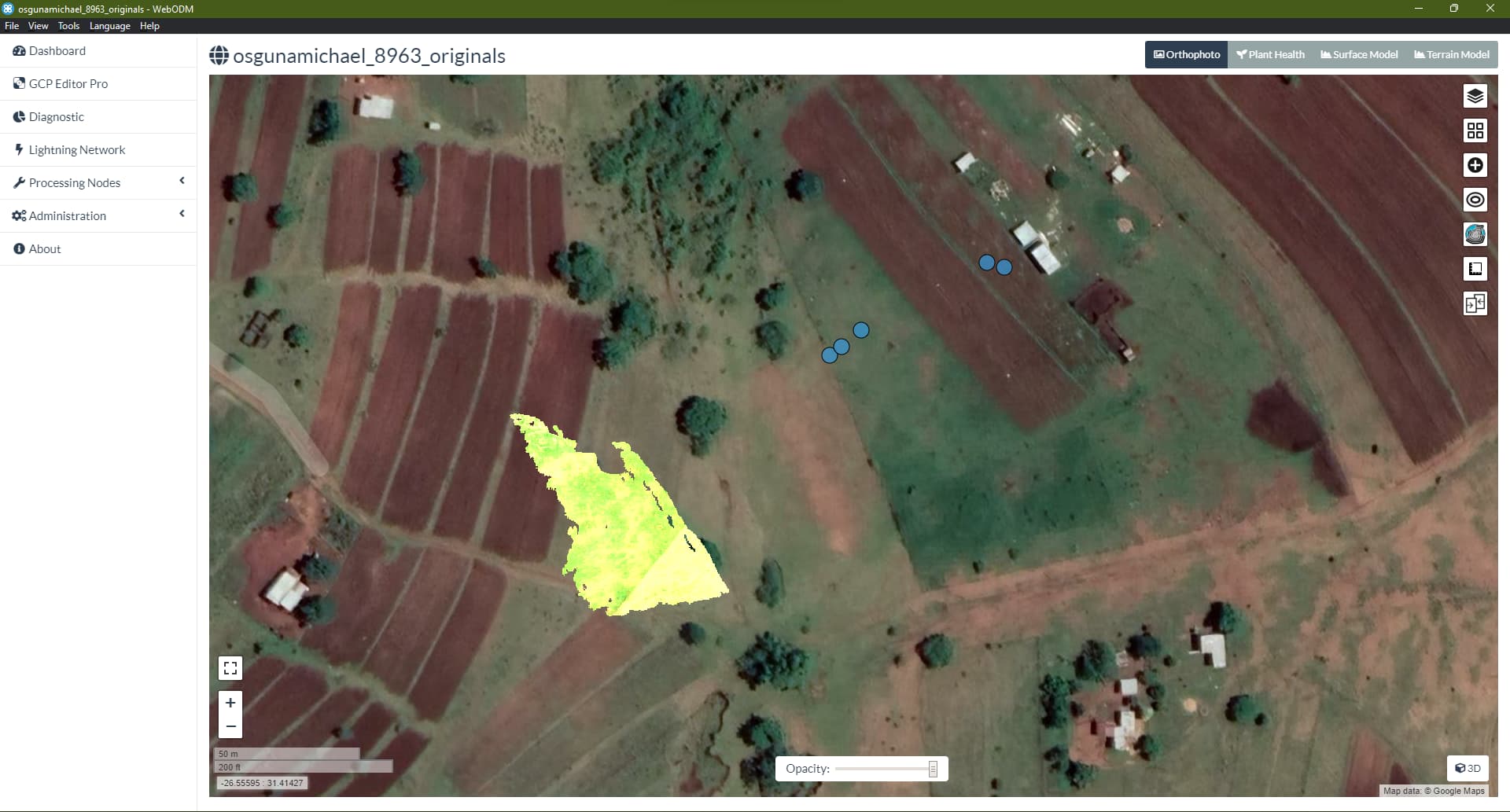
I am relatively new in webODM and I am only conversant with the graphical user interface (GUI).
I have some multispectral images collected by Wingra One’s micasense camera. I would want to use webODM’s GUI to preprocess images to surface reflectance / radiance using photos collected by the micasense calibration panel.
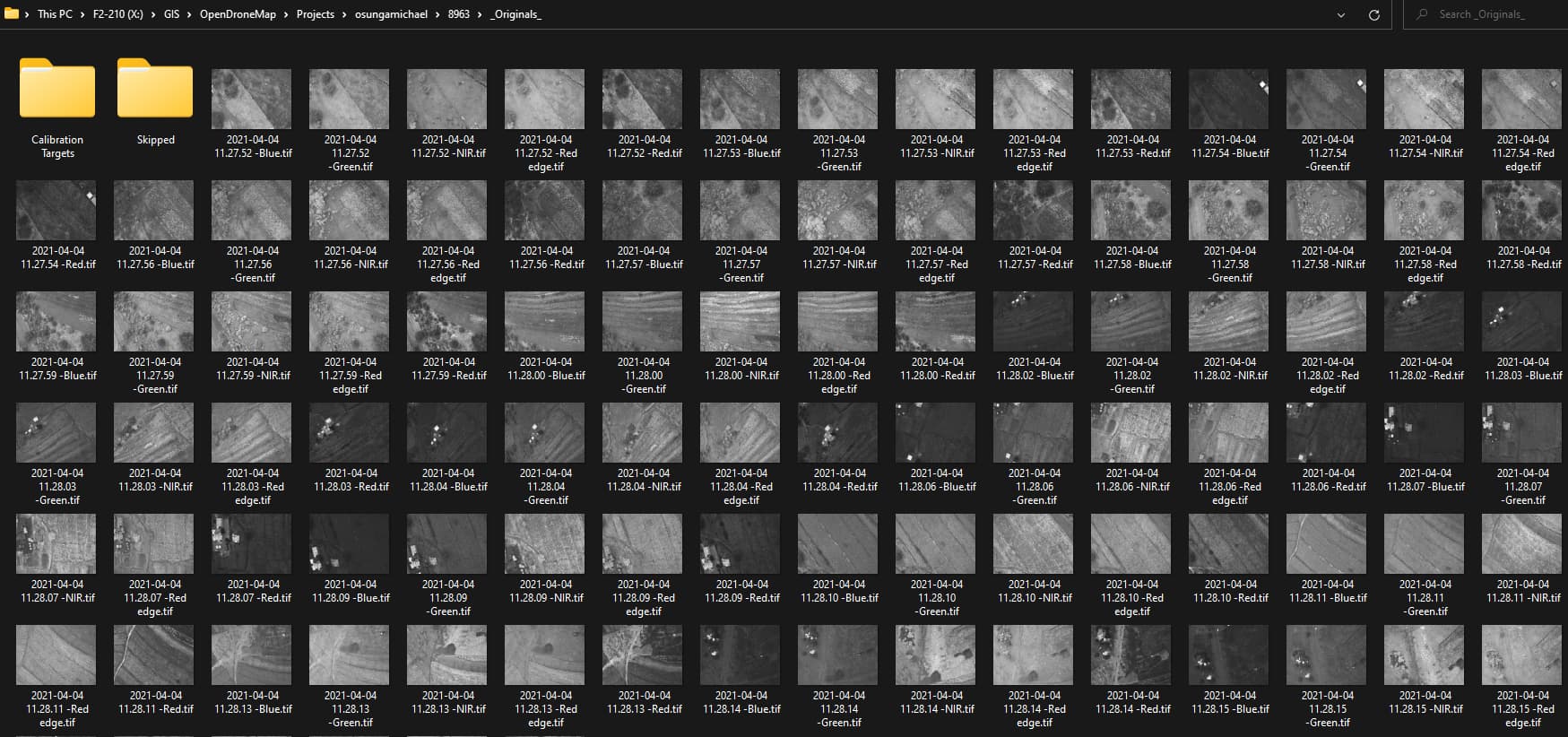
Many thanks for your response. I did select the “high resolution” and the “multispectral” options and subsequently the following Edit Task Options: dem-resolution: 2.0, dsm: true, ignore-gsd: true, orthophoto-resolution: 2.0, pc-quality: high, radiometric-calibration: camera+sun. My Wingtra One images contain 20 pre-flight and post-flight micasense calibration images together with 126 drone images. Unfortunately, I am getting this error message:
File “/code/opendm/types.py”, line 55, in detect_multi_camera
raise RuntimeError(“Invalid multi-camera images”)
RuntimeError: Invalid multi-camera images
I’m processing the dataset now without your calibration target images, as we don’t directly make use of them. Our processing pipeline relies upon the proper EXIF tags being in the Image Metadata, which likely will require you to pre-process your images with a tool from Micasense so that the calibration parameters are baked into your TIFFs. In this case, it looks like MicaSense might write them into the images if you have a DWLS (Down-welling Light Sensor/Sun Sensor).
Edit:
Looks like we have a mis-matched number of images per band, which is not supported. Trying to filter this list down to just the right ones…
Yep! Just had to make sure the images were all in their proper groupings was all. Hence why I used my ReNamer script (to find that there was an extra Blue band image just hanging out by itself).